Connect your Arduino Ethernet to the Cloud
Connect your Arduino Ethernet to the Cloud
0
Components
Hardware components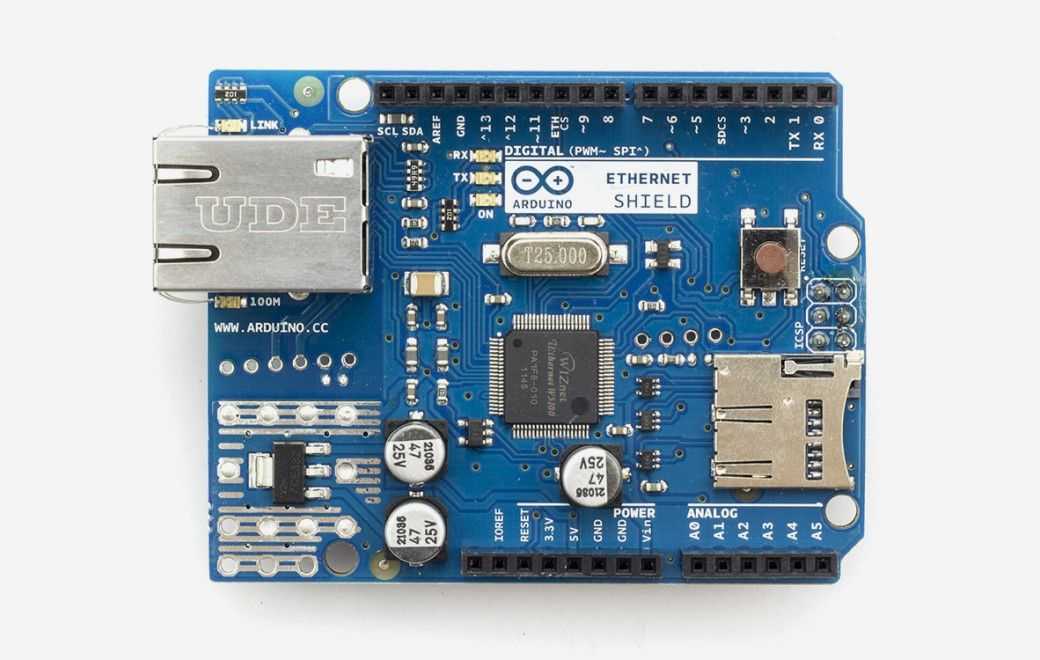
Arduino - Arduino Ethernet Shield
x 1

Arduino UNO & Genuino UNO
x 1
Ubidots - Ubidots
x 1
Project description
Setup Download the UbidotsEthernet library?here Go to the Arduino IDE, click on?Sketch -> Include Library -> Add .ZIP Library Select the .ZIP file of UbidotsEthernet and then “Accept” or “Choose” Close the Arduino IDE and open it again. Send one value to Ubidots To send a value to Ubidots, go to?Sketch -> Examples -> UbidotsEthernet libraryand select the “saveValue” example. Get One Value from Ubidots To get the last value of a variable from Ubidots, go to?Sketch -> Examples -> UbidotsEthernet library?and select the “getValue” example. Send multiple values to Ubidots To send multiple values…
Keep reading with a free account
Guests can read 15 projects per visit. Log in or create a free account to read the full description, open the documents and join the comments.

