W55RP20(ネットワーク機能つきラズパイPico)の実験
W55RP20(ネットワーク機能つきラズパイPico)の実験
0
Components
Hardware components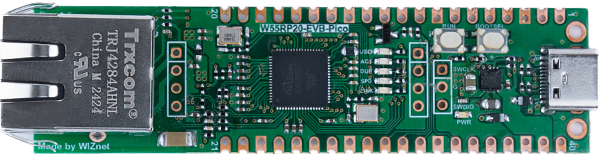
WIZnet - W55RP20-EVB-Pico
x 1


Arduino - Arduino IDE
x 1
Project description
Introduction
Recently, we found an excellent blog post that documents a detailed experiment with the W55RP20 evaluation board, which integrates a Raspberry Pi Pico and the W5500 Ethernet controller in a single chip.
The original article (in Japanese) can be found here:
👉 Experiment with W55RP20 (Network-enabled Raspberry Pi Pico)
What the Blog Covers
The blog shares practical insights into:
Built-in Networking:
How the W55RP20 uses PIO instead of SPI for communication with the W5500, and how to properly configure it within the Arduino-Pico framework.
TFT LCD Display Setup:
The challenges in handling a 320×240 pixel TFT LCD and how adjusting width/height orientation settings in LGFX resolved rendering issues.
PoE (Power over Ethernet) Testing:
Results from experimenting with WIZPoE-S1 and WIZPoE-P1, including lessons learned when powering the board through PoE hubs.
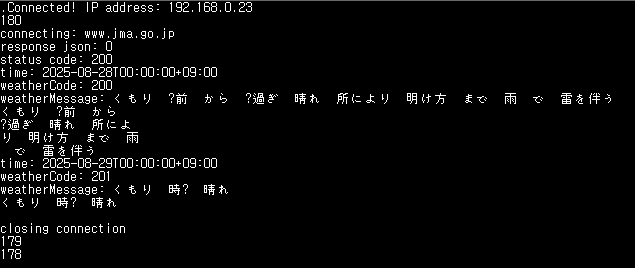
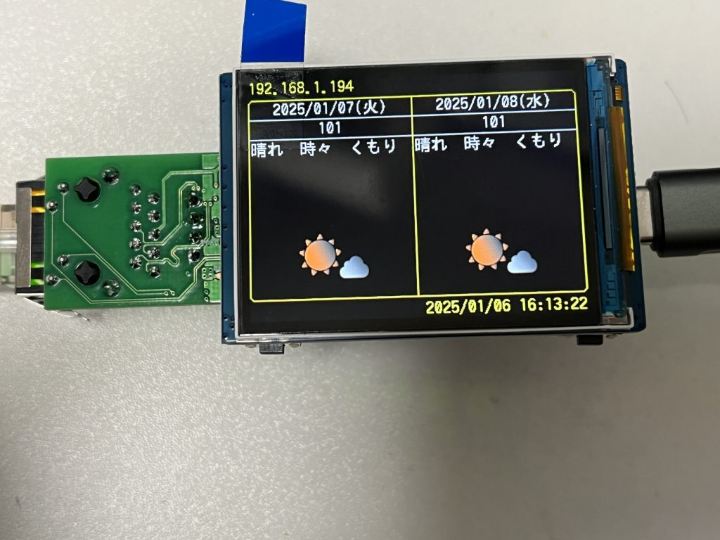
The author even created a weather-forecast checker demo to showcase the practical use of the board.
Why This Matters
The W55RP20 opens up exciting possibilities for embedded developers:
It combines Raspberry Pi Pico’s ecosystem with WIZnet’s proven Ethernet hardware.
Developers can leverage PIO-based networking for efficient communication.
With proper display handling and PoE support, it’s a strong candidate for IoT and industrial applications.
Conclusion
This blog post is a great resource for anyone exploring the W55RP20 evaluation board and its unique networking features.
We highly recommend reading the full article here:
👉 Experiment with W55RP20 (Network-enabled Raspberry Pi Pico)
Hands-on Practice
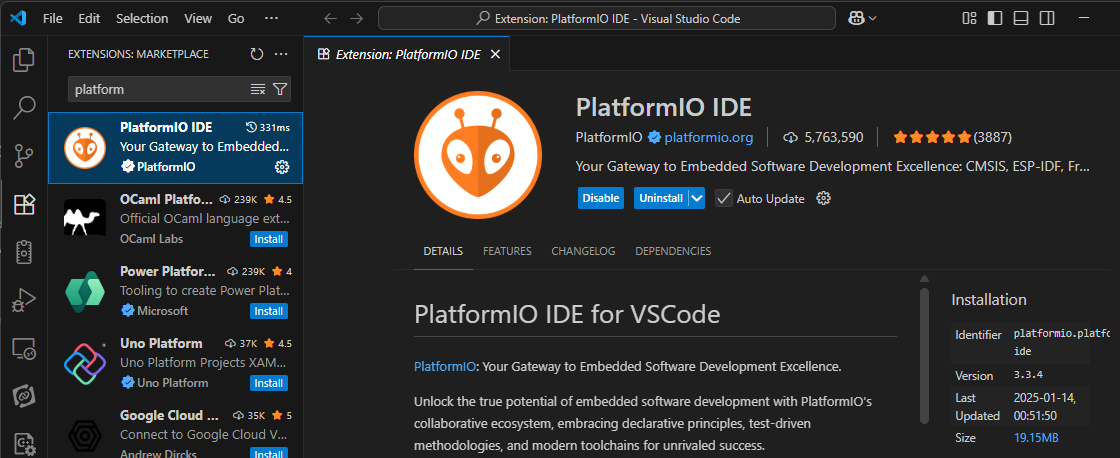
Install the PlatformIO IDE extension in VS Code.
After cloning the code from the link, open the project in VS Code by selecting the folder through the PlatformIO extension (Pick a folder).
https://github.com/katsumin/WeatherChecker/tree/w55rp20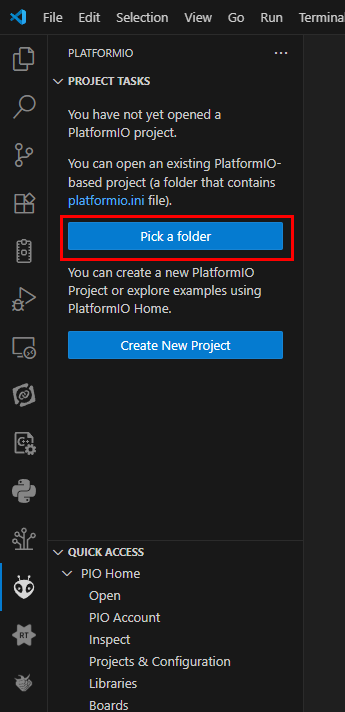
In PROJECT TASKS, select the w55rp20 item and click Build.
If a build error occurs, try replacing it with the attached platformio.ini.
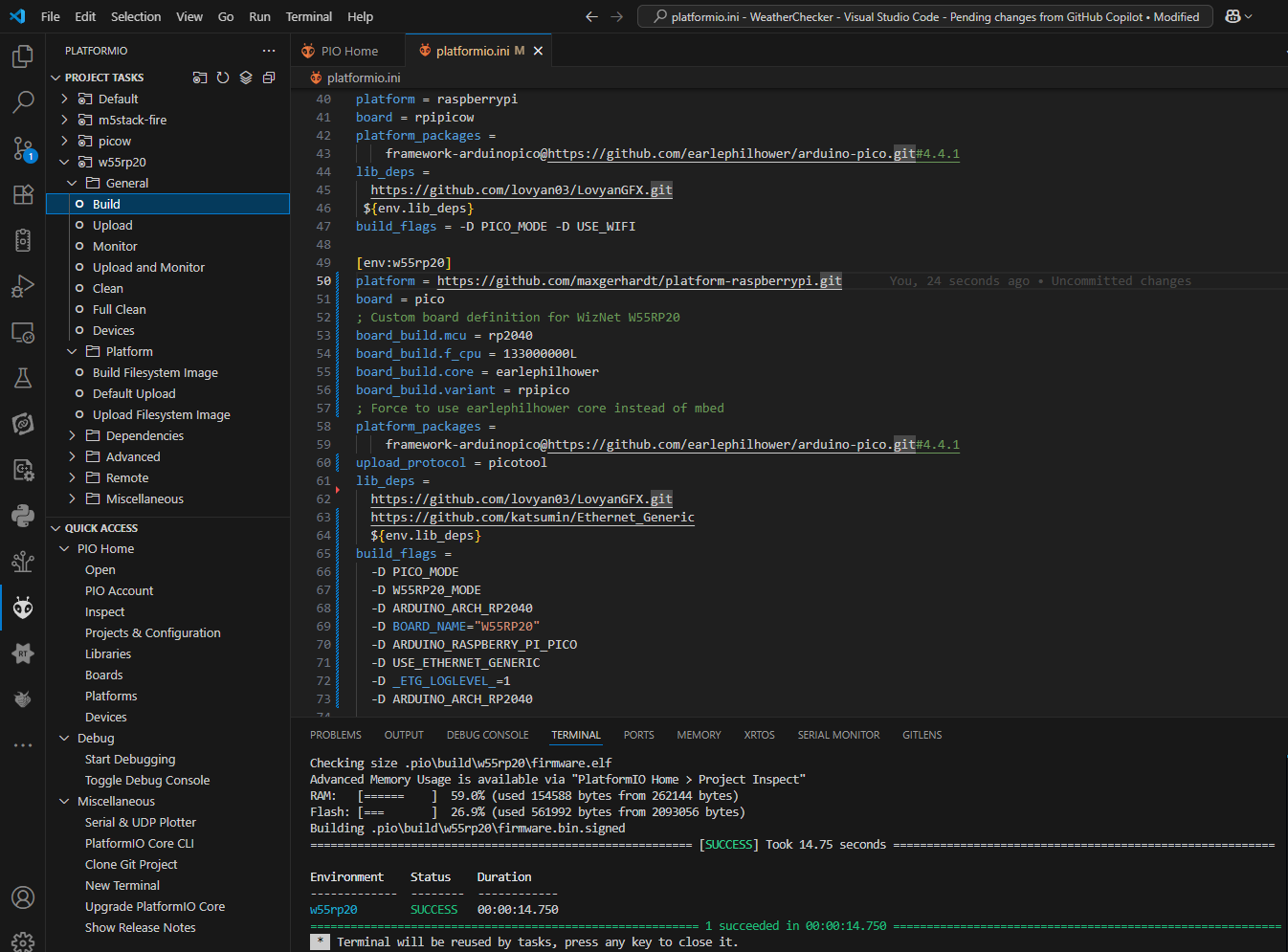
By clicking the Upload button or copying the .pio\build\w55rp20\firmware.uf2 file to your W55RP20 board, you can check the result through the terminal. If you have a GFX LCD, an image matching the weather will be displayed on the LCD.