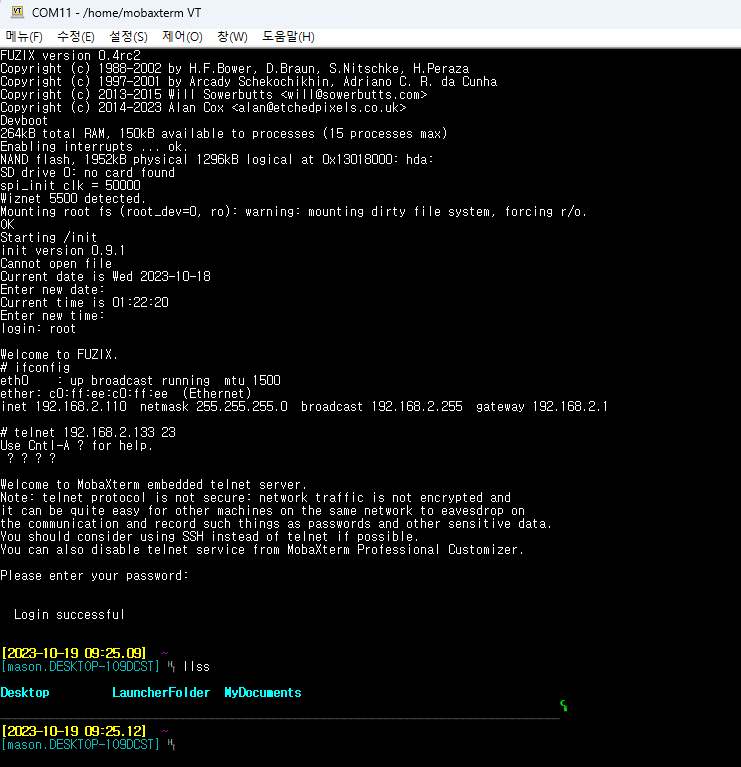
FUZIX OS Telnet Client on W5500-EVB-Pico (RP2040 + W5500)
Telnet Client Test
0
Components
Hardware components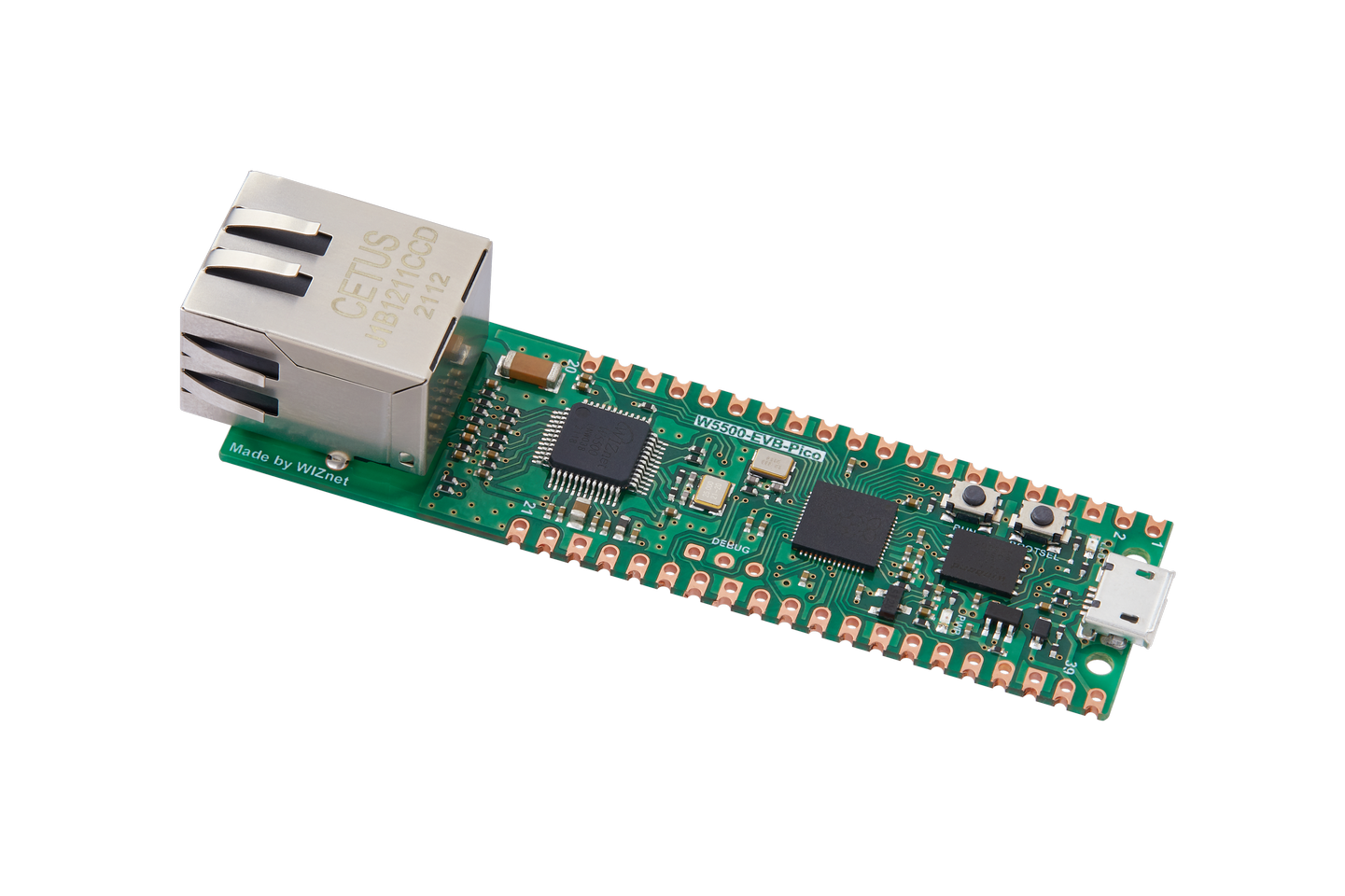
WIZnet - W5500-EVB-Pico
x 1

Project description
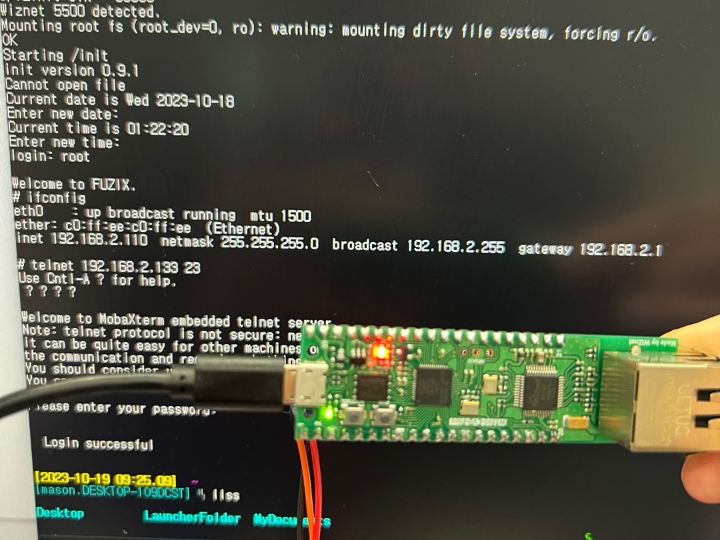
This post is about testing one of the features of the Fuzix OS, the Telnet Clinet, on the W5500-EVB-Pico board.
Refer to the previous post for the configuration of the Fuzix OS on the W5500-EVB-Pico.
- Setup Telnet Server
Install a telnet server on your PC or on the device you want to use as a server.
In my case, I used MobaXterm and I set it up as shown below.
https://mobaxterm.mobatek.net/download-home-edition.html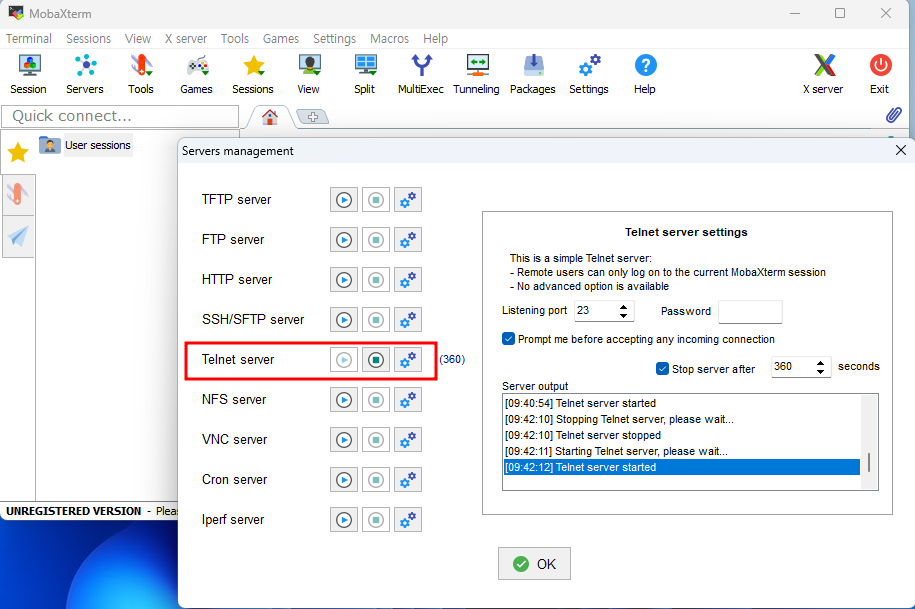
- Connect to Telnet Server
Ensure that the IP band of the telnet server is set to the same via ifconfig, and connect to the telnet server using the command below.
telnet ip port (ex:telnet 192.168.2.133 23)