Wire Raspberry Pi Pico or Pico 2 to your LAN and Internet
This guide explains how to connect a Raspberry Pi Pico or Pico 2 to the internet using a wired Ethernet connection
0
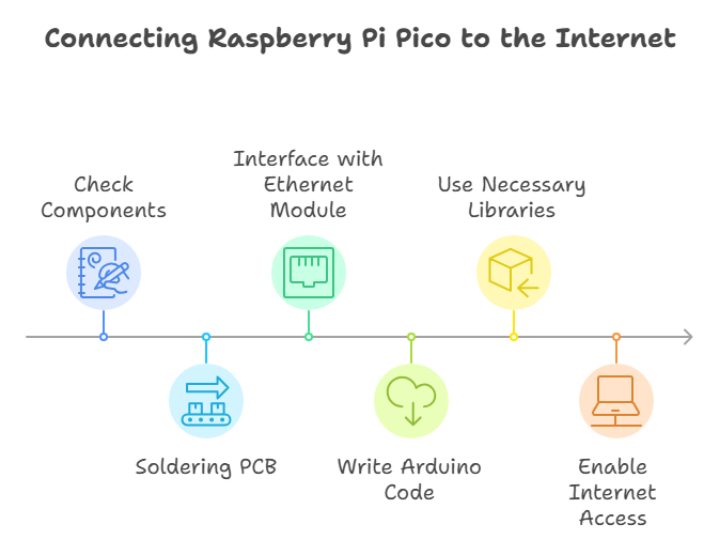
Components
Hardware components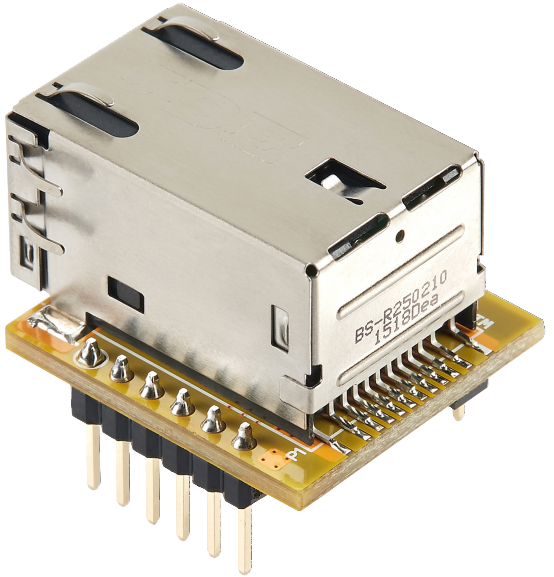
WIZnet - WIZ850io
x 1


Raspberry Pi - Raspberry Pi Pico
x 1

Arduino - Arduino IDE
x 1
Project description
Connecting Raspberry Pi Pico to the Internet via Ethernet Table of Contents 1. Introduction 2. Required Components 3. Setting Up the Hardware 4. Soldering Components for Raspberry Pi Pico 5. Connecting the W5500 Ethernet Module 6. Software Setup and Arduino Code 7. Testing the Connection 8. Conclusion 1. Introduction This guide explains how to connect a Raspberry Pi Pico or Pico 2 to the internet using a wired Ethernet connection. By following these steps, you will establish network connectivity for the development board using the WIZnet W5500 Ethernet module. This setup is particularly…
Keep reading with a free account
Guests can read 15 projects per visit. Log in or create a free account to read the full description, open the documents and join the comments.

