Profibus-DP Communication Between Arduino and PLC
Profibus-DP Communication Between Arduino and PLC
2
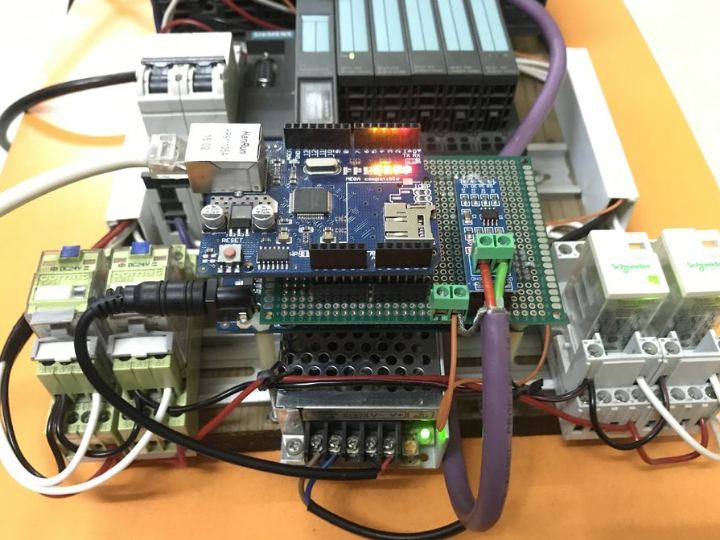
Components
Hardware components
Arduino - Arduino Mega 2560
x 1

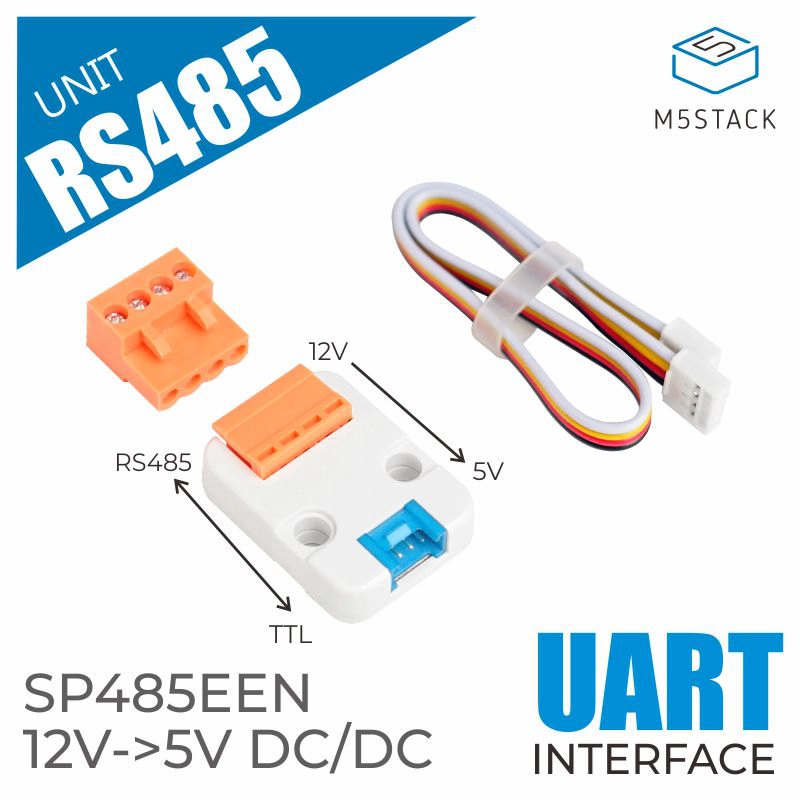
M5Stack - RS485 to TTL Unit
x 1
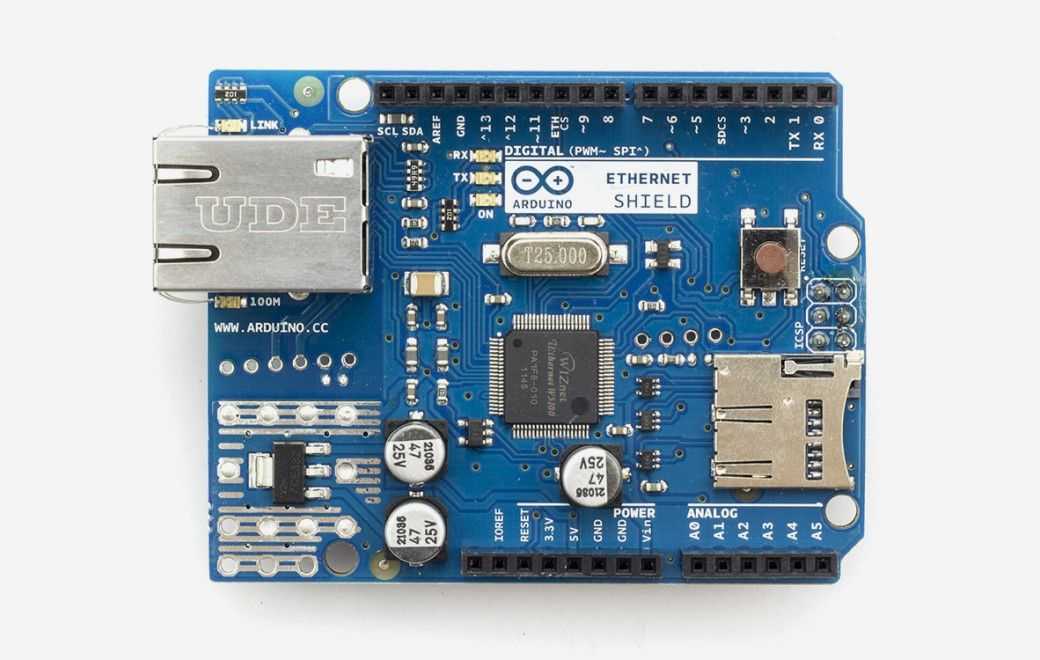
Arduino - Arduino Ethernet Shield
x 1

blynk - Blynk
x 1

Arduino - Arduino IDE
x 1
Project description
how an Arduino communicates with PLC via Profibus-DP connection. With this result, we can carry out some projects with the combination of PLC and Arduino plus its extension shields at low cost, for examples:
- Control and data acquisition to / from PLC with BLYNK on smart phone via Arduino Mega + Ethernet Shield + RS485 module. Normally, in order to connect Industrial Ethernet, the Siemens PLC must have built-in communication module, such as 6ES7315-2EH14-0AB0 ..., or be equipped with a separated communication module, like CP343, CP443.... With video below, Arduino will take over the roles of Ethernet connection and exchange data with PLC through Profibus protocol.
- Turn sensors such as PIR Motion Sensor, SRF05 Ultrasonic Distance Sensor, MPU6050 Accelerometer and Gyroscope Sensors.... into Profibus devices that can be connected to industrial automation system. Video below shows that PLC can read value of ultrasonic distance sensor to switch on/off 24V relays.
- D.I.Y a HMI touchscreen to control /monitor PLC system through Touch Screen TFT LCD Module. As video below, 3.2 inches touchscreen LCD can communicate with PLC via Profibus and control 4 x 24V relays as well as display temperature value collected from PLC.
In terms of cost, with some testings above, we will save a lot of money because the price of industrial communication module or industrial touchscreen HMI are very expensive. In addition, we can extend Input and Output of PLC through Profibus - DP interface. It means that Arduino can works similar to Siemens DP/DP Coupler Module to connect two Profibus - DP networks together. And this DP/DP Coupler’s price is also very expensive. We can refer to their prices as follows:
Main parts for this project:
- Siemens CPU314C-2DP or other Siemens CPU with Profibus port.
- Arduino Mega 2560.
- Arduino Ethernet Shield.
- Module RS-485.
- TFT LCD TouchScreen 3.2".
- Shield LCD 3.2" Arduino Mega 2560.
- Some 24V relays, profibus cable, profibus connectors...
Step 2: PREPARATION BEFORE STARTING THIS PROJECT
I. SOFTWARES:
- SIMATIC STEP 7 V5.6/ SIMATIC STEP 7 V5.6 PROFESSIONAL.
- Arduino IDE.
- Blynk on smartphone.
- Arduino library for TFT LCD includes: UTFT, URTouch, UTFT_Buttons
II. REFERENCE MANUALS:
- Arduino's UART, Timer.
- PLC Siemens S7-300.
- Profibus manuals:
§. https://www.felser.ch/profibus-manual/index.html
Step 3: PROFIBUS–DP
I. PROFIBUS-DP:
Profibus was created in 1989 by the German government in cooperation with several manufacturers of automation equipment. It is a messaging format specifically designed for high-speed serial I/O in factory and building automation applications. It is an open standard and is recognized as the fastest Fieldbus in operation today.
The PROFIBUS DP network is based on an RS485 physical layer and the European standard EN-50170. The DP suffix refers to “Decentralized Periphery”, which is used to describe distributed I/O devices connected via a fast serial data link with a central controller.
For more details about Profibus, you need to read the this documentation from Max Felser.
II. GSD FILE:
The GSD file is an electronic device datasheet or device database file that identifies the Profibus device. All Profibus devices (class 1 masters and slaves) have their own GSD files. GSD stands for "General Station Description". It is an ASCII text file that contains device-specific data, such as, vendor identification information, supported baud rates, supported message length, number of input/output data, meaning of diagnostic messages, timing information, plus options and features supported, data formats, and available I/O signals.
In order to commercialize Profibus devices, the manufacturers of automation devices have to registry the Ident Numbers for each device and it is also contained in this *.GSD file. You can check at: https://www.profibus.com/products/ident-numbers/
And refer to the *.GSD file of Siemens DP / DP coupler module at this address.

