arduino-sns-demo
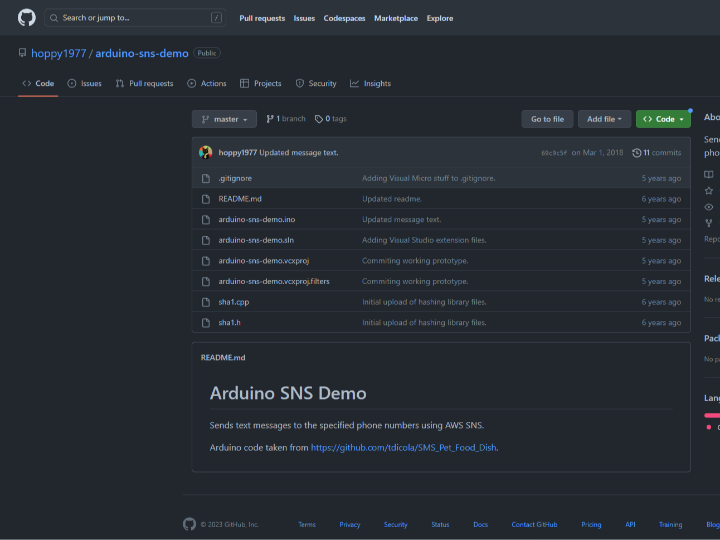
Sends text messages to the specified phone numbers using AWS SNS.
0
Components
Hardware components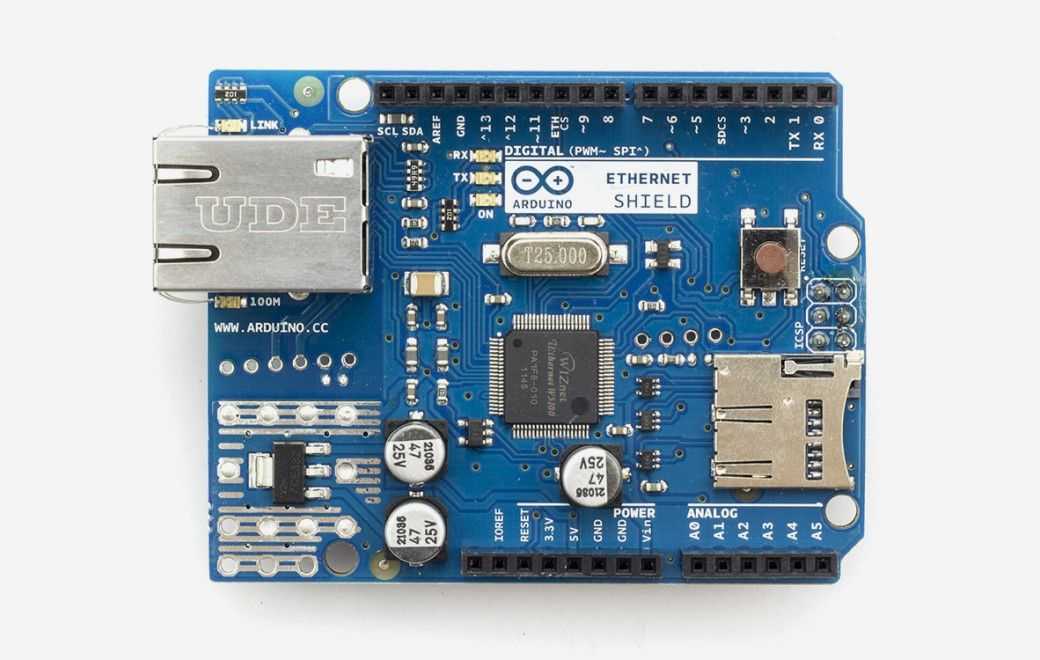
Arduino - Arduino Ethernet Shield
x 1

Project description
Arduino SNS Demo
Sends text messages to the specified phone numbers using AWS SNS.
Arduino code taken from https://github.com/tdicola/SMS_Pet_Food_Dish.
#include "sha1.h"
#include <Ethernet.h>
#include <HttpClient.h>
#include <RTClib.h>

// Dependencies:
// - RTClib Library
// https://github.com/adafruit/RTClib


// ===============
// Amazon AWS configuration
#define     AWS_ACCESS_KEY         "TODO:"											// Put your AWS access key here.
#define     AWS_SECRET_ACCESS_KEY  "TODO:"						// Put your AWS secret access key here.
#define     AWS_REGION             "ap-southeast-2"													// The region where your SNS topic lives.
																									// See the table at: http://docs.aws.amazon.com/general/latest/gr/rande.html#sns_region
#define     AWS_HOST               "sns.ap-southeast-2.amazonaws.com"								// The host URL for the region where your SNS topic lives.
																									// See the table at: http://docs.aws.amazon.com/general/latest/gr/rande.html#sns_region
#define     SNS_TOPIC_ARN          "arn%3Aaws%3Asns%3Aap-southeast-2%3A244360212732%3AArduionDemo"	// Amazon resource name (ARN) for the SNS topic to receive notifications.
																									// Note: This ARN _MUST_ be URL encoded!  See http://meyerweb.com/eric/tools/dencoder/ for an example URL encoder tool.
// ===============
// SHA1 hash details
#define     SHA1_HASH_LENGTH       20

// ===============
// MAC address for your Ethernet shield
byte mac[] = { 0x96, 0x97, 0xFC, 0x1D, 0xF4, 0xA2 }; // Randomly selected

EthernetClient client;

void setup()
{
	// Set up the serial port connection.
	Serial.begin(9600);
	Serial.println("Initializing...");

	// Setting up ethernet connection
	while (Ethernet.begin(mac) != 1)
	{
		Serial.println("Error getting IP address via DHCP, trying again...");
		delay(5000);
	}

	Serial.print("IP address: ");
	for (byte thisByte = 0; thisByte < 4; thisByte++)
	{
		// print the value of each byte of the IP address:
		Serial.print(Ethernet.localIP()[thisByte], DEC);
		Serial.print(".");
	}
	Serial.println();

	Serial.println("Ready...");
}
How to use this code
- Setup of Arduino board, Ethernet shield, and SNS account: To use AWS SNS with Arduino, you need an AWS account and an SNS topic. You also need an Arduino board and an Ethernet shield. You need to set up and connect all of them.
- Install Arduino IDE: Install and open the Arduino IDE.
- Copy the code: Copy this code into the Arduino IDE.
- Enter AWS account information: Update AWS_ACCESS_KEY, AWS_SECRET_ACCESS_KEY, AWS_REGION, AWS_HOST, and SNS_TOPIC_ARN to match your own account.
- Install libraries: Install the required libraries in the Arduino IDE. The libraries used in this code are HttpClient, Ethernet, RTClib, and SHA1.
- Select Arduino board: Select the Arduino board you are using.
- Select port: Select the USB port.
- Upload: Upload the code to the Arduino board.
- Publish message: When the code runs on the Arduino board, the message is published to the SNS topic.
