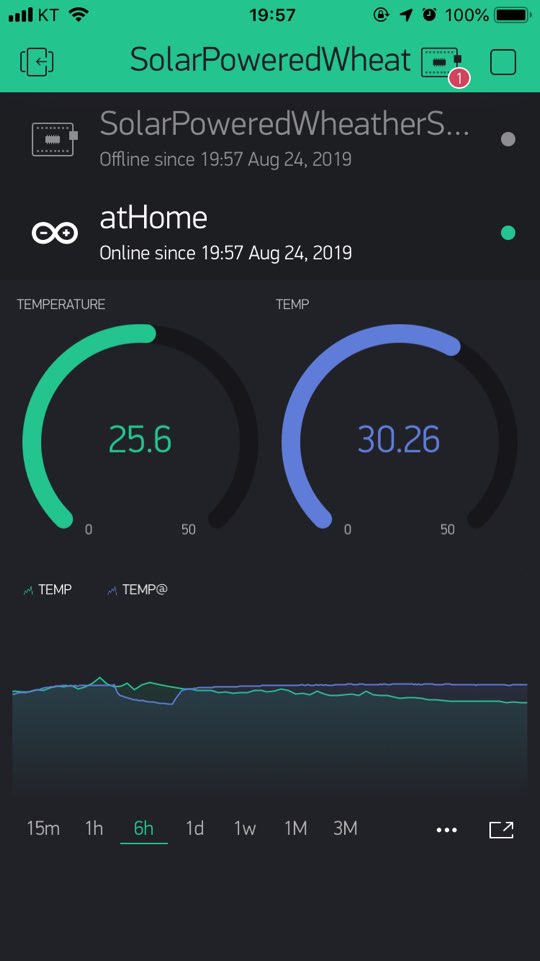
Arduino Arduino - Using Blynk / BME280 / Ethernet Shield
Arduino 아두이노 - Blynk / BME280 / Ethernet Shield 사용하기
7
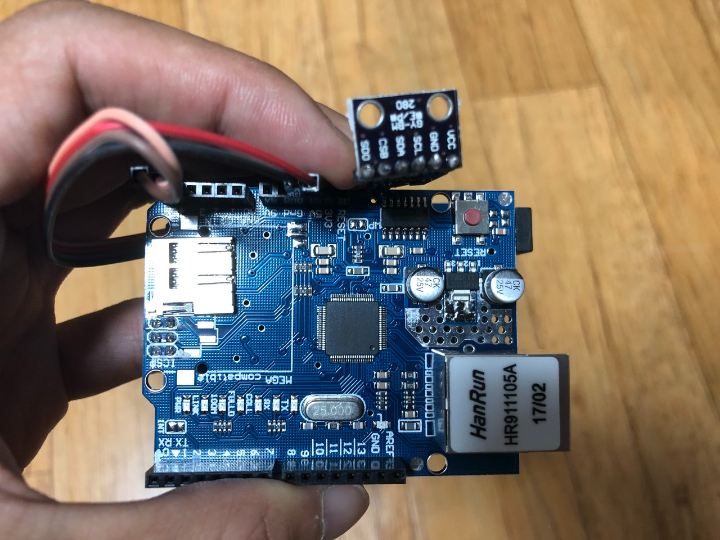
Components
Hardware components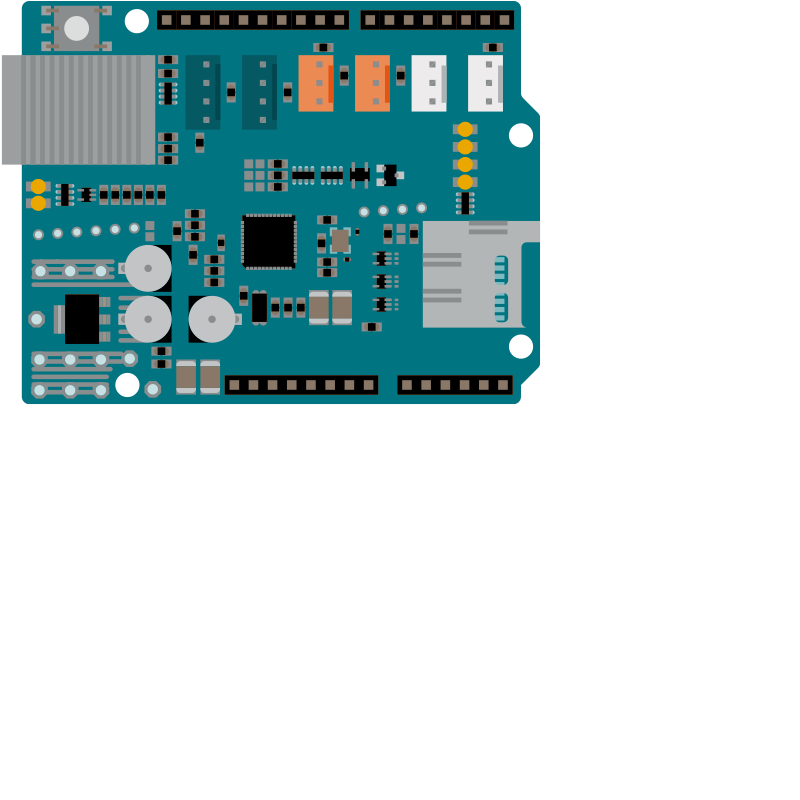
Arduino - Arduino Ethernet Shield 2
x 1

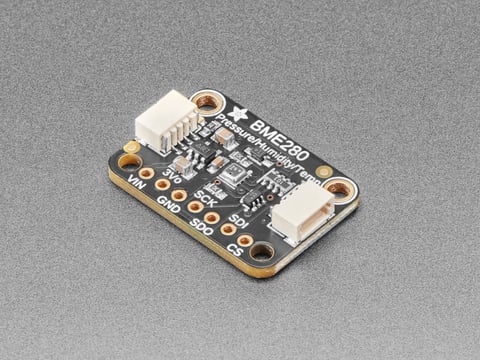
Adafruit - Adafruit BME280 I2C
x 1

blynk - Blynk
x 1
Project description
Bylnk Ethernet 예제
#define BLYNK_PRINT Serial

#include <SPI.h>
#include <Ethernet2.h>
#include <BlynkSimpleEthernet2.h>

// You should get Auth Token in the Blynk App.
// Go to the Project Settings (nut icon).
char auth[] = "YourAuthToken";


void setup()
{
  // Debug console
  Serial.begin(9600);

  Blynk.begin(auth);
  // You can also specify server:
  //Blynk.begin(auth, "blynk-cloud.com", 80);
  //Blynk.begin(auth, IPAddress(192,168,1,100), 8080);
  // For more options, see Boards_Ethernet/Arduino_Ethernet_Manual example
}

void loop()
{
  Blynk.run();
}