A Journey in to MQTT With Roller Shutters, Mosquitto, HomeAssistant & Low Powered Micro-Controllers
A Journey in to MQTT With Roller Shutters, Mosquitto, HomeAssistant & Low Powered Micro-Controllers
4
Components
Hardware components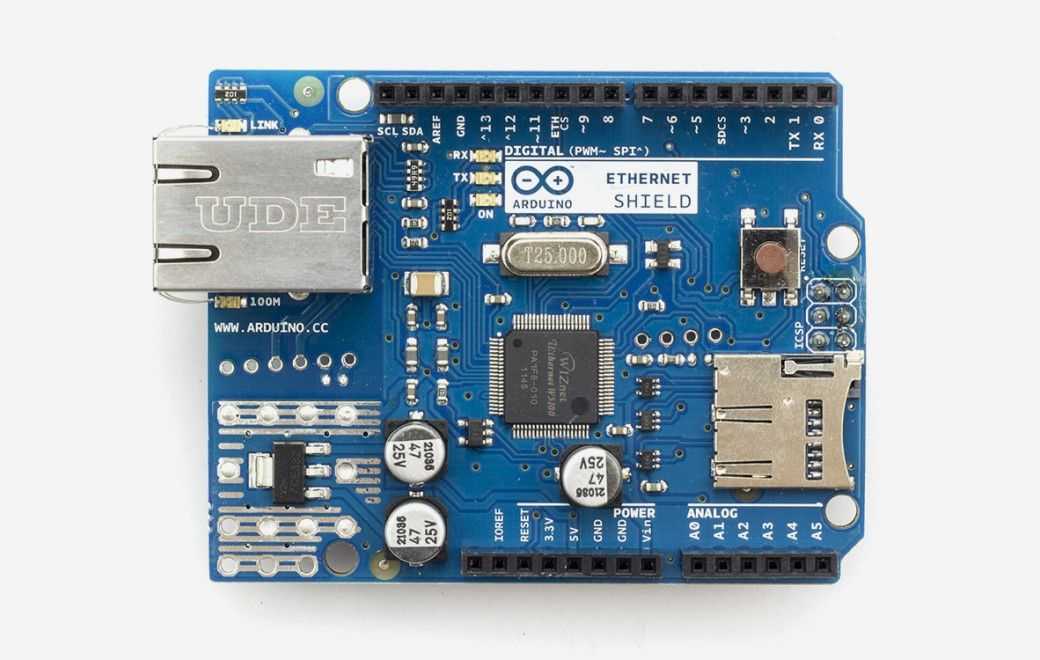
Arduino - Arduino Ethernet Shield
x 1

Project description
The Arduino needs to know what to do. I thought about explaining this but I think for those techincally inclined the code speaks volume below but in essence we are
- Establishing an IP connection
- Connecting to the MQTT Broker, Mosquitto
- Subscribing to topics
- Listening for MQTT messages
- Taking action on received messages
- Publishing updates to MQTT broker on state change
// INCLUDE SYSTEM LIBRARIES
 #include <util.h>
    #include <Ethernet2.h>
    #include <SPI.h>
    #include <PubSubClient.h>

    //Setup Ethernet Controller
    byte mac[] = { 0x90, 0xA2, 0xDA, 0x10, 0XD0, 0x66 };
    byte gateway[] = { 10, 0, 0, 1 };
    byte subnet[] = { 255, 255, 255, 0 };
    IPAddress ip(10, 0, 0, 50 );

    // Initialize the Ethernet server library
    // with the IP address and port you want to use
    // (port 80 is defaudlt for HTTP):
    EthernetServer server(80);