Arduino and Ethernet Shield Sending Tweets to Twitter
Arduino and Ethernet Shield Sending Tweets to Twitter
0
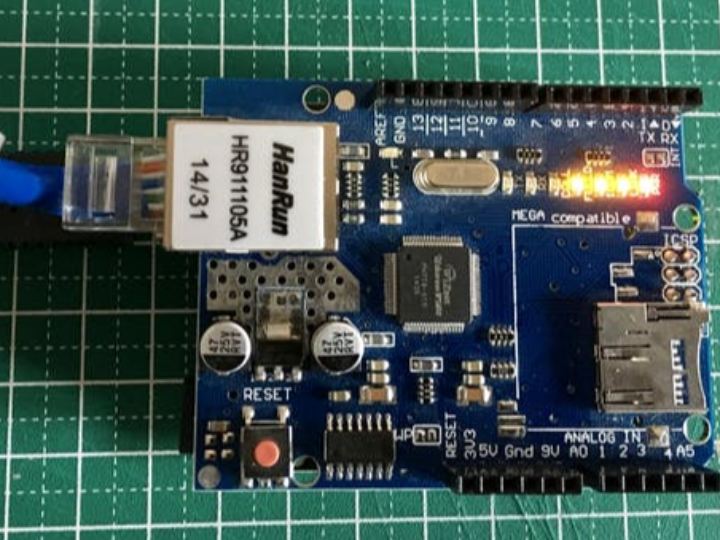
Components
Hardware components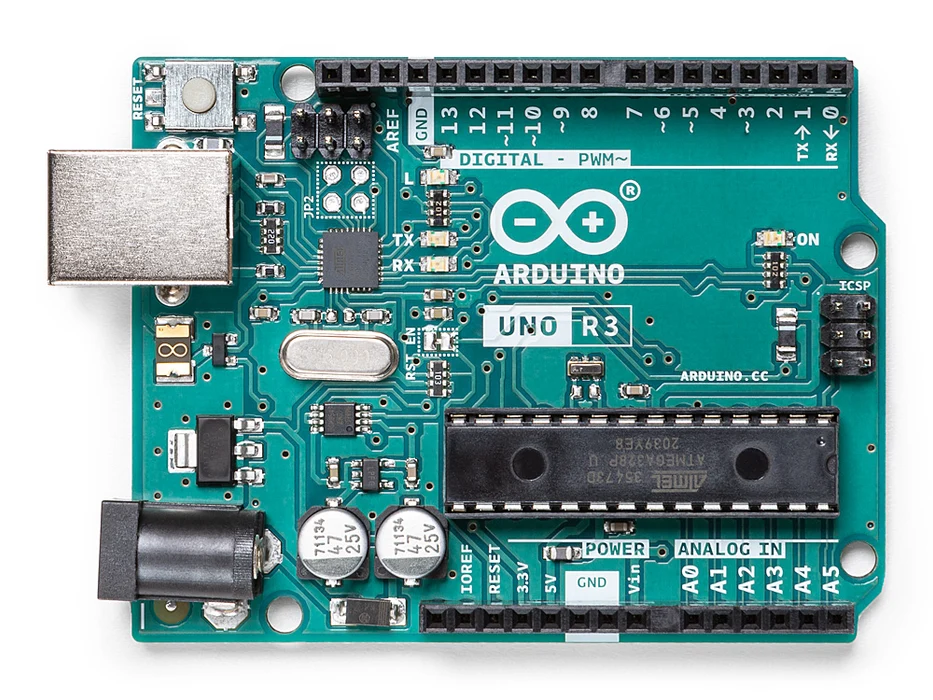
Arduino - Arduino UNO
x 1

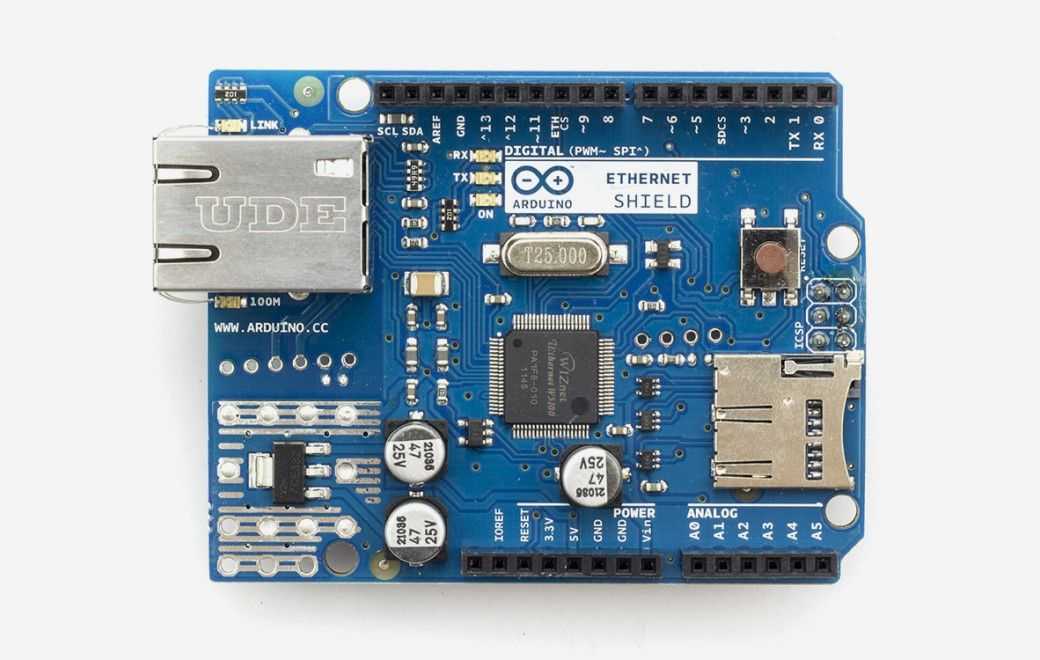
Arduino - Arduino Ethernet Shield
x 1

Arduino - Arduino IDE
x 1
Project description
ABOUT THIS PROJECT
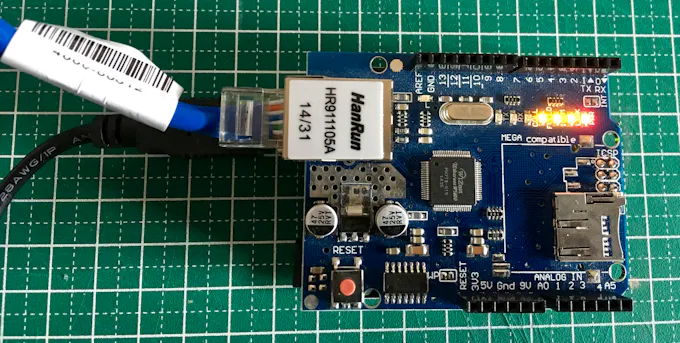
My idea was to prepare a simple code to share, in my Tweer account, the status of the Analog inputs every 70″. Look at this, it was so easy:
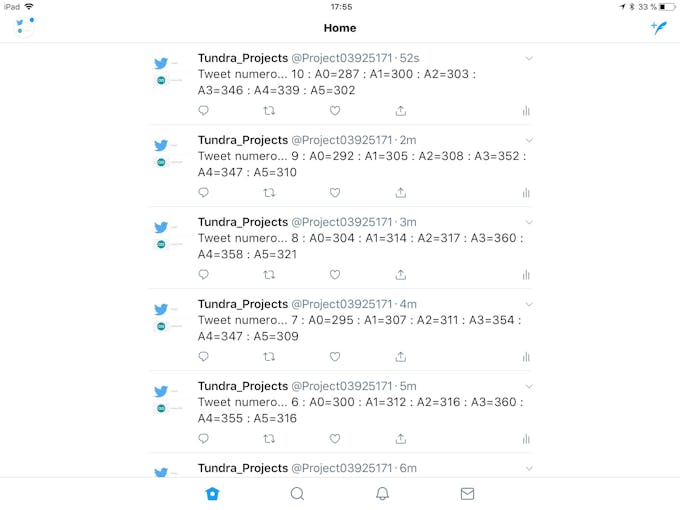
Important is to go to the following link to download the libraries and follow the instructions.
http://arduino-tweet.appspot.com/
_TeWuKzwB7S.jpg?auto=compress%2Cformat&w=680&h=510&fit=max)
_a8Me3KGPyp.jpg?auto=compress%2Cformat&w=680&h=510&fit=max)
CODE
#include  // needed in Arduino 0019 or later
#include
#include

// Ethernet Shield Settings
byte mac[] = { 0xDE, 0xAD, 0xBE, 0xEF, 0xFE, 0xED };
// If you don't specify the IP address, DHCP is used(only in Arduino 1.0 or later).
byte ip[] = { 192, 168, 1, 177 }; //This is for the IP address of your board. Scan your router and select the ight IP address
// Your Token to Tweet (get it from http://arduino-tweet.appspot.com/)
Twitter twitter("PUT HERE YOUR TOKEN THAT LINKS THE TWEETS TO YOUR TWEETER ACCOUNT"); //put here your token

// Message to post
char msg[200];
int a0,a1,a2,a3,a4,a5;
int n=0;

void setup()
{
  delay(1000);
  Ethernet.begin(mac, ip);
  Serial.begin(9600);
  Serial.println("SimplePostTwitter.ino  envía un tweet cada 70sgs. con el valor de la A0 en decimal y delante un número indicando el numero de Tweet");
  Serial.println("connecting ...");
}

void loop()
{
while(1){ //repeat for ever
          n++; // Index to say which order of tweet is
          //get some data from Aanalog inputs.
          a0=analogRead(0);
          a1=analogRead(1);
          a2=analogRead(2);
          a3=analogRead(3);
          a4=analogRead(4);
          a5=analogRead(5);
          sprintf(msg,"Tweet number... %d : A0=%d : A1=%d : A2=%d : A3=%d : A4=%d : A5=%d", n,a0,a1,a2,a3,a4,a5); // Variables to show in the Tweet body
          Serial.println(msg);  //for testing
          if (twitter.post(msg)) { //To post the Tweet and somes diagnostics
                          int status = twitter.wait(&Serial);
                          if (status == 200) {
                            Serial.println("OK.");
                          } else {
                            Serial.print("failed : code ");
                            Serial.println(status);
                          }
              } else {
                          Serial.println("connection failed.");
                        }
           delay(70000); // Server can only receive 1 tweet per minute. This value is in miliseconds
         }
}
