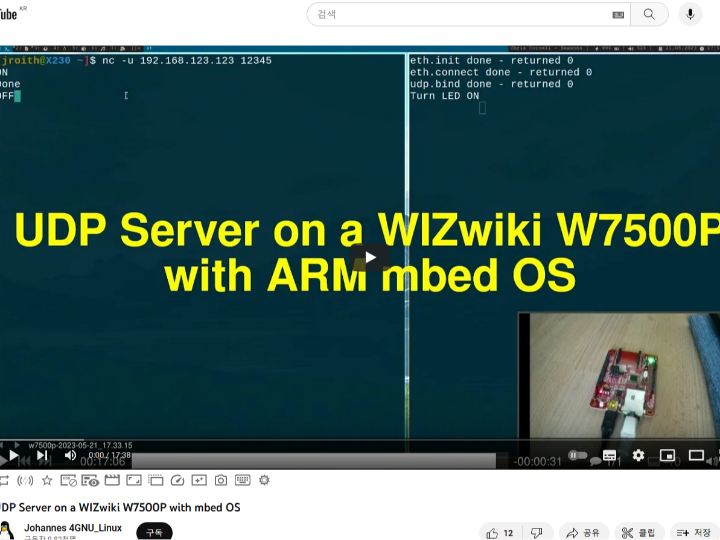
UDP Server on a WIZwiki W7500P with mbed OS
WIZwiki W7500P Evaluation Board with ARM mbed OS
0
Components
Hardware components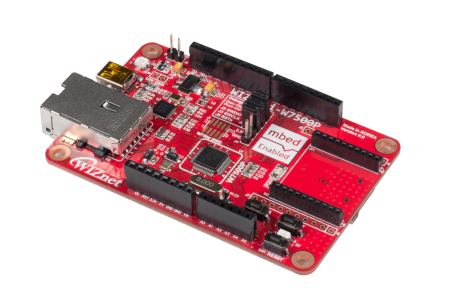
WIZnet - WIZwiki-W7500P
x 1

arm - Mbed Studio
x 1
Project description
Original : https://www.youtube.com/watch?v=0dkt7xdgzyU
Author : Johannes 4GNU_Linux
Published On : 20230523
Introduction: The speaker introduces the WIZnet W7500P chip, which integrates hardware TCP/IP technology, making it easy to connect devices to the internet. The chip is intended to be used in a series of videos to demonstrate how Ethernet works.
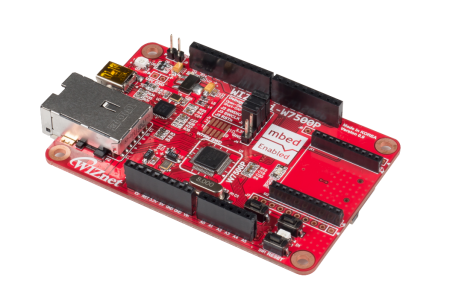
Evaluation Board Overview: The W7500P evaluation board, named WIZwiki-W7500P, is described. It includes an ARM Cortex-M0 processor, a hardware TCP/IP stack, and an integrated Ethernet PHY, allowing direct connection to an RJ45 connector. It also features an onboard debugger.
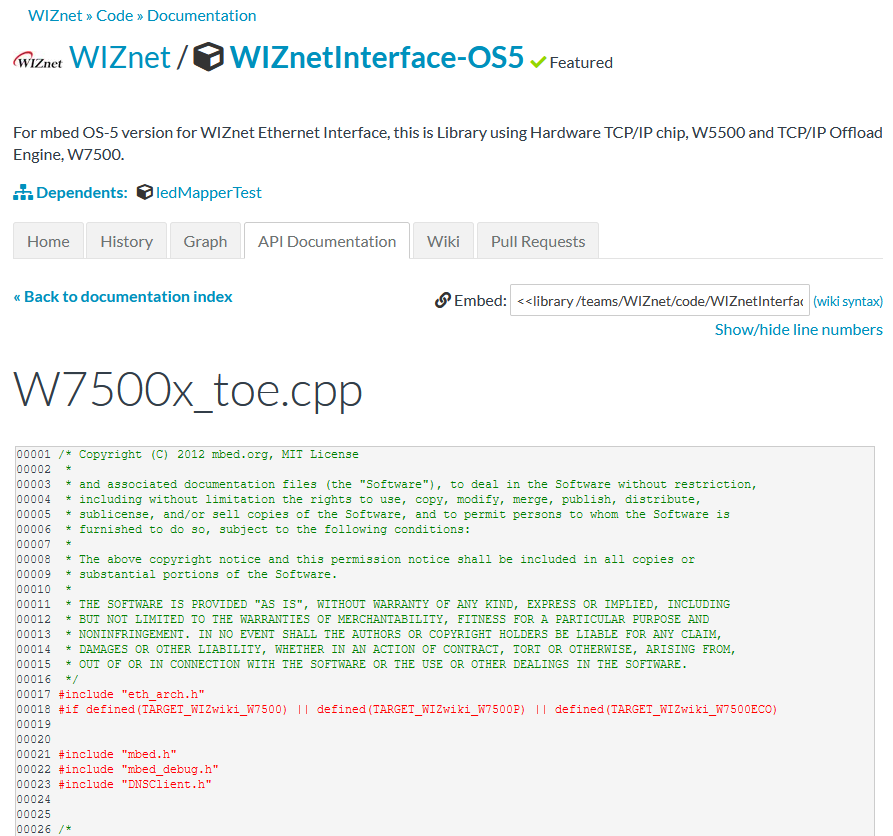
Programming the Board: The speaker discusses programming options, including mbed OS, an open-source operating system for IoT devices built by ARM, which supports ARM Cortex-M microcontrollers like the W7500P. While proprietary tools like Keil Studio and mbed Studio are mentioned, the speaker expresses a preference for the open-source mbed command-line interface.
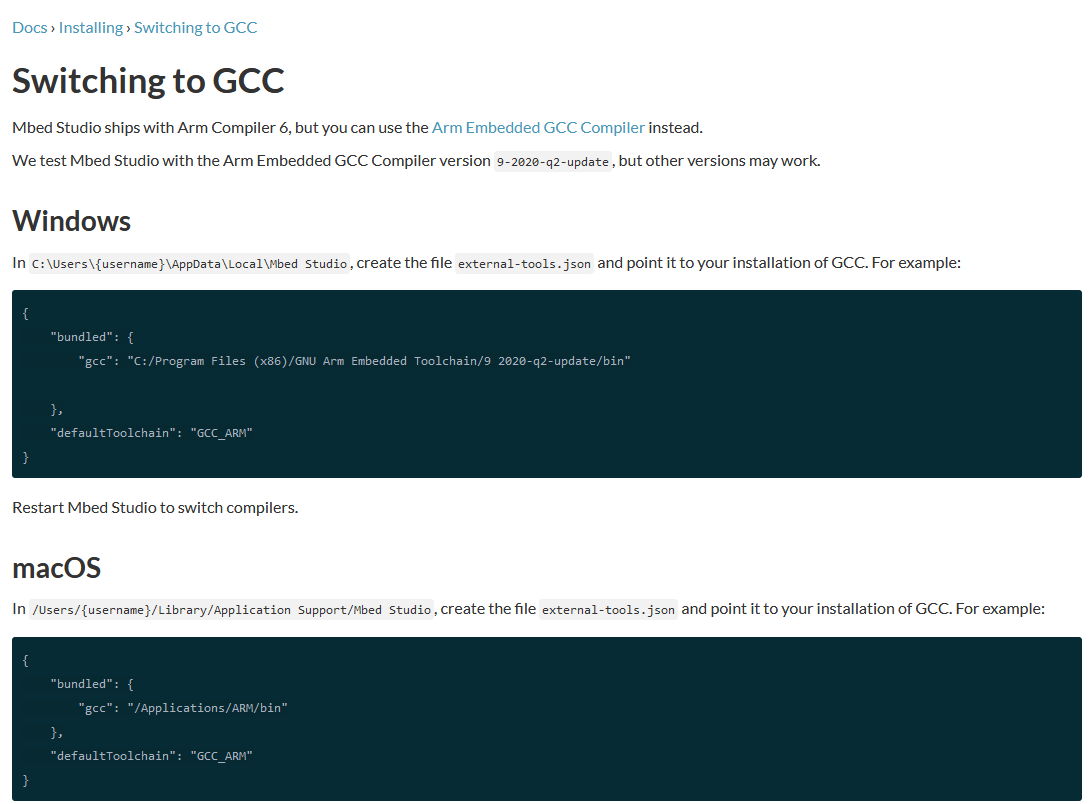
Setting Up mbed Studio: The speaker walks through setting up mbed Studio, including configuring it to use the ARM GCC compiler instead of the proprietary ARM compiler. An empty mbed OS program is created for the W7500P.
Coding the UDP Server: The tutorial continues with coding a simple UDP server. The speaker explains the process of including necessary libraries, setting up a serial connection for debugging, initializing the Ethernet interface with a static IP configuration, and binding a port to a UDP socket.
Implementing the Server Logic: The speaker details the server logic, which involves toggling an onboard LED through UDP commands. The code includes setting up a digital output for the LED, creating a buffer for incoming messages, and writing the logic to respond to specific commands to control the LED.
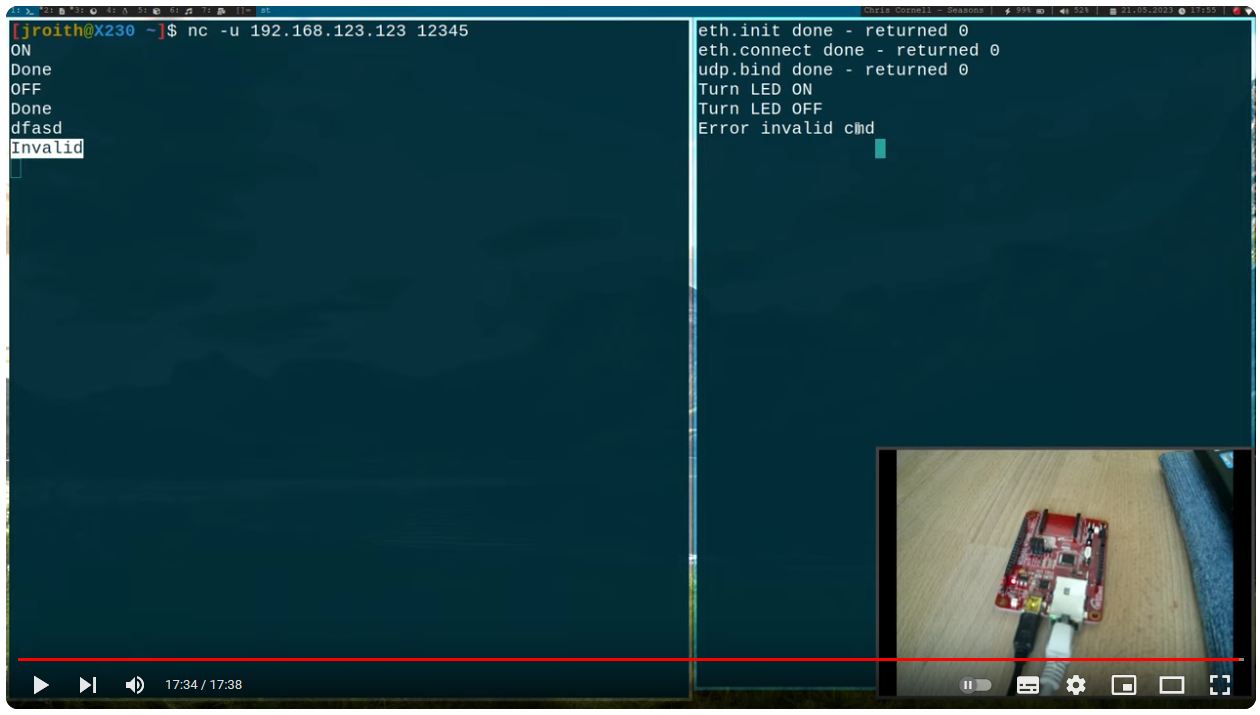
Compiling and Flashing the Program: The process of compiling the program and flashing it onto the W7500P microcontroller is shown. The speaker demonstrates the functionality of the UDP server by using netcat as a UDP client to send commands to the server and toggle the LED.
Conclusion: The video concludes with the speaker hoping that viewers have enjoyed the tutorial and learned something. They also mention a way to support their work through a coffee donation platform.
The content is quite technical and assumes a level of familiarity with embedded systems programming, network protocols, and development environments. It's a practical guide for developers interested in working with WIZnet chips and mbed OS to create network-connected devices.
Thank you for reading.


