Arduino OSC LED
Arduino OSC LED
0
Components
Hardware components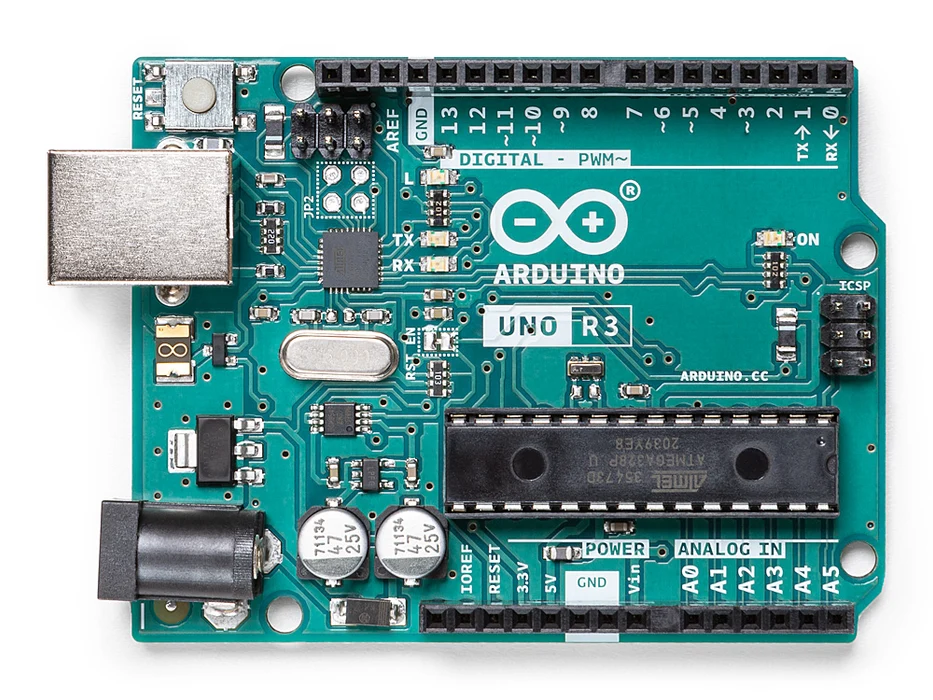
Arduino - Arduino UNO
x 1

ethernet shield
x 1
Project description
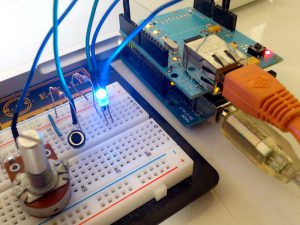 In this sample, you can read the Pot (Potentiometer) Switch (OSC Send) and the LED (OSC Receive).
Pot is the volume connected to Analog 0 (half fixed resistor) Switch is switch connected to Digital 3. The LED is connected to Digital 2.
In this sample, you can read the Pot (Potentiometer) Switch (OSC Send) and the LED (OSC Receive).
Pot is the volume connected to Analog 0 (half fixed resistor) Switch is switch connected to Digital 3. The LED is connected to Digital 2.
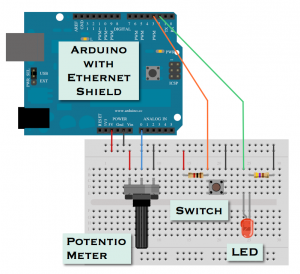 The switch is pulled up to 1kΩ. (It is easier to use Arduino's built-in pull-up resistors.) In the above diagram, LED is connected to ON for High output, but it is ON for Low output in the program. (On / Off is reversed.)
[embed]https://youtu.be/QyY-tMmStkU[/embed]
The switch is pulled up to 1kΩ. (It is easier to use Arduino's built-in pull-up resistors.) In the above diagram, LED is connected to ON for High output, but it is ON for Low output in the program. (On / Off is reversed.)
[embed]https://youtu.be/QyY-tMmStkU[/embed]

