The Arduino Raspberry Pi Pico/RP2040-Ethernet V2.1.1
It supports W5100S-EVB-Pico, W5500-EVB-Pico, and WizFi360-EVB-Pico in Arduino IDE.
21
Components
Hardware components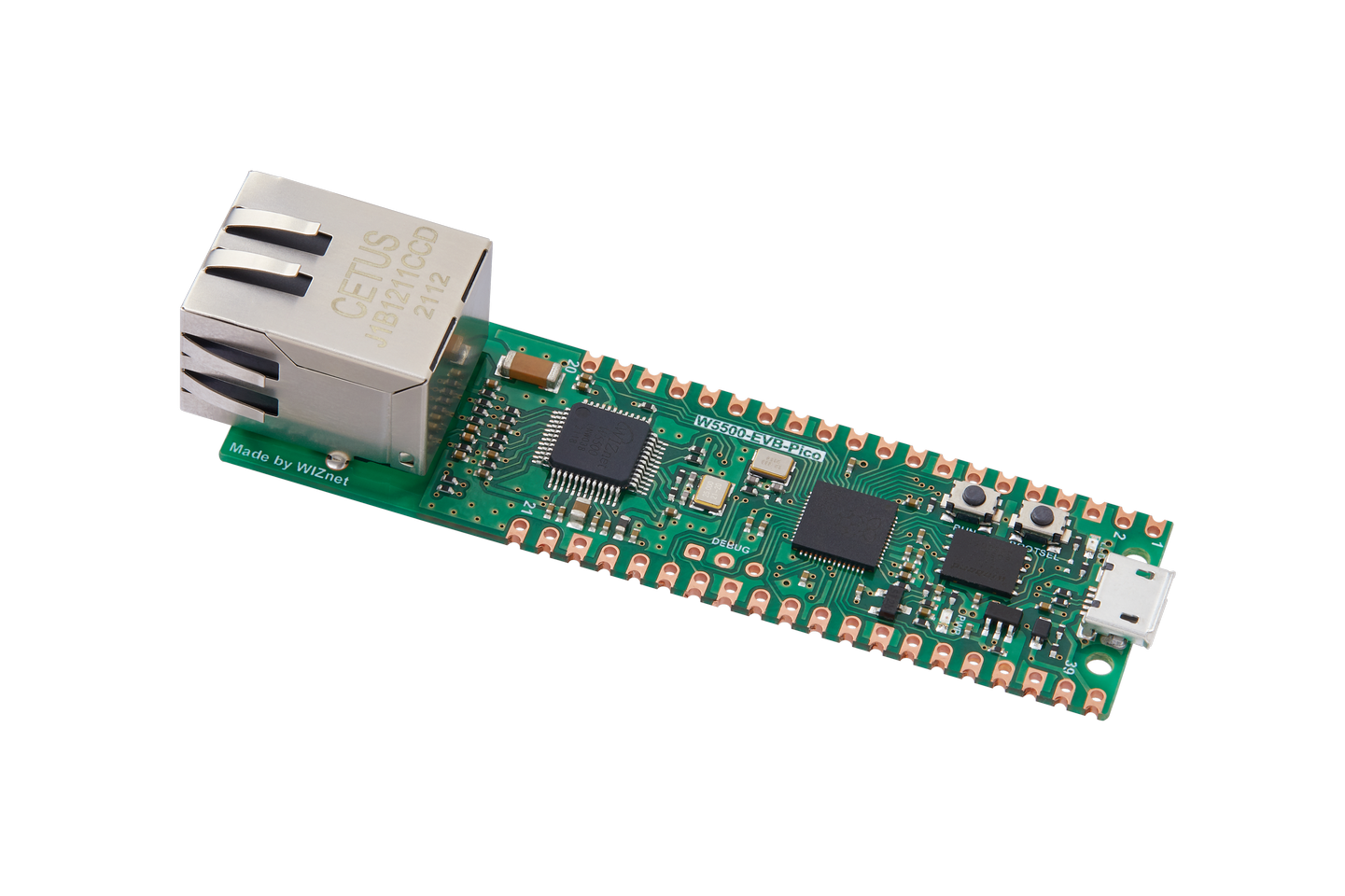
WIZnet - W5500-EVB-Pico
x 1

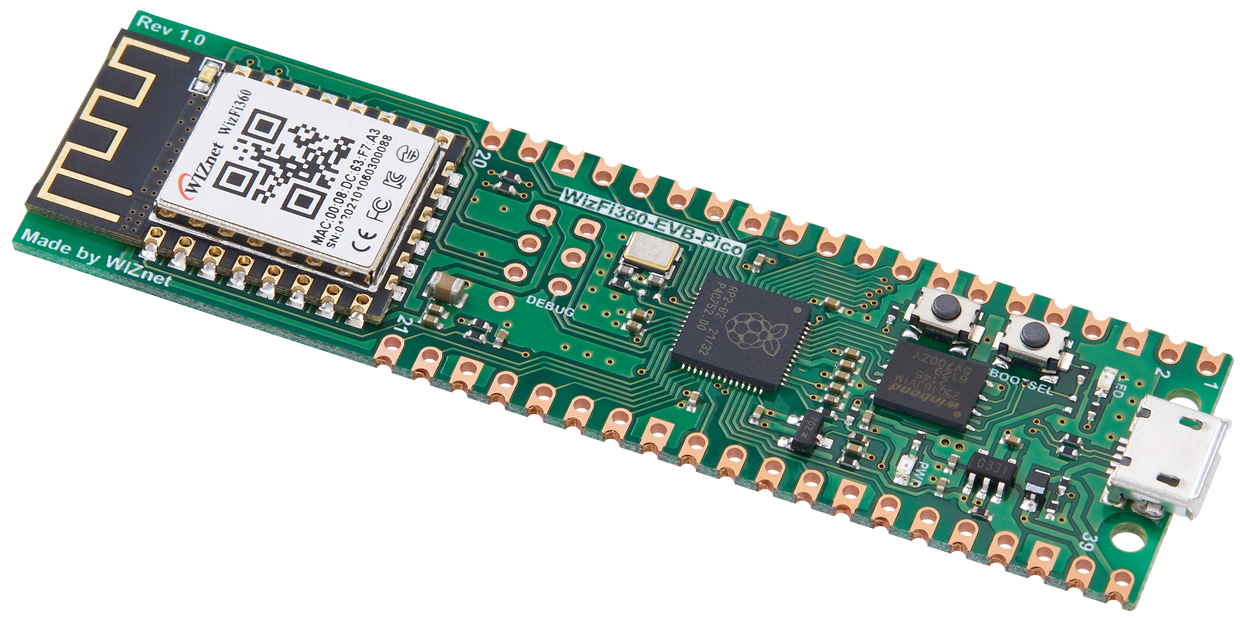
WIZnet - WizFi360-EVB-Pico
x 1
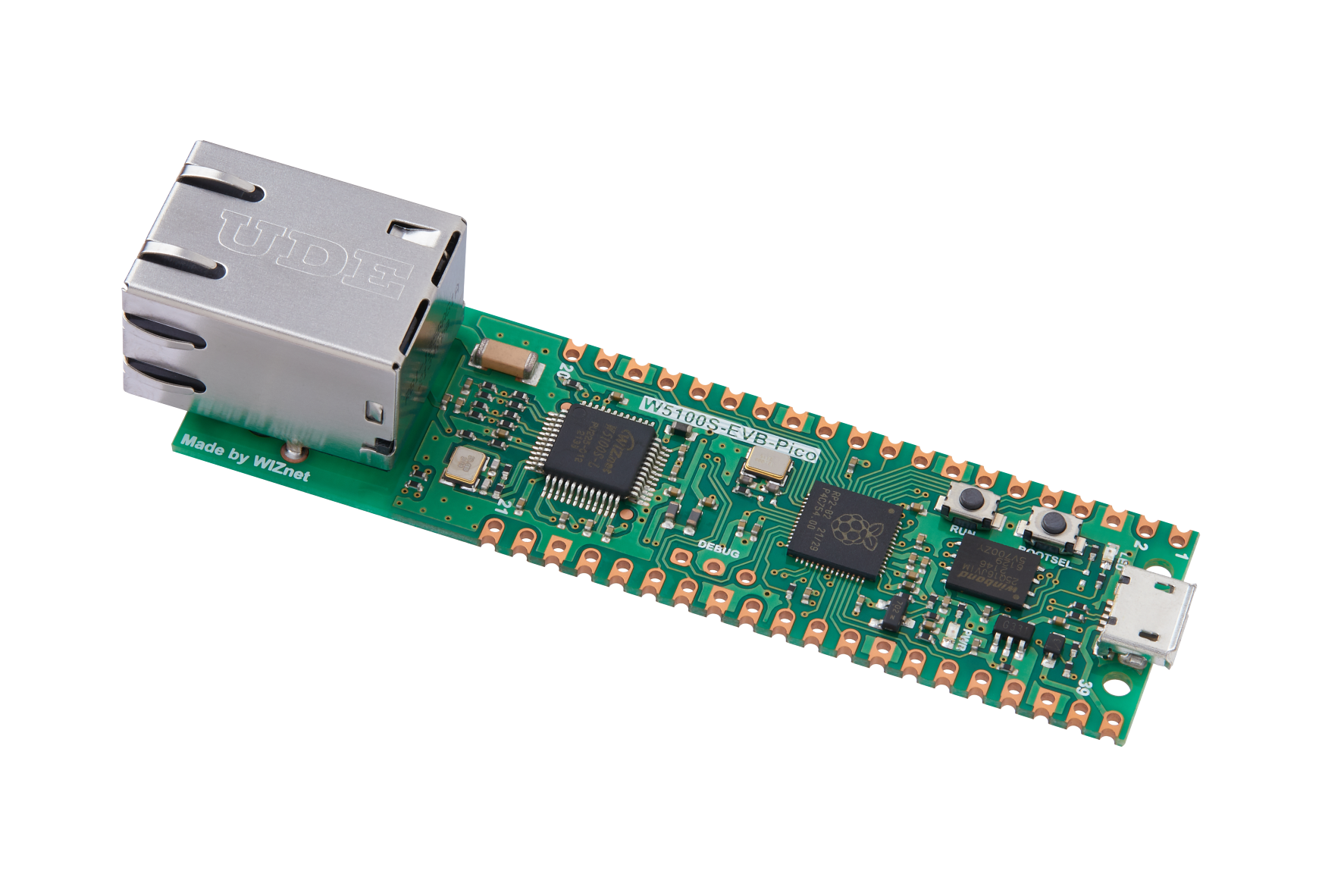
WIZnet - W5100S-EVB-Pico
x 1

Arduino - Arduino IDE
x 1
Project description
Original : https://www.hackster.io/loveivyou/the-arduino-raspberry-pi-pico-rp2040-ethernet-v2-1-1-02cb79
Clone :
https://www.instructables.com/The-Arduino-Raspberry-Pi-PicoRP2040-Ethernet-V211/
http://loveivyou.egloos.com/1313724
After I had released 'WIZnet-ArduinoEthernet/arduino-pico' version 1.0.1, W5500-EVB-Pico, and WizFi360-EVB-Pico were launched.
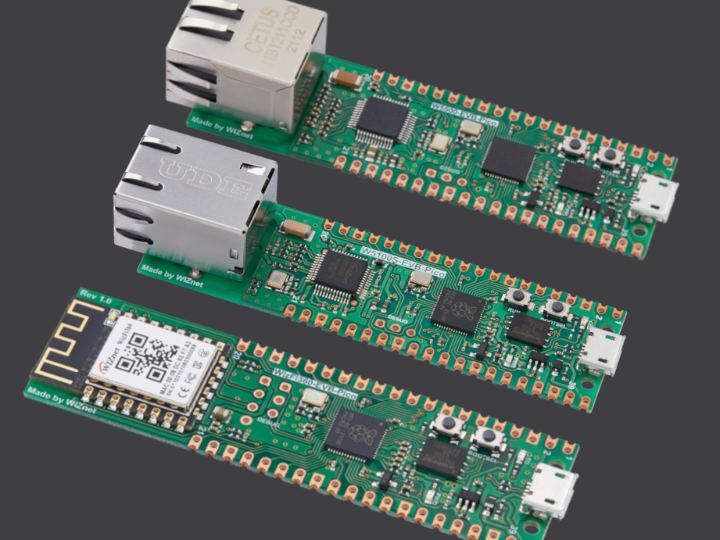
So, there are three WIZnet RP2040 boards which pin compatible with Raspberry Pi Pico.
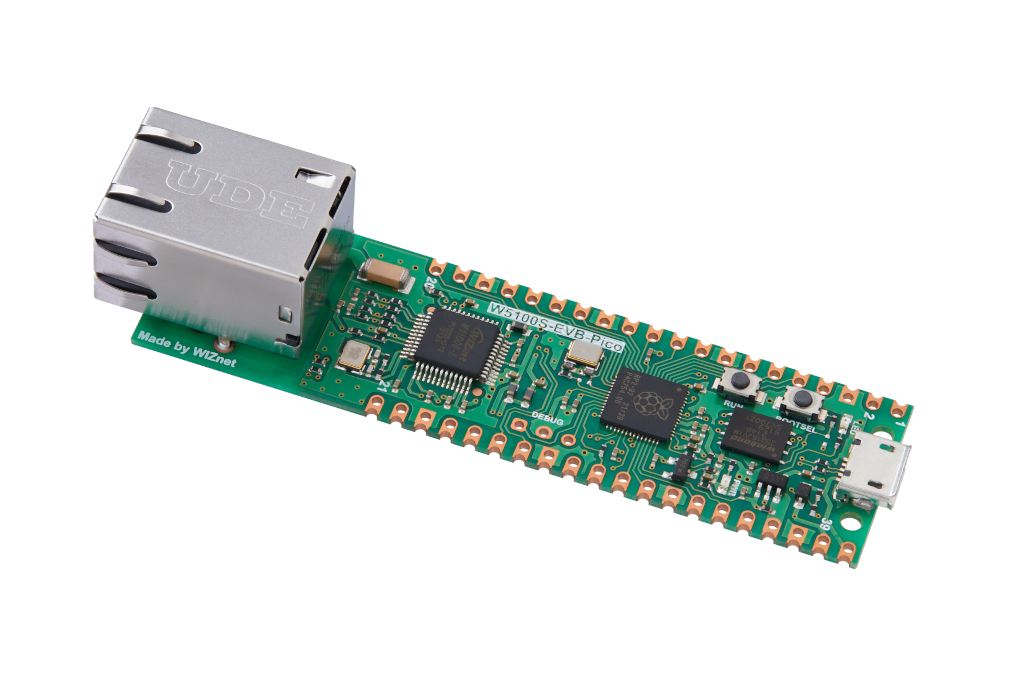
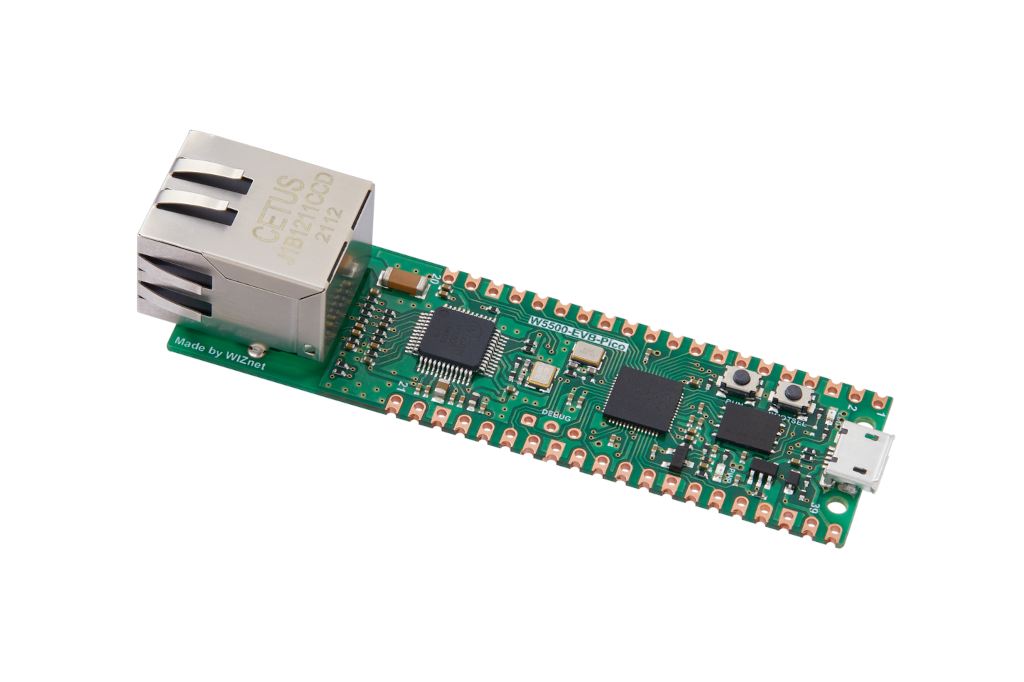
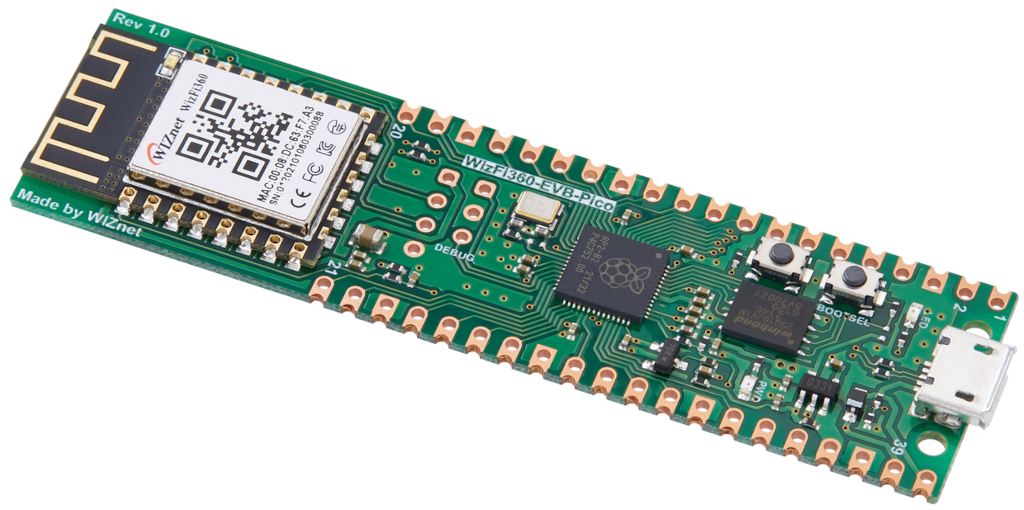
Thankfully, arduino-pico (Mr. Philhower) supports it already.

Both the W5100S-EVB-Pico and the W5500-EVB-Pico used the same RP2040 SPI pins. Therefore, there is no issue using with Ethernet Library.

On the other hand, the WizFi360-EVB-Pico uses WizFi360_arduino_library. Moreover, it uses AT-Commands through UART.
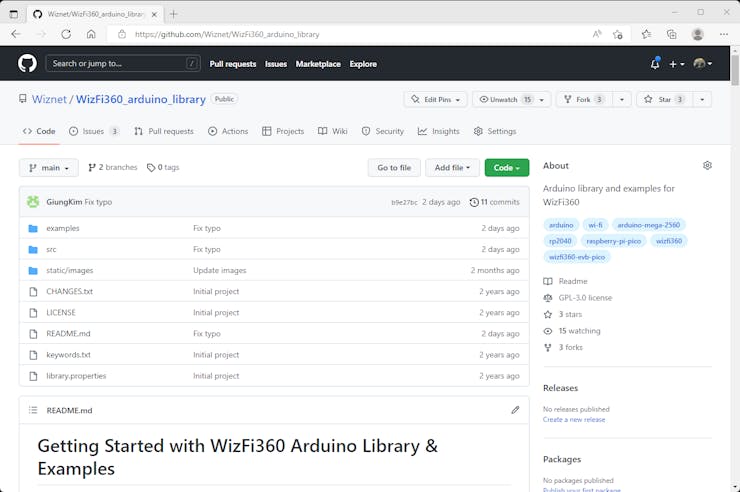
It was not hard to decide to support it, but it was hard to catch up with the steps of arduino-pico.
Now the arduino-pico(WIZnet modified) library supports these three boards on version 2.1.1.
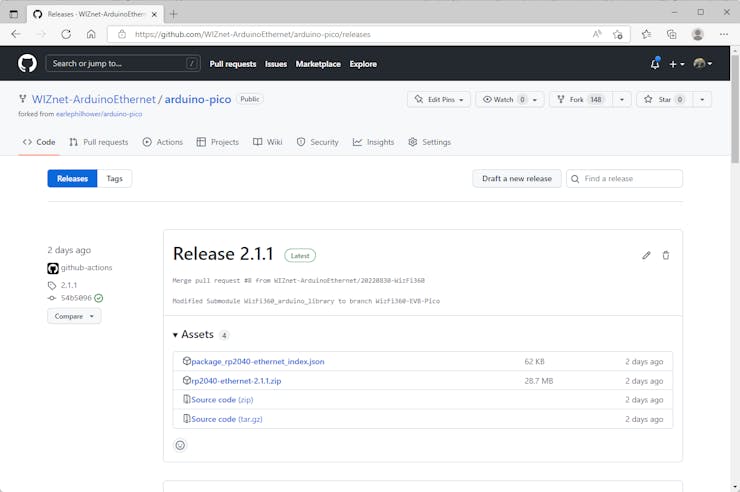
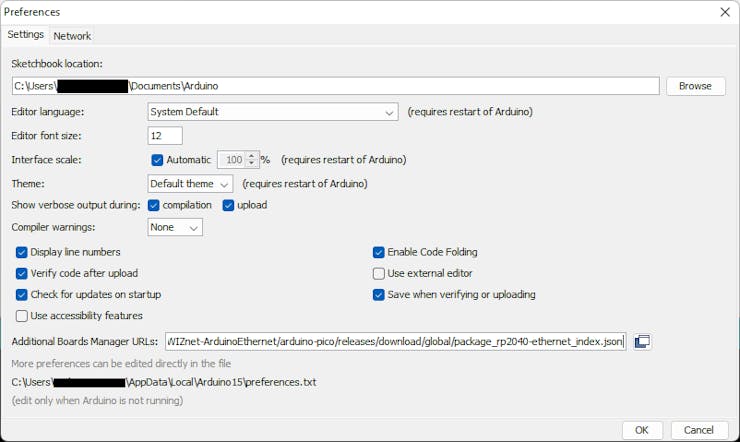
You can add the URL in the "Additional Boards Manager URLs" field and search pico or ethernet in Board Manager to add.
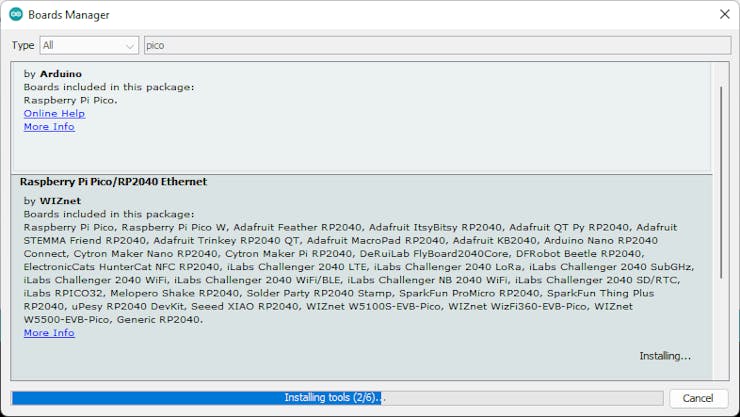
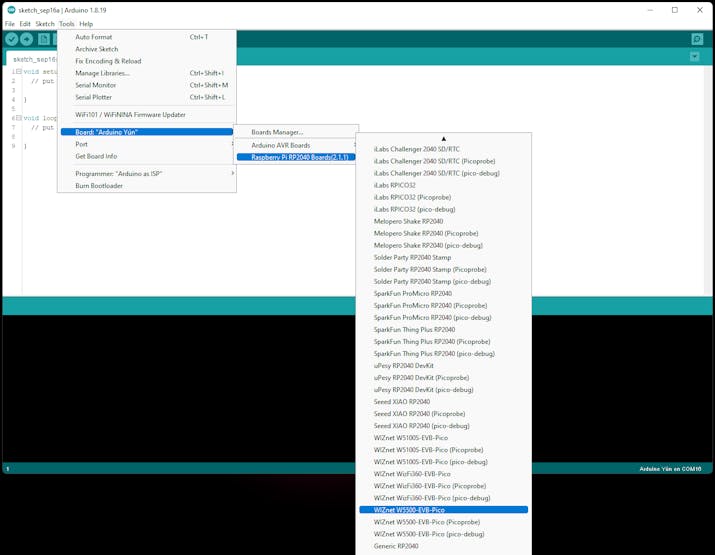
Then, you can choose the Board WIZnet W5500-EVB-Pico.
There are default examples of Ethernet.
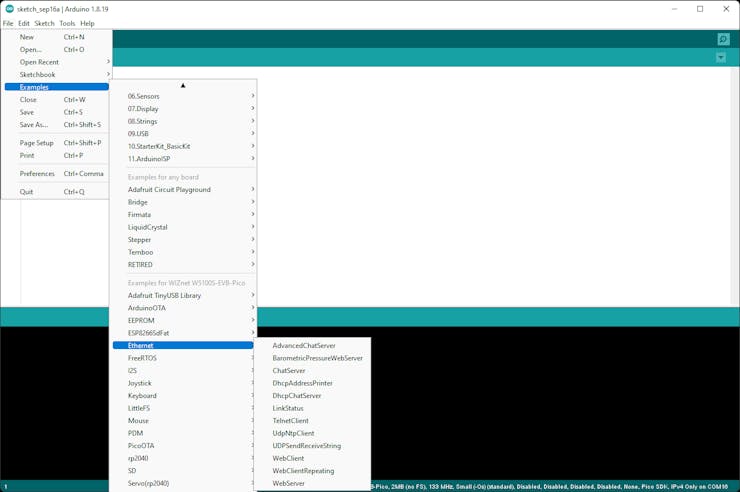
Let's choose DhcpAddressPrinter.
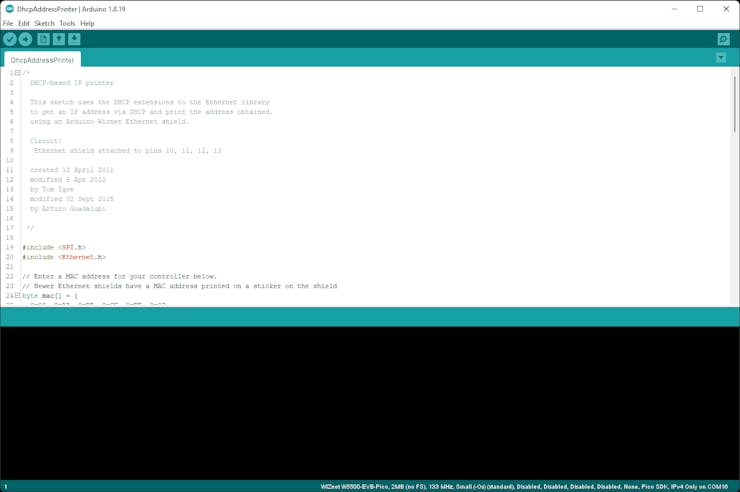
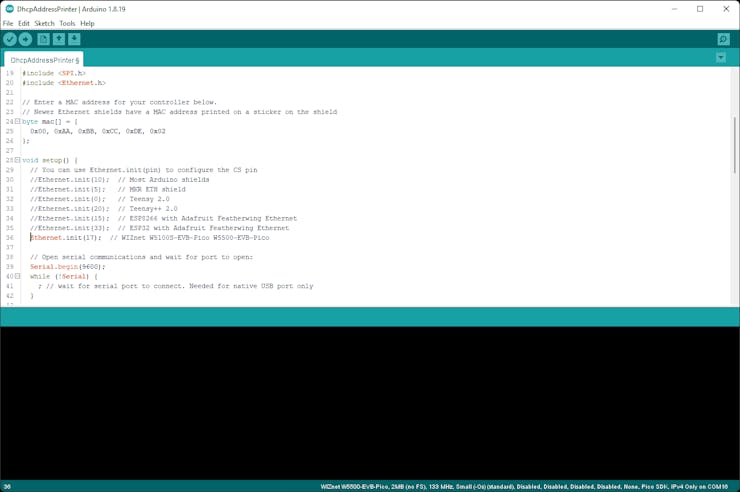
You should uncomment to set nCS for the W5500-EVB-Pico.
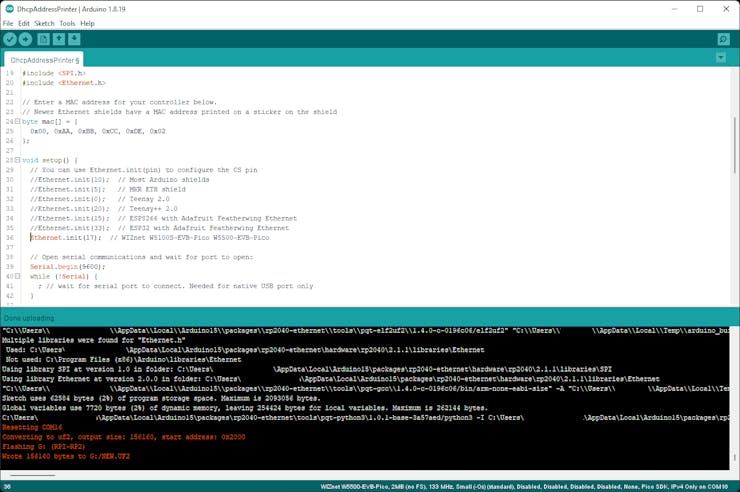
And Upload to the W5500-EVB-Pico. Maybe it is necessary to enter boot mode.
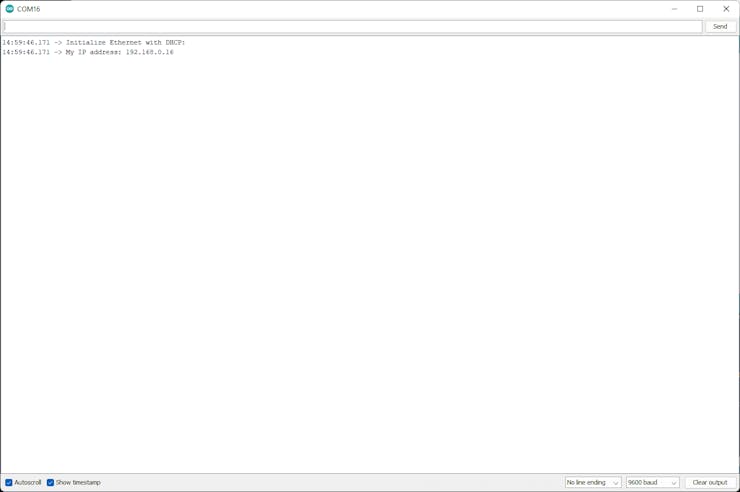
Then run a Serial Monitor.
You can see the allocated IP address.
Also, let’s see the WizFi360-EVB-Pico.
Choose the Board WIZnet WizFi360-EVB-Pico.
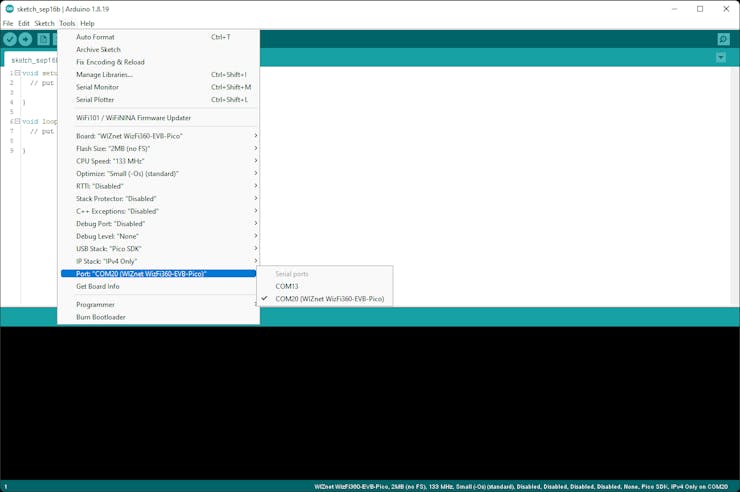
There are default examples of WizFi360.
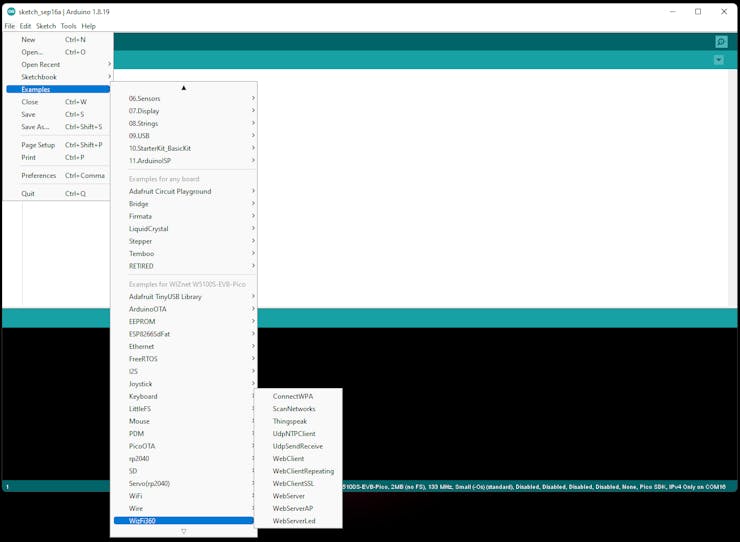
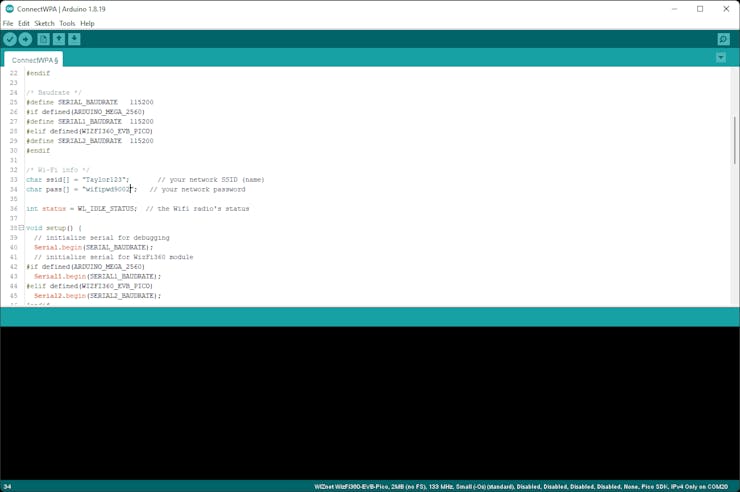
Let's choose ConnectWPA.
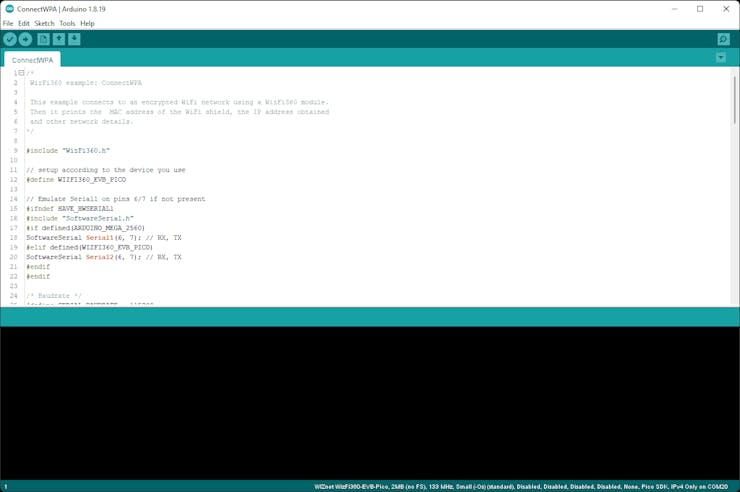
You should set Wi-Fi SSID and PWD to connect AP.
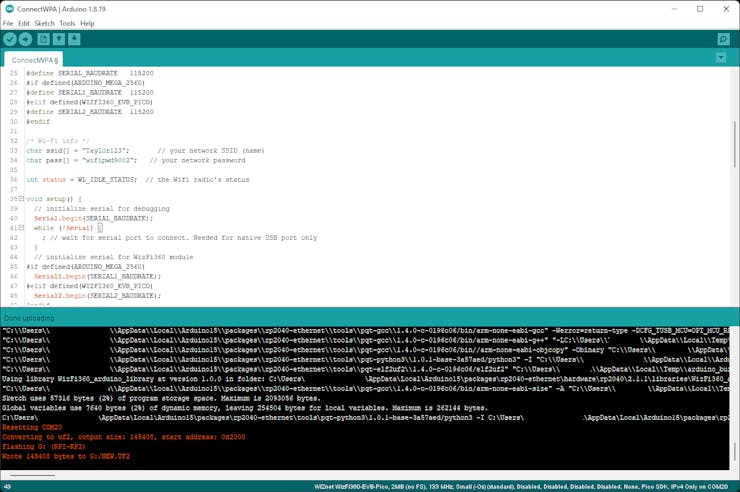
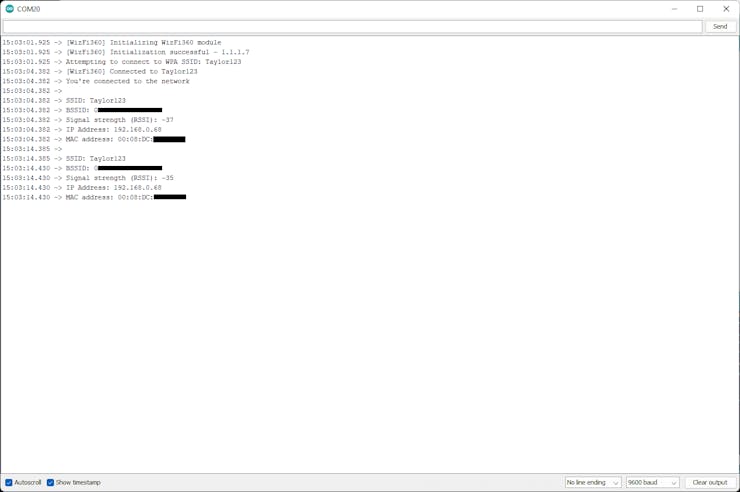
If you insert code to wait for the serial port to connect, you can see the whole message without any missing message.
Thank you for reading this.
Documents
-
arduino-pico
Raspberry Pi Pico Arduino core, for all RP2040 boards
-
arduino-pico ethernet
Raspberry Pi Pico Arduino core, for all RP2040 boards with ethernet.


