WIZ750SR V1.3.3 for Eclipse
WIZ750SR V1.3.3 for Eclipse
1
Components
Hardware components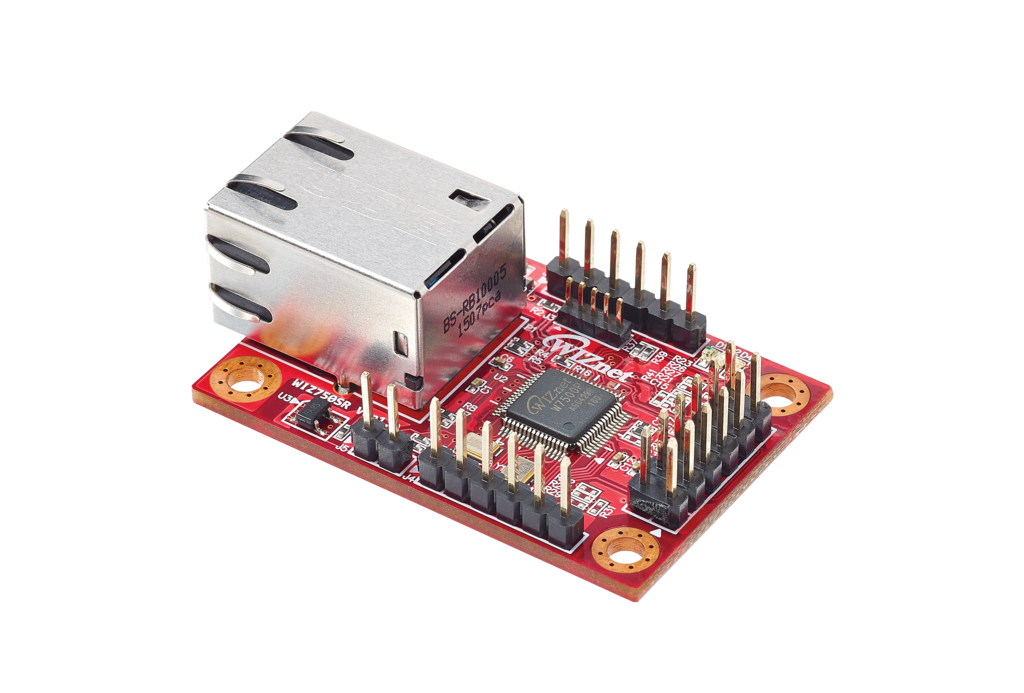
WIZnet - WIZ750SR
x 1

Project description
WIZnet Makers Original
Author : taylor
Published On : 2023-07-24
This content was created with the assistance of ChatGPT, an artificial intelligence language model developed by OpenAI.
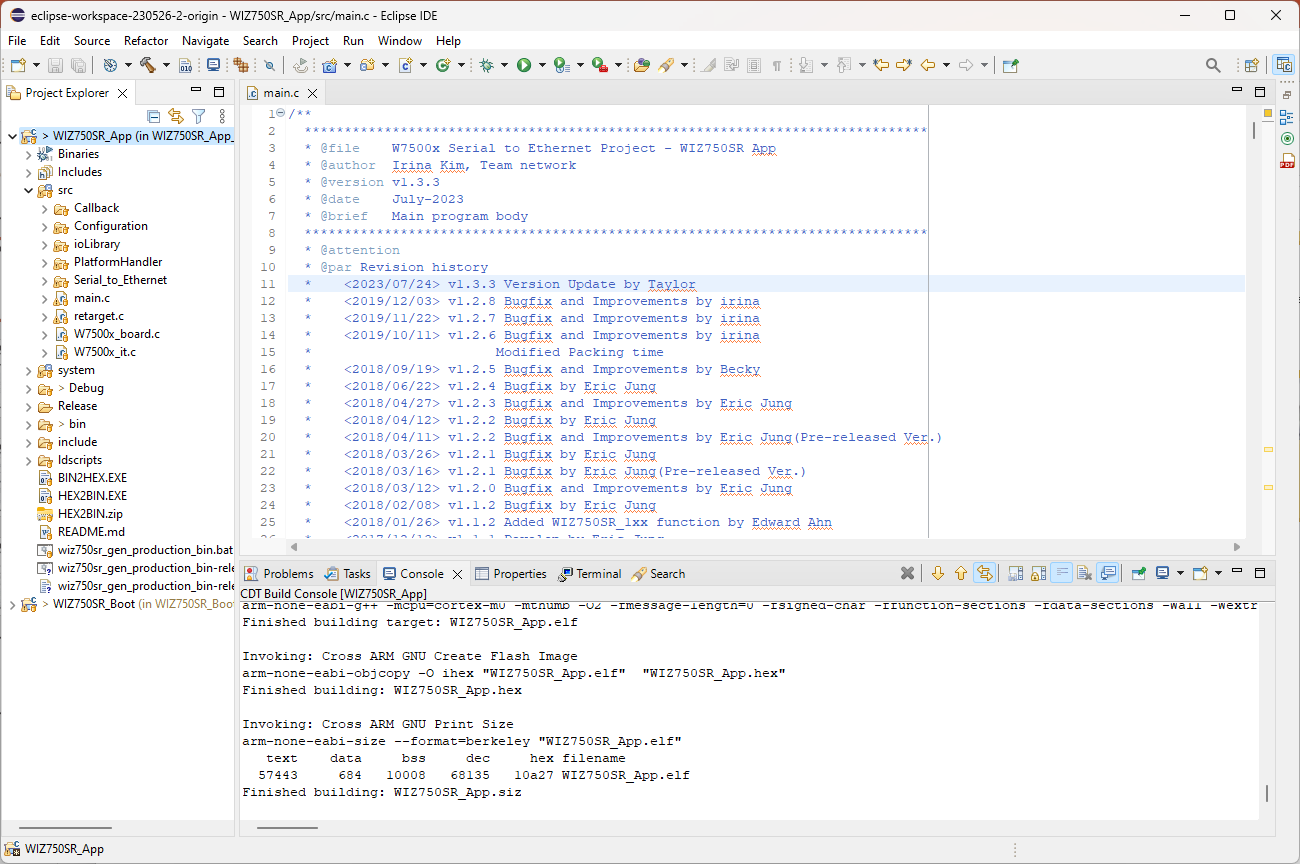
The Bootloader and App of the WIZ750SR Eclipse have been updated. These updates apply to the WIZ750SR Serial-to-Ethernet (S2E) module based on the Eclipse IDE. This module is based on the W7500P chip.
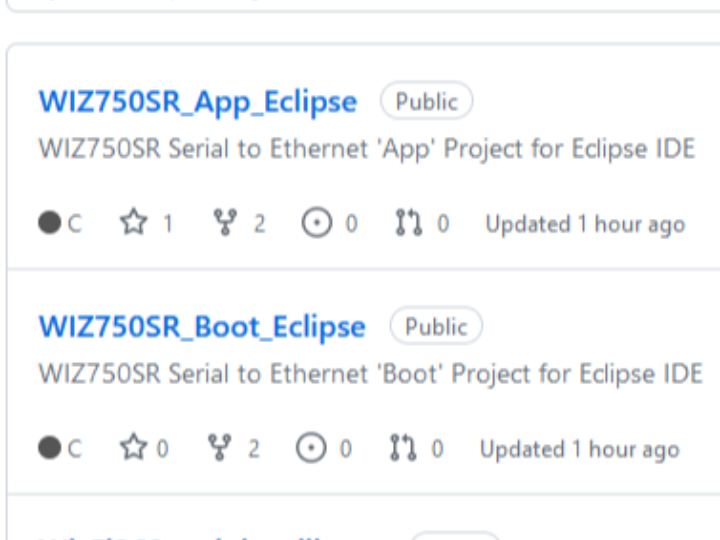
Bootloader Update Details
- Bootloader GitHub Link
- The latest commit has been updated to v1.3.3.
- This project is for the WIZ750SR Serial-to-Ethernet boot, which can be used in the Eclipse IDE.
App Update Details
- App GitHub Link
- This project is for the WIZ750SR Serial-to-Ethernet app, which can be used in the Eclipse IDE.
To merge two hex files, WIZ750SR_Boot.hex and WIZ750SR_App.hex, into a single hex file using J-Flash, you can follow these steps:
Open J-Flash: Start by opening the J-Flash software on your computer.
Load the First Hex File: Navigate to the "File" menu and select "Open Data File". Locate and open the WIZ750SR_Boot.hex file.
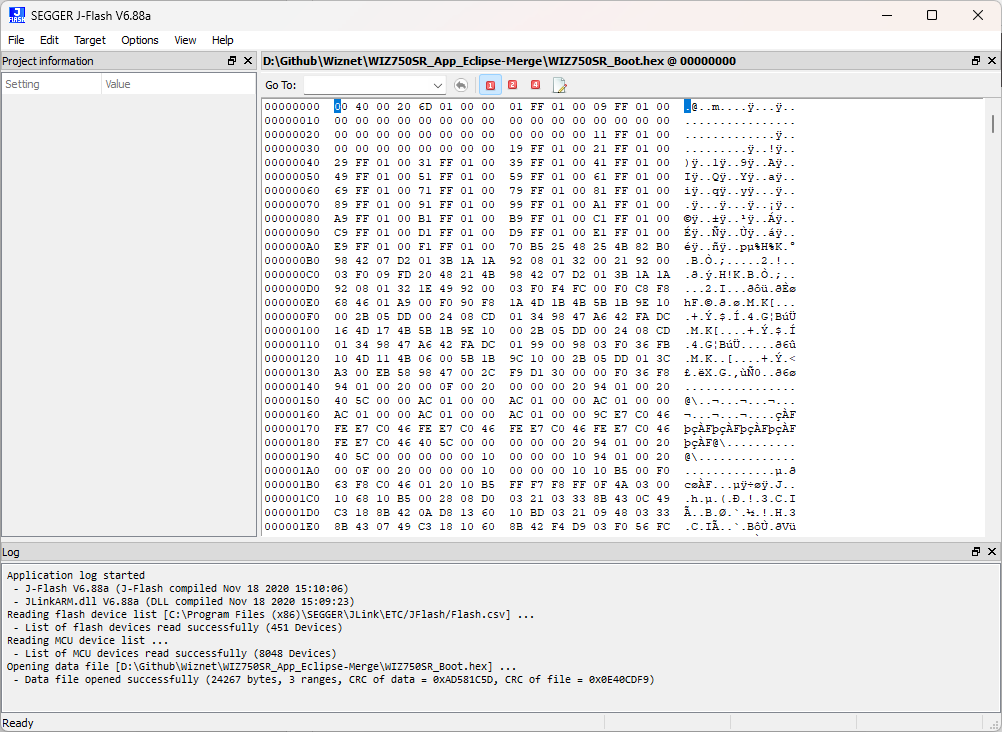
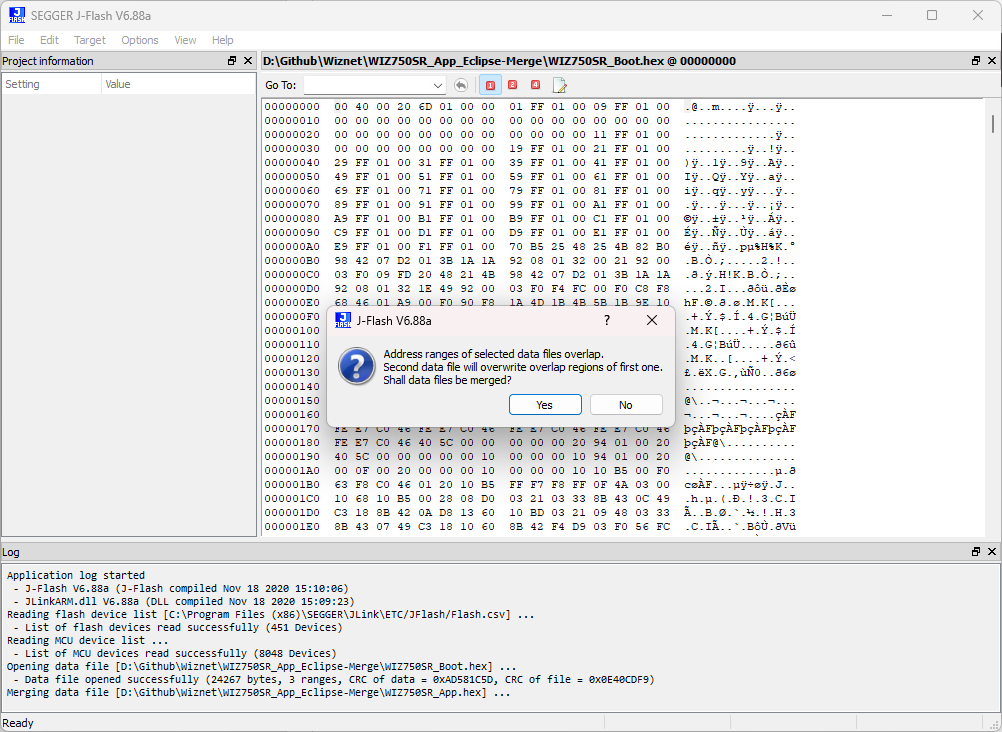
Merge the Hex Files: In J-Flash, navigate to the "File" menu and select "Merge data File". Locate and open the WIZ750SR_App.hex file. Then click "Yes" to overlap some space. This will merge the two hex files into a single file.
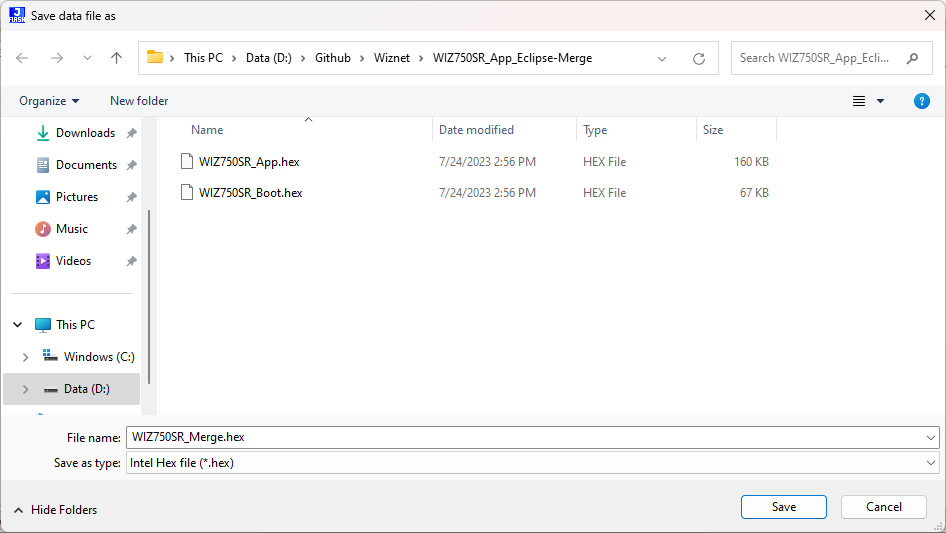
Save data file as...: Navigate to the "File" menu and select "Save Data File As". Choose a location to save the file and name it appropriately. This will create a new hex file that is a combination of WIZ750SR_Boot.hex and WIZ750SR_App.hex.
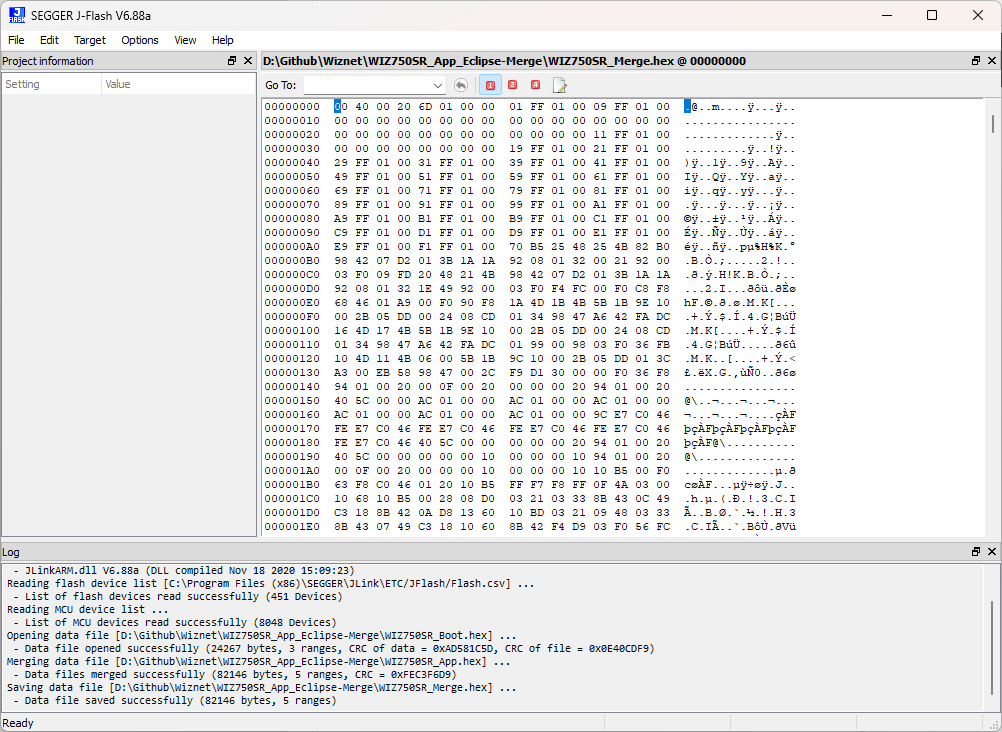
Please note that the exact steps may vary slightly depending on the version of J-Flash you are using. Always refer to the official J-Flash documentation for the most accurate instructions.
And create WIZ750SR_Merge.bin to download with W7500 ISP Tool.
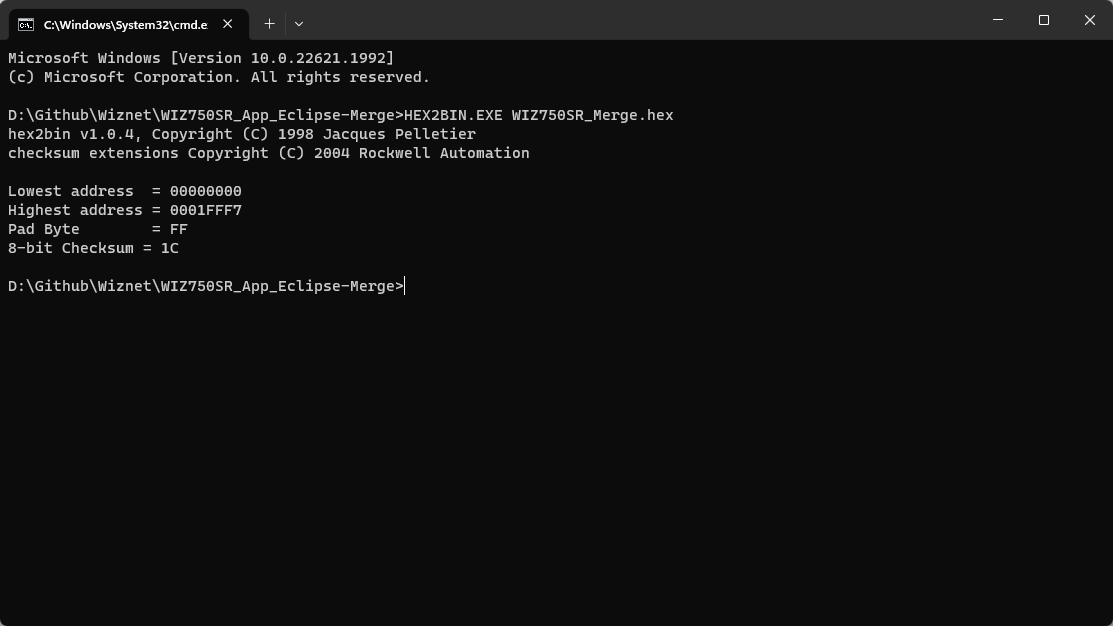
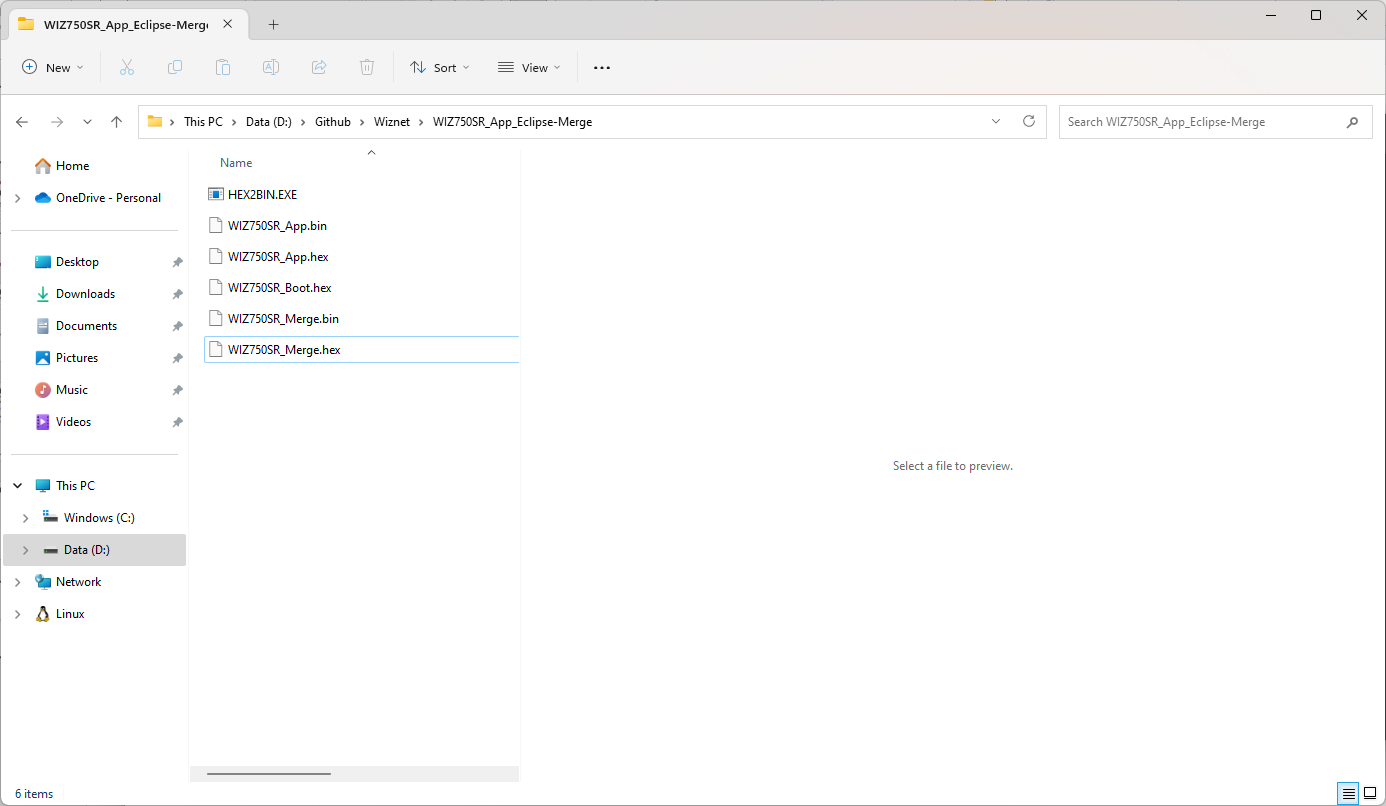
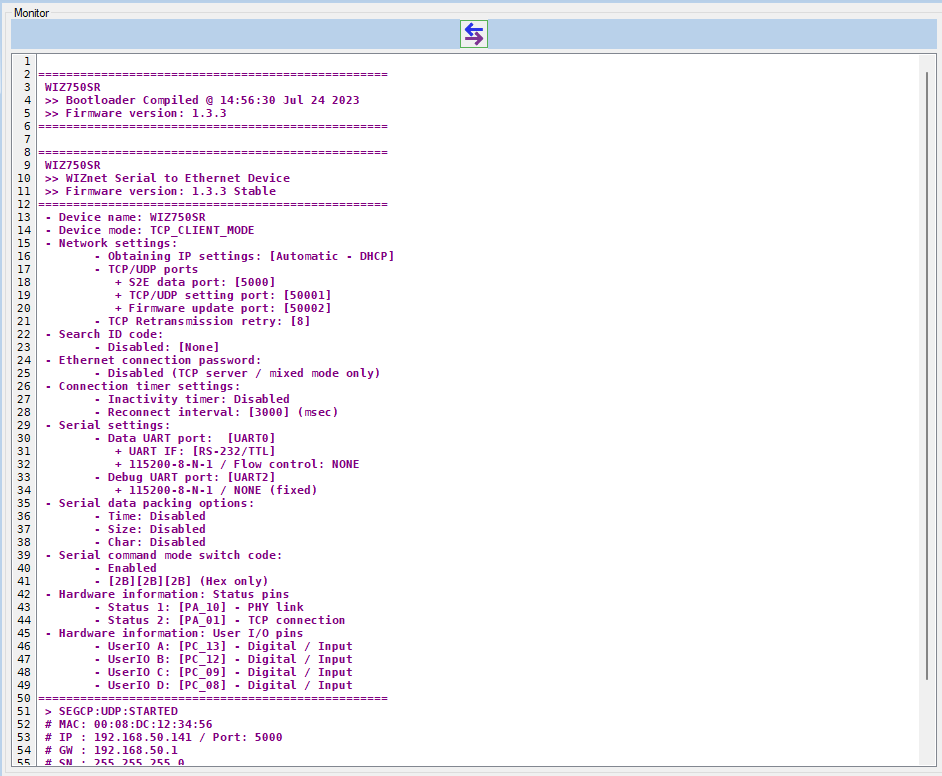
Finally, you can see the message from the terminal.
This is not compatible with binaries generated from the Keil project. Bin files created with gcc are generated to the maximum size of the flash. If you want a bin file of a smaller size, use KEIL.
The WIZ750SR binary generated from GCC is not used in product manufacturing.
Thank you for reading.


