


PadelX : Scoring System for Padel Games
PadelX is a scoring system that updates scores in real-time and is stored in a database for accurate tracking and review.
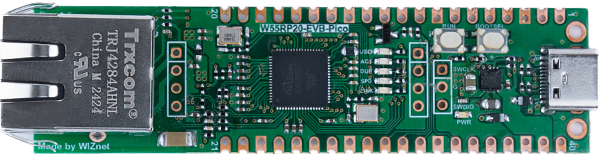
WIZnet - W55RP20-EVB-Pico
x 1

.jpg.webp)
Espressif - ESP8266 ESP-12E
x 1
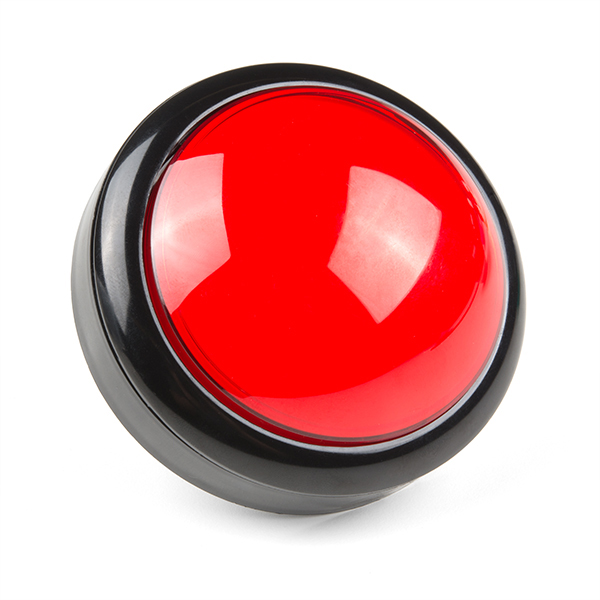
sparkfun - Big Red Dome Button
x 2
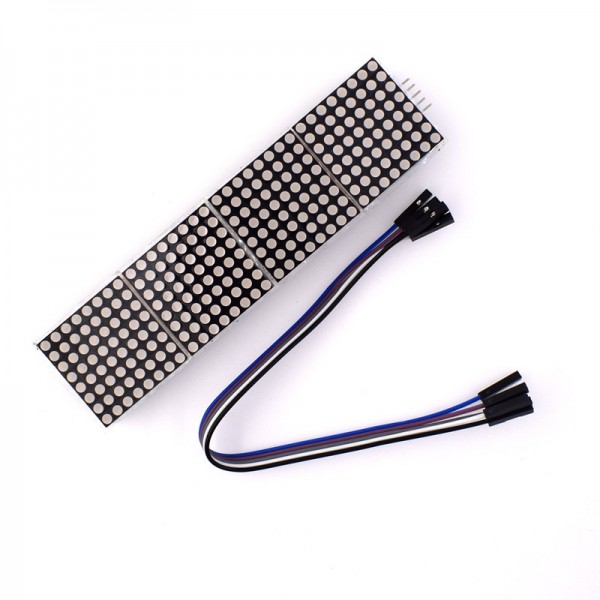
Generic - LED Matrix 32x8 MAX7219
x 1
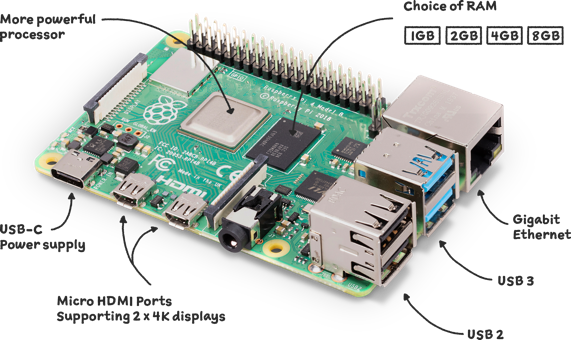
Raspberry Pi - Raspberry Pi 4
x 1

Arduino - Arduino IDE
x 1

Eclipse Foundation - Mosquitto
x 1
PostgreSQL - PostgreSQL
x 1

Python - Python
x 1
Description
PadelX is a smart digital scoring solution that transforms the way padel matches are managed. Players can update scores instantly using wireless controllers while a live scoreboard displays the current match status. Every match is securely stored in a cloud database, enabling statistics, history tracking, and performance analysis. Designed for padel clubs, tournaments, and training sessions, PadelX delivers a faster, more accurate, and professional scoring experience.
System Architecture
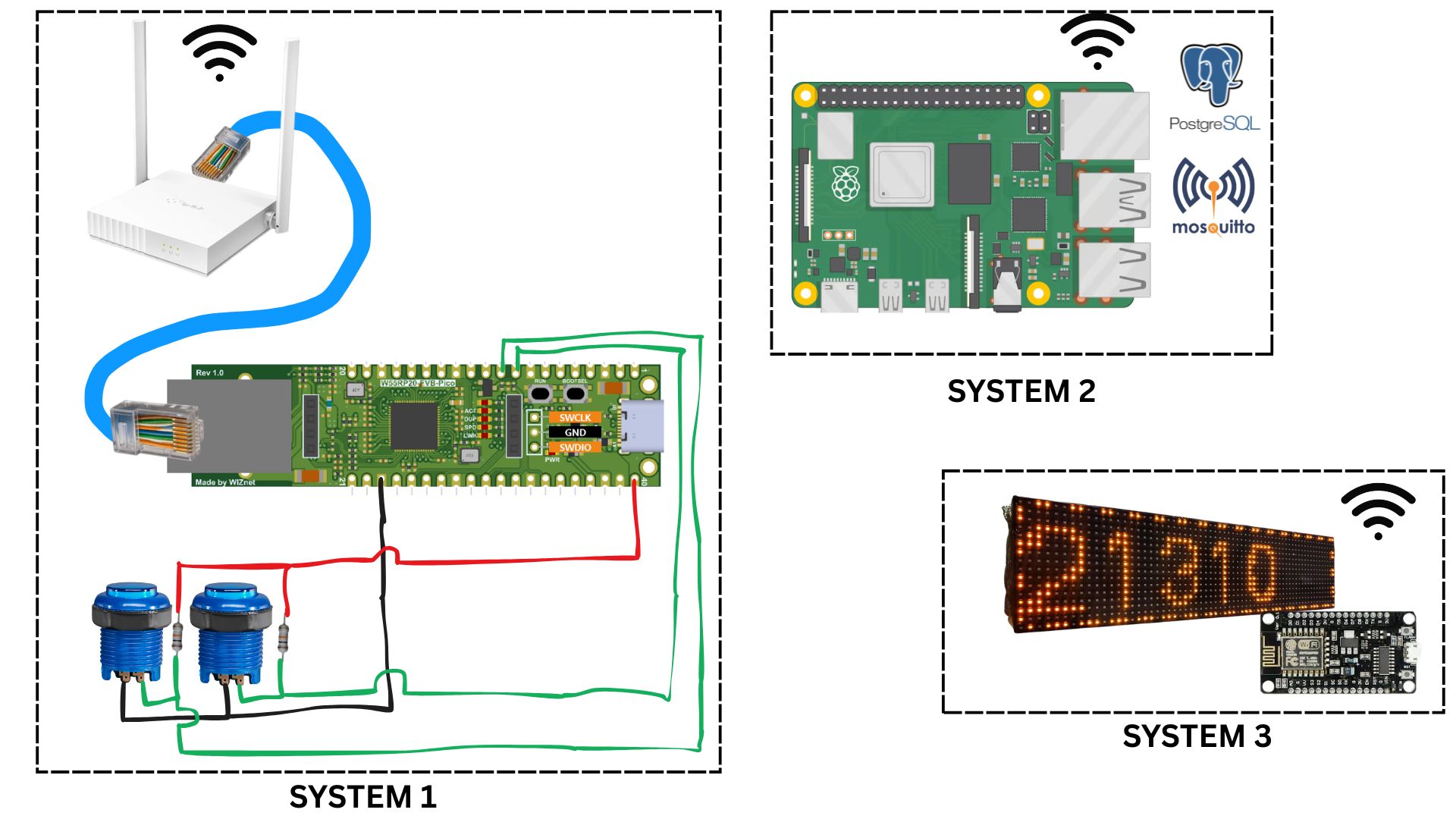
PadelX consists of three interconnected systems that work together to provide real-time score updates, centralized data management, and live scoreboard visualization.
System 1 – Score Input Controller
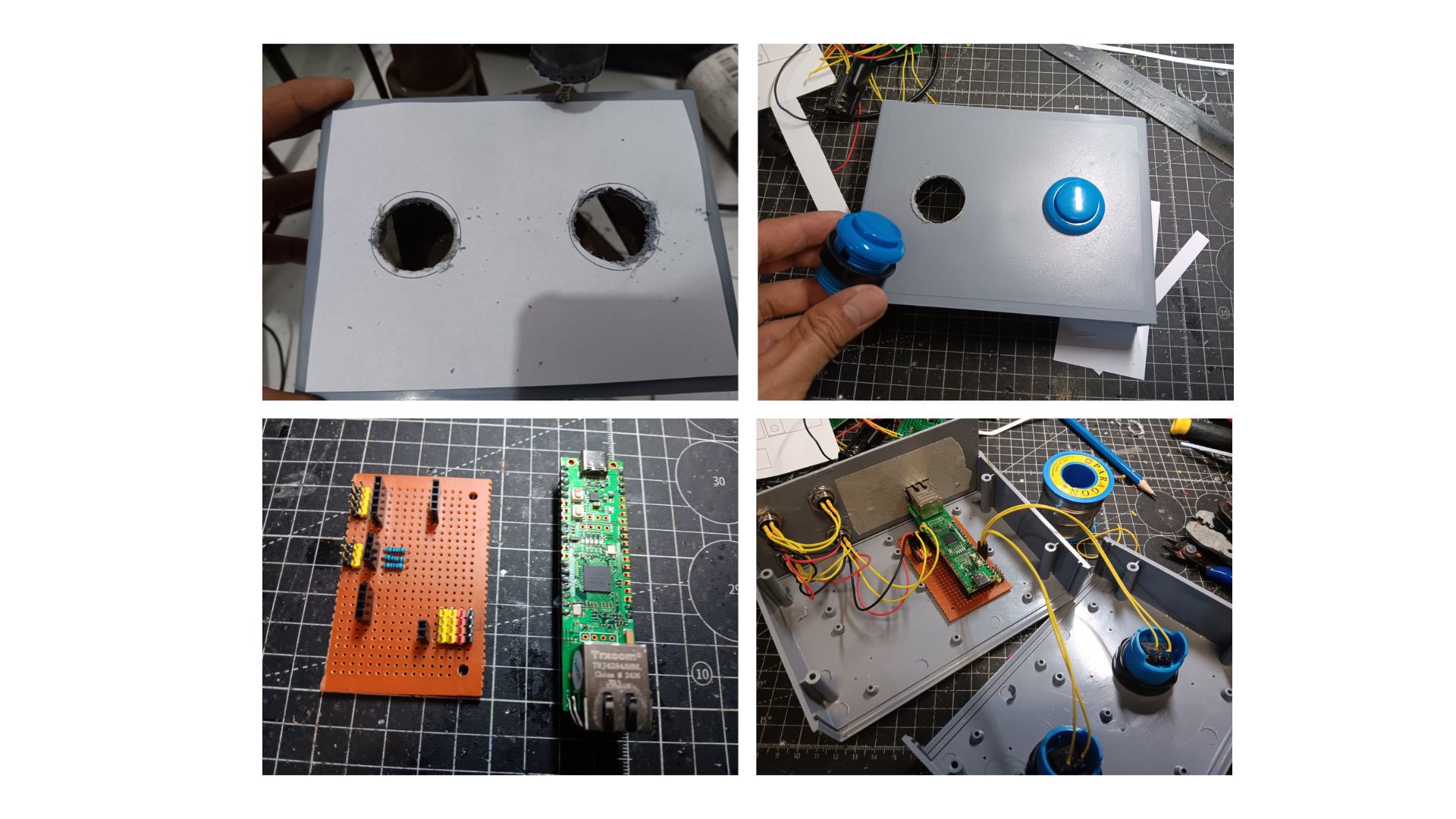
System 1 serves as the score input controller used by players or referees to update match scores during a padel game. This system is built around a W55RP20-EVB-Pico microcontroller and two pushbuttons representing each team's score.
The W55RP20-EVB-Pico is connected to the local network via an Ethernet cable and communicates with a Wi-Fi router. Each time a button is pressed, the microcontroller publishes the updated score using the MQTT protocol. By utilizing Ethernet communication, the system provides a fast, reliable, and low-latency connection, ensuring that every score update is sent instantly to the server.
System 2 – Central Server
System 2 acts as the central processing unit of the PadelX ecosystem. It is powered by a Raspberry Pi running PostgreSQL, an MQTT Broker (Mosquitto), and a Python-based graphical user interface (GUI).
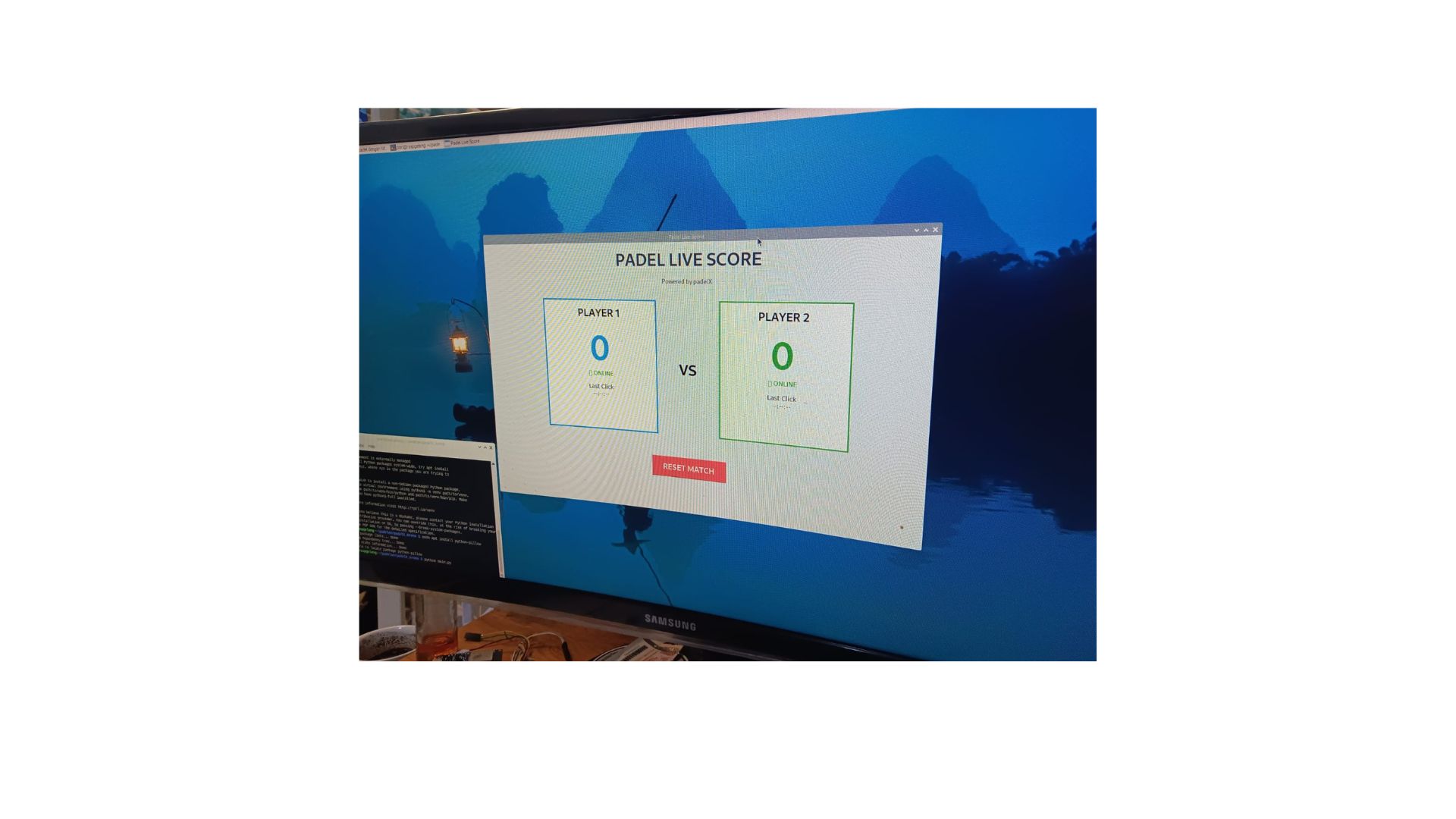
The Raspberry Pi subscribes to MQTT messages sent from System 1, processes each score update, and stores all match information in a PostgreSQL database. A Python GUI provides a user-friendly interface for managing matches, displaying live scores, recording match history, and monitoring game progress in real-time.
System 3 – LED Matrix Scoreboard
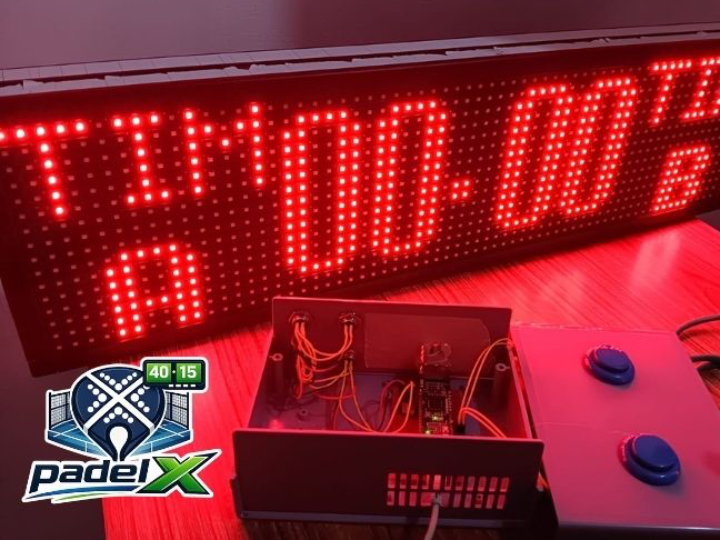
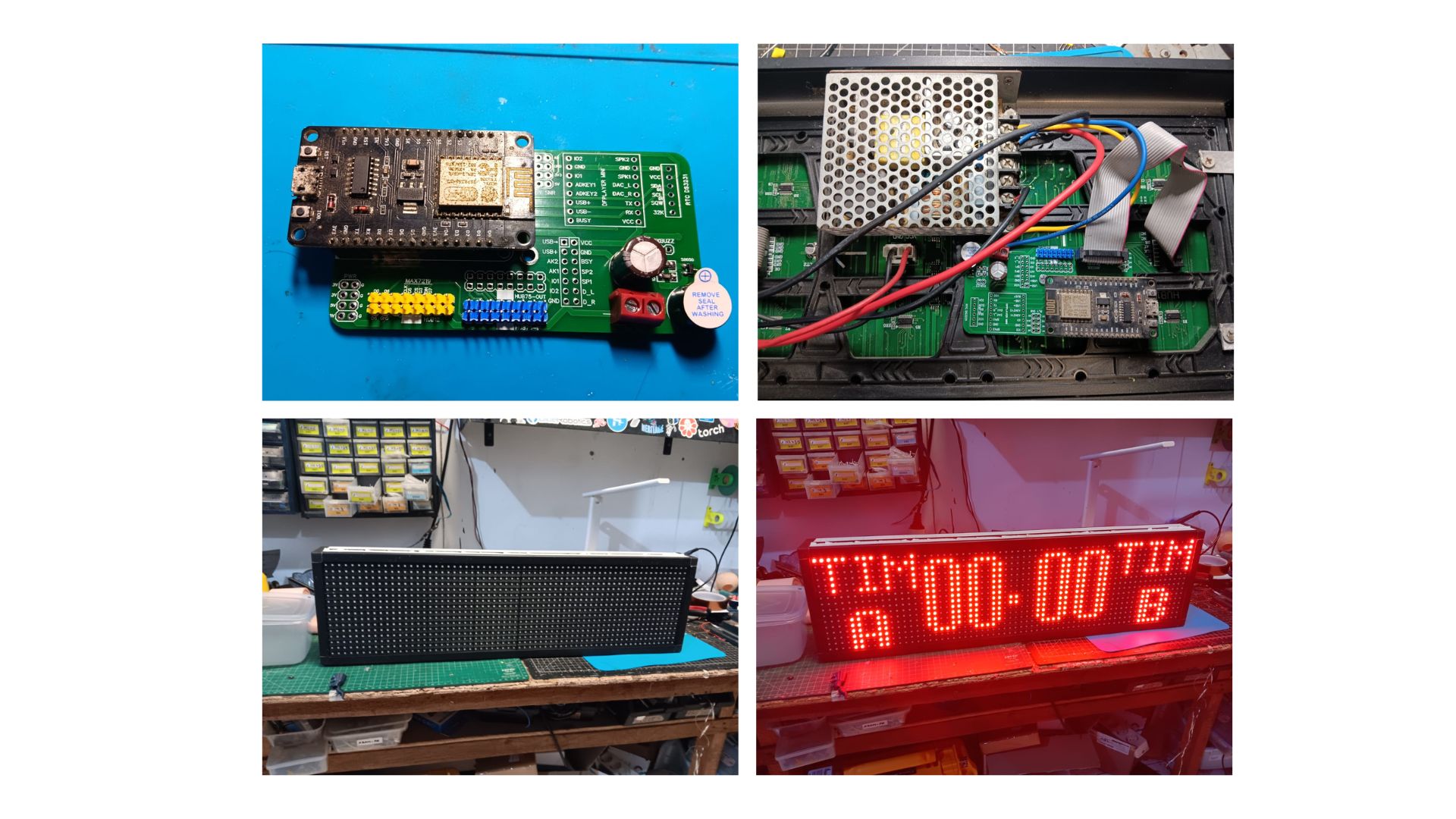
System 3 is a real-time digital scoreboard that displays the current match score to players and spectators. The system is built using an ESP8266 microcontroller and a P10 LED Matrix Display.
The ESP8266 is connected to a local Wi-Fi network and subscribes to an MQTT topic published by the server. Each time the score changes, the Raspberry Pi publishes the latest data, allowing the LED matrix display to update almost instantly. This architecture ensures that the displayed score is always in sync with the database and match management application.
PROCESS (Hardware and Software)
Step 1. Prepare Raspberry pi as a Server
- Install MQTT Mosquito
sudo apt install -y mosquitto mosquitto-clients- Make Mosquito auto run when raspberry pi boots
sudo systemctl enable mosquitto.service- Test Mosquitto
sudo systemctl status mosquitto
Subscirber : mosquitto_sub -h 192.168.0.3 -t "padel/#" -v
Publisher : mosquitto_pub -h 192.168.0.3 -t "padel/user2/score" -m "10"- Install postgreeSQL
sudo apt update
sudo apt install postgresql postgresql-contrib -y- enable postgreeSQL Auto run if booting server
sudo systemctl enable postgresql
sudo systemctl start postgresql- create database gelangpadel
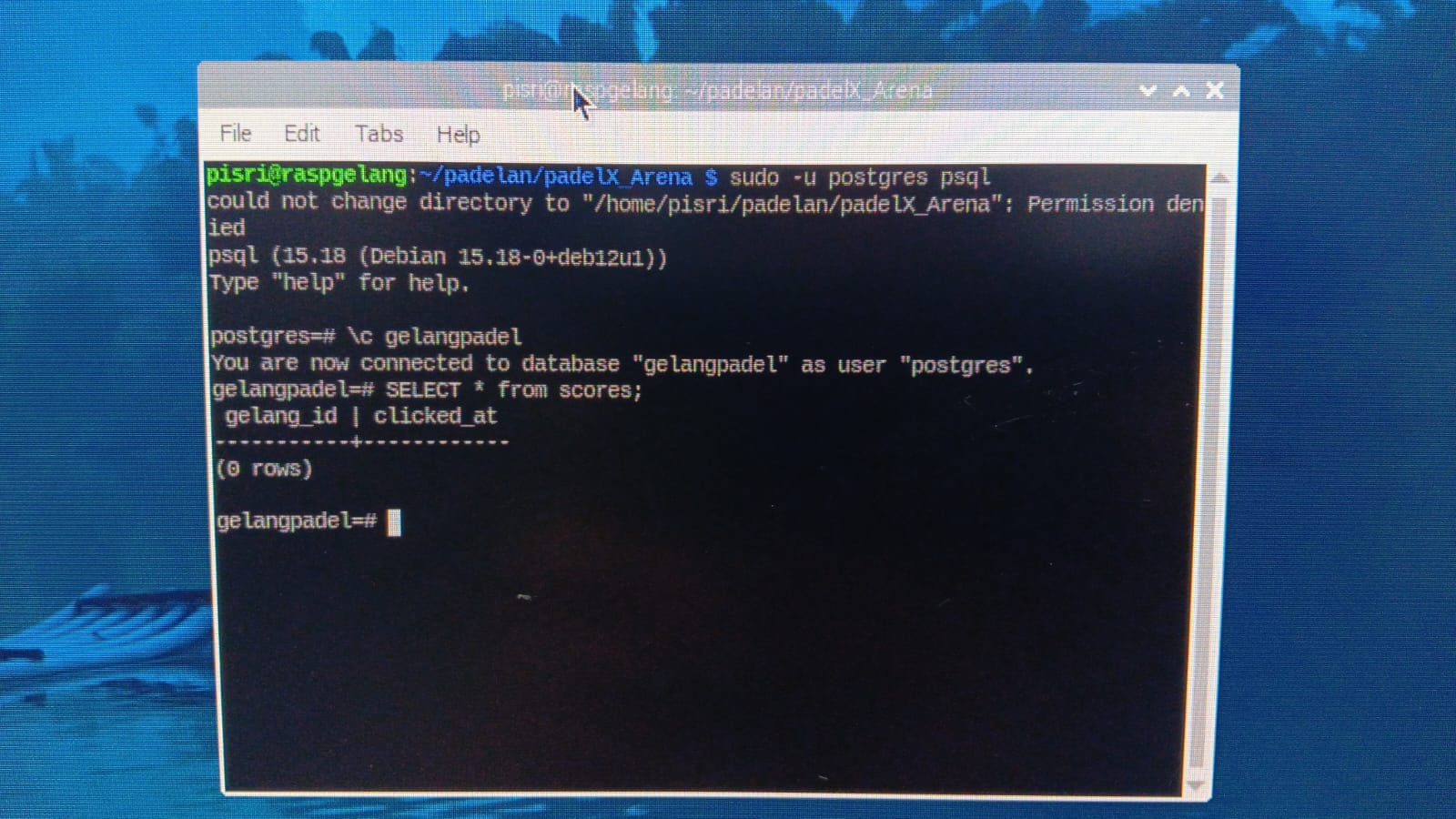
- Active Python MQTT Listener (file mqtt_to_postgres.py)
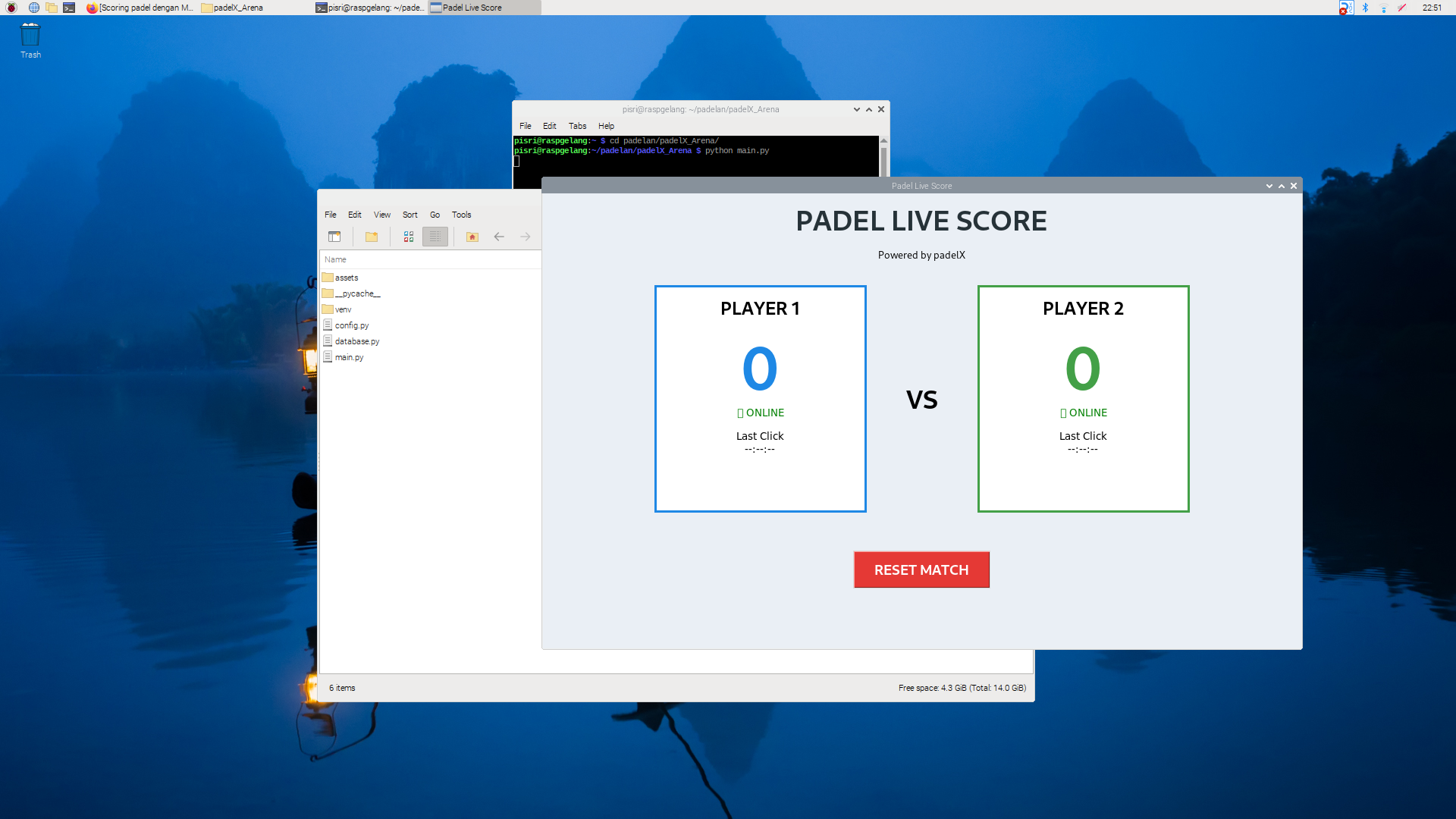
Step 2. Make GUI Score Padel in Raspberry
- Prepare 3 file .py (main.py, config.py, database.py)
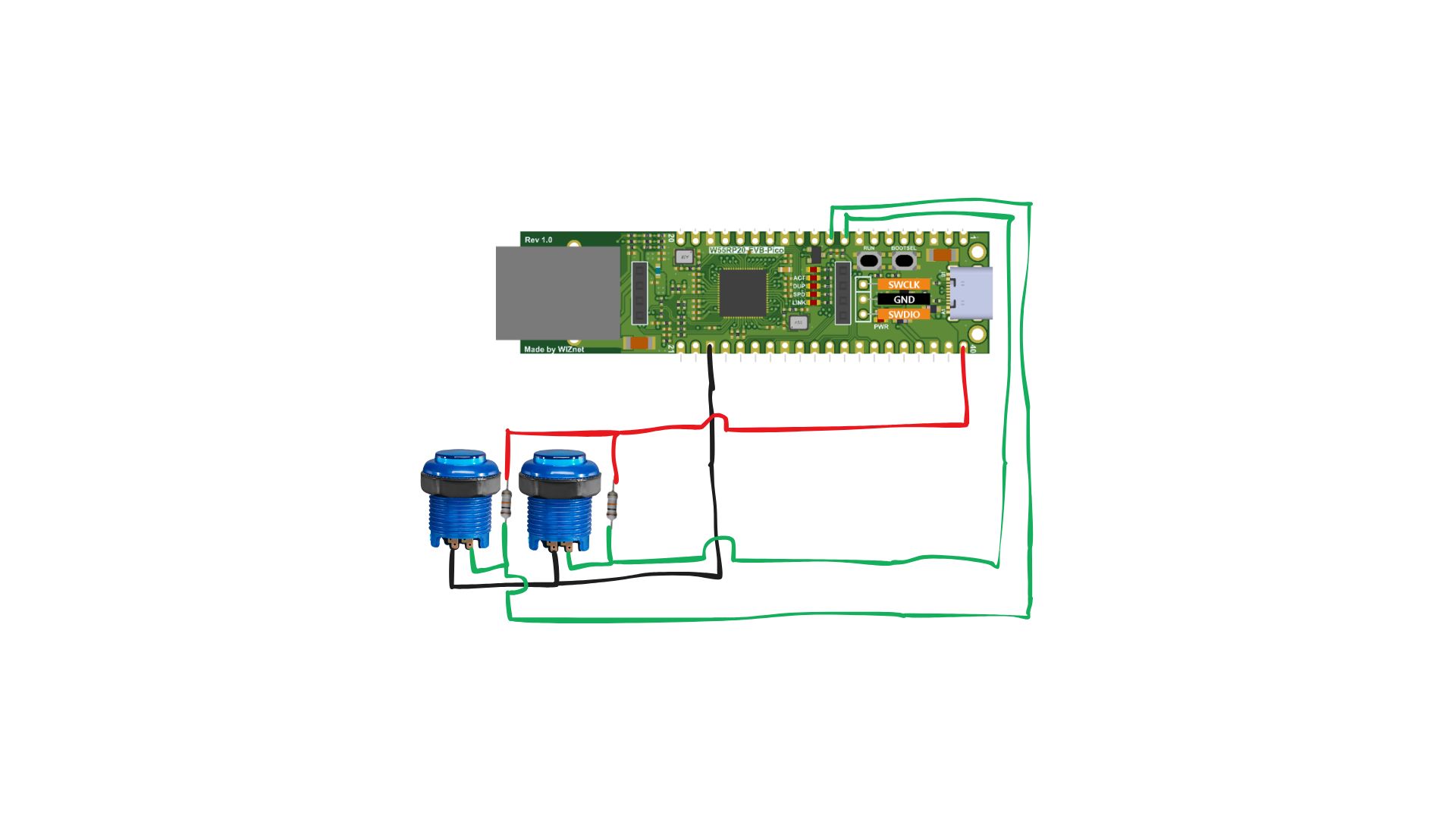
Step 3. Wiring W55RP20-EVB-Pico
Simple wiring W55RP20-EVB-Pico with 2 buttons and 2 resistor as pull-up, Button User 1 connect to pin 6 and Button User 2 Connect to pin 7
Step 4. Coding W55RP20-EVB-Pico
Preparation Installing Raspberry Pi Pico/RP2040/RP2350 Boards Open Arduino, go to File -> Preferences -> Additional Boards Manager URLs:
https://github.com/earlephilhower/arduino-pico/releases/download/global/package_rp2040_index.json
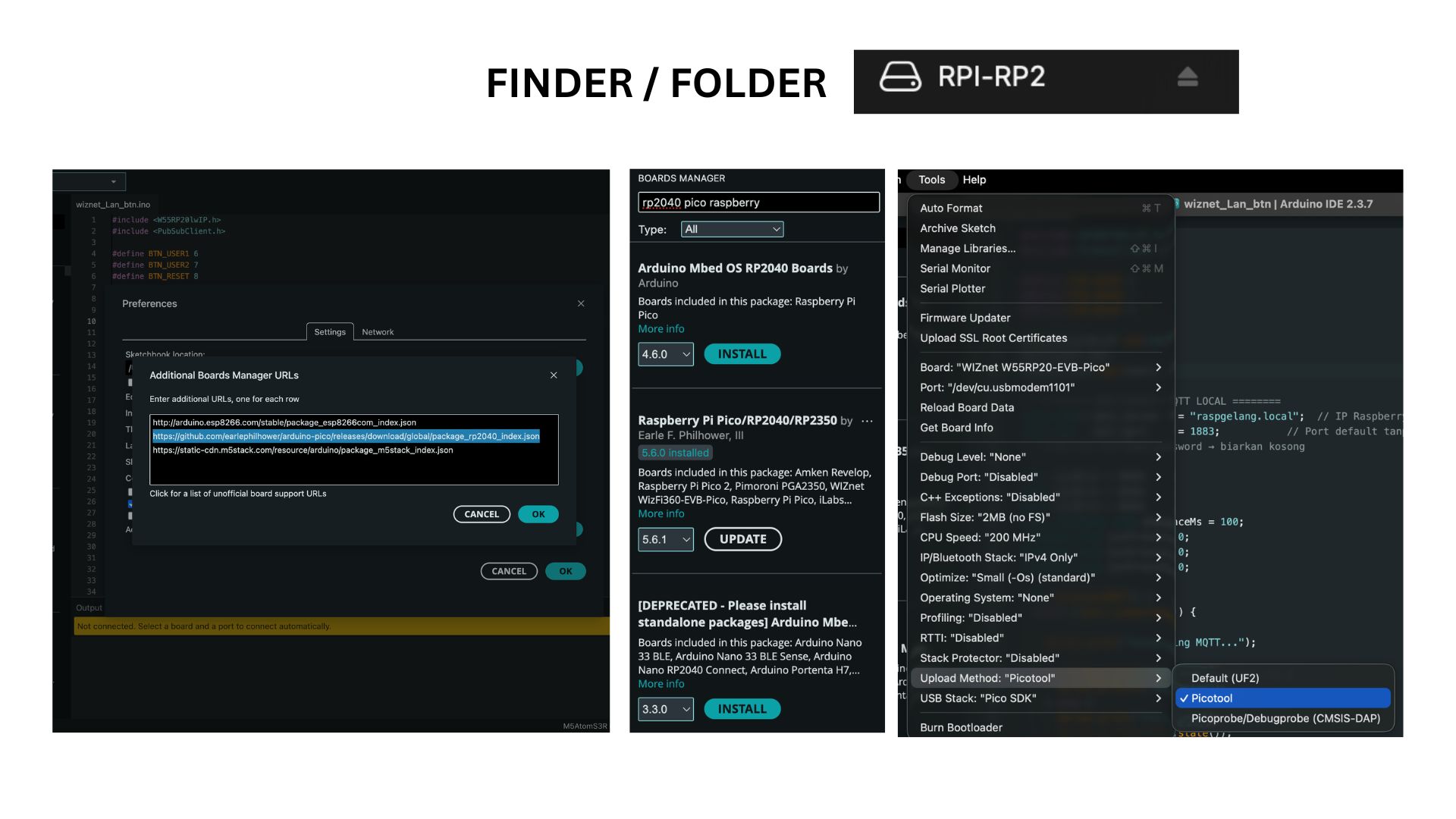
File Arduino Code ( wiznet_Lan_btn.ino), after upload program can check in serial monitor
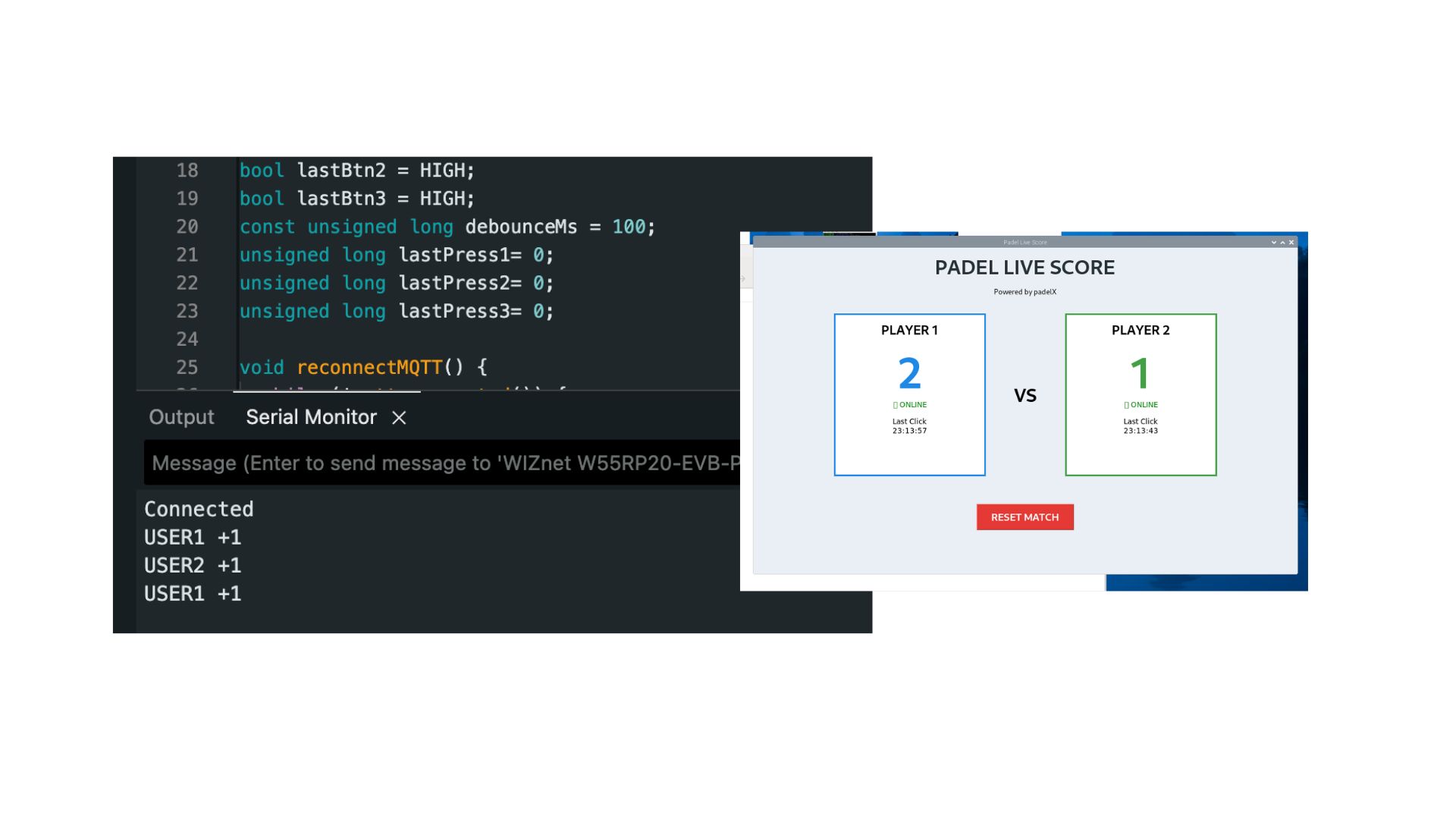
connected is mean W55RP20-EVB-Pico connect mqtt in server raspberry, USER1 +1 button user 1 is pressed, USER2 +1 button user 2 is pressed and in GUI Raspberry automatically to generate score user 1 is twice pressed and user 2 is one pressed, so score 2 vs 1
Step 5. Wiring P10 Led Matrix
Configurasi Pin P10 with esp8266 nodemcu
| DMD P10 | NODEMCU |
| A | D0 |
| B | D6 |
| CLK | D5 |
| SCK | D3 |
| R | D7 |
| NOE | D8 |
| GND | GND |
Step 6. Coding P10 ESP8266
Before code need library to support DMD porting in esp8266 nodemcu.
FIle Arduino (test_p10_scoringmqtt.ino)
concept this P10 is receive subscriber MQTT from the server, so p10 display always connect wifi and standby. every server have change number, server will Publish data
MQTT Publish: {'scoreA': 0, 'scoreB': 0}
MQTT Publish: {'scoreA': 0, 'scoreB': 1}
MQTT Publish: {'scoreA': 1, 'scoreB': 1}
so ESP8266 can Subscribe topic padel/score, and show in matrix display. The display can be adjusted according to your taste
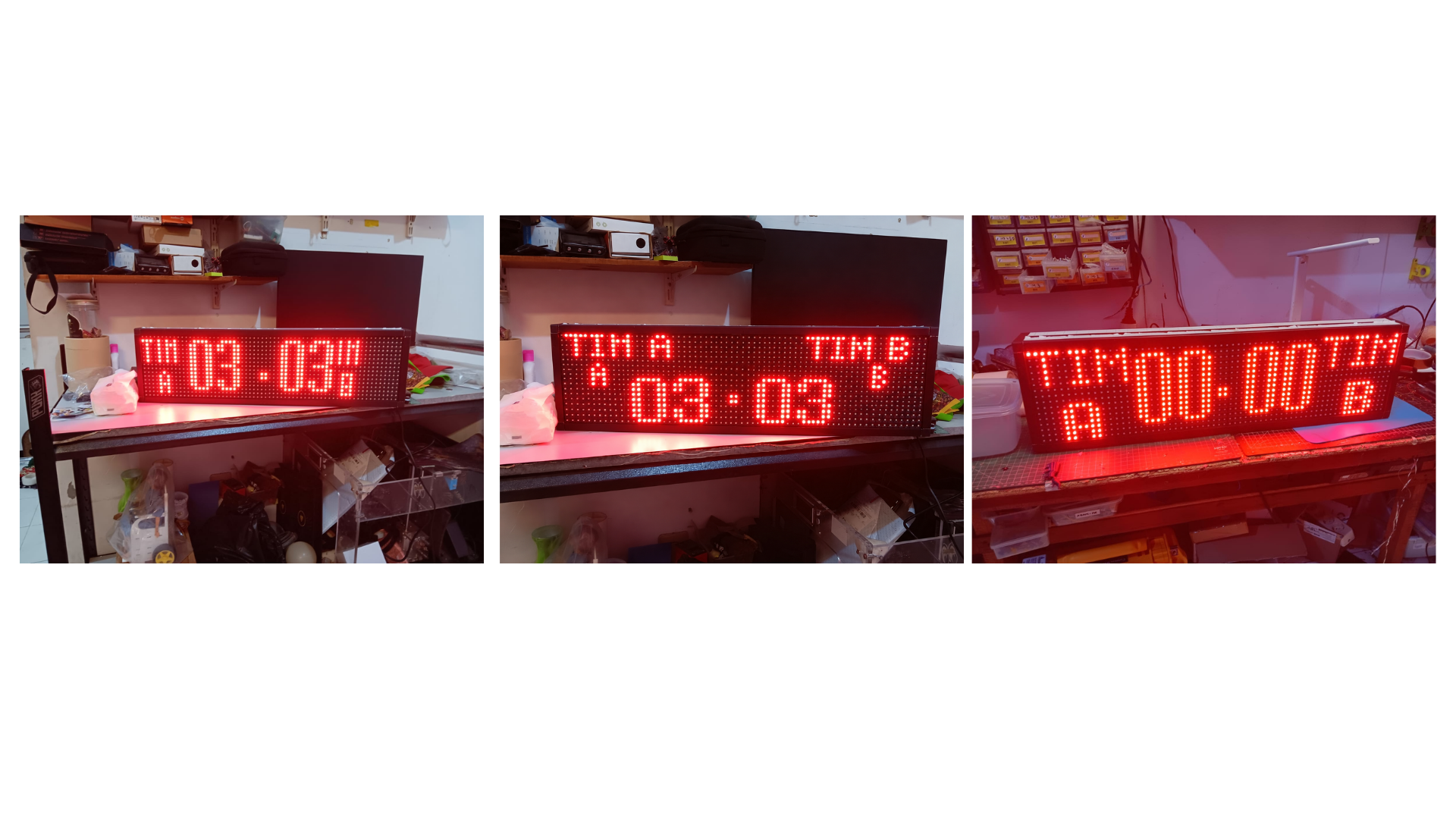
Final Test padelX
-
Github


