IoTMacroPad
IoTMacroPad - Customizable keypad with IoT service
3
Components
Hardware components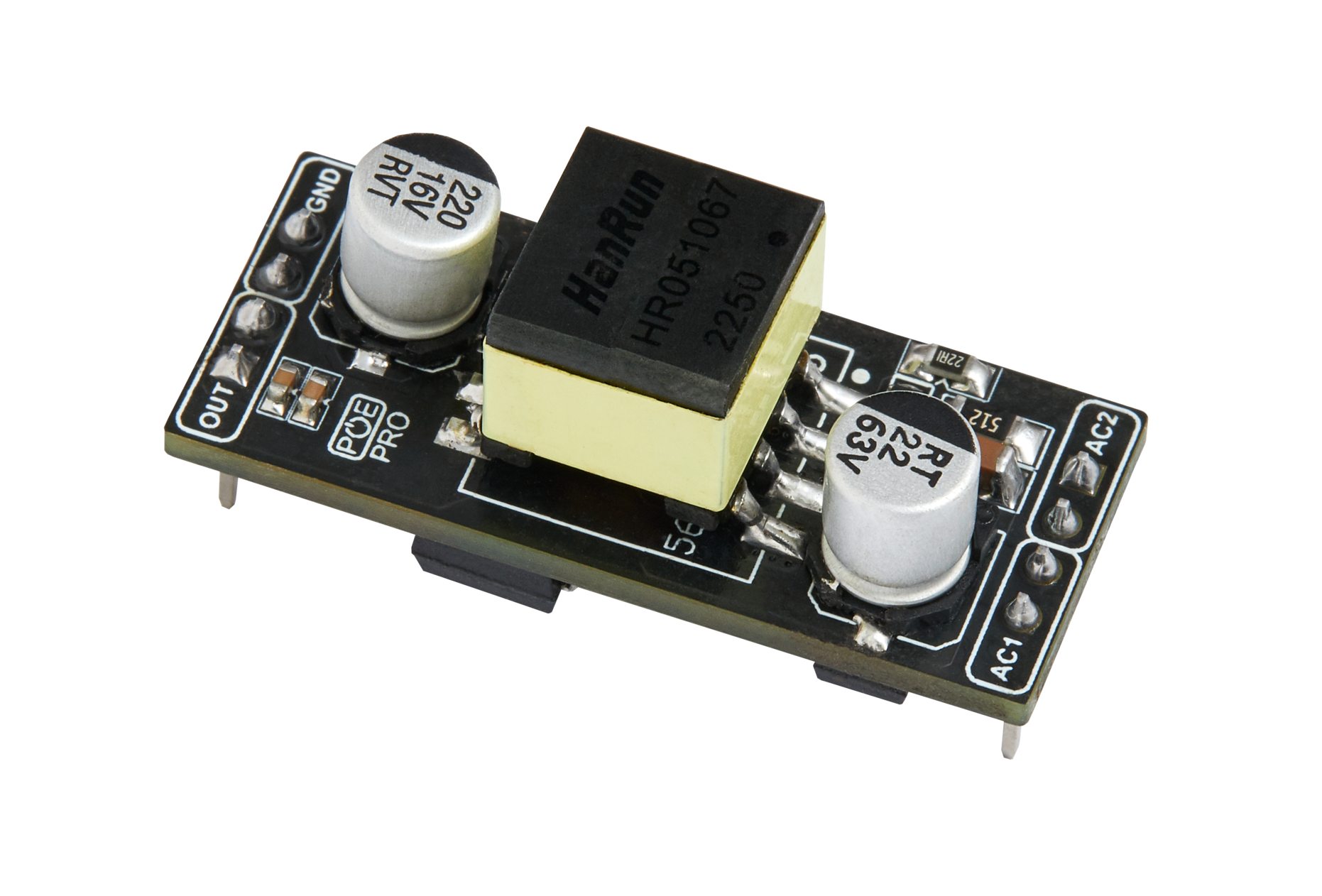
WIZnet - WIZPoE-P1
x 1

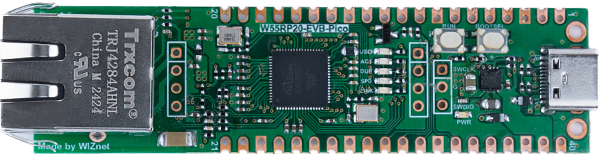
WIZnet - W55RP20-EVB-Pico
x 1

mqtt - MQTT
x 1
Project description
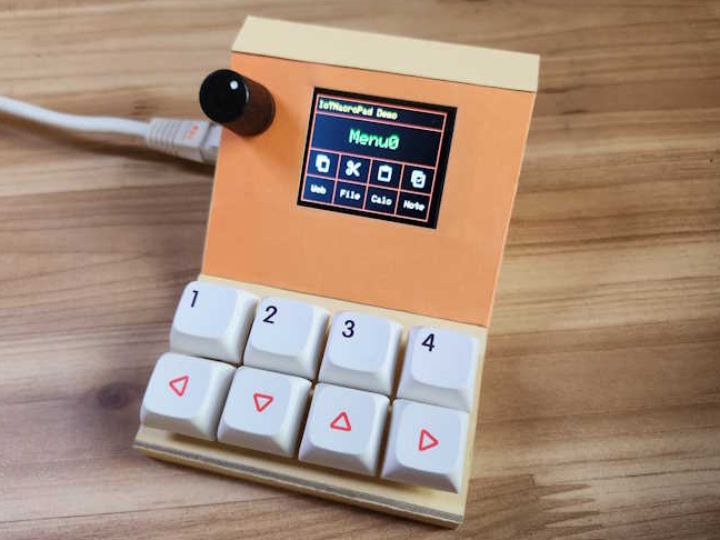
IoTMacroPad is a keypad that combines IoT services with a general macro keypad. It can be used as shortcut keys such as copy/cut/paste/select all on a Windows computer. Additionally, if you modify the content of the shortcut key, it can be used as a guide sign.
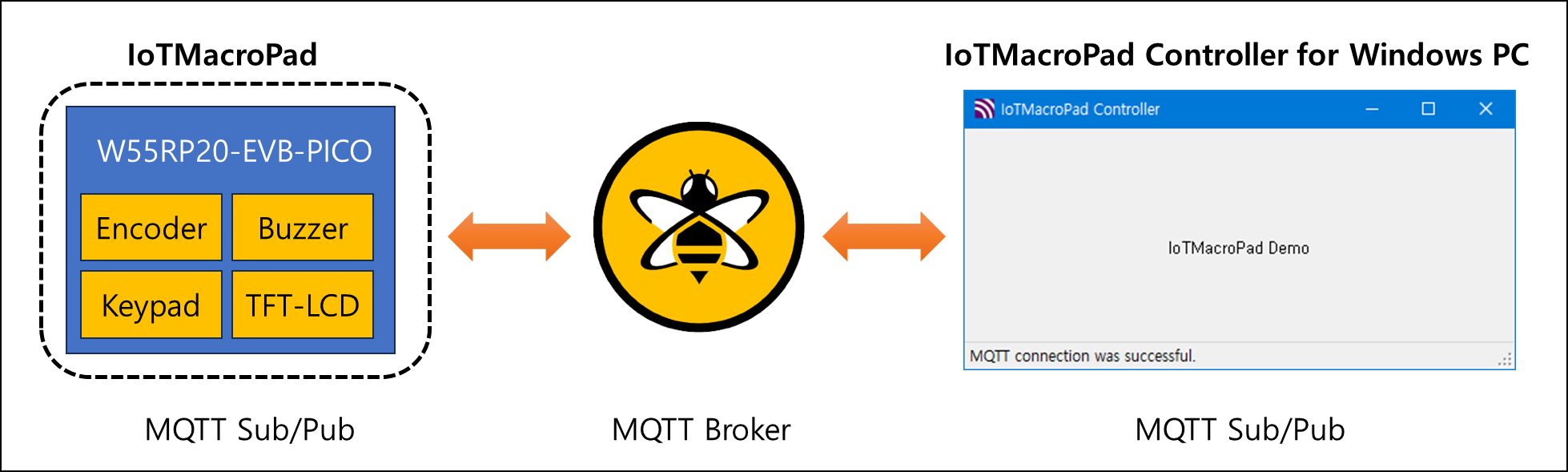
IoTMacroPad connects to the MQTT service to send and receive data on a topic basis. To process published messages by IoTMacroPad on a Windows PC, C# application was written and connected to the MQTT Broker to process the topic.
Also, to personally test many devices, I connected the LCD, encoder, buzzer, and keypad to the W55RP20-EVB-PICO board and made them interact with each other.
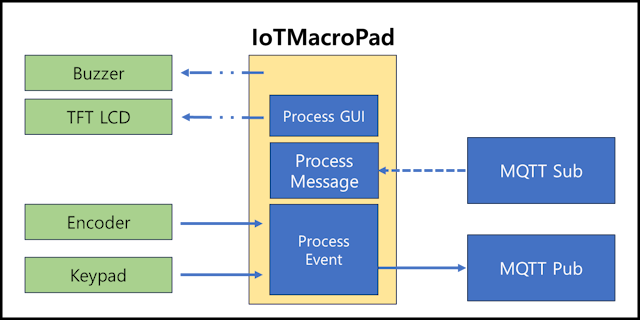
IoTMacroPad Block Diagram
IoTMacroPad and IoTMacroPad Controller are set as Subscriber and Publisher respectively and are connected to the MQTT service to operate with each other.
Hardware Implementations
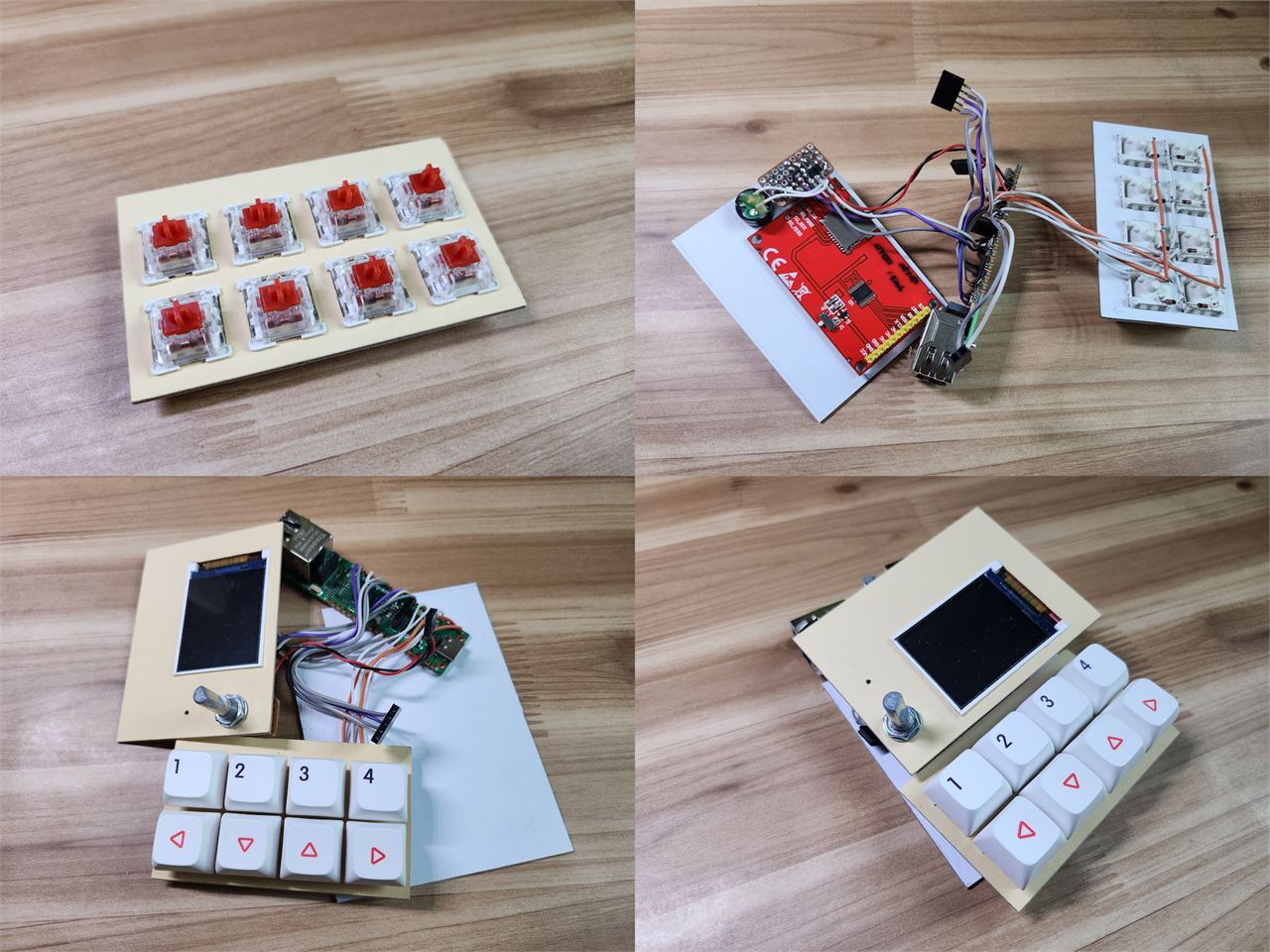
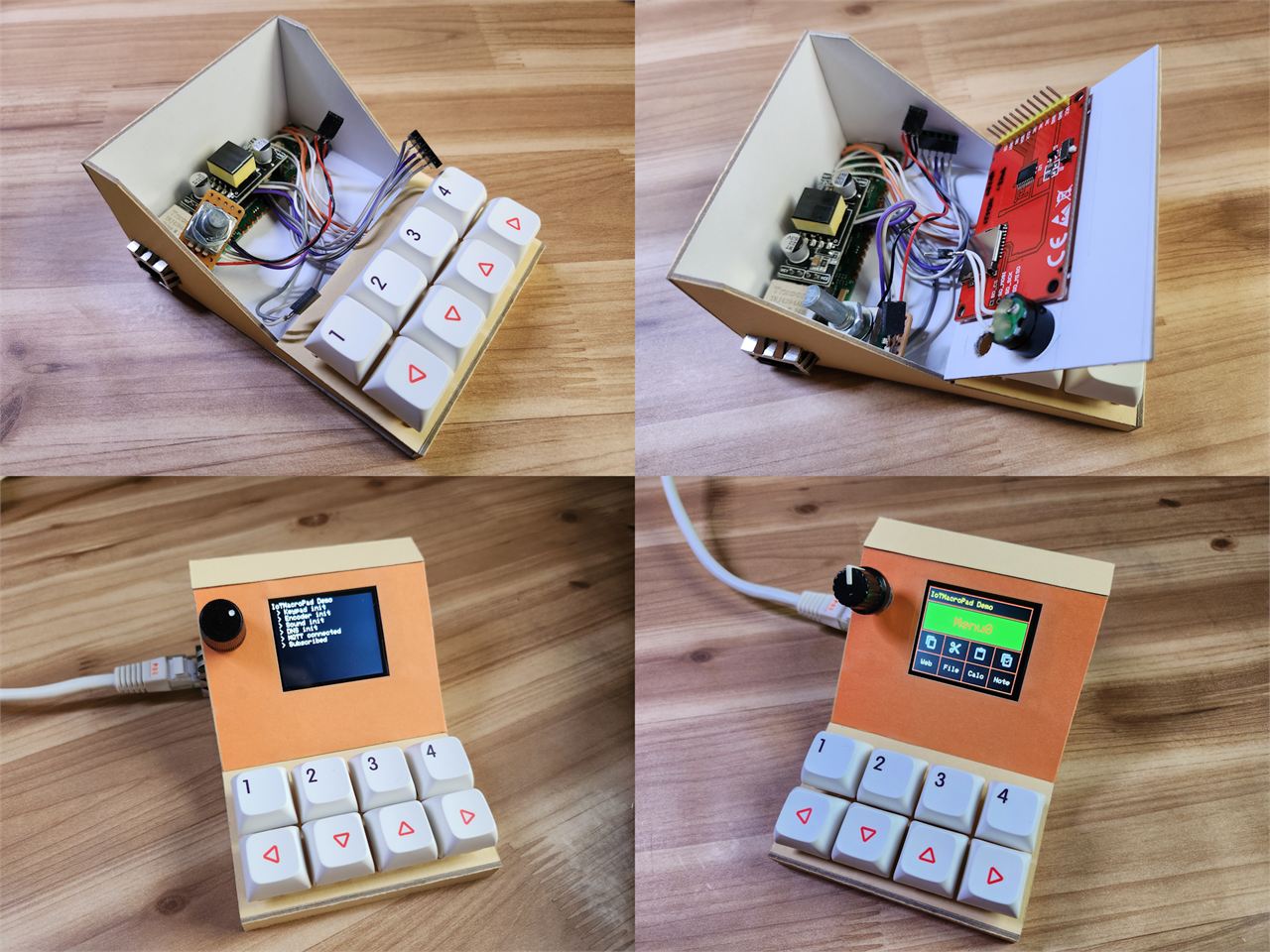
W55RP20-EVB-PICO, WIZPoE-P1, keypad, buzzer, encoder, LCD were used like below.
As shown in the image below, a simple boot log is displayed on the LCD and the main GUI is displayed when booting is complete.
Software Implementations
Fuctions and S/W block diagram.
- Receives key events
- Publishes topics
- Parses subscribed messages
- Stores parsed messages in the internal DB
- Publishes messages in the DB when the direction key on Menu1 is pressed.
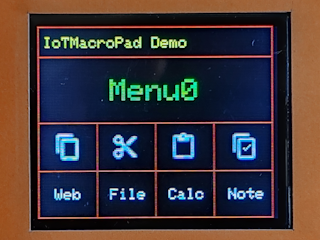
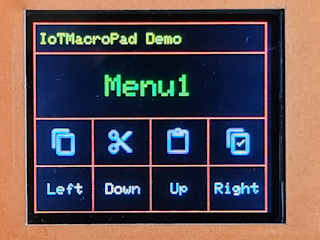
When you rotate the encoder of IoTMacroPad, Two menus appear.
The first Menu0 consists of a total of 8 buttons. The top 4 buttons are Copy/Cut/Paste/Select All that can be used in Windows applications, and the bottom 4 buttons are Web browser/File manager/Calculator/Notepad for each application.
The second Menu 1 also consists of a total of 8 buttons. The 4 buttons above are the same as the previous Menu0, and the 4 buttons below are used to output text designated for each key. Please refer to the video below for more details.
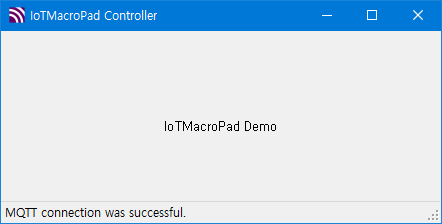
I wrote the following IoTMacroPad Controller application in C# to process MQTT messages sent from IoTMacroPad on a Windows PC. When run, it is automatically connected to the MQTT service and a message indicating that it is connected to MQTT is displayed in the status bar.
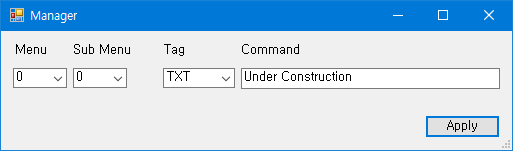
When you right-click and select Manager, the below dialog window appears and you can change the button's contents of IoTMacroPad.
Demo


