etherView
etherView is a viewer that receives image RAW data transmitted over an Ethernet network
1
Components
Hardware components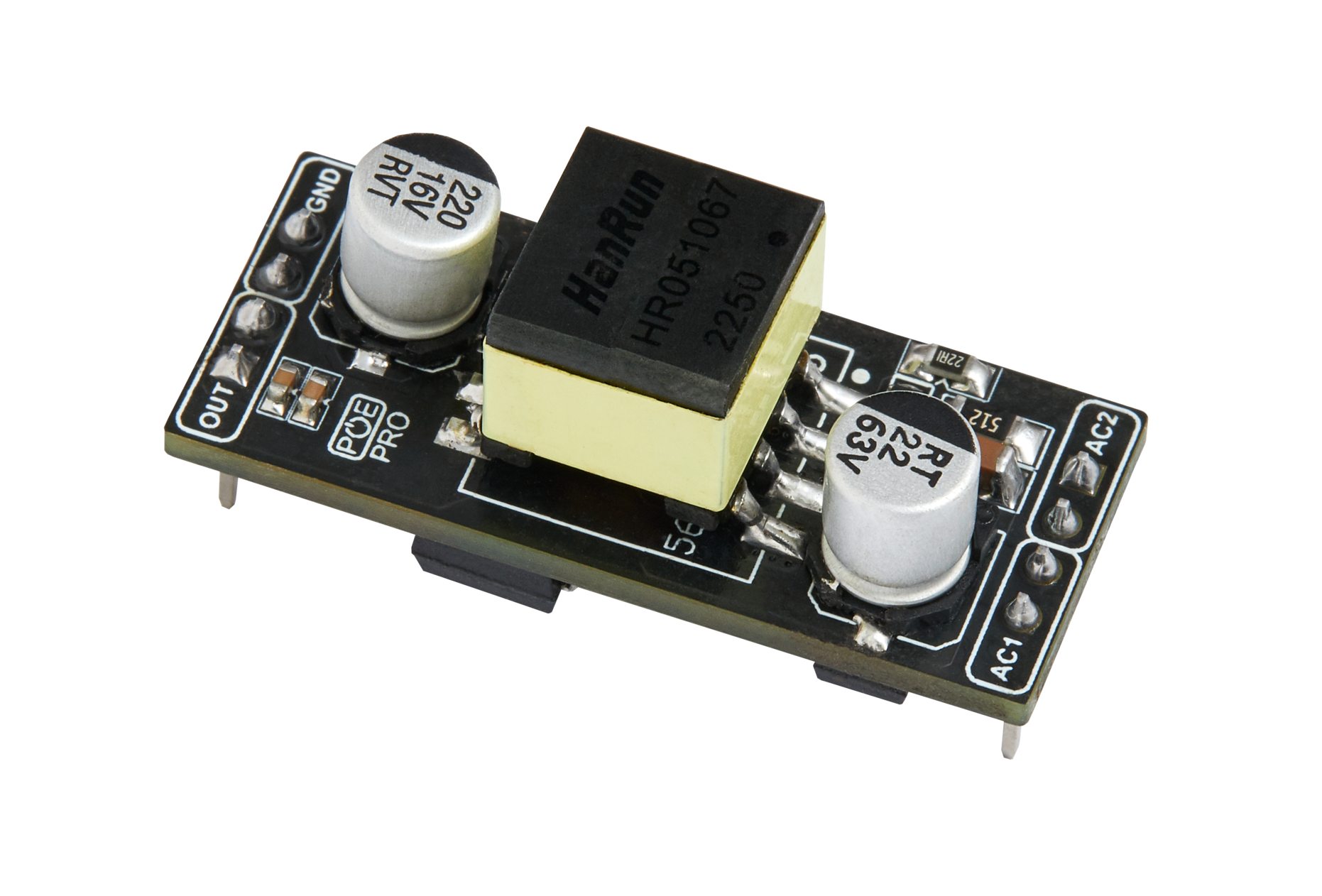
WIZnet - WIZPoE-P1
x 1

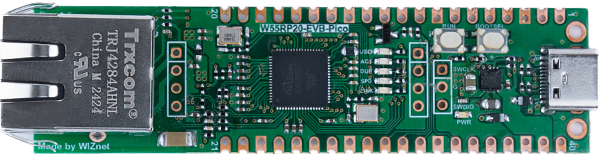
WIZnet - W55RP20-EVB-Pico
x 1

microsoft - VS Code
x 1
Project description
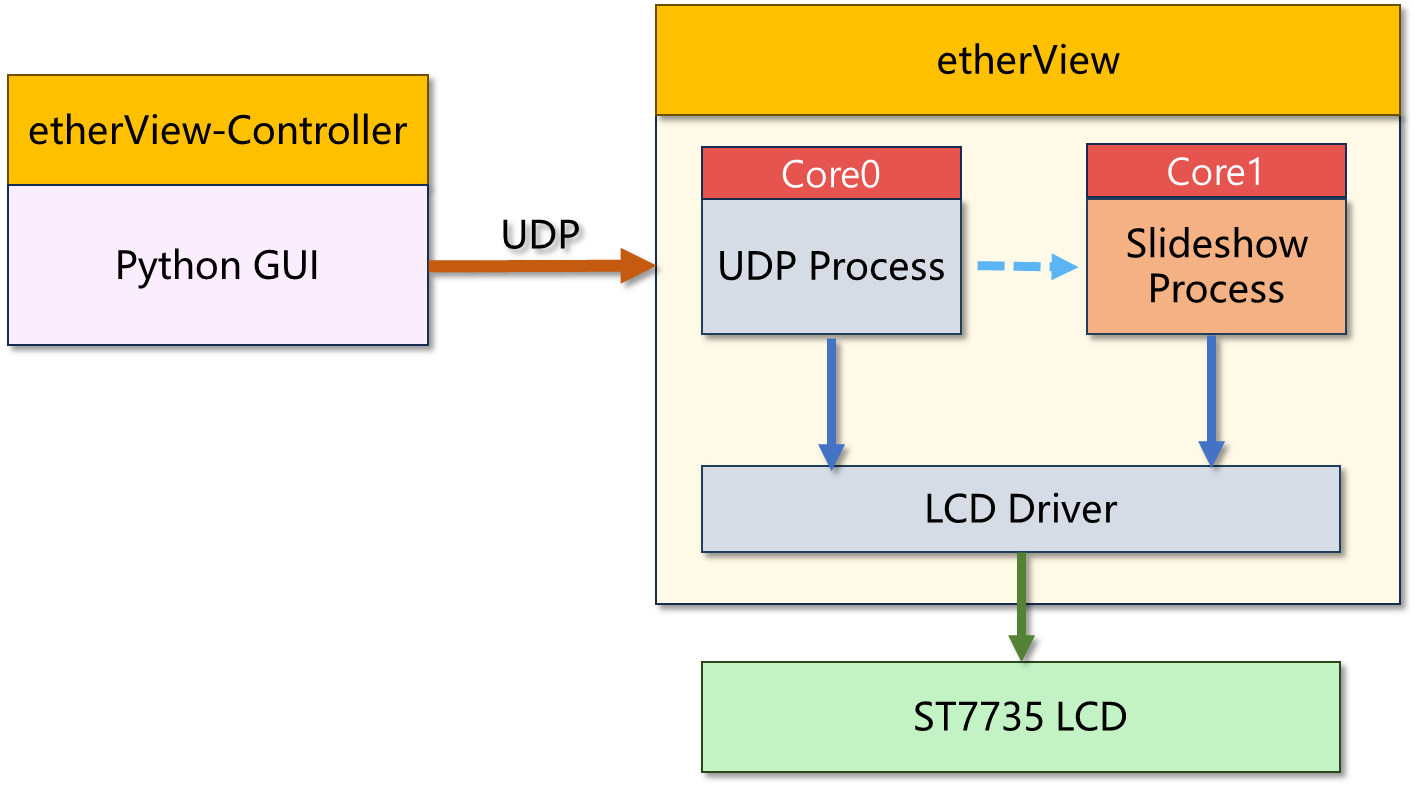
etherView is a viewer that receives image RAW data transmitted over an Ethernet network and displays it on an LCD screen. Below is a block diagram of etherView.

Using etherView-Controller on the PC, loaded images or captured images are converted into RGB565/BW(Black and White) RAW data and then transmitted via UDP.
The transmitted RAW data is received by etherView, which displays the image data on the LCD screen.
Hardware Implementations
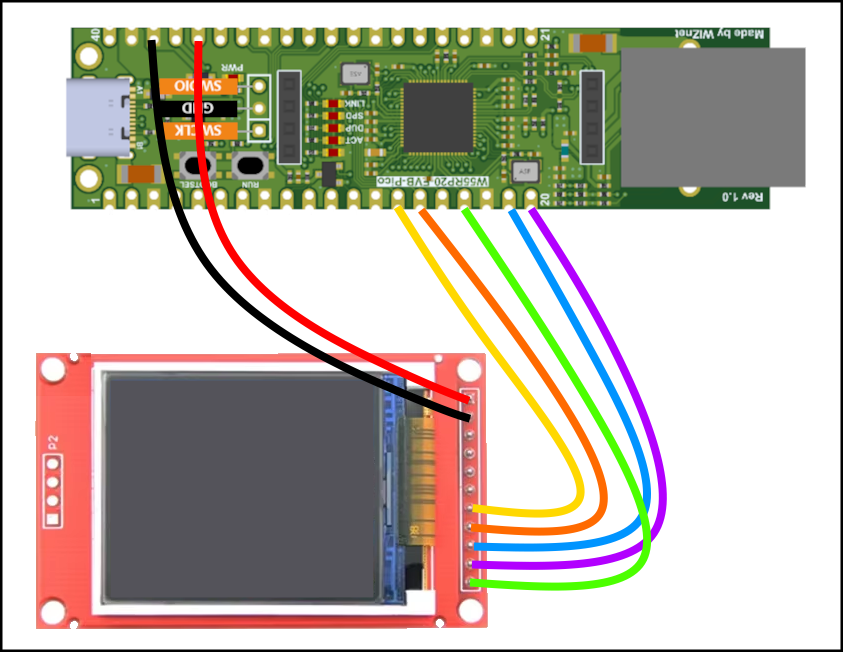
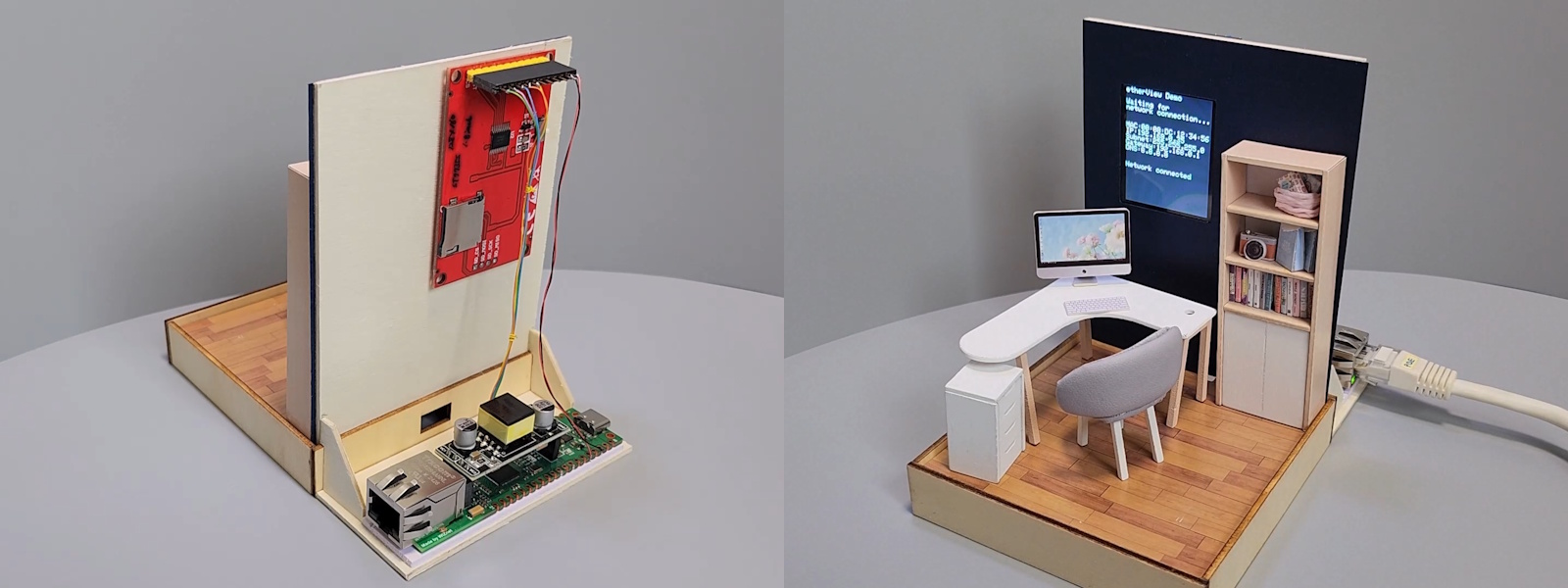
etherView was developed using the W55RP20-EVB-Pico board and is powered via PoE using the WIZPoE-P1 board. The ST7735 LCD is connected through the SPI interface like below.
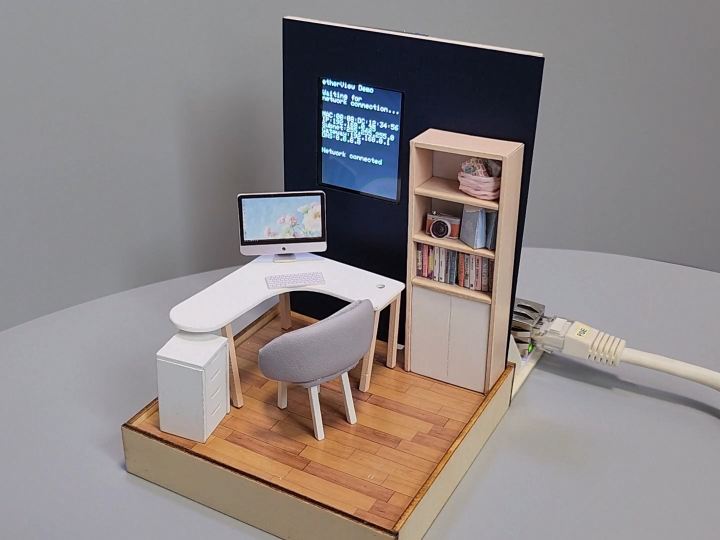
The hardware configured in this way was mounted as a picture frame onto a miniature display.
Software Implementations
The software operates in two separate parts, etherView-Controller and etherView, as shown in the block diagram below.
# etherView
Using the dual-core architecture of the W55RP20-EVB-Pico, Core 0 is dedicated to UDP data processing. The RAW image data transmitted from the PC via UDP is stored in a buffer and then displayed on the LCD through the SPI interface.
Up to three received images can be stored, and when the slideshow function is running on Core 1, these stored buffers are used to display the images.
# etherView-Controller
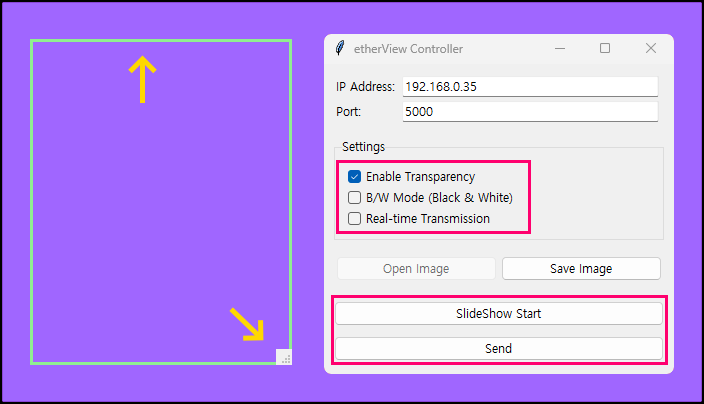
etherView-Controller was developed using Python. It allows users to specify a desired capture area, converts the captured content into RGB565/BW format data, and transmits it via UDP.
etherView-Controller functions
- Converts an image file on the PC into RGB565 or B/W (Black and White) format and transmits it via UDP.
- Captures the area inside the green rectangle, converts it into RGB565 or B/W (Black and White) format, and transmits it via UDP.
- Starts or stops the slideshow.
- Transmits the capture area in real time.


