PART 6 - BUTTONS (SWITCHES) (OpenTUX Pi-Home)
In smart homes, instead of switches (classic off/on positions) the buttons are preferred (return to original position after pressing)
8
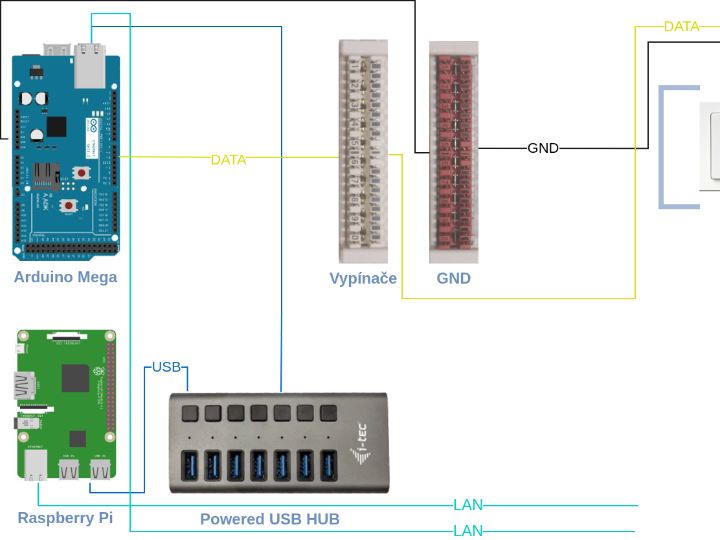
Components
Hardware components
Arduino - Arduino Mega 2560
x 1

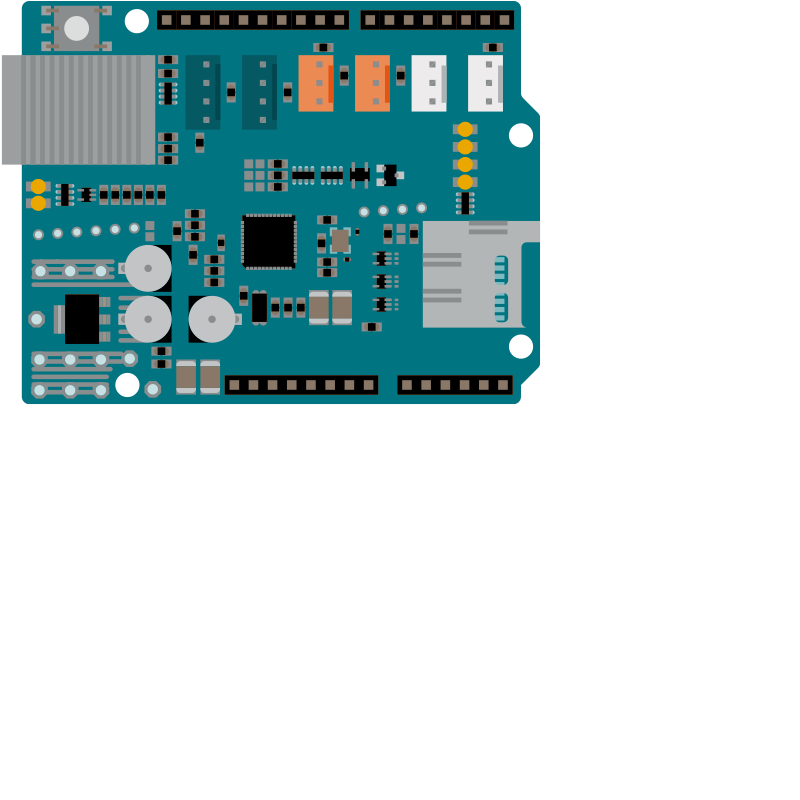
Arduino - Arduino Ethernet Shield 2
x 1
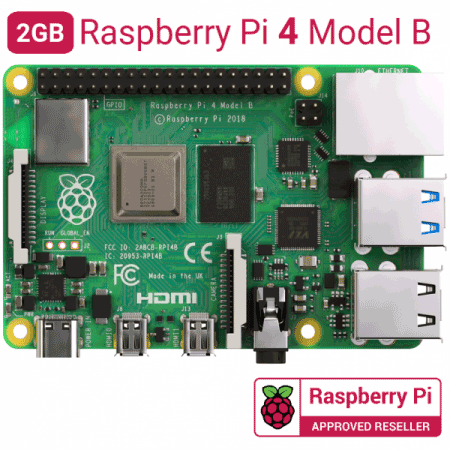
Raspberry Pi - Raspberry Pi 4 Model B
x 1
Project description
In the Pi-Home project, you can use any standard buttons and switches for 230 V or special ones for 24 V or 12V. In smart homes, instead of switches (classic off/on positions) the buttons are preferred (return to original position after pressing) . The reason is obvious, we can attach more different functions to the button (repeated pressing, holding, etc). In our realizations we have a very good experience with classic 230V buttons from Hager/Berker, but of course it is possible to use any other brands.
What we'll need
Part 2 - OpenHAB na Raspberry Pi
230V buttons - design is up to you, Hager/Berker recommended
Arduino Mega with Ethernet Shield (DIN holder)
Krone LSA terminals
Original Link: https://opentux.eu/solutions/smart-home/how-to/buttons-intelligent-home-diy
