Visual Network Threat Level Indicator
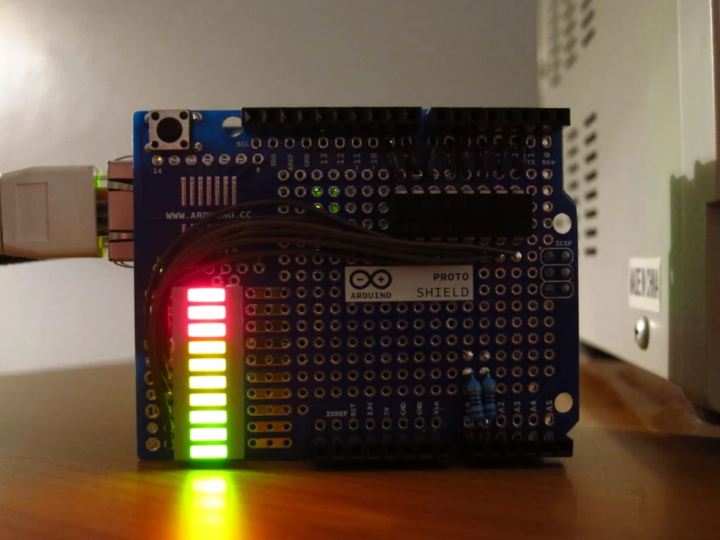
It is Network monitoring system built with Arduino and ethernet shield
2
Components
Hardware components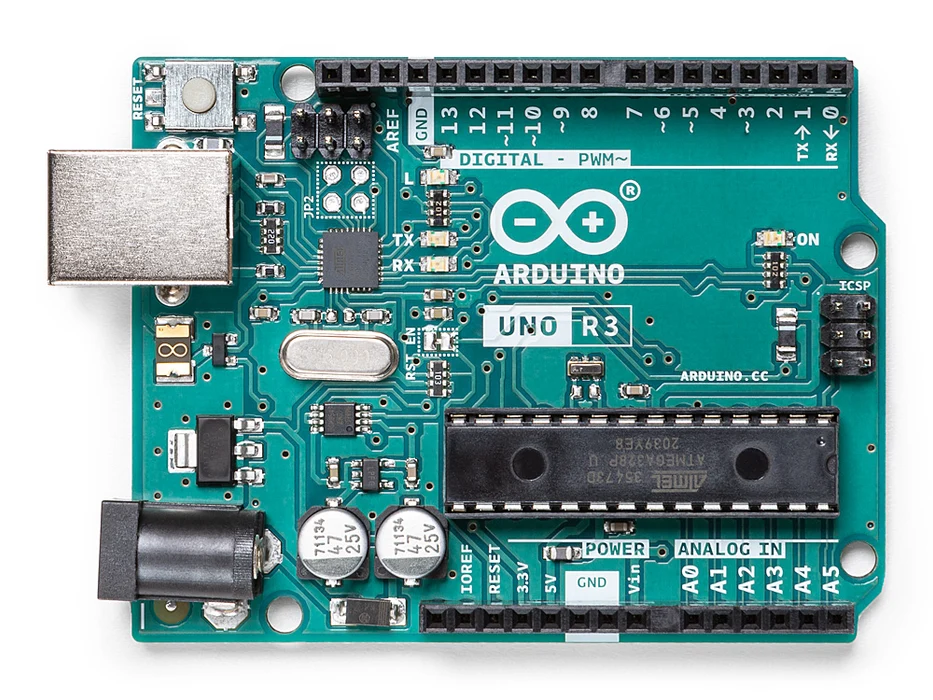
Arduino - Arduino UNO
x 1

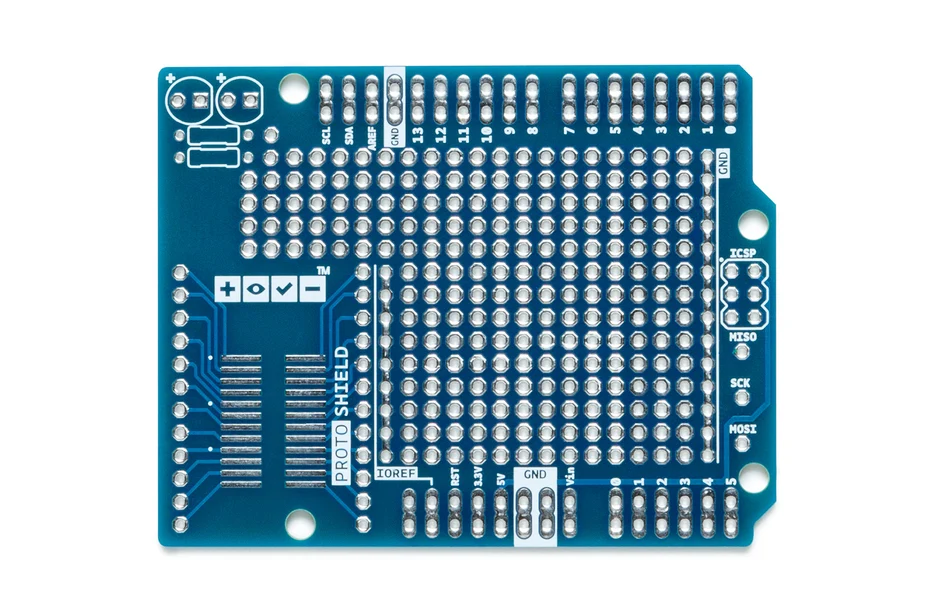
Arduino - Arduino Proto Shield
x 1
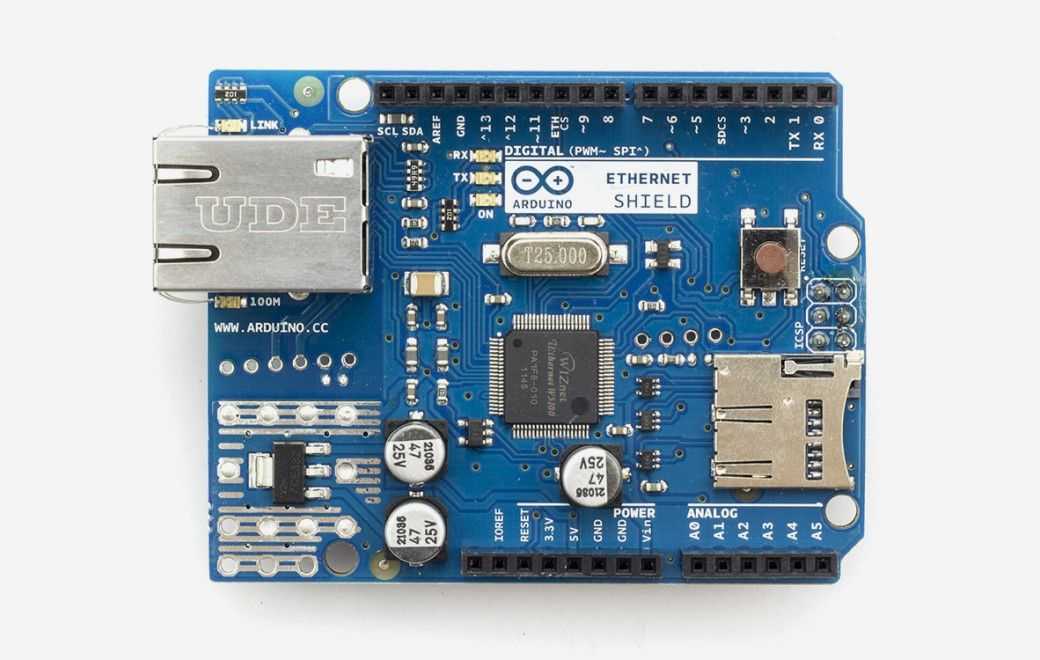
Arduino - Arduino Ethernet Shield
x 1
Snort - SNORT
x 1
Intrusion Detection System (IDS)

Arduino - Arduino IDE
x 1
Project description
Background:
Network monitoring is very important in todays world. The internet is a scary place. People have taken steps to raise their awareness by installing Intrusion Detection Systems(IDS) such as SNORT.
The problem with most of these systems is that upon first installing them they are vigilantly watched. After a week the allure wears off and they are no longer monitored, silently churning away in the depths of the network.
By moving the visualization outside of the computer we make it easier to notice, providing the information at a glance and to a larger audience.
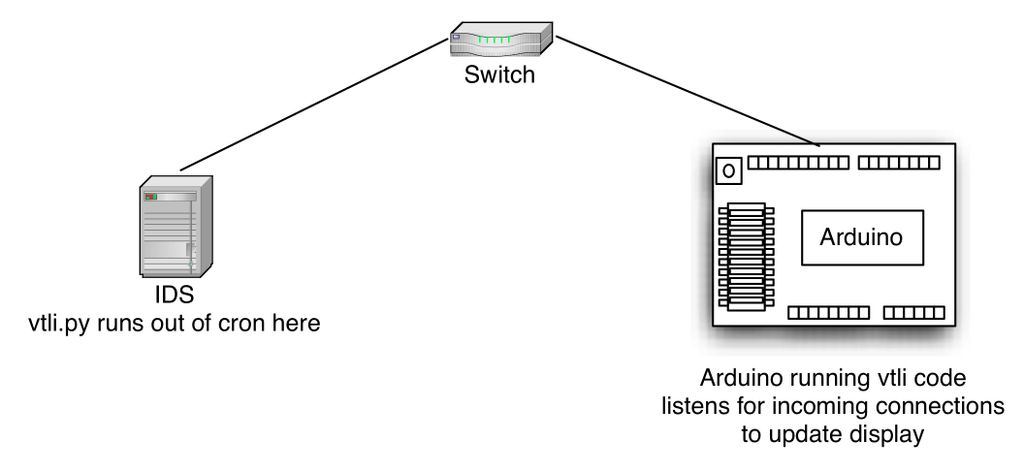
The Visual Threat Level Indicator (VTLI) requires a network connection and power. It does not need to be directly attached to a computer, this way it can be placed anywhere there is network access.
A python script is run on the IDS which connects the the Arduino and updates the display.
Step 1: Parts
Along with above listed components below components also needed
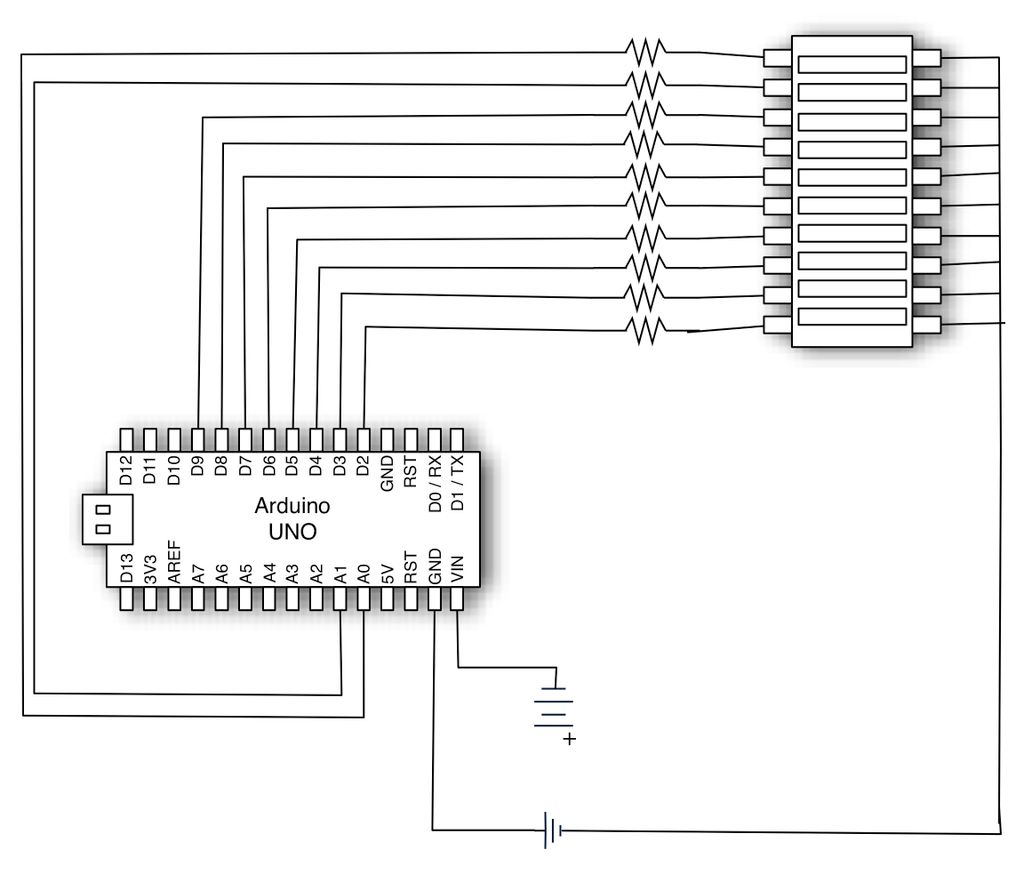
-10x 470Ω resistors
-10 Segment LED bar graph
-Solder, wires, soldering iron
Step 2: Brief Overview
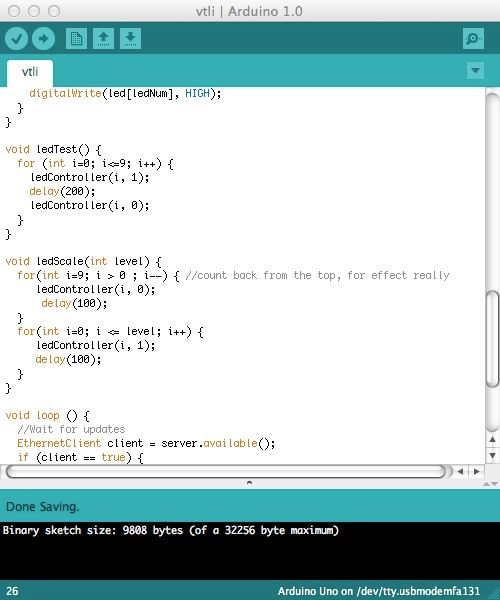
Step 3: Program Arduino
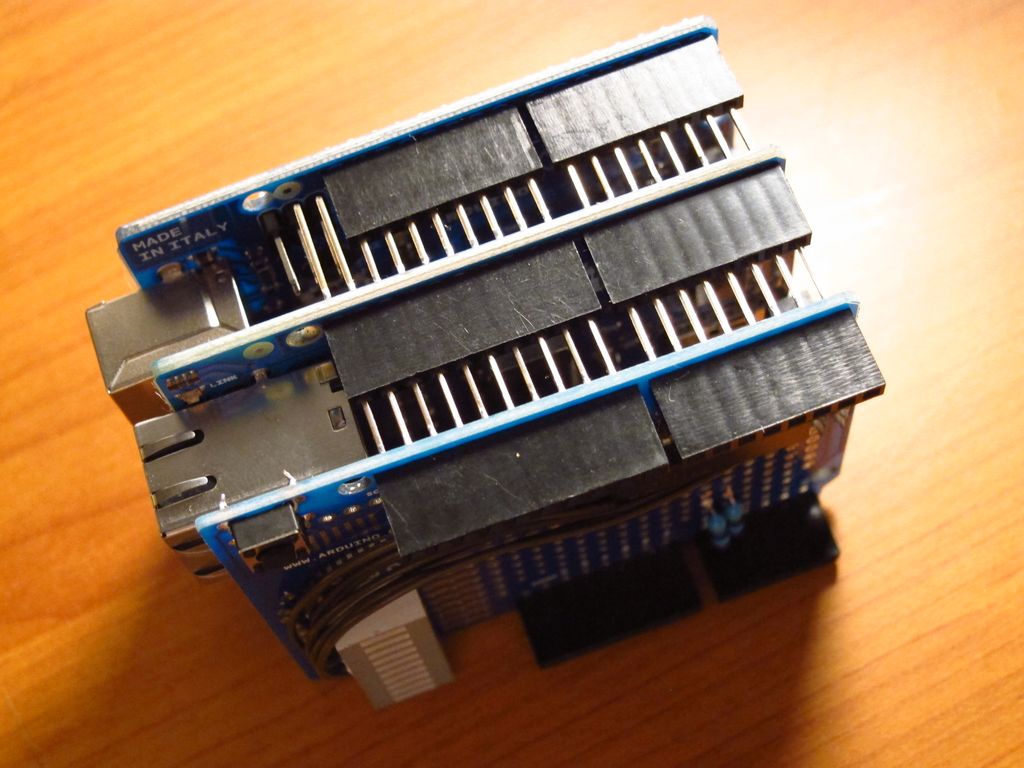
Step 4: Solder the Proto Board
Step 5: Process on IDS
On the IDS you will run a python script that connects to the a listener on the Arduino. Run this out of cron, say every 5 minutes for a constantly updating display.
Step 6: Test
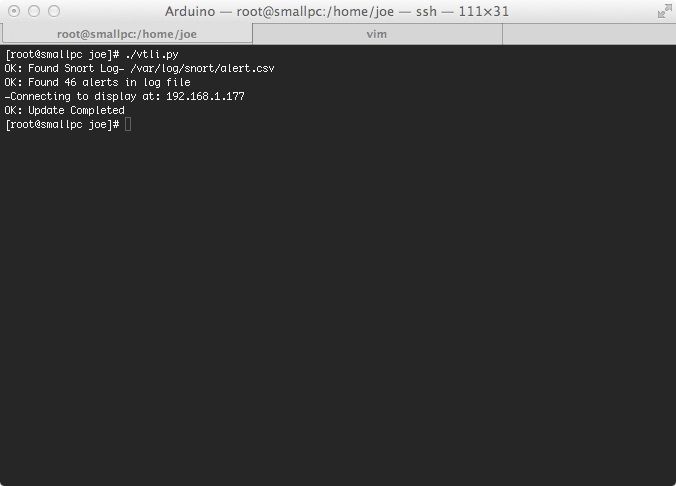
Test that the python process can connect to the Arduino. Be sure to point it to the Snort log and the Arduino. Step 7: Watch and Tune  Now that everything is running, you can tune the maxAlerts variable to suit your environment so you are not always in the red.You have now moved your IDS signatures off of the screen and in to the real world.
