Making Sort of Palatable Music With an X-Band Motion Sensor
Making music with an X-Band radar
6
Components
Hardware components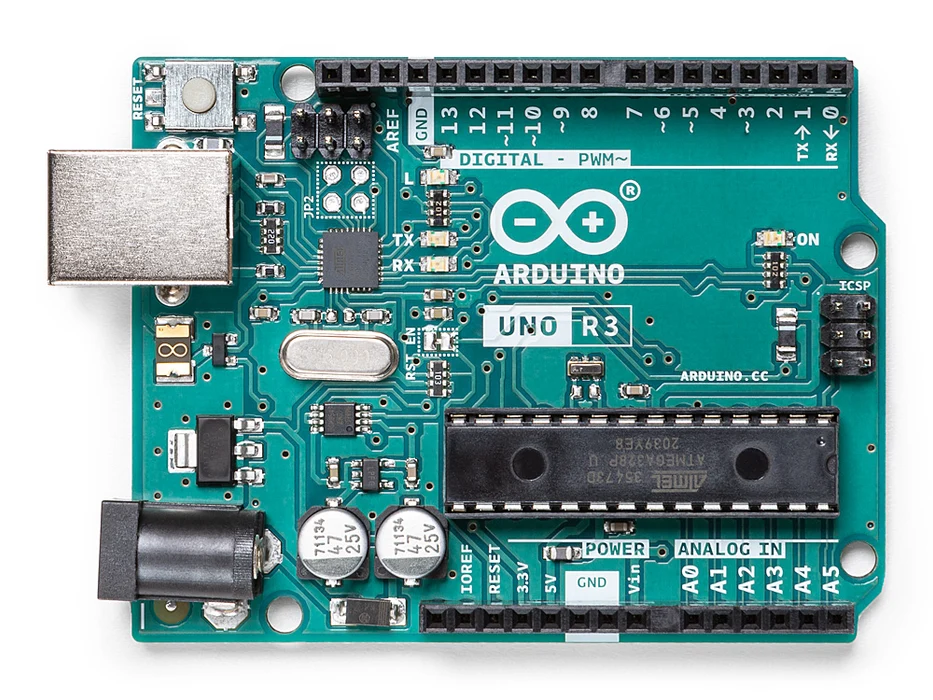
Arduino - Arduino UNO
x 1

Arduino - Arduino Ethernet Shield
x 1

Arduino - Arduino IDE
x 1
Max - Max
x 1
ableton - ableton
x 1
Project description
Step 1: What Do We Need
First the hardware:
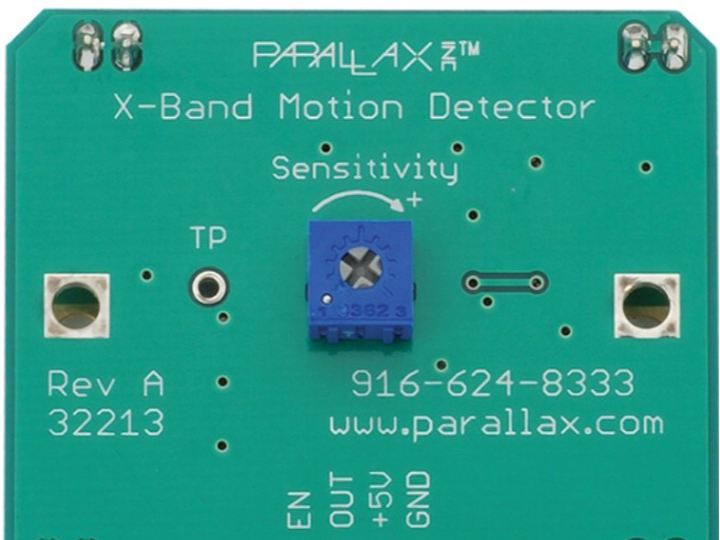
- A Parallax X-Band 10.525 GHz motion sensor Product ID: 32213
- An Arduino Uno
- A breadboard
- A red LED
- 7 wires to connect the Arduino to the breadboard
- A 1/4 watt 220 Ohm resistor
- A USB cable to connect the Arduino to your computer
- A computer, of course. For this instructable I used a Macbook Pro running OSX 10.10.3
Next the software:
- The Arduino IDE. I used version 1.6.4.
- Max. I used version 7.0.3.
- Ableton Live. I used Live 9 suite.
Step 2: Building the Electronics

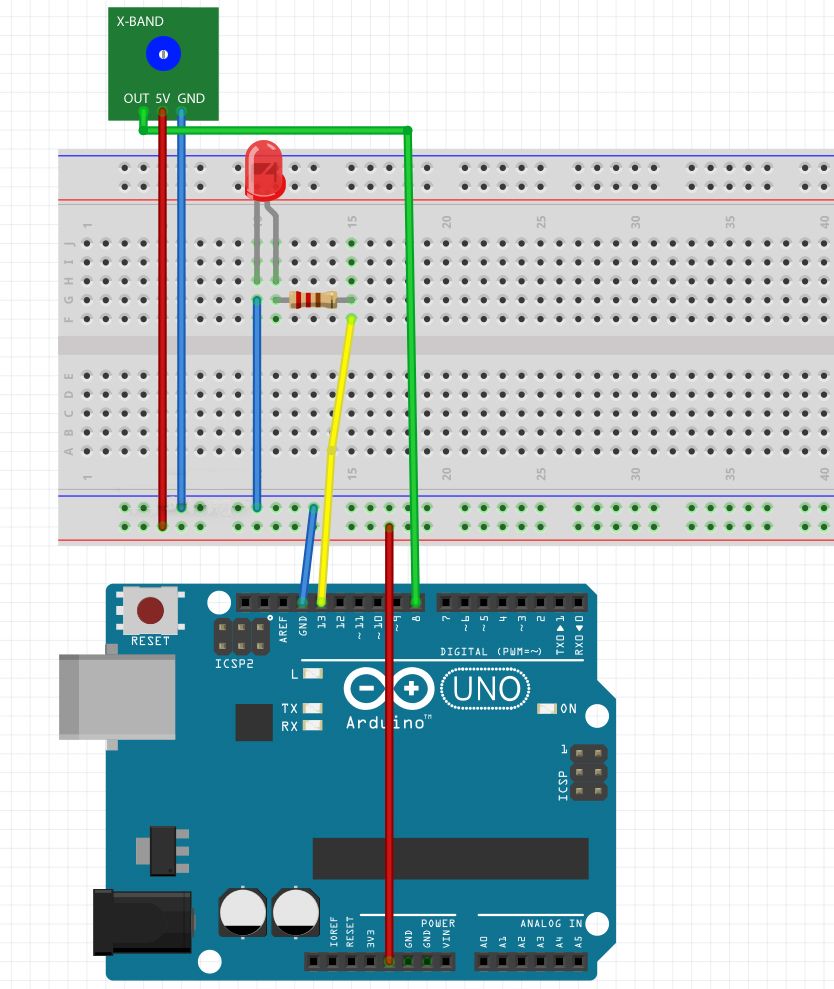
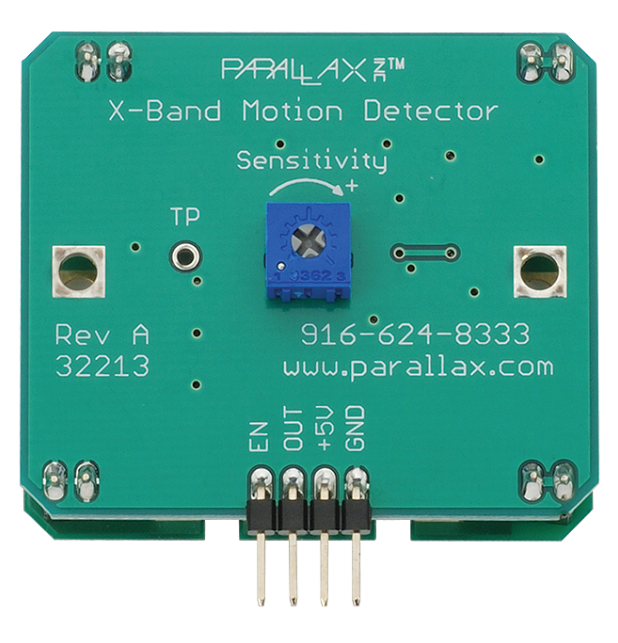
Step 3: What It Looks Like
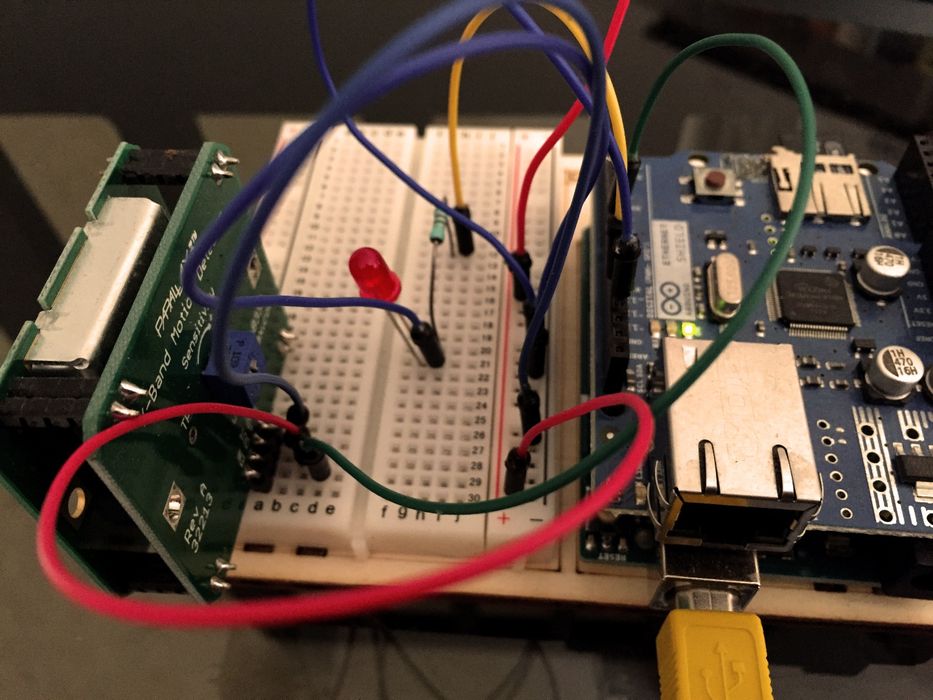
Step 4: Programming the Arduino - What Are We Going to Do
// Radar to MIDI note.
// 10.525 GHz X-Band Motion Detector (#32213) radar by www.parallax.com.
// Arduino: 1.6.2 (Mac OS X), Board: "Arduino Uno".
// Hens Zimmerman <hz37@xs4all.nl>
// June 10, 2015.

// Constants.

const int baudRate = 9600;
const int ledPin = 13;
const int maxCounter = 1000;
const int maxMIDI = 127;
const int usLoopDelay = 50;
const int xBandPin = 8;

// Initial code to run once.

void setup()
{
  // Assign modes to pins.

  pinMode(xBandPin, INPUT);
  pinMode(ledPin, OUTPUT);

  // Start serial communication to Max 7.

  Serial.begin(baudRate);
}


// Loop code to run perpetually.

void loop()
{
  // Create a small window in time during which we will count radar hits.
  // counter variable will count the amount of hits, so reset it at the start.

  int counter;
  counter = 0;

  // Start window in time.

  for(int idx = 0; idx < maxCounter; ++idx)
  {
      // Read value of motion sensor.

      int sensorValue = digitalRead(xBandPin);

      // Did we get a hit? Increment the counter.

      if(sensorValue)
      {
        ++counter;
      }

      // LED shows current status of sensorValue.

      digitalWrite(ledPin, sensorValue ? HIGH : LOW);

      // A small delay keeps things tidy.

      delayMicroseconds(usLoopDelay);
  }

  // Only output to serial if some motion was detected.

  if(counter)
  {
    // Scale to 7 bits.

    char output = map(counter, 0, maxCounter, 0, maxMIDI);

    // Output the number in 7 bit range.

    Serial.print(output);
  }
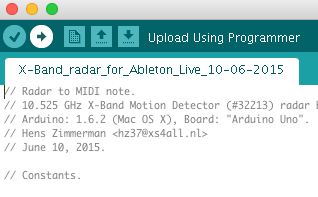
Step 5: Compile and Upload

Step 6: Max


Step 5: Turning Random Notes Into a Scale in Ableton Live