Arduino With Alexa and Google Assistant | Arduino Crane Project
Arduino With Alexa and Google Assistant | Arduino Crane Project
6
Components
Hardware components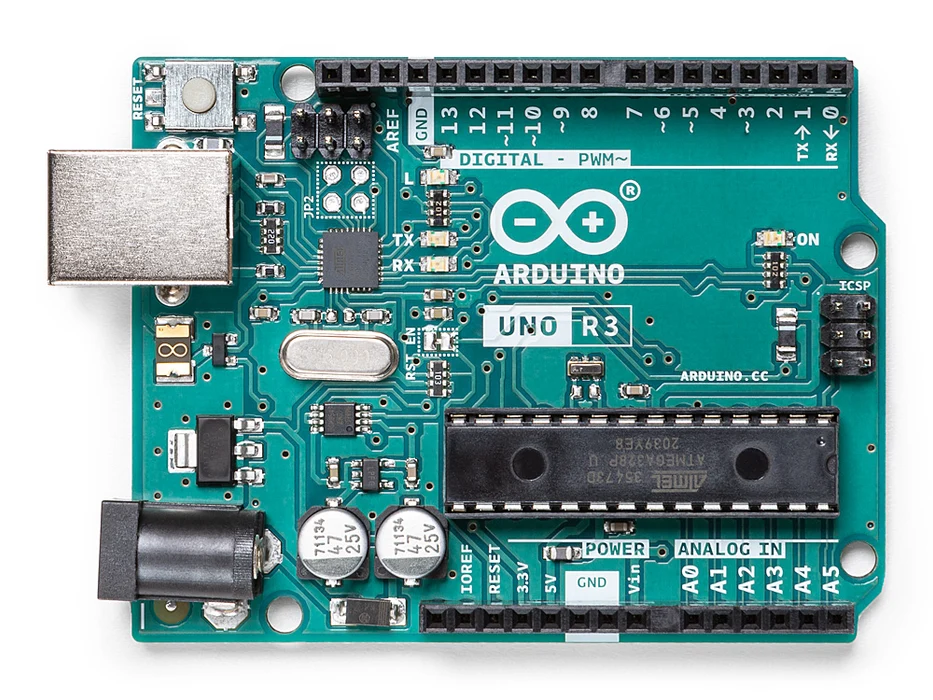
Arduino - Arduino UNO
x 1

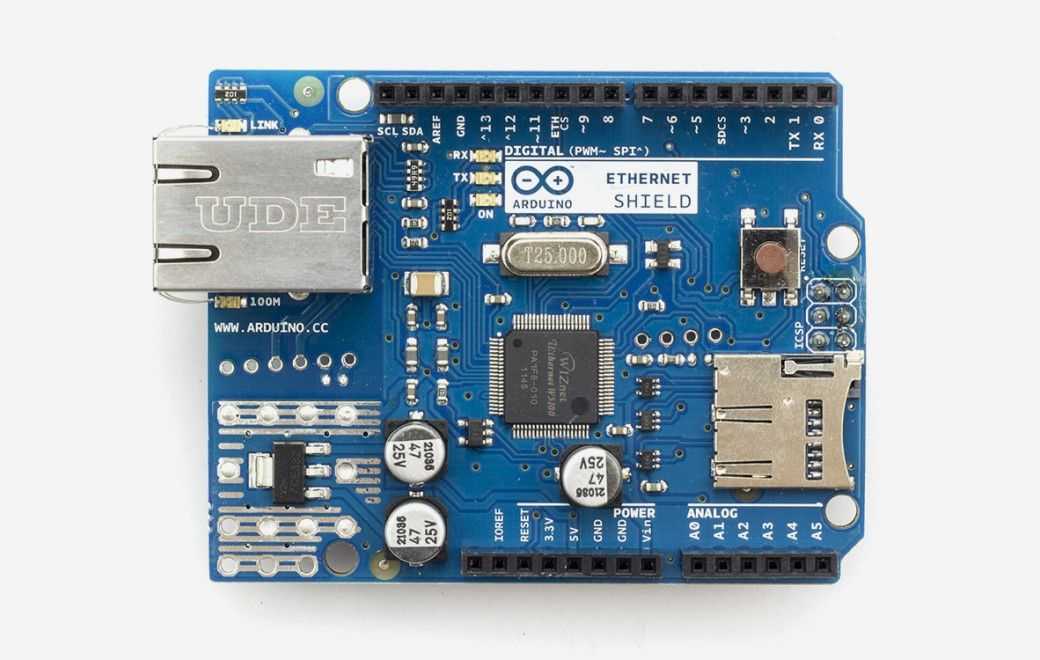
Arduino - Arduino Ethernet Shield
x 1

amazon-alexa - Alexa Skills Kit
x 1

blynk - Blynk
x 1
google - Assistant SDK
x 1
ifttt - Amazon Alexa service
x 1
Project description
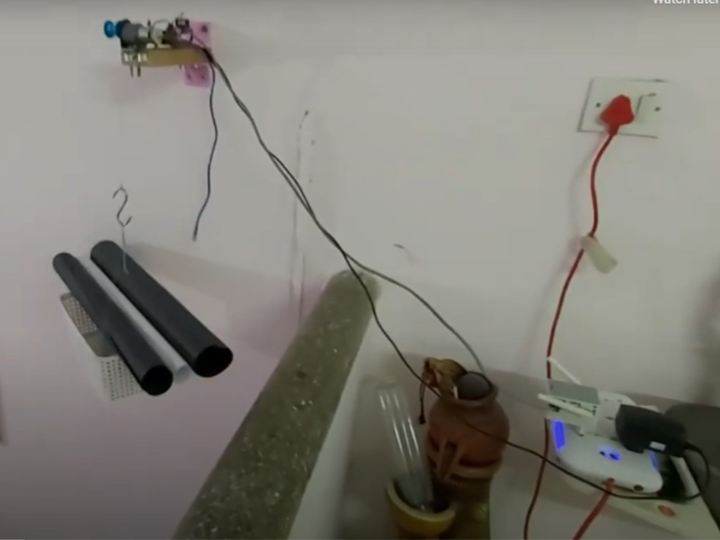
This project makes a crane with Arduino to lift small payloads from downstairs to upstairs.
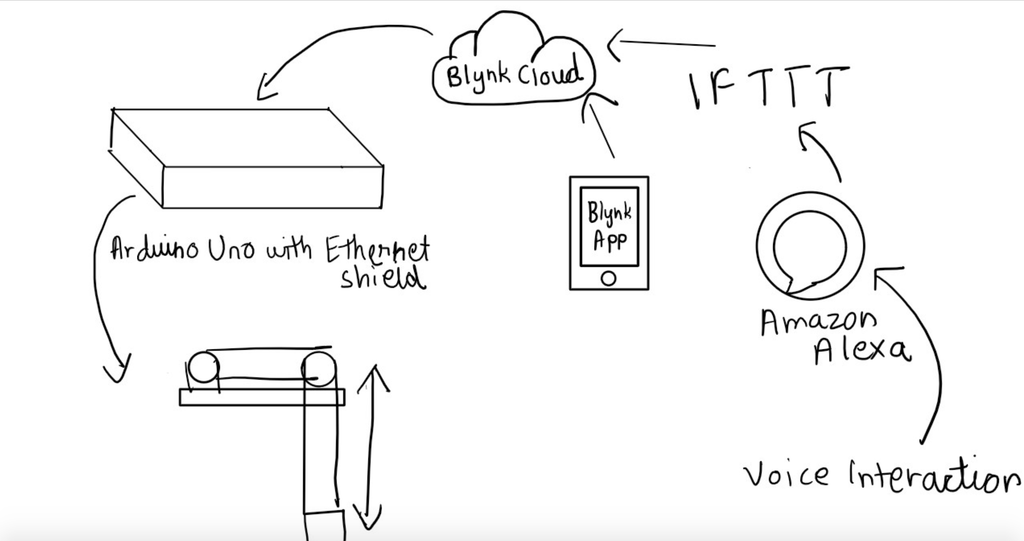
Sketching Out the Basic Idea
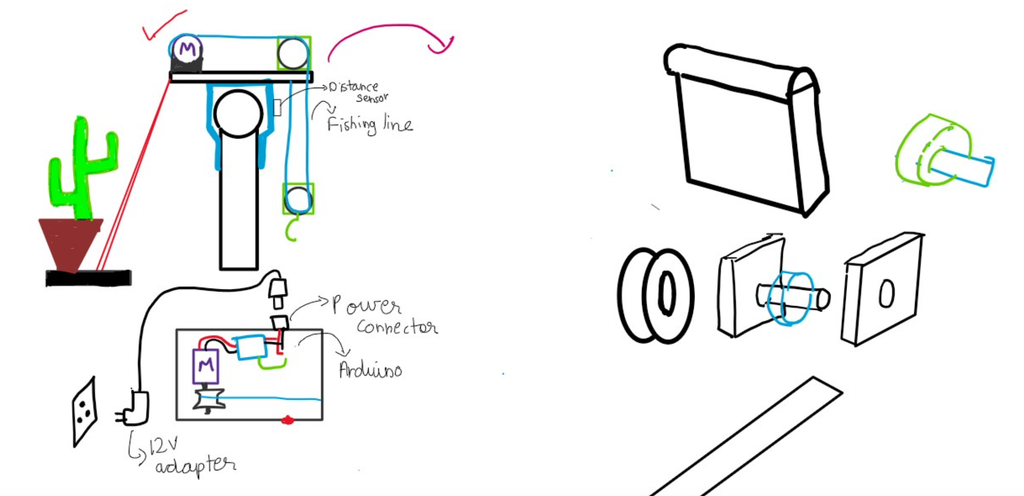
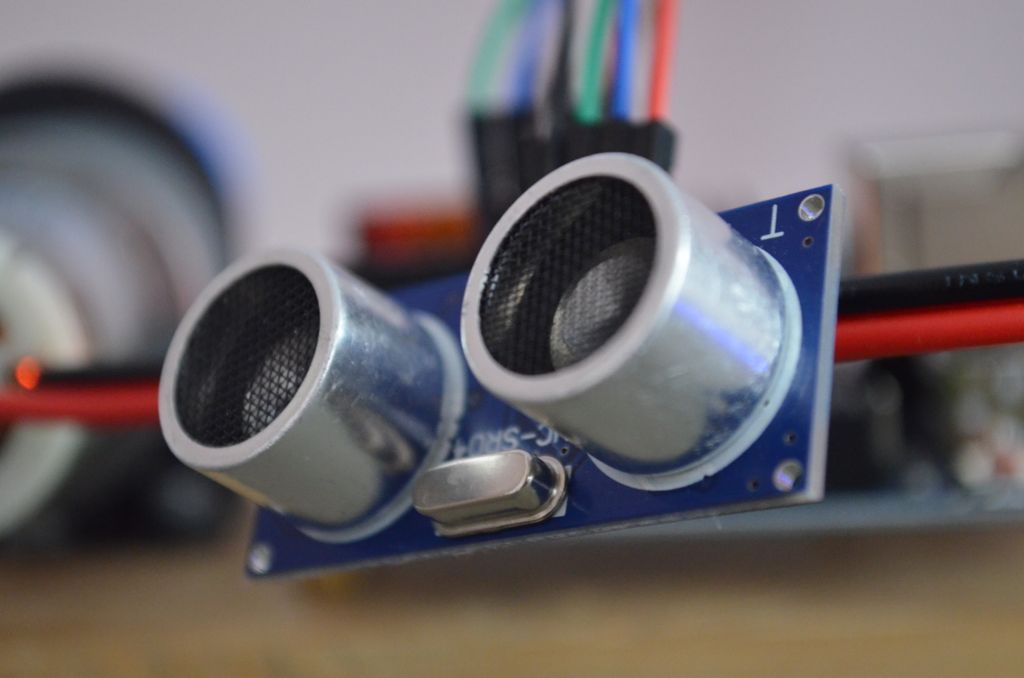
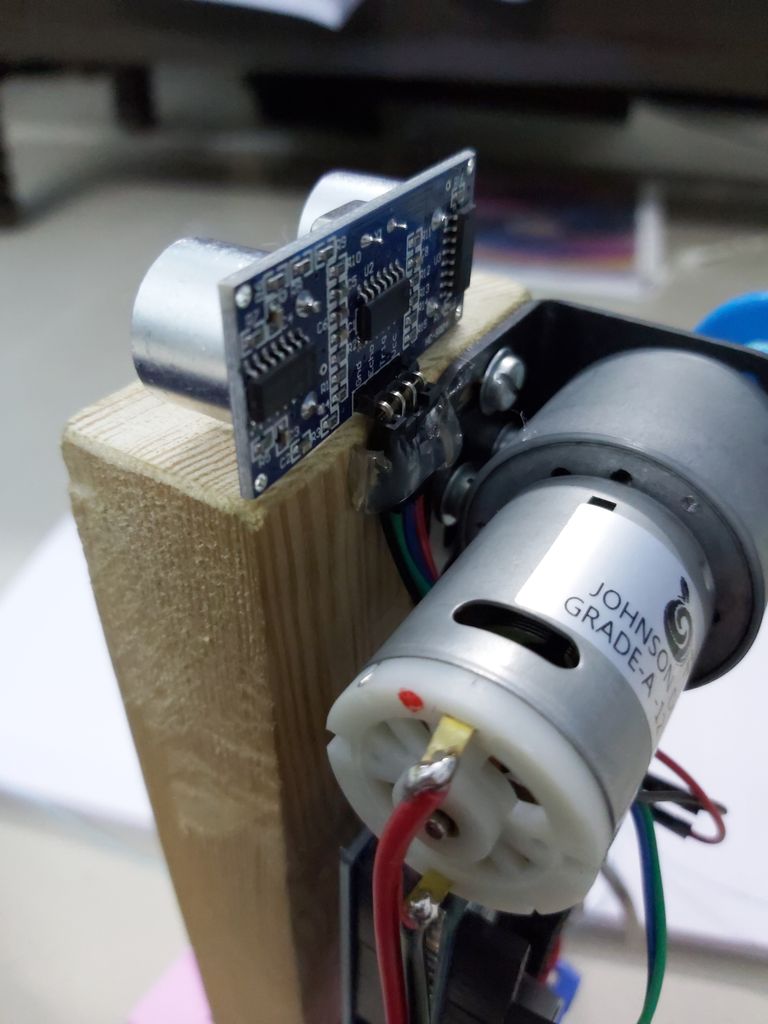
The Wiring


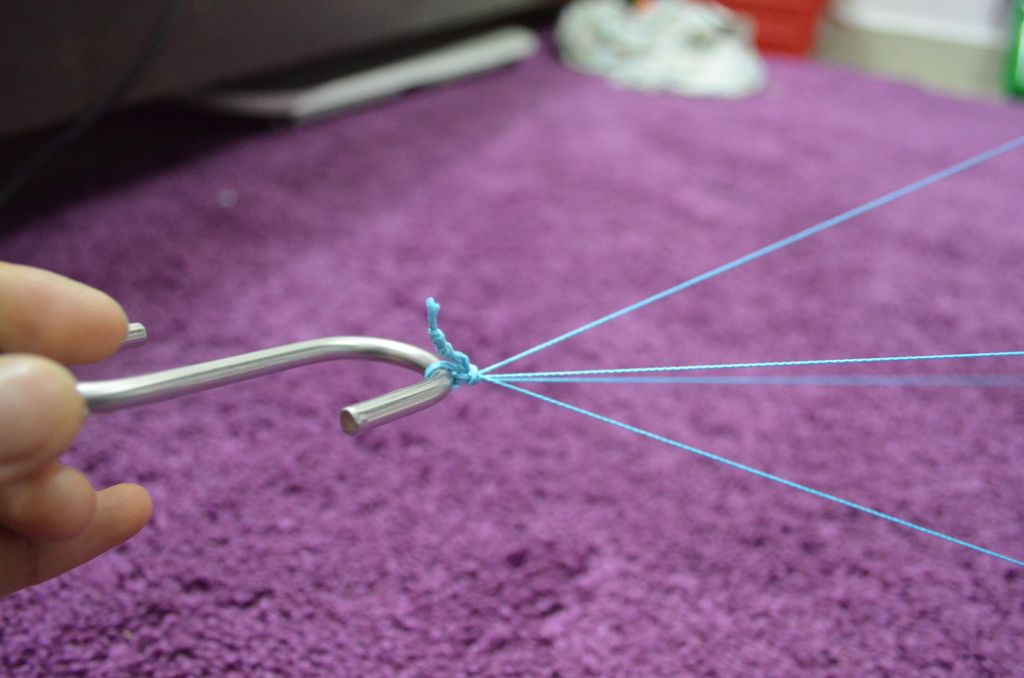
The Payload


The Coding
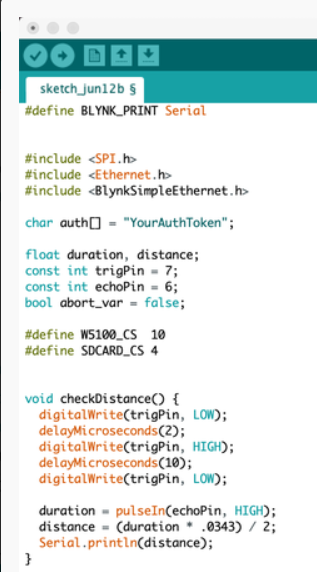
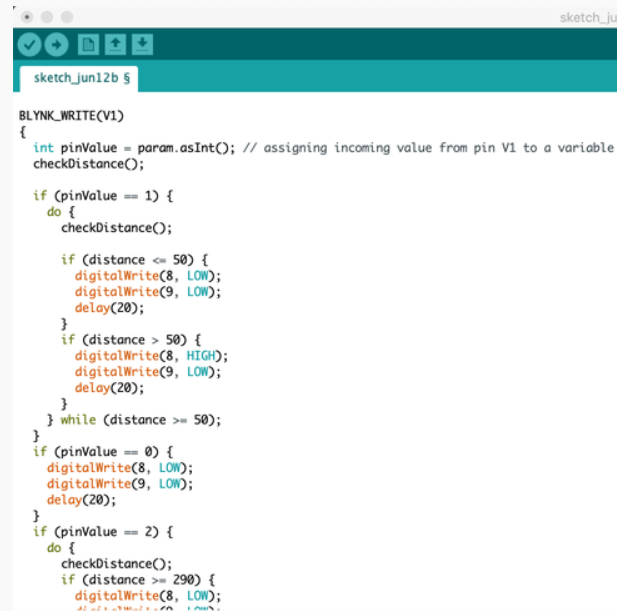
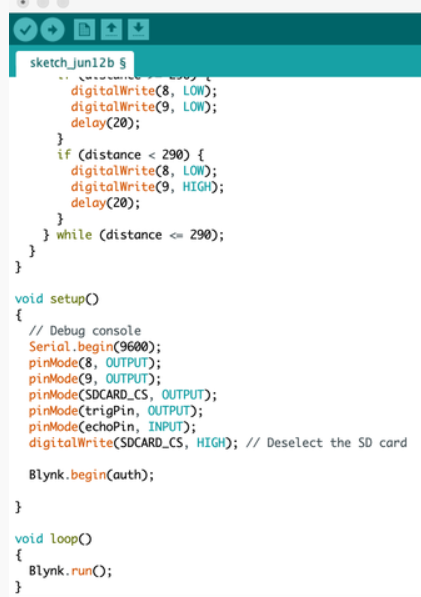
I used Blynk for this project as I wanted to connect it with Amazon Alexa and Google Assistant via IFTTT
Blynk App and IFTTT


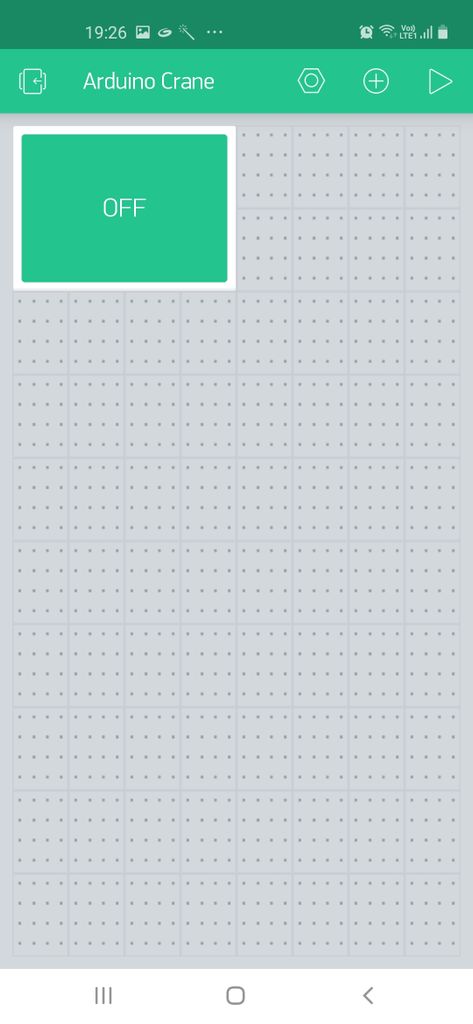






Configuring the Blynk App
Now for the Blynk App, You can go ahead and create a new project, Add two buttons (One to change the state from 0 to 1 and another to change the state from 0 to 2 for the V1 pin) And you are set !
Connecting with IFTTT
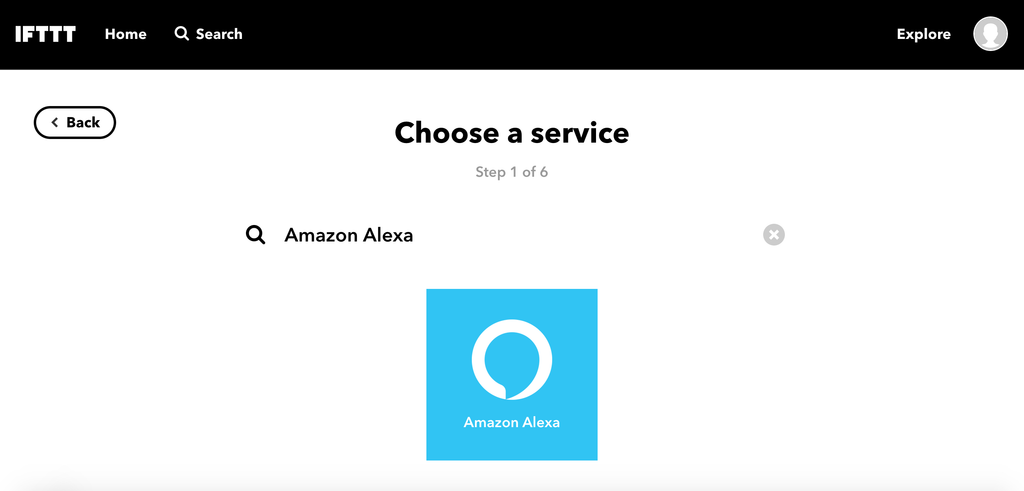
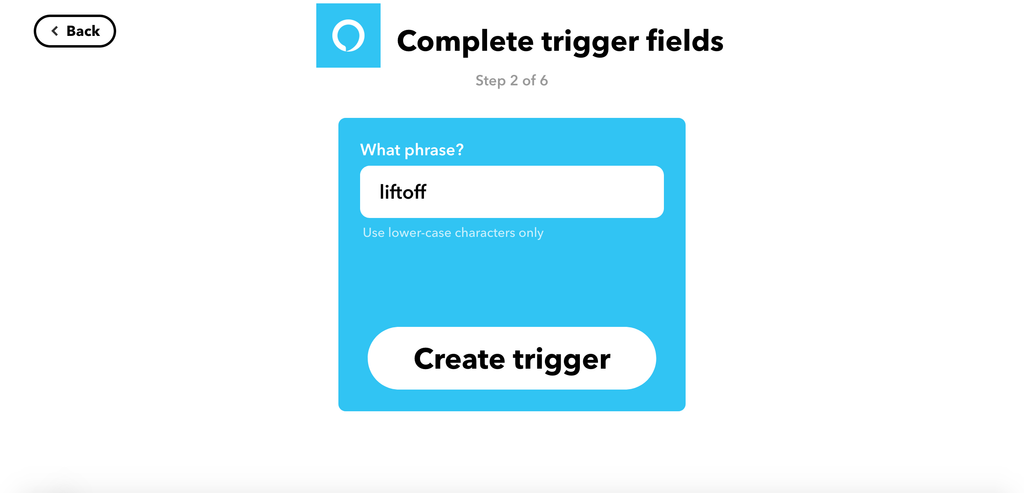
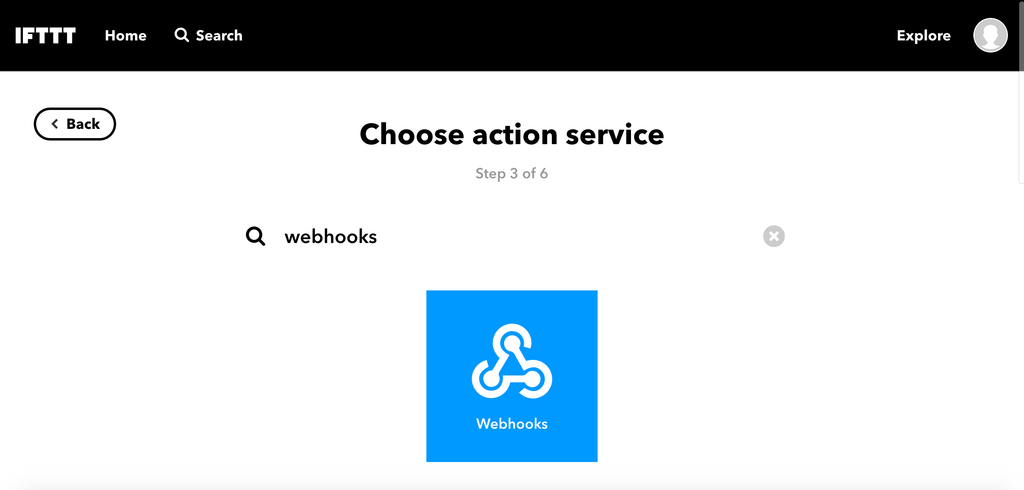
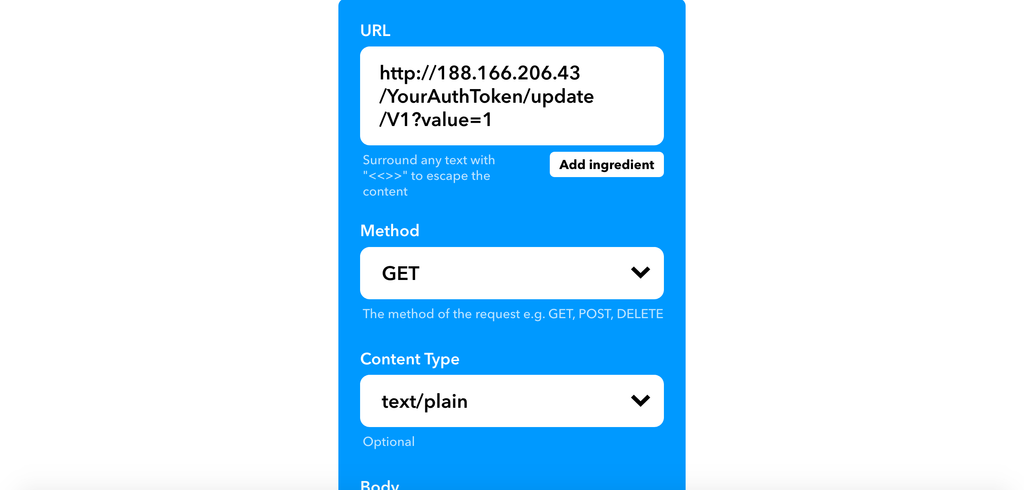
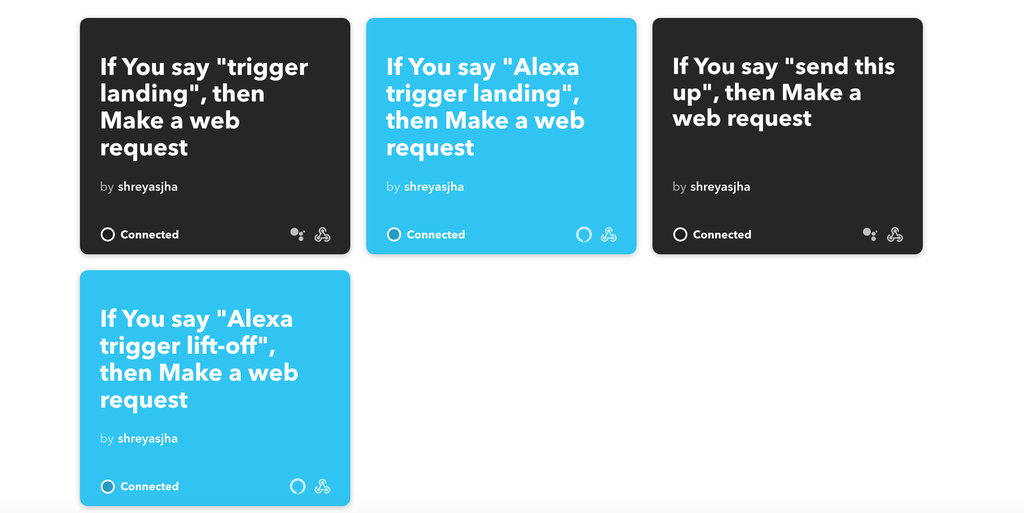
Now go ahead and open https://ifttt.com/create and repeat steps 1-8 for the following situations-
- Applet for voice interaction with Alexa to send it up. (Enter value 1 instead of X for up)
- Applet for voice interaction with Alexa to send it down. (Enter value 2 for down)
- Applet for voice interaction with Google Assistant to send it up.(It is very similar to make applet for Assistant)
- Applet for voice interaction with Google Assistant to send it down.
Test Run
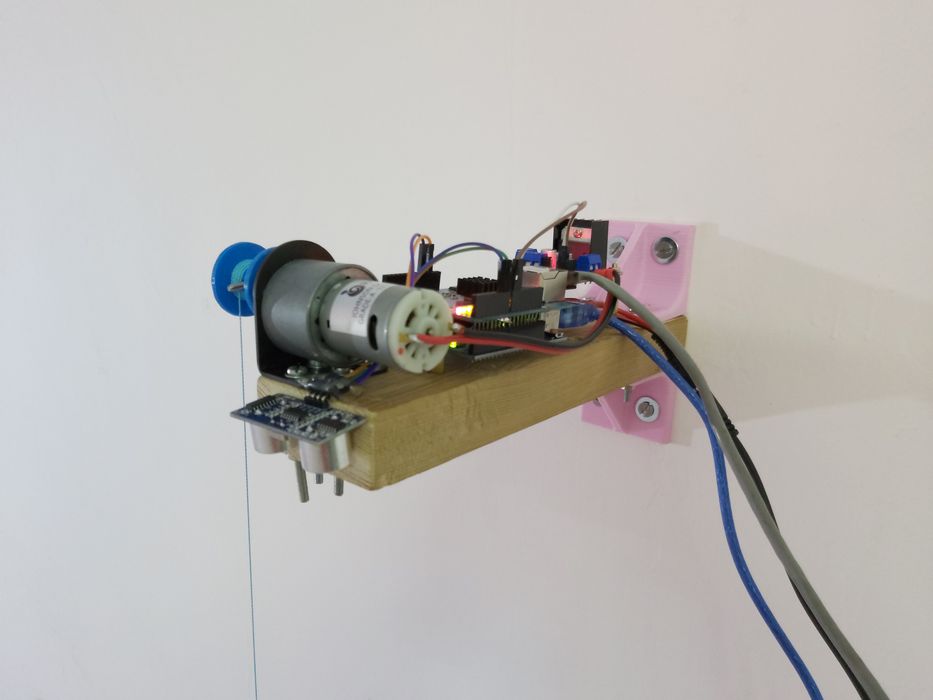
Demo link: (820) Arduino with Amazon Alexa and Google Assistant | Arduino Crane Project | Shreyas Jha - YouTube
