Budget Seed/plant Propagator With Automatic Temperature Control
At IKEA I spotted the Samla series of storage boxes: very clear plastic, affordable and big enough for multiple seeding and cutting trays.
3
Components
Hardware components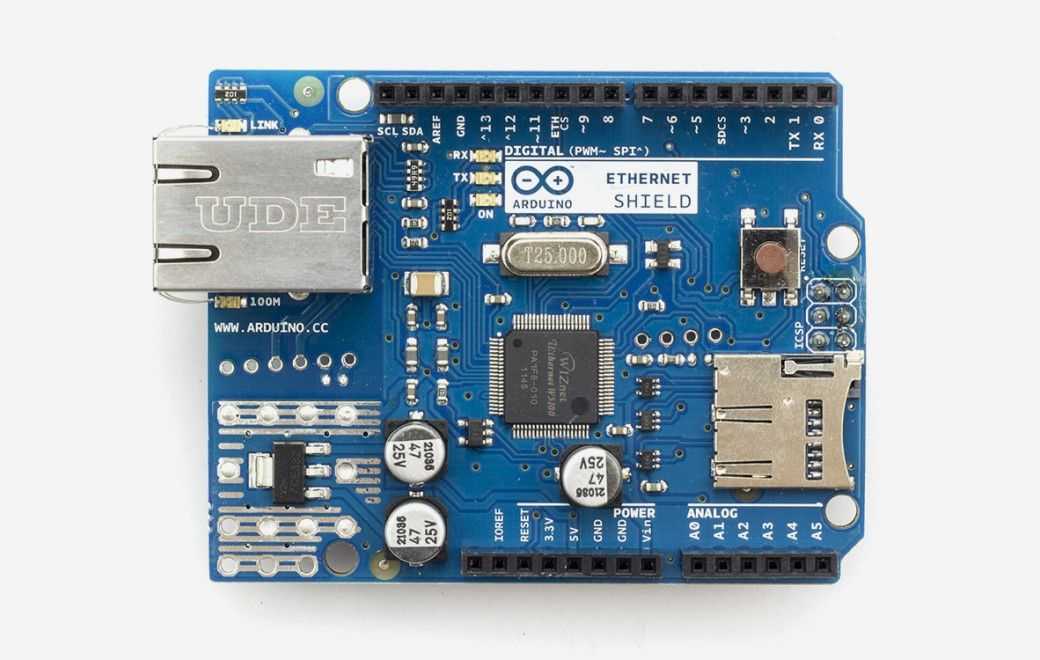
Arduino - Arduino Ethernet Shield
x 1

Project description
Step 1: Setting Up the Basic Construction


Step 2: Add the Heating and Electronics


Fill the box with approx. 5-6 cm of sand. I used sand I had left from fixing the driveway. Fine sand is better appearently.
Add the heating cable. Make sure the cable does NOT cross itself , does not touch the walls or touch another piece of wire. The 75 watt power is a wild guess. I will find out whether the heating capacity is large enough. Obviously the room temperature plays a crucial role here....
Carefully cover the wire with another 5-6 cm of sand. The sand will work as buffer and store heat.
Connect the thermostat; it took me a while to figure out how, I eventually used this tutorial and made a trial with a light. Success!
Warning: we are working with 230 volts close to water/moisture. If you don't know what you are doing: stop here.
Program the thermostat. The mh1210w, although cheap, is a wonderfully accurate piece of electronics. It is 0,5 degree celcius precise and one can program in a temperature trajectory. Mine is programmed to switch ON at 22 celcius and OFF at 24 celcius: ideal for propagating basil etc.
Put the sensor in the propagator, I suggest NOT to stick it in the sand, but to keep it a few centimeters above the sand in the air on a stick or something.
Step 3: Ready.....?

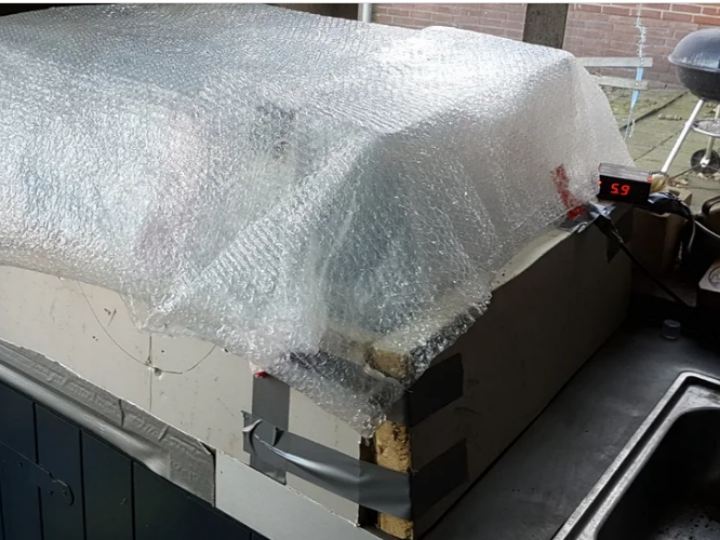
And here is the finished product, very much prototype-style but it works! I will make it look better in the future if I have too much time. I have also covered it in bubble-foil as insulation as the propagator is in the annex where the temperature is just above 2-3 celcius. It took approx. 14 hours to reach 24 celcius, so the 75 watt heating element is powerful enough to raise the temperature with 20-22 degrees!
So far I have sown sweet red pepper, Basil, Parsley, Littele Gem salad and Coriander.
Things to do/wishlist:
- Add lights
- Monitor the RV and temperature with an Arduino/Nodemcu
- Add automatic watering & cooling (also Arduino stuff)
If anyone can help me with the automatic watering system: much obliged!
Step 4: First Results After Four Days!


Four days ago I added seeds to the propagator. Some crops are already growing and germinating! I see cress (green plate) Rocket salad (right back) and Basil (left front) This is promising. Now I will add light.
Step 5: Arduino Sketch for Monitoring and Talking to Thingpeak
The code below is based on work of others, I am not a programmer, but can do "cut-and-paste" programming. It works, and I am happy. Thinks to do: trigger actions based on what I measure e.g. run a pump. Eventually I would love to used this code in my greenhouse and/or veg garden. If you have ideas or knowledge: let me know!
<p>/*<br> Arduino --> ThingSpeak Channel via Ethernet</p><p>  The ThingSpeak Client sketch is designed for the Arduino and Ethernet.
 This sketch updates a channel feed with an analog input reading via the
 ThingSpeak API (https://thingspeak.com/docs)
 using HTTP POST. The Arduino uses DHCP and DNS for a simpler network setup.
 The sketch also includes a Watchdog / Reset function to make sure the
 Arduino stays connected and/or regains connectivity after a network outage.
 Use the Serial Monitor on the Arduino IDE to see verbose network feedback
 and ThingSpeak connectivity status.

 Getting Started with ThingSpeak:

   * Sign Up for New User Account - https://thingspeak.com/users/new
   * Create a new Channel by selecting Channels and then Create New Channel
   * Enter the Write API Key in this sketch under "ThingSpeak Settings"

 Arduino Requirements:

   * Arduino with Ethernet Shield or Arduino Ethernet
   * Arduino 1.0+ IDE

  Network Requirements:
   * Ethernet port on Router
   * DHCP enabled on Router
   * Unique MAC Address for Arduino
