BLE Beacon Scanner Integration with Raspberry Pi Pico W, WIZnet Ethernet HAT, and AWS IoT Core
BLE beacon scanner using Raspberry Pi Pico W & Wiznet Ethernet HAT for real-time, secure, & energy-efficient data transmission to AWS IoT Core
0
Components
Hardware components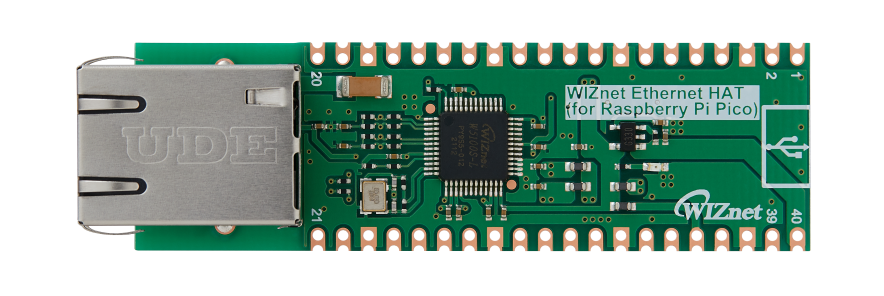
WIZnet - WIZnet Ethernet HAT
x 1

Raspberry Pi - Pico W
x 1

microsoft - Visual Studio Code Extension for Arduino
x 1
Project description
Introduce
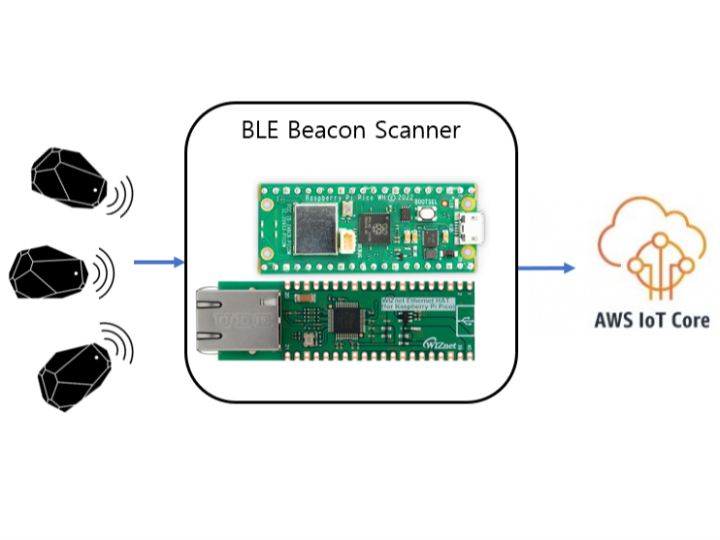
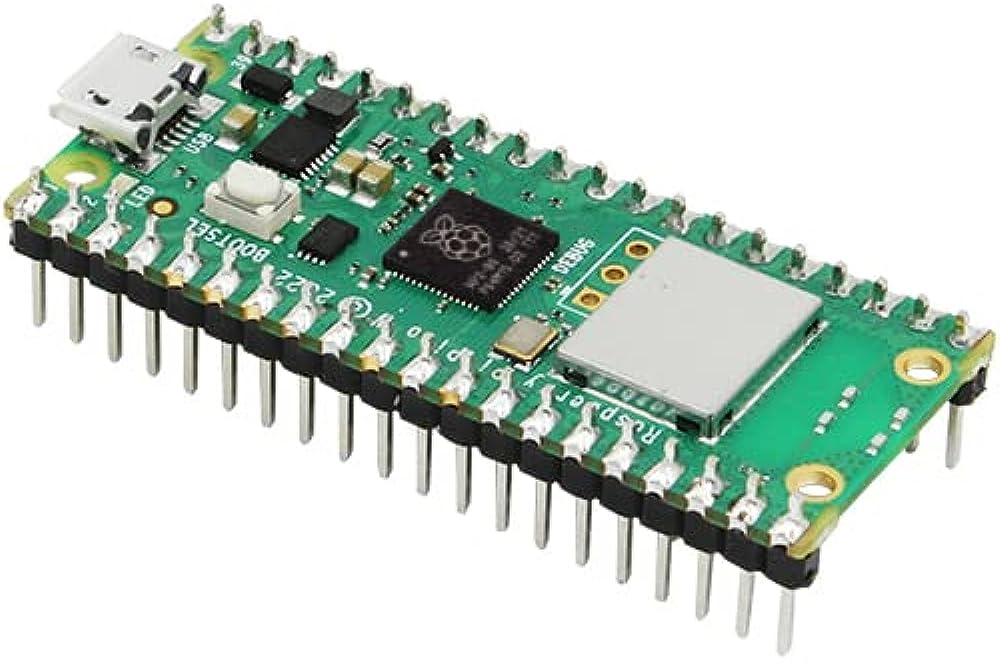
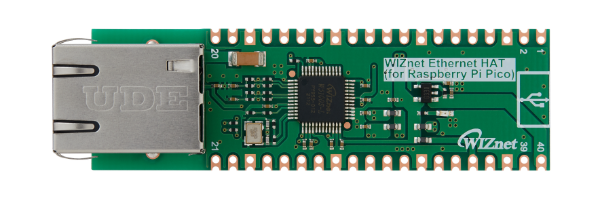
At the application is the Raspberry Pi Pico W, a compact yet powerful microcontroller that orchestrates the seamless communication between BLE beacons and servers. Paired with the WIZnet Ethernet HAT, the system achieves unparalleled connectivity, ensuring a steady and reliable flow of data.
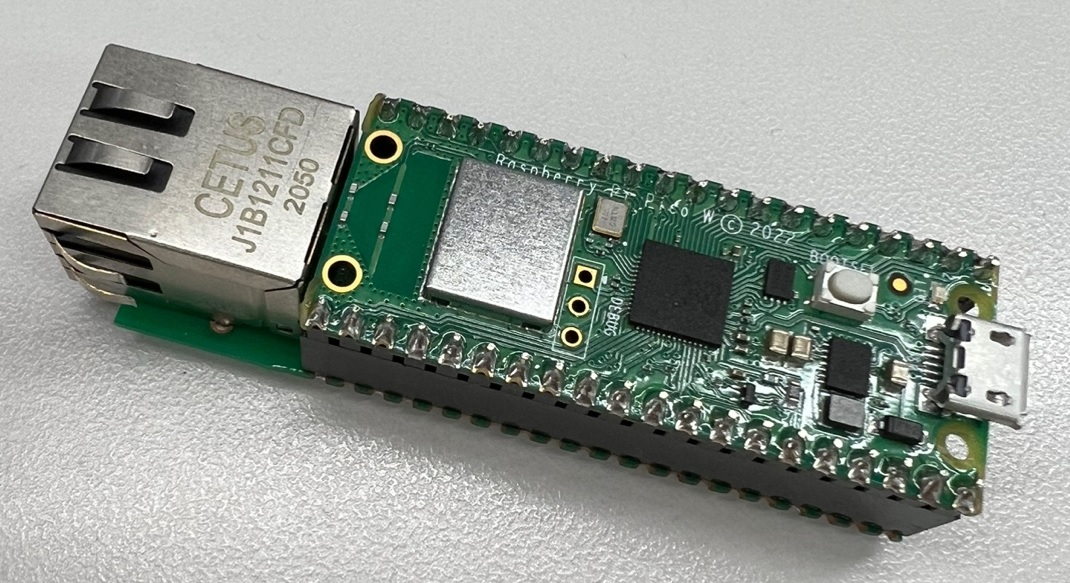
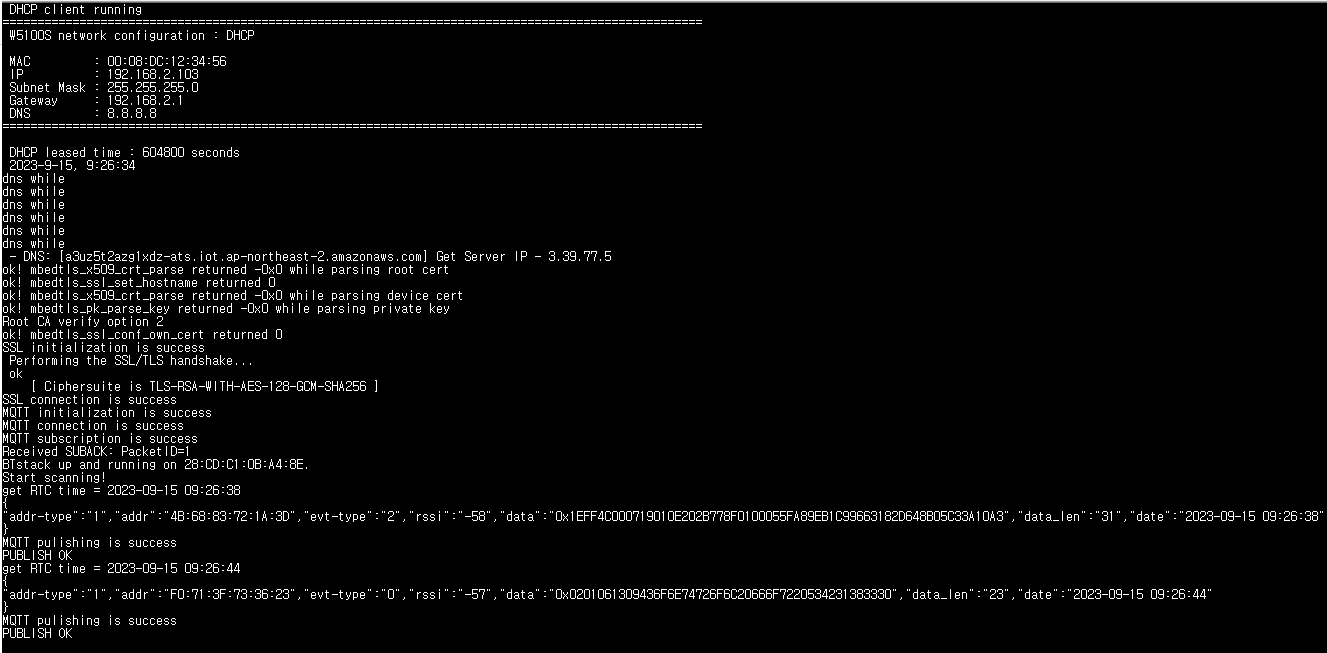
The gateway operates by receiving BLE advertisement data, extracting crucial information such as the beacon address, data, sensitivity, and the time received, and transmitting this data securely to the AWS IoT Core server.
Getting Start
1. Source Code Clone and submodules update
git clone --recursive https://github.com/wiznetmaker/RPI_PICO_W-W5100S-BEACON_SCANNER_AWS.git2. Input your AWS IoT parameters
..\RPI_PICO_W-W5100S-BEACON_GATEWAY_AWS\examples\le_scanner\le_scanner.c
#define MQTT_DOMAIN "account-specific-prefix-ats.iot.ap-northeast-2.amazonaws.com"
#define MQTT_PUB_TOPIC "$aws/things/my_rp2040_thing/shadow/update"
#define MQTT_SUB_TOPIC "$aws/things/my_rp2040_thing/shadow/update/accepted"
#define MQTT_USERNAME NULL
#define MQTT_PASSWORD NULL
#define MQTT_CLIENT_ID "my_rp2040_thing"
..\RPI_PICO_W-W5100S-BEACON_GATEWAY_AWS\examples\le_scanner\mqtt_certificate.h
uint8_t mqtt_root_ca[] =
"-----BEGIN CERTIFICATE-----\r\n"
"...\r\n"
"-----END CERTIFICATE-----\r\n";

uint8_t mqtt_client_cert[] =
"-----BEGIN CERTIFICATE-----\r\n"
"...\r\n"
"-----END CERTIFICATE-----\r\n";

uint8_t mqtt_private_key[] =
"-----BEGIN RSA PRIVATE KEY-----\r\n"
"...\r\n"
"-----END RSA PRIVATE KEY-----\r\n";
For more detailed AWS settings, see the links below.
https://maker.wiznet.io/WIZnet/projects/connect-w5100s-evb-pico-to-aws-iot-core/
3. Build & Write
mkdir build
cd ./build/
cmake -G "NMake Makefiles" ..
nmake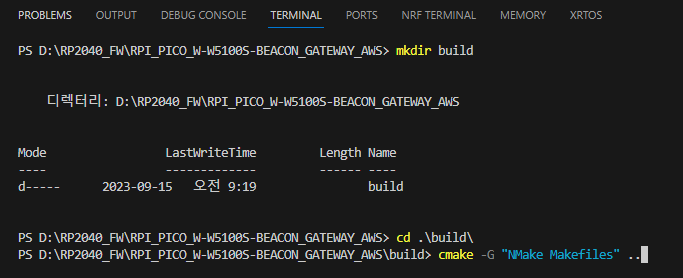
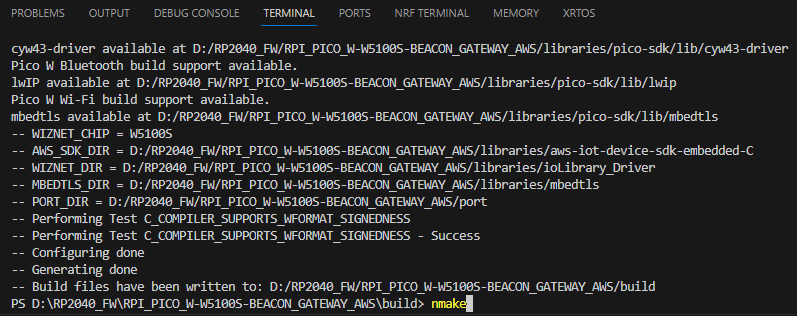
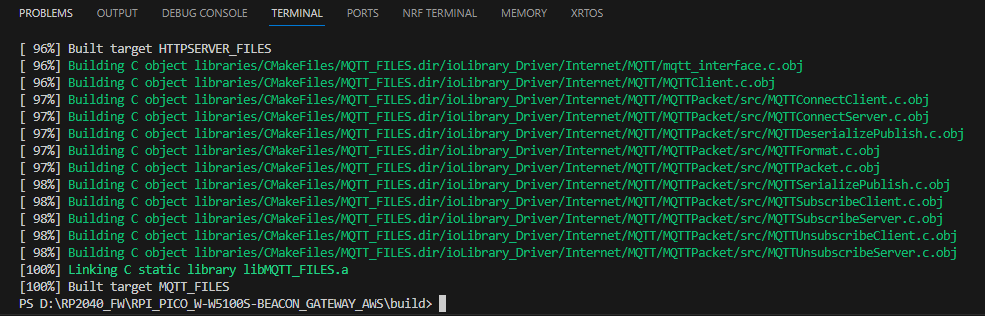
4. Copy a RPI_PICO_W-W5100S-BEACON_GATEWAY_AWS\build\examples\le_scanner\le_scanner.uf2 file to your Pico W board
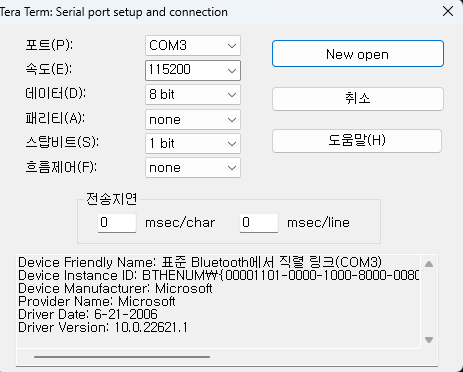
5. Open terminal
6. Open your AWS IoT Console
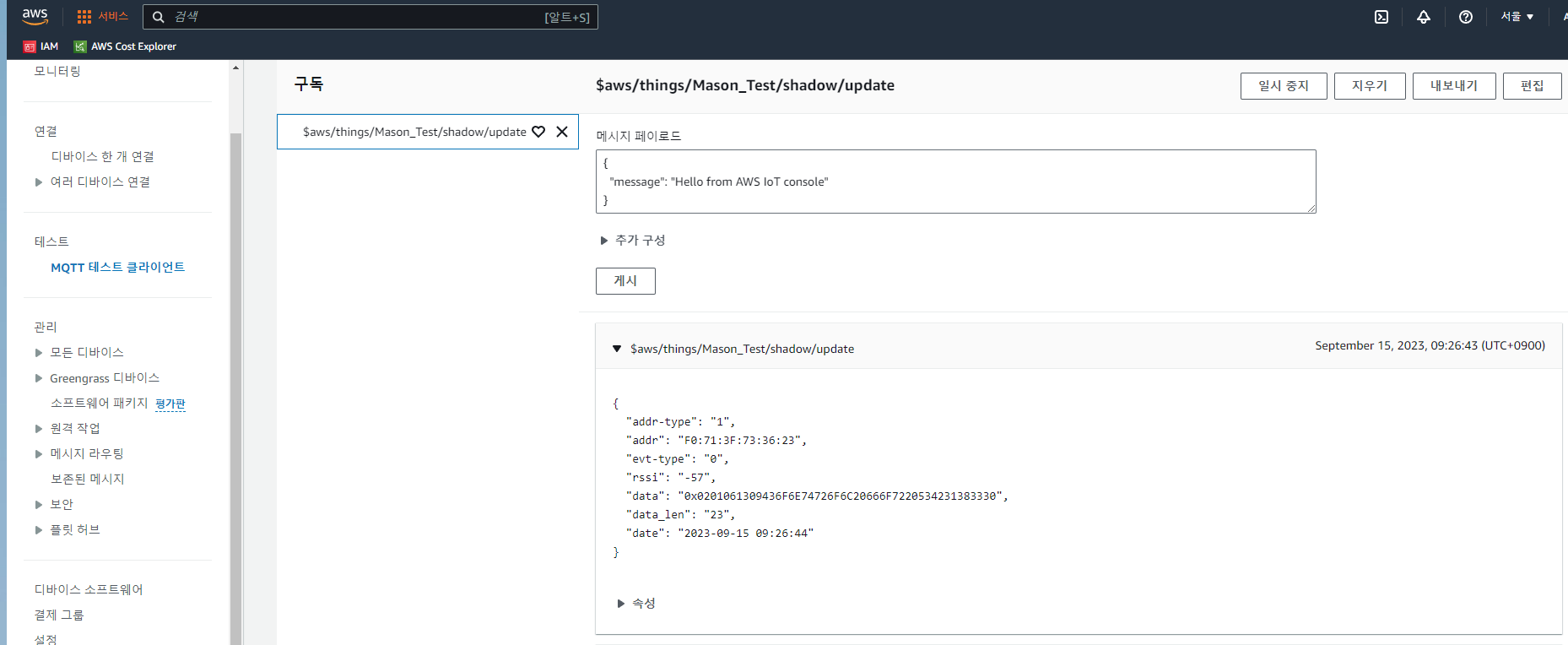
Beacon devices can be used by writing any BLE example to another Pico W board or by using an app on a smartphone.


