Arduino Train Sign Project: Create a Digital Display with Scrolling Text
Learn how to create a customizable digital train station-style sign using Arduino, with features like scrolling text, animations, and a clock.
0
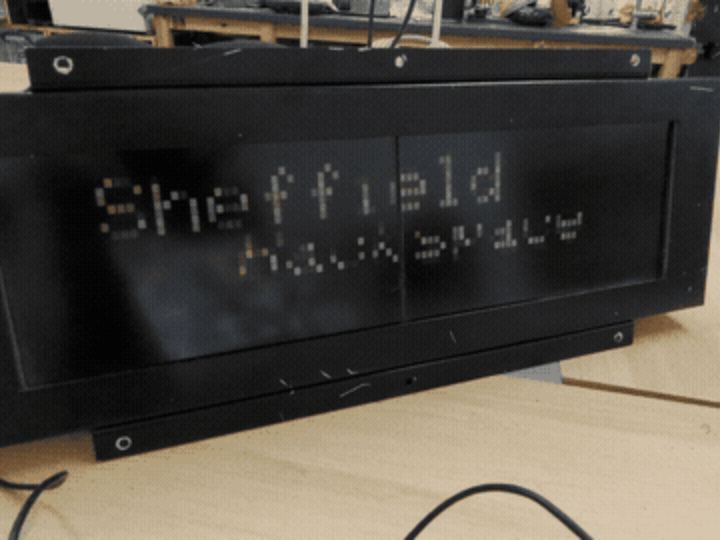
Project description
Project Analysis The train-signs project is developed by Sheffield Hackspace, a community-driven makerspace in Sheffield, UK. The main objective of the project is to create a train station-style digital sign using Arduino-based systems. These signs display scrolling text, animations, and clock functions, mimicking the behavior of train station boards. The project uses microcontrollers like the Arduino UNO and various display technologies, such as SPI-based screens, to create dynamic and visually appealing signs. The code is designed to be highly customizable, allowing users to modify the…
Keep reading with a free account
Guests can read 15 projects per visit. Log in or create a free account to read the full description, open the documents and join the comments.