Tesla + WizFi360 home automation IOT device
IoT device that works with Tesla car
5
Components
Hardware components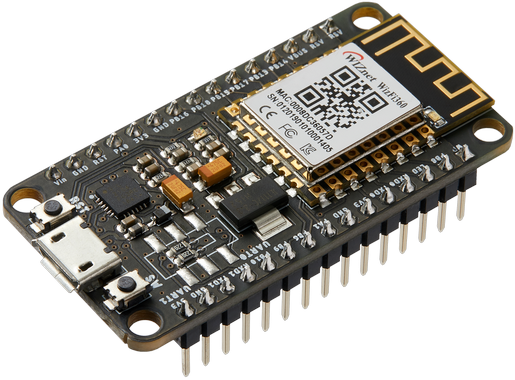
WIZnet - WizFi360-EVB-Mini
x 1

MQTT subscription
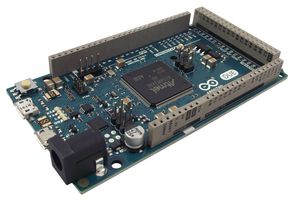
Arduino - Arduino Due
x 1
Controller for MQTT and IR remote
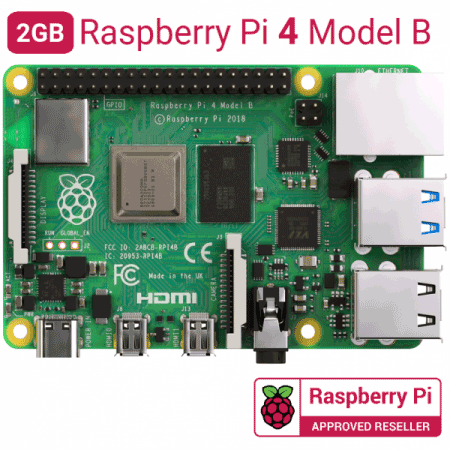
Raspberry Pi - Raspberry Pi 4 Model B
x 1
Server
Project description
These days there're more and more smart devices such as IoT devices at home and smart cars.
I'm currently owning a Tesla car and I integrated my own server to collect data from my car. Raspberry pi is a good small server for the purpose.
There's a tool called Teslamate to do this job. Teslamate can be used as a MQTT broker and it publishes some good information that we can integrate with WizFi360.
I thought this combination could be very useful to automate my home devices. So I decided to do this project.
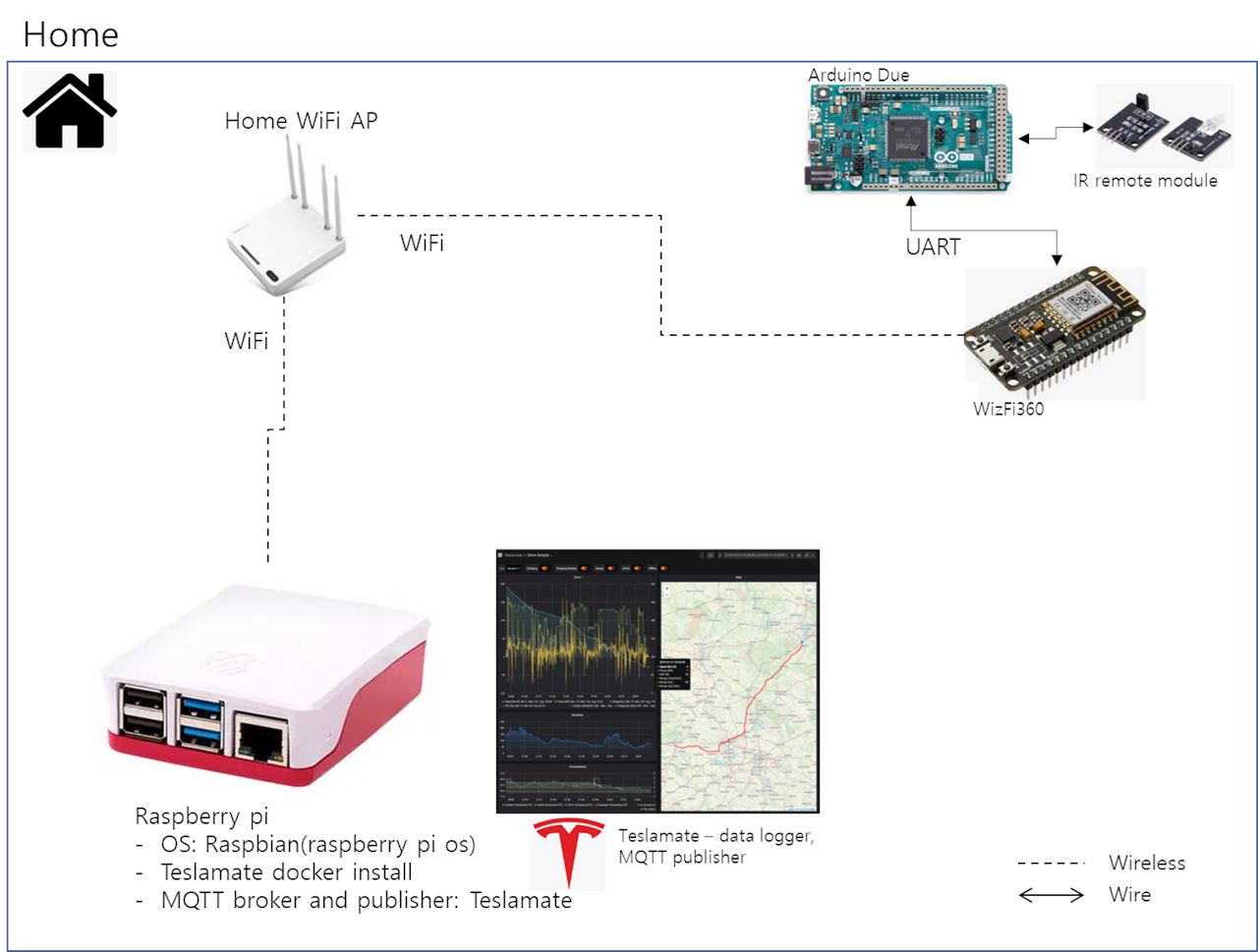
System
1) Raspberry pi + Teslamate
- Teslamate runs on raspbian(Raspberry pi linux) and collects car data in real time
- Role as MQTT broker
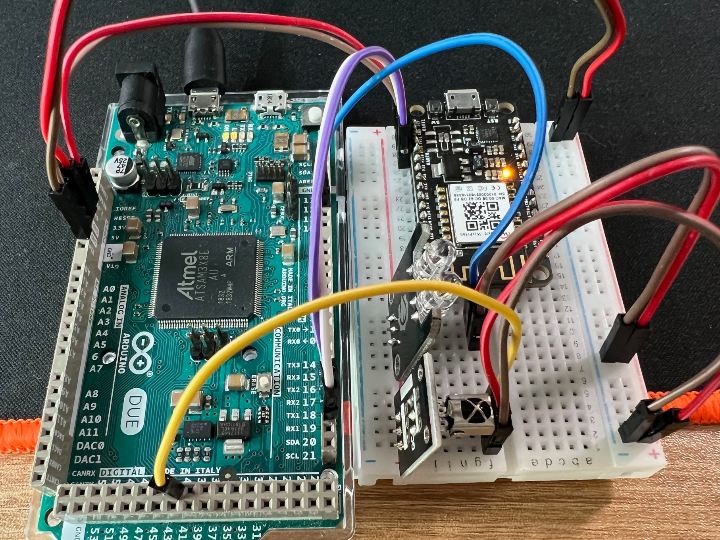
2) Arduino due + WizFi360 + IR transceiver
- Arduino due + WizFi360 subscribes Teslamate MQTT topics
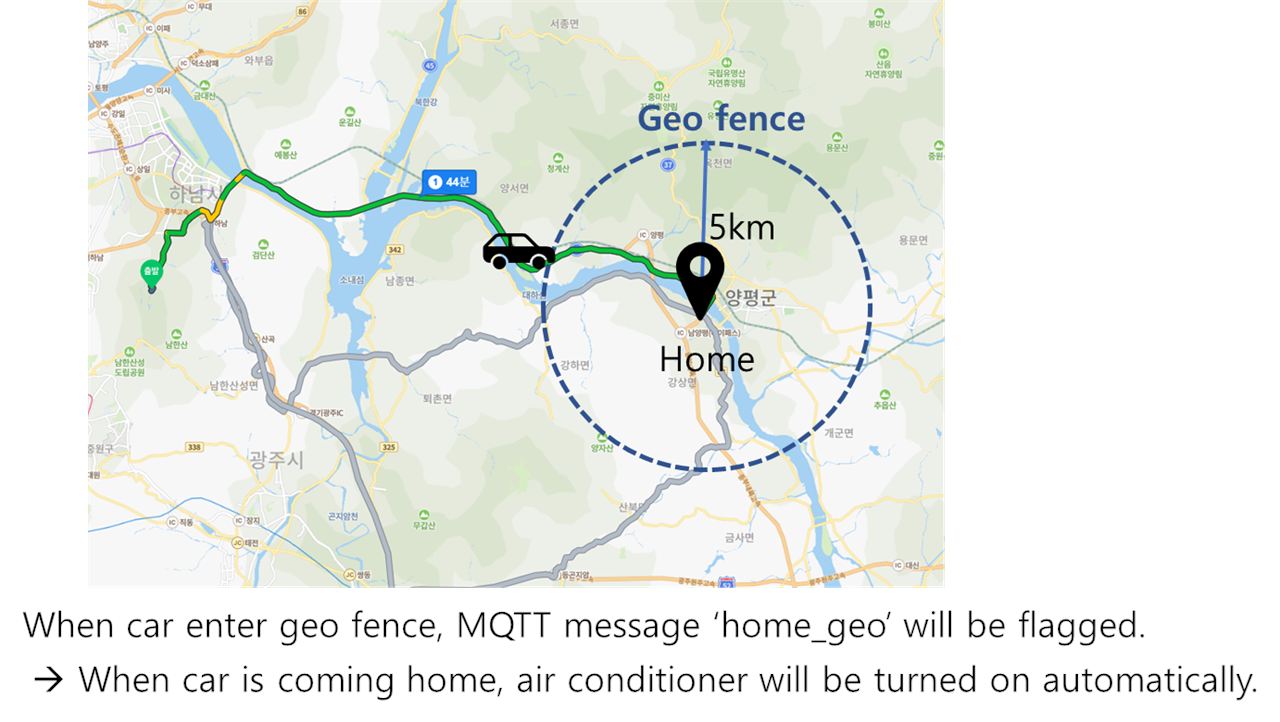
- Whenever I come to home with my car then MQTT topic 'home_geo' will be flaged
- I made geo fence of home called 'home_geo'
Scenario
- Additionally many other car information can be subscribed
- such as charging status, tire pressure, battery status
- https://docs.teslamate.org/docs/integrations/mqtt
Test results
- MQTT broker operation test
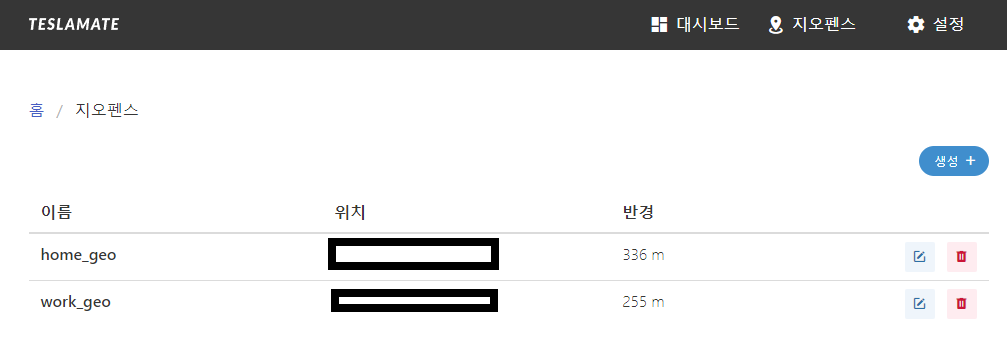
Teslamate 'home_geo' setting
Test drive to drive towards home
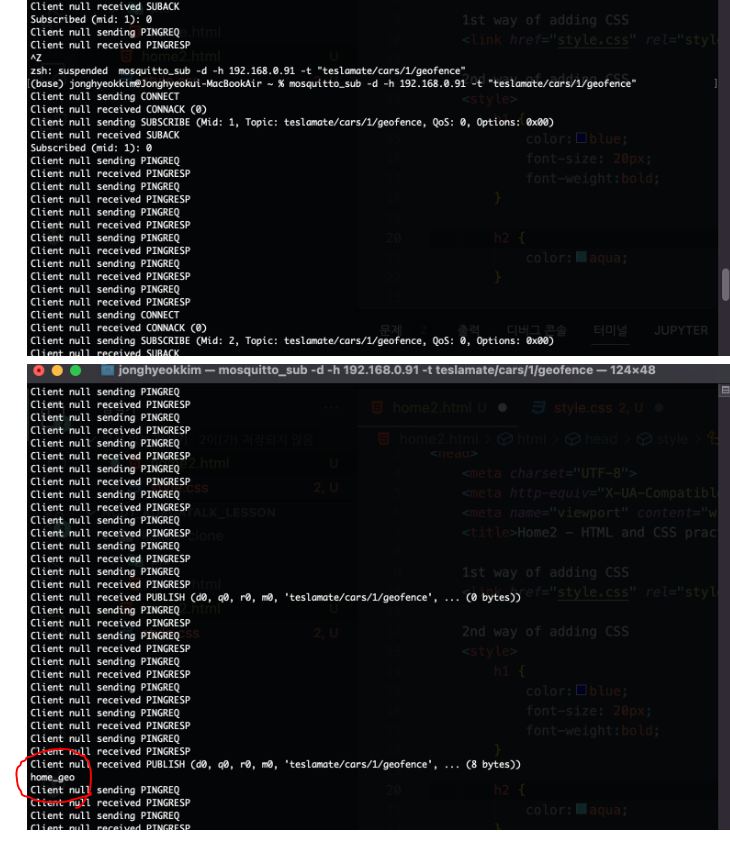
- Check MQTT subscription with mac
- To check if 'home_geo' flag runs on MQTT broker(raspberry pi + Teslamate)
- As you can see below 'home_geo' flagged
Test with WizFi360 to subscribe MQTT topic
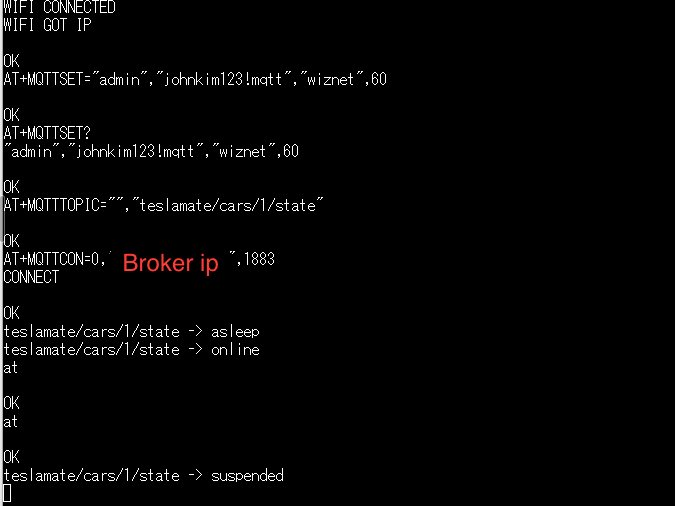
2. WizFi360 AT command test with Arduino Due
3. Arduino Due + IR transmitter test
- Read IR remote signal
- Transmit IR remote raw data
How to implement
1. MQTT broker setup(Raspberry pi + Teslamate)
1) Prepare Raspberry pi 4 with raspbian os
2) Install Teslamate in Raspberry pi
- https://docs.teslamate.org/docs/installation/docker
- Setup MQTT
- MQTT broker will be running after installing Teslamate
- MQTT username and password need to be set
- Add 'MQTT_USERNAME' and 'MQTT_PASSWORD' value in 'docker-compose.yml' file
docker-compose.yml

version: "3"

services:
  teslamate:
    image: teslamate/teslamate:latest
    restart: always
    environment:
      - ENCRYPTION_KEY= #insert a secure key to encrypt your Tesla API tokens
      - DATABASE_USER=teslamate
      - DATABASE_PASS= #insert your secure database password!
      - DATABASE_NAME=teslamate
      - DATABASE_HOST=database
      - MQTT_HOST=mosquitto
      - MQTT_USERNAME="admin"
      - MQTT_PASSWORD="password"
    ports:
      - 4000:4000
    volumes:
      - ./import:/opt/app/import
    cap_drop:
      - all
      ...
2. IR remote controller(Arduino Due + IR remote)
- IR remote library for Arduino Due used
- https://github.com/enternoescape/Arduino-IRremote-Due
3. MQTT subscribe(Arduino Due + WizFi360)
- Send AT commands below to WizFi360(RX1, TX1)
AT+CWMODE_CUR=1
AT+CWJAP_CUR="<WiFi AP>","<WiFi password>"

AT+MQTTSET="admin","password","wiznet",60
AT+MQTTTOPIC="","teslamate/cars/1/geo_fence"
AT+MQTTCON=0,"<raspberry pi IP address>",1883

