How to Build a Cloud-Free LoRa-to-Ethernet Gateway with W5500-EVB-Pico
LoRaLAN uses W5500-EVB-Pico to forward long-range LoRa sensor data over wired Ethernet to Node-RED without cloud services.
0
Components
Hardware components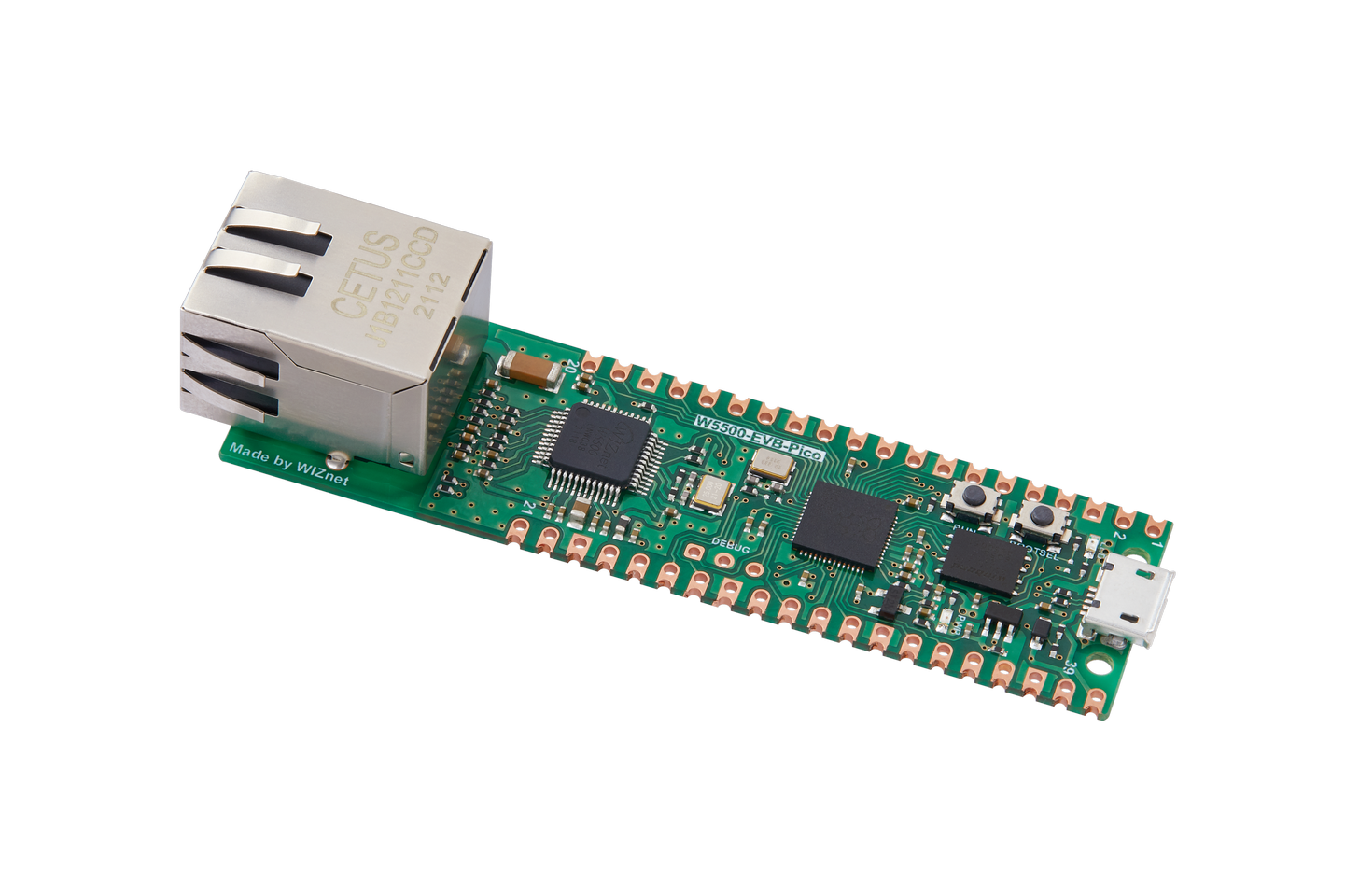
WIZnet - W5500-EVB-Pico
x 1

Project description
1. Project Overview
LoRaLAN is an open-source, local-first IoT gateway developed by Scott LeComte to connect remote wireless sensors to a private Ethernet network.
The project originated from a practical problem: Zigbee and Wi-Fi could not reliably cover every sensor location on the developer's property.
LoRa provided the necessary wireless reach, but the developer still needed a way to deliver sensor readings into the local automation system without relying on cloud services or adding another Wi-Fi connection.
The solution was a dual-Raspberry-Pi-Pico architecture combining an RFM95 LoRa receiver with WIZnet's W5500-EVB-Pico Ethernet board.
The gateway forwards received LoRa packets to Node-RED over a WebSocket connection, where they can be processed and published to MQTT for Home Assistant.
hackaday.io+1
2. Hardware Architecture
| Component | Function |
|---|---|
| Raspberry Pi Pico | Processes incoming LoRa packets |
| RFM95 LoRa module | Receives long-range sensor transmissions |
| W5500-EVB-Pico | Receives UART frames and forwards data over Ethernet |
| Custom PCB | Connects the hardware components |
| Node-RED | Receives WebSocket messages and processes sensor data |
| MQTT / Home Assistant | Enables monitoring and automation |
The developer uses a RadioHead-style LoRa communication approach rather than a full LoRaWAN gateway infrastructure.
Important distinction: LoRa handles long-range wireless sensor communication, while the W5500 provides the wired Ethernet connection to the local network.
hackaday.io+1
3. How the Gateway Works
LoRa reception: Remote sensors transmit measurements to the RFM95 receiver connected to the first Raspberry Pi Pico.
UART transfer: The receiving Pico forwards framed sensor packets to the W5500-EVB-Pico at 230400 baud.
Ethernet forwarding: The W5500-EVB-Pico runs the gateway application and forwards packets through a WebSocket connection to Node-RED.
Local processing: Node-RED identifies sensor nodes, processes the data and can publish MQTT messages for Home Assistant.
Automation: Home Assistant displays measurements and supports local monitoring and notifications without requiring a cloud service.
The gateway also includes reconnection handling when the Node-RED WebSocket connection is interrupted.
Hackaday.io+1
4. Practical Applications
The developer's project demonstrates a flexible architecture for connecting remote sensors to local automation systems.
Potential use cases include:
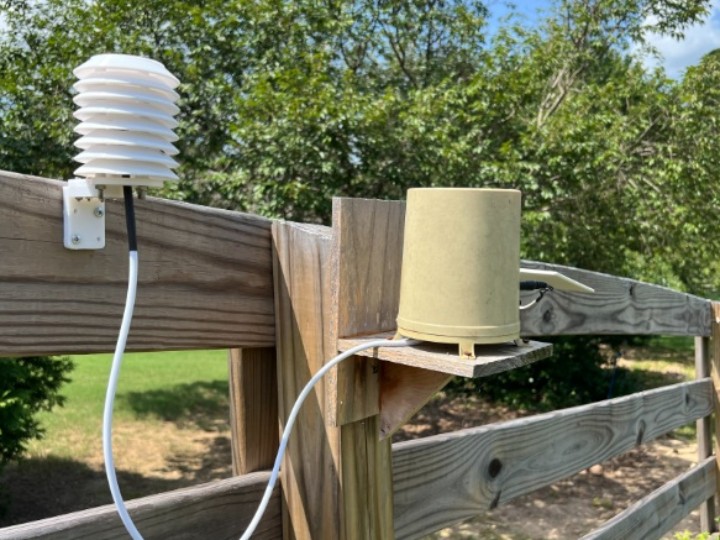
Agricultural monitoring: Soil moisture, temperature, remote equipment status and water tanks.
Property monitoring: Gates, outdoor sensors and water leak detection.
Industrial monitoring: Remote status signals from equipment beyond normal Wi-Fi coverage.
Local-first home automation: Sensor networks that avoid dependency on cloud services.
The author has also documented water leak sensors reporting through LoRaLAN to Home Assistant. These use separate ESP32-S3 and LoRa radio hardware at the sensor nodes, while the W5500-EVB-Pico remains on the central Ethernet gateway.
hackaday.io
5. Engineering Considerations
One useful aspect of the project is that the developer documented a real UART buffering issue.
During testing, damaged incoming frames could prevent subsequent packets from being processed promptly. The author traced the problem to payload-decoding exceptions and parser resynchronization behavior.
The revised firmware discards malformed frames, resynchronizes using packet headers and continues processing buffered data.
The developer reported that this eliminated the observed backlog in subsequent testing. This is a project-specific result, not a general W5500 latency benchmark.
hackaday.io+1
There are also important limitations:
The source does not establish a maximum reliable LoRa range for all deployment environments.
The architecture does not demonstrate the full LoRaWAN protocol stack.
The original project description identifies sensor-to-network forwarding as the implemented direction; a complete remote-control path should not be assumed.
The available description does not establish whether the firmware uses W5500 hardware TCP/IP socket offload or a particular software networking stack.
6. Frequently Asked Questions
Q1. What WIZnet product is used in LoRaLAN?
The project uses the W5500-EVB-Pico, a Raspberry Pi Pico-compatible development board integrating WIZnet's W5500 Ethernet controller.
Q2. Why does the project use two Raspberry Pi Pico boards?
One Pico handles LoRa reception through the RFM95 module, while the W5500-EVB-Pico handles Ethernet forwarding. UART connects the two functions.
Q3. Does LoRaLAN require an internet or cloud connection?
No. The documented architecture delivers sensor data to Node-RED over a local Ethernet network. Local services must still be available.
Q4. Is this a LoRaWAN gateway?
No. The author implemented a simpler LoRa communication system using RadioHead-style addressing rather than deploying a full LoRaWAN infrastructure.
Q5. What advantage does W5500 provide?
W5500 provides a wired Ethernet interface for forwarding remote LoRa sensor data into a local IP network, avoiding a Wi-Fi hop at the gateway. Its presence alone does not prove that hardware TCP/IP offload is used by the application.
7. Key Takeaway
LoRaLAN demonstrates W5500-EVB-Pico as the wired network endpoint of a practical, cloud-free LoRa sensor gateway.
The project's distinctive value is its combination of long-range wireless sensing, a relatively simple dual-Pico architecture, and local Ethernet integration with Node-RED and Home Assistant.

