Easy Master an EtherCAT
EtherCAT
0
Project description
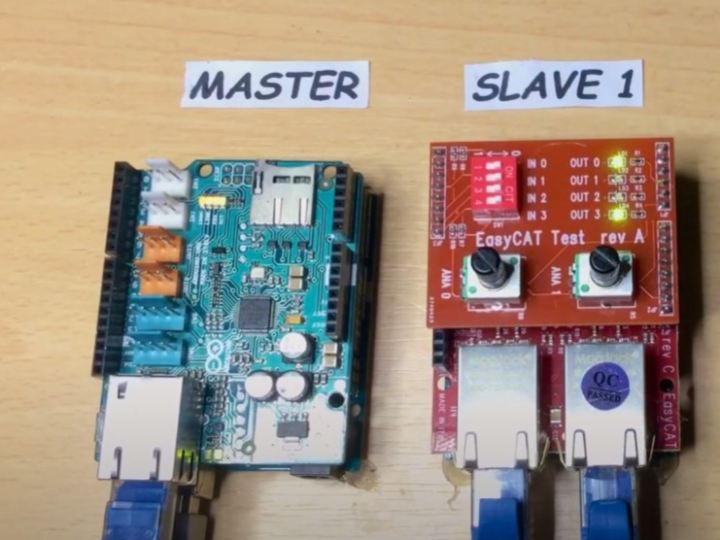
이 영상은 Arduino UNO에 EasyMaster library를 사용하여 EtherCAT Master를 구현하는 방법에 대해 설명되어 있습니다.
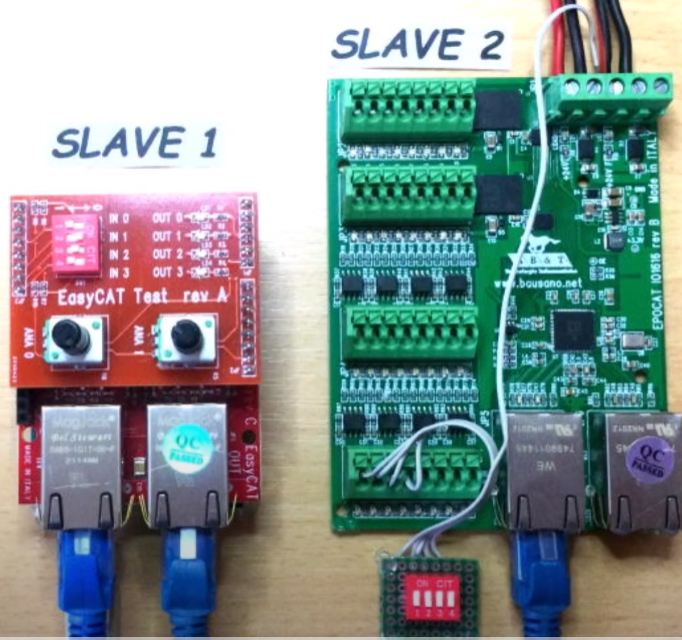
Slave1 구성은 아래와 같고
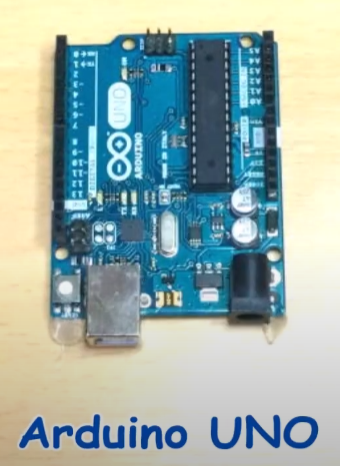
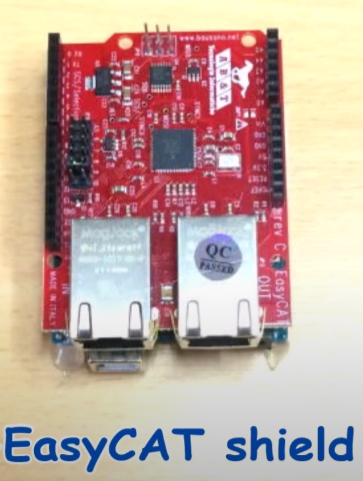
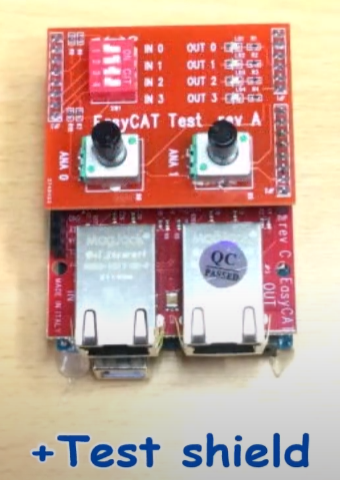
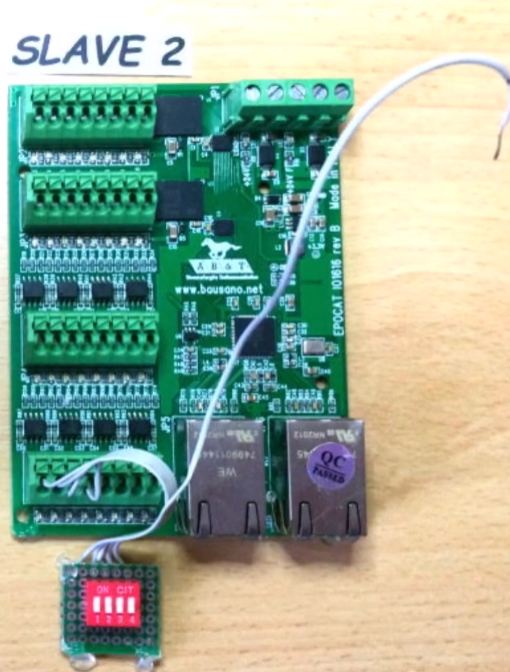
Slave2는 EpoCAT IO1616 이라는 제품을 사용하였습니다.
케이블을 알맞게 연결한 후 Slave1의 왼쪽 이더넷 케이블을 PC에 연결합니다.
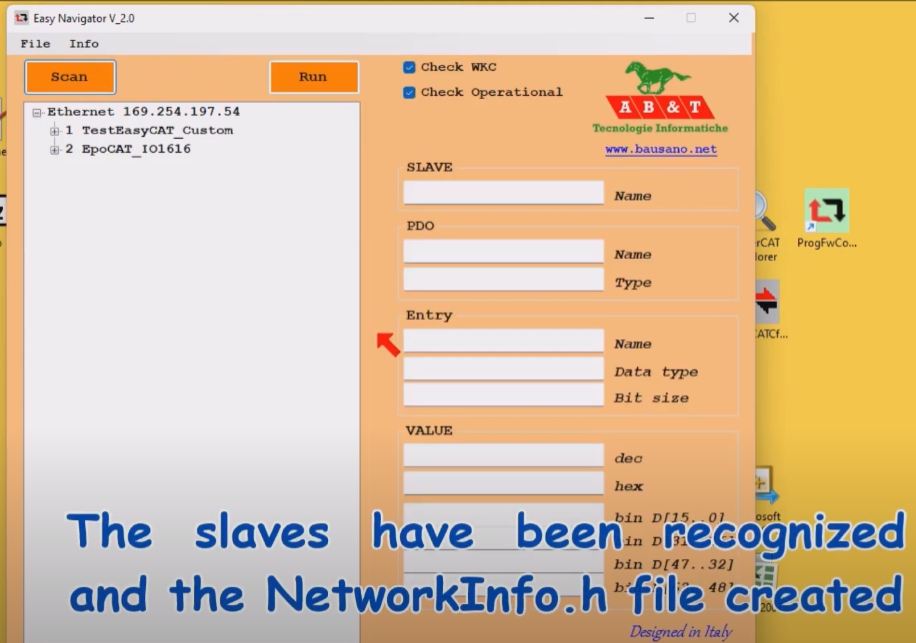
EasyNavigator를 실행시켜 scan을 진행합니다.
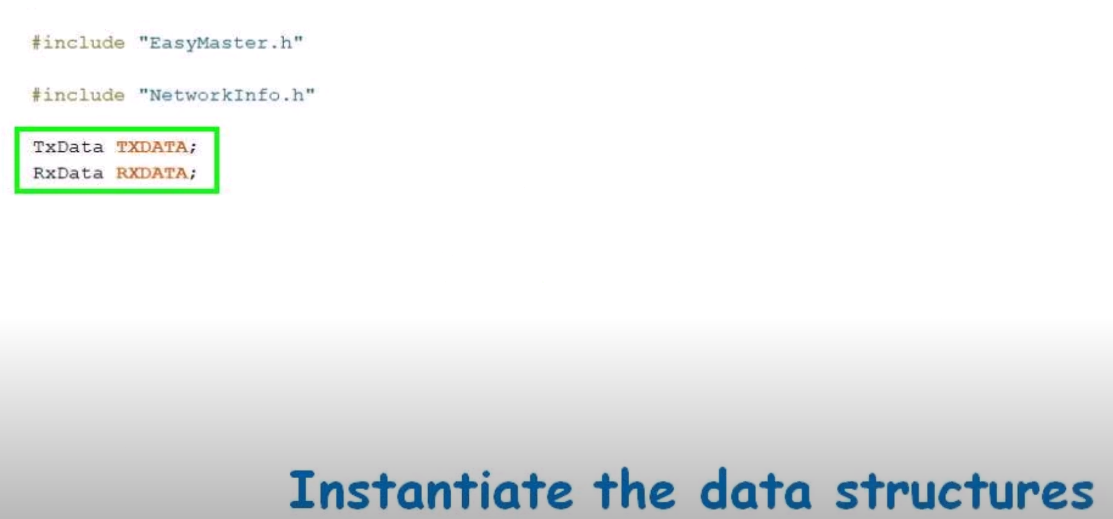
그 이후에는 자세한 코드 설명과 개인 설정에 따라 세팅해야 하는 부분들을 잘 설명하고 있습니다.
원본 유튜브 링크에
Easy Master Library, Easy Master User manual, Easy Navigator 링크가 있으니 다운로드 받아서 test 가능합니다.
This video explains how to implement an EtherCAT Master using the EasyMaster library on an Arduino UNO.
The Slave1 configuration is shown below
Slave2 used a product called EpoCAT IO1616.
After making the proper cable connections, connect the left Ethernet cable from Slave1 to the PC.
Run EasyNavigator to run the scan.
After that, there's a good explanation of the code and what you need to set up based on your personalization.
In the original YouTube link
There are links to the Easy Master Library, Easy Master User manual, and Easy Navigator, so you can download and test them.

