Decoding and Encoding JSON with Arduino or ESP8266
n this blog post you’re going to learn how to decode (parse a JSON string) and encode (generate a JSON string) with the ArduinoJson library
3
Components
Hardware components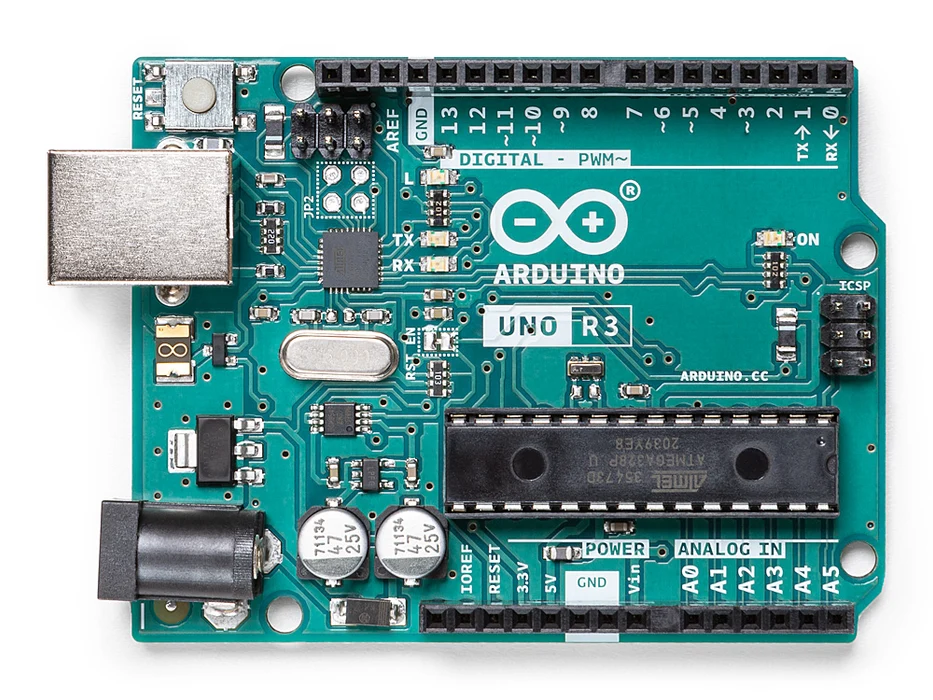
Arduino - Arduino UNO
x 1

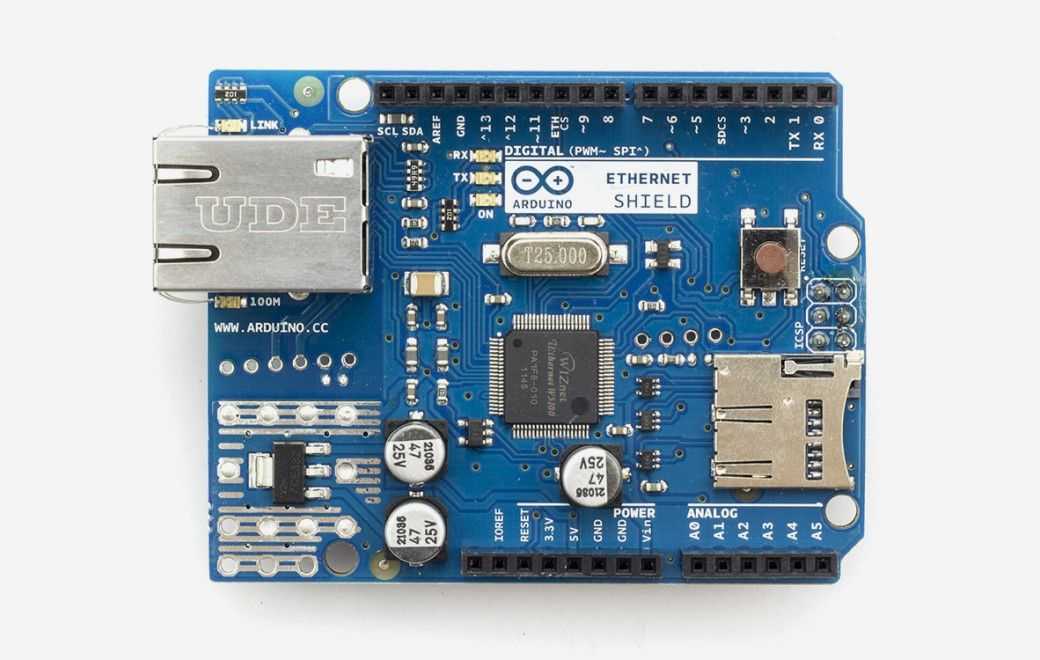
Arduino - Arduino Ethernet Shield
x 1
Project description
In this blog post you’re going to learn how to decode (parse a JSON string) and encode (generate a JSON string) with the ArduinoJson library using the Arduino with the Ethernet shield. This guide also works with the ESP8266 and ESP32 Wi-Fi modules with small changes. Important: this tutorial is only compatible with the ArduinoJSON library 5.13.5. What is JSON? JSON stands for JavaScript Object Notation. JSON is a lightweight text-based open standard design for exchanging data. JSON is primarily used for serializing and transmitting structured data over network connection – transmit data…
Keep reading with a free account
Guests can read 15 projects per visit. Log in or create a free account to read the full description, open the documents and join the comments.