Internet Enable a HKC Home Alarm
Connect HKC home alarm to internet with DIY solution using Raspberry Pi&Flask. Remotely monitor&control your security system from anywhere.
3
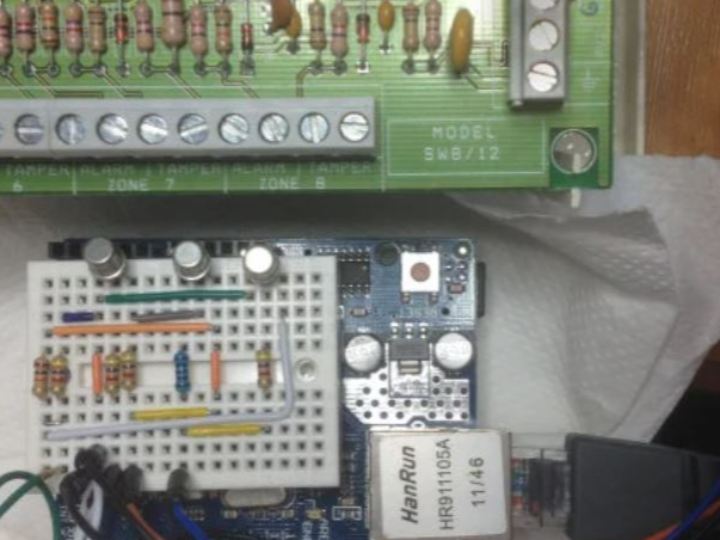
Project description
his guide explains how to connect your HKC home alarm system to the internet using a Raspberry Pi and Flask. By creating a DIY solution, you can remotely monitor and control your home security system from anywhere in the world. The guide provides a detailed step-by-step process to set up a Raspberry Pi as a bridge between your HKC alarm panel and the internet. You'll learn how to install the necessary software, create a web-based control interface using Flask, and test the system to ensure it's working correctly. The project requires a few technical skills and programming knowledge…
Keep reading with a free account
Guests can read 15 projects per visit. Log in or create a free account to read the full description, open the documents and join the comments.