Arduino Web Server Using W5100 Ethernet Shield
Arduino Web Server Using W5100 Ethernet Shield
Web Pages with ASP.net Like Syntax Using MVC Micro Framework
3
Components
Hardware components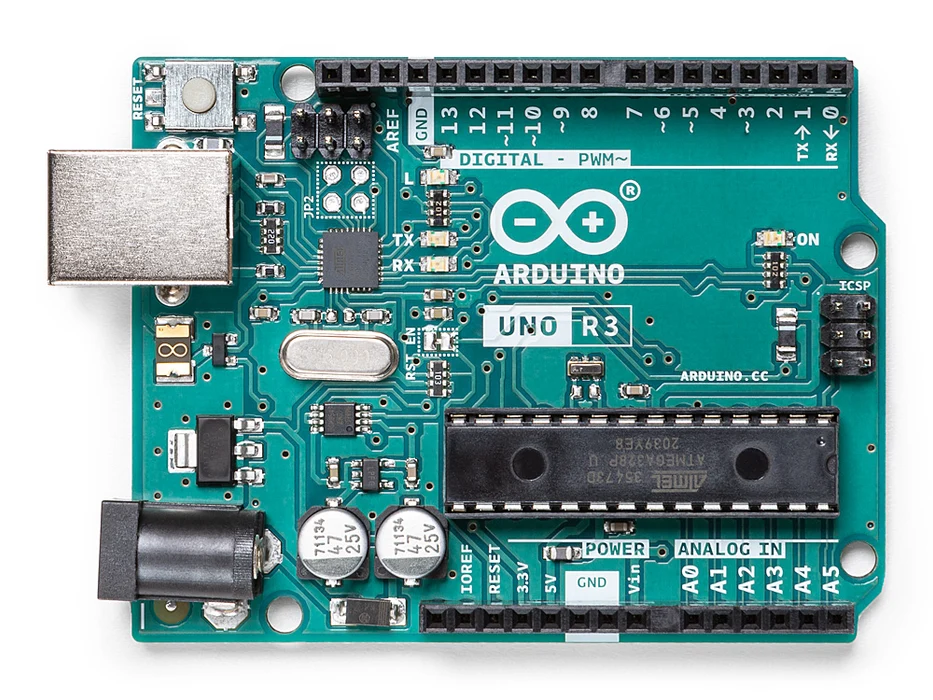
Arduino - Arduino UNO
x 1

WIZnet - W5100 ethernet shield
x 1

Arduino - Arduino IDE
x 1
Project description
Use an Arduino web server to control appliances, monitor remote sensors and report using charts. Our Arduino Ethernet shield IoT web server has been tested to work with Arduino IDE v 1.8.2, Wiznet 5100 Ethernet shield, Arduino R3 Uno and Mega 2560, and boasts the following:
- implements model, view, controller design (MVC)
- view builder with asp.net like scripting syntax
- memory efficient and responsive
- view markup can reside in program memory or SD card
- implements RESTful urls
- easy to process HTTP GET and POST requests
- easy to implement simple JSON or Xml web services
- browser caching for CSS, JavaScript, and images
- field by field or line by line processing of text data files
The unique advantage of using our Arduino web server (as compared to a generic Arduino web server) is that responsive web pages and web service responses can be built using a scripting style similar to asp.net. If you’ve developed web pages using server side scripting before, then this approach will be familiar.
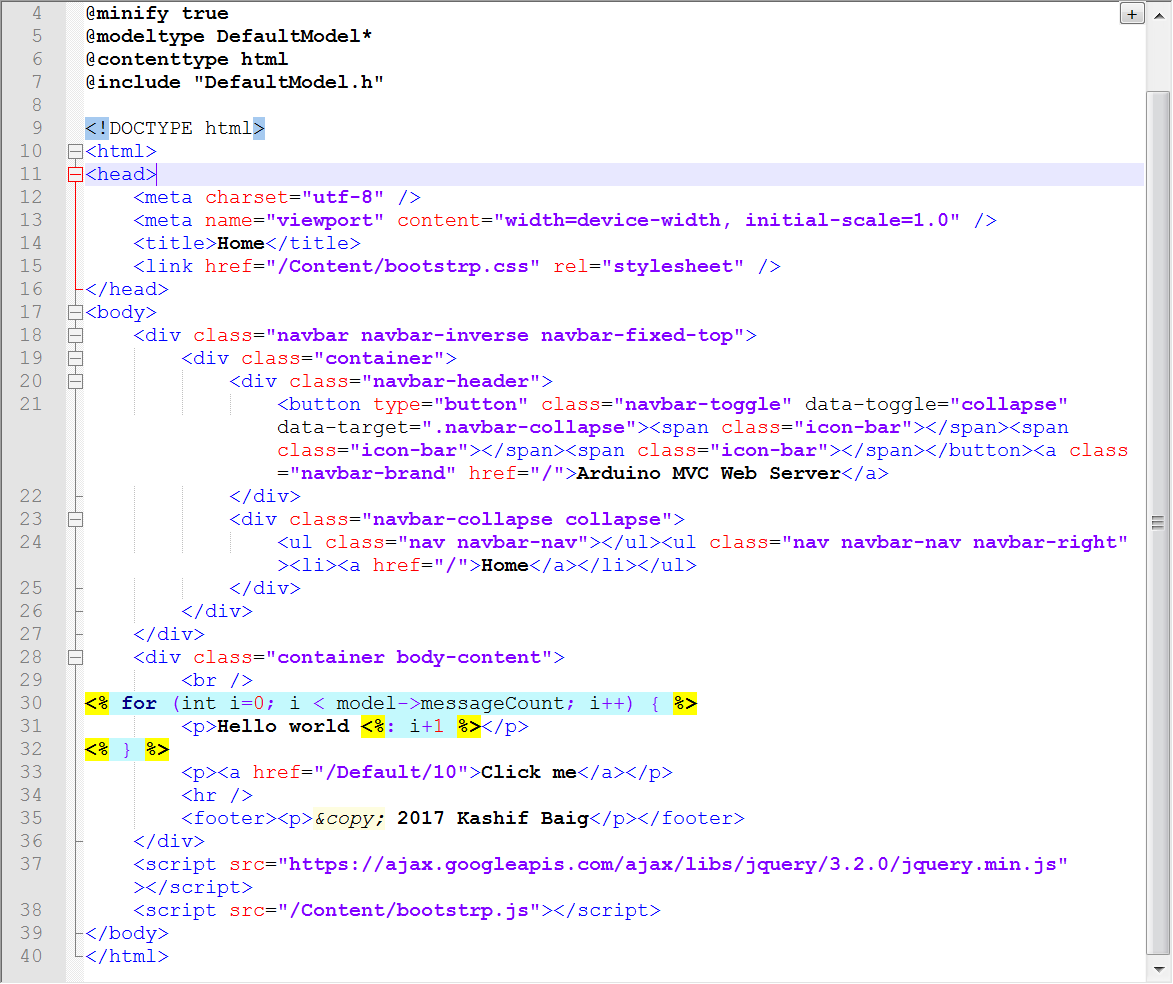
Ardiuno Web Server using MVC views.
The source code for the Arduino Webserver is available at the link below, and is provided as is (with no warranty). The code also demonstrates appliance control, log file monitoring and AJAX using jQuery.
Be sure to change the MAC and IP address in the source code to values that are correct for your network configuration, and copy ‘web’ and ‘data’ folders to the root of the Arduino Ethernet shield SD card. Please watch the short demonstration video and read on before uploading the source code to your Arduino.

