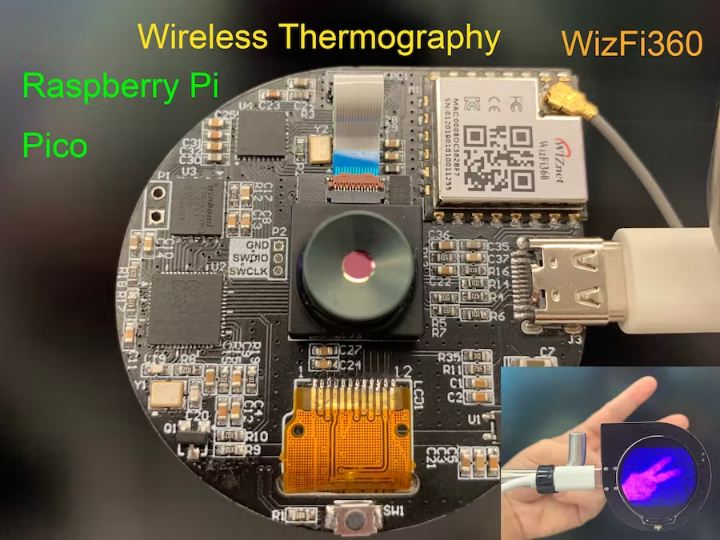
Raspberry Pi Pico & WizFi360 Wireless Thermography
Raspberry Pi Pico & WizFi360 Wireless Thermography
46
Components
Hardware components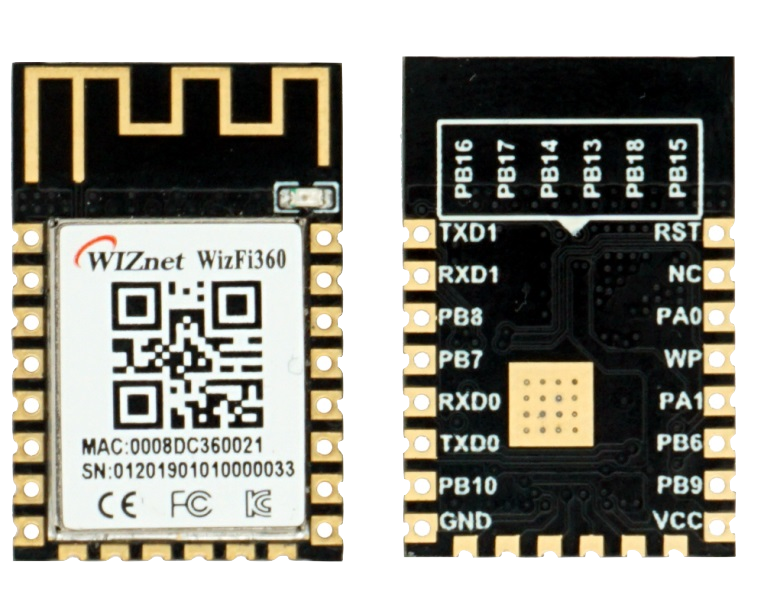
WIZnet - WizFi360
x 1


Raspberry Pi - RP2040
x 1
NC - GC9A01
x 1
Project description
Raspberry Pi Pico & WizFi360 Wireless Thermography Solution, This project use RP2040 WizFi360 GC9A01. Display on PC and Screen. 1. Install library files and board support in the Arduino IDE Add "WIZnet WizFi360-EVB-PICO" support to Arduino IDE Open up the Arduino IDE and go to File->Preferences. In the dialog that pops up, enter the following URL in the "Additional Boards Manager URLs" field: https://github.com/earlephilhower/arduino-pico/releases/download/global/package_rp2040_index.json Search "WizFi360" and Install Board support by "Board Manager" "Tools->Board:"***"-> Raspberry Pi RP2040…
Keep reading with a free account
Guests can read 15 projects per visit. Log in or create a free account to read the full description, open the documents and join the comments.

