Using an Arduino and the Emic 2 TTS Module to Read Tweets
The gutenbird sketch from the Internet of Things Printer served as a good starting point as it already had the ability to parse the JSON fee
0
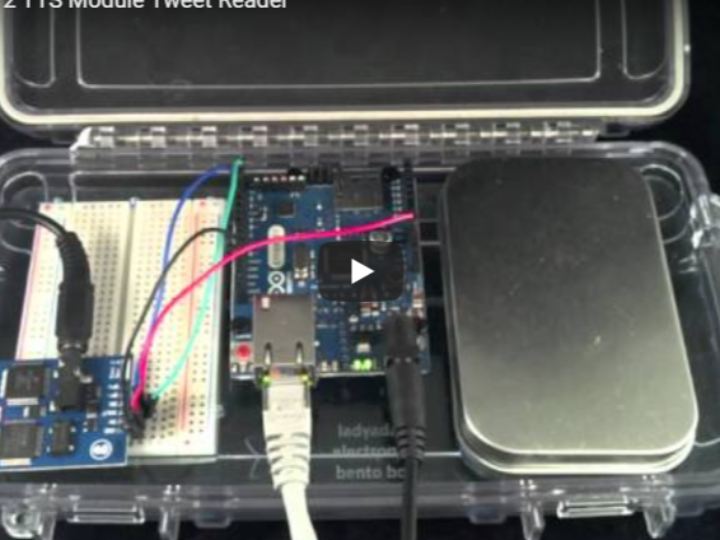
Components
Hardware components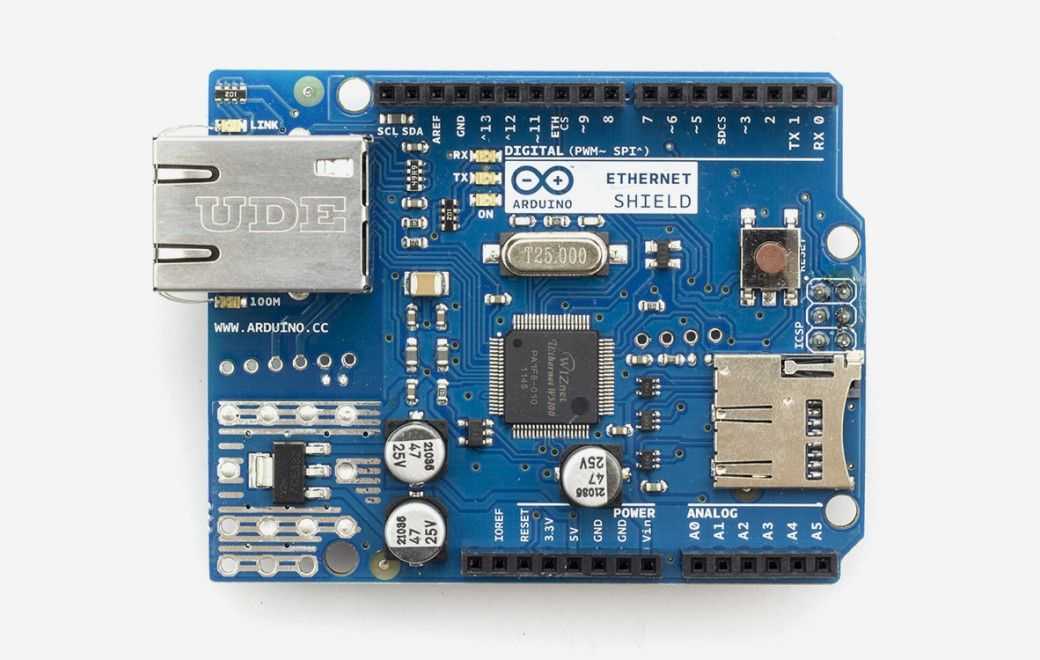
Arduino - Arduino Ethernet Shield
x 1

Project description

After playing around with the Emic 2 text to speech module, I decided to try having it read tweets. The gutenbird sketch from the Internet of Things Printer served as a good starting point as it already had the ability to parse the JSON feed from Twitter and output the content via a serial port.
Hardware used :
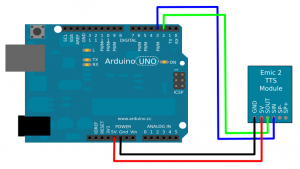
Connecting the Emic 2 to the Arduino is very straightforward, requiring only four wires:
While working with the Emic 2, I wrote a small wrapper class to handle the various commands. This is used at the beginning of the sketch to configure the voice parameters and later on to speak the text:
emic2TtsModule.init();
emic2TtsModule.setVolume(5);
emic2TtsModule.setWordsPerMinute(120);
emic2TtsModule.setVoice(BeautifulBetty);
…
emic2TtsModule.say(fromUser);
emic2TtsModule.say(F(” tweeted “));
emic2TtsModule.say(msgText);
The Social Chatter sketch diverges a bit from the original gutenbird sketch by explicitly expanding certain characters to words to control how the Emic vocalizes them. For example, the following code causes the # sign to be spoken as “hash” instead of “number sign”:
if (c == ‘#’) {
len = writeStringIfPossible(len, maxLen, dest, ” hash “);
}
During development, I noticed that having the Emic 2 read URLs was not particularly helpful. There is a simple state machine to detect links and replace them with the work “link” in the spoken output:
if (state == STATE_NORMAL) {
if (c == ‘h’) {
state = STATE_LINK_H;
…
}
} else if (state == STATE_LINK_H) {
if (c == ‘t’) {
state = STATE_LINK_HT;
} else {
state = STATE_LINK_FALSE_POSITIVE;
}
…
}
The full source is available on GitHub. How will you use the Emic 2 to give a voice to the Internet of Things?
