Simple Remote Display with Mobile App
How to make a simple remote display system with an OLED display and Arduino Ethernet. You can absolutely send your messages via mobile app.
10
Components
Hardware components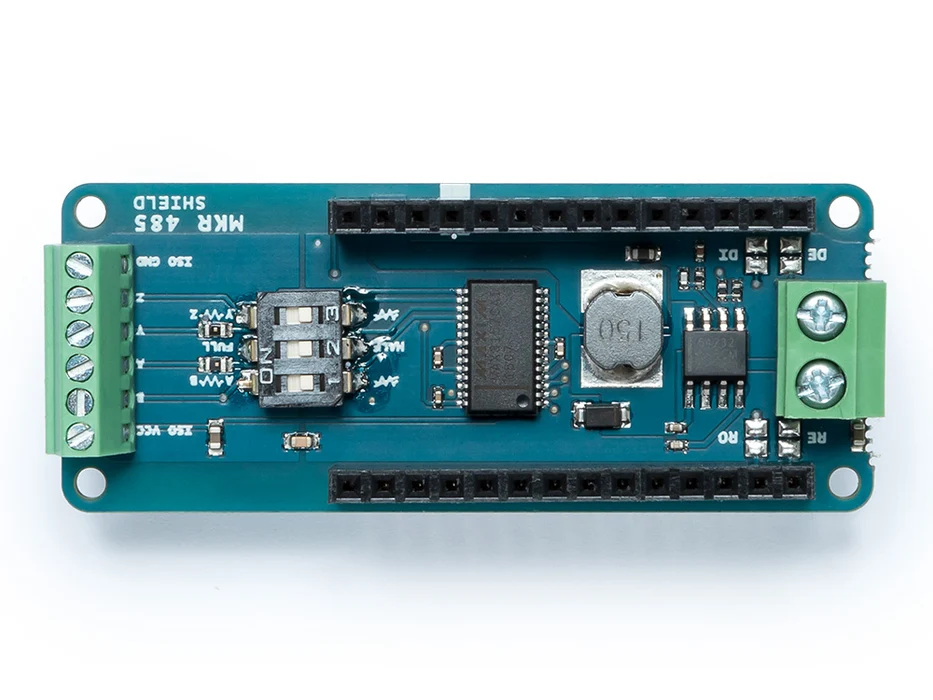
Arduino - Arduino MKR 485 Shield
x 1

Project description
Story
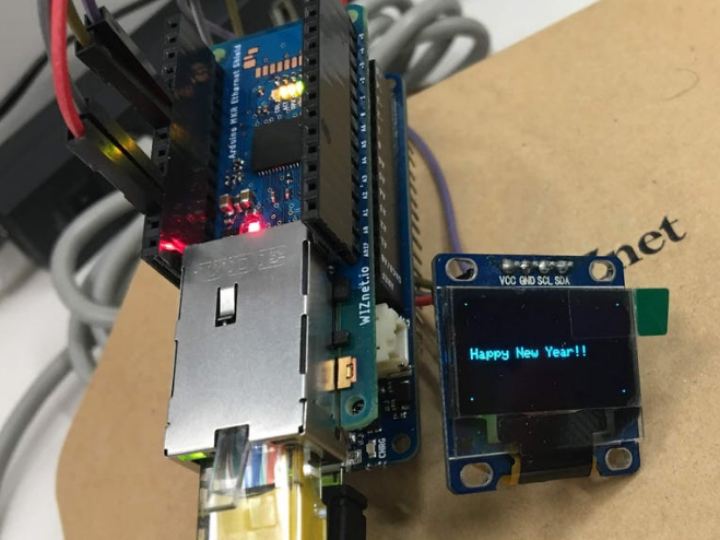
This project will show you how to make a simple remote display demo with mobile app. A screenshot of the actual execution is shown below.

I’m sure, you’ll have no problem to connect H/W components and read this project source code. (SPI for “Ethernet Shield” & i2c for “0.96 Inch OLED I2C Display 128 x 64”).
After you download this project source code, you can run this demo as upper.
Before use this code, you need to install 2 below libraries.
1. https://github.com/adafruit/Adafruit_SSD1306 (SSD1306 library) or custom zip file.
- Adafruit_SSD1306-1.1.2.zip for (128*64) , I modified the code as below in Adafruit_SSD1306.h

2. https://github.com/adafruit/Adafruit-GFX-Library (GFX library)
The following is a step – by – step explanation of the screens you will see on the mobile app. Before this, please install WIZnet IoT app on your mobile device.


The message protocol between mobile app and Arduino is very simple as follows.


