Quick & Cheap HomeKit RGB Controller
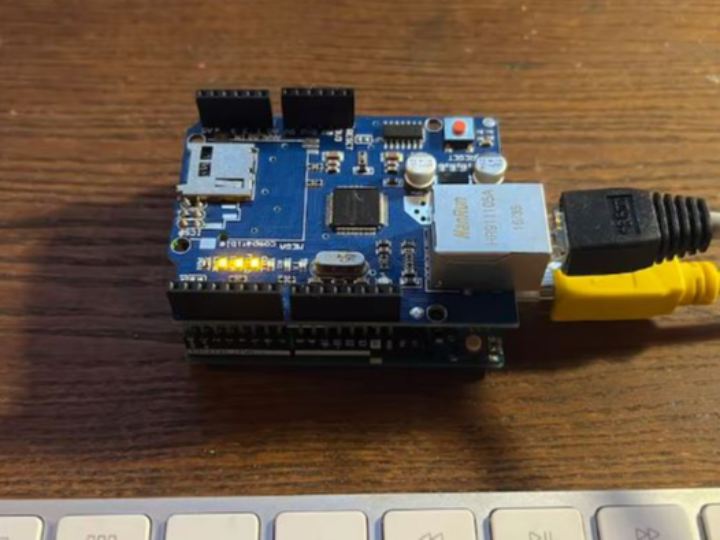
HomeKit compatible RGB LED controller using the Arduino Ethernet Shield
2
Project description
The HomeBridge configuration file The core of the HomeBridge configuration and customization is a JSON file. HomeBridge makes easy to access and modify it by loading it in a in-browser editor that can easily be accessed in the “Configuration” panel. Here you have to make you first important decision, the IP address you want to set for your Arduino. You can always change it later, if you want. The configuration you most likely want to use for this accessory is the following. Paste it inside the “accessories” brackets { "accessory": "HttpPushRgb", "name": "Arduino RGB", "service": "Light"…
Keep reading with a free account
Guests can read 15 projects per visit. Log in or create a free account to read the full description, open the documents and join the comments.