MQTT Network Control Resources
Learn how to publish and subscribe to messages sent via an MQTT message broker to be able to remotely control or monitor the status
3
Components
Hardware components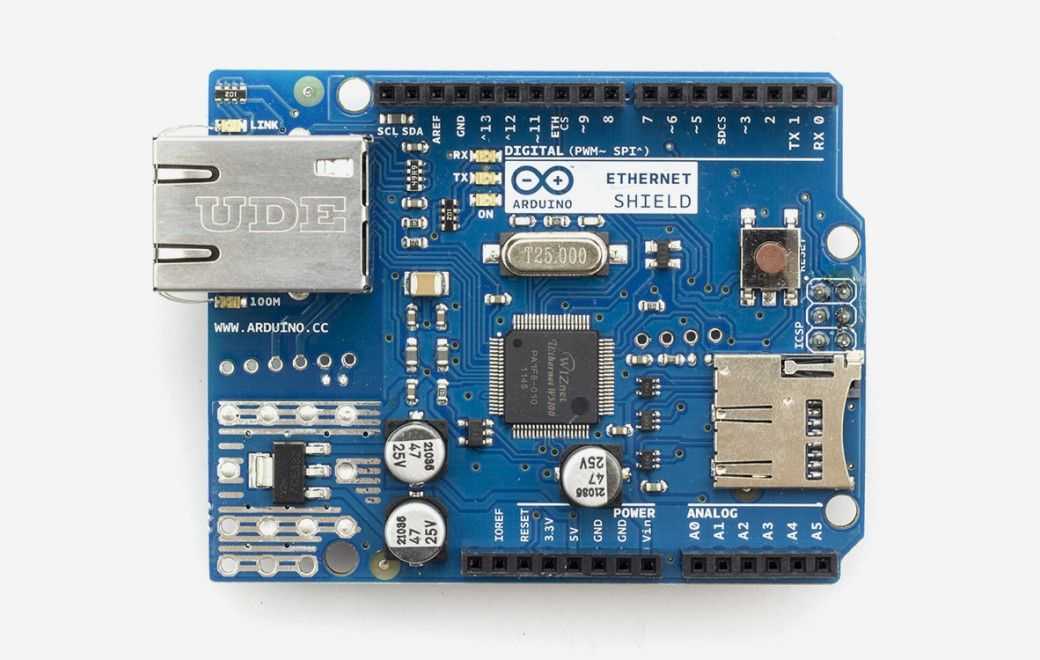
Arduino - Arduino Ethernet Shield
x 1

Project description

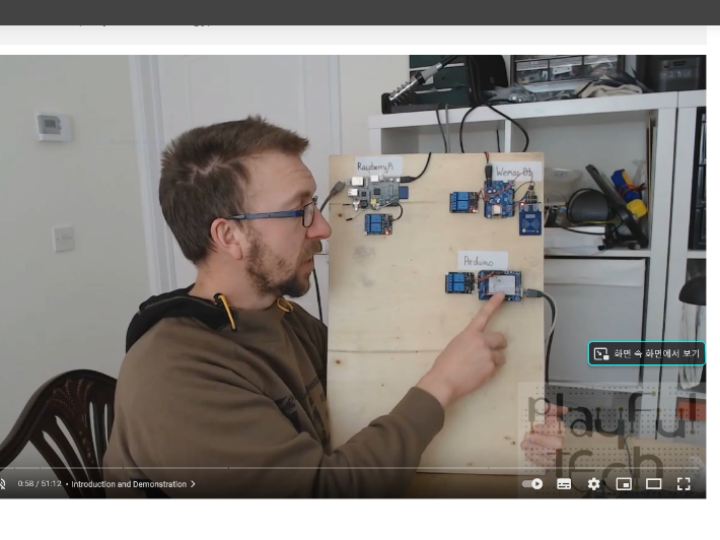
Learn how to publish and subscribe to messages sent via an MQTT message broker to be able to remotely control or monitor the status of devices, including Arduino, Raspberry Pi, Android, PC, and Wemos D1.
In this video I’ll demonstrate how to install and setup the Mosquitto MQTT server, available at www.mosquitto.org, on a Windows PC.
I’ll then create clients that subscribe to topics on that MQTT broker running on an Arduino UNO (via an Ethernet shield), a WeMos D1 (connected via built-in Wi-Fi), and a Raspberry Pi (connected via built-in ethernet), and control those devices by publishing messages using a command-line PC application and an Android app.
You can access the wiring diagram, additional documentation, and code downloads used in this video at https://www.patreon.com/posts/17921563
