DISPLAY SENSOR DATA WITH AN ETHERNET CONNECTED ARDUINO WEB SERVER
DISPLAY SENSOR DATA WITH AN ETHERNET CONNECTED ARDUINO WEB SERVER
4
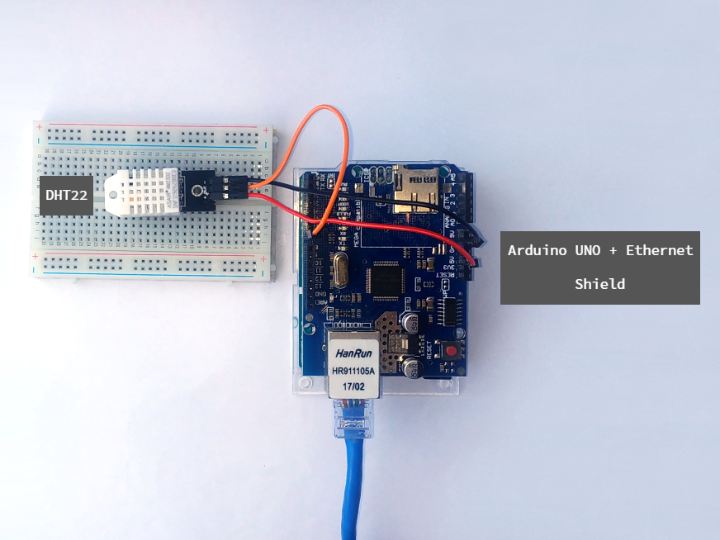
Components
Hardware components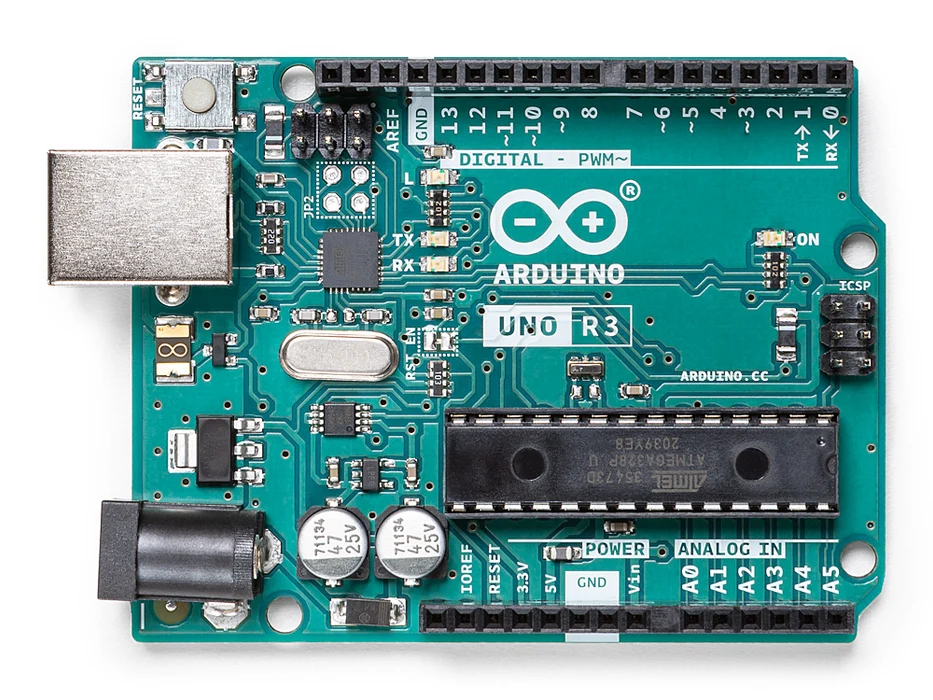
Arduino - Arduino UNO
x 1


Adafruit - DHT22 temperature-humidity sensor
x 1
WIZnet - W5100 ethernet shield
x 1
Project description
Summary:
Just for the record, the Arduino alone cannot function as a web server. Unlike the Raspberry Pi, which is a fully functioning computer, Arduino requires an Ethernet shield to connect to the internet.
PREPARING THE HARDWARE
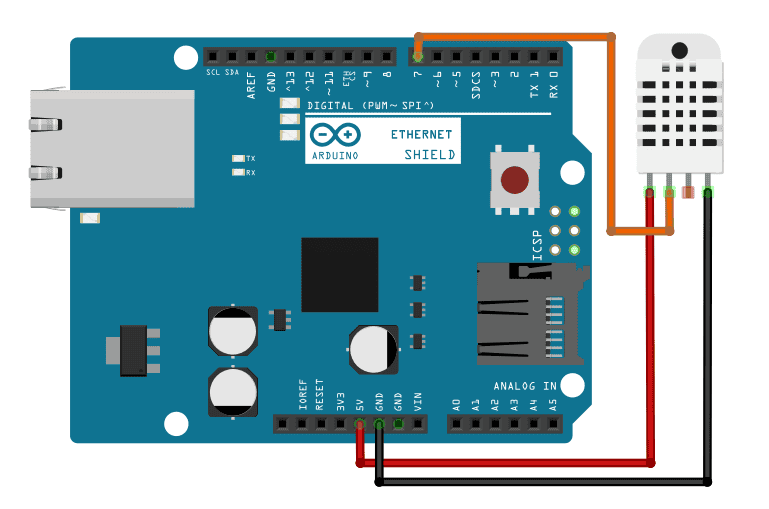
For this project, we are going to display DHT22 Temperature and Humidity sensor data from an Arduino and an Ethernet shield paired to a web page you can access anywhere in the world. To accomplish that, connect the following components, as shown in Figure 2:
After assembling the components, plug a LAN cable to the RJ45 connector. The other end must be on your router that is connected to the internet.

