Control LED from Web using Arduino
.
6
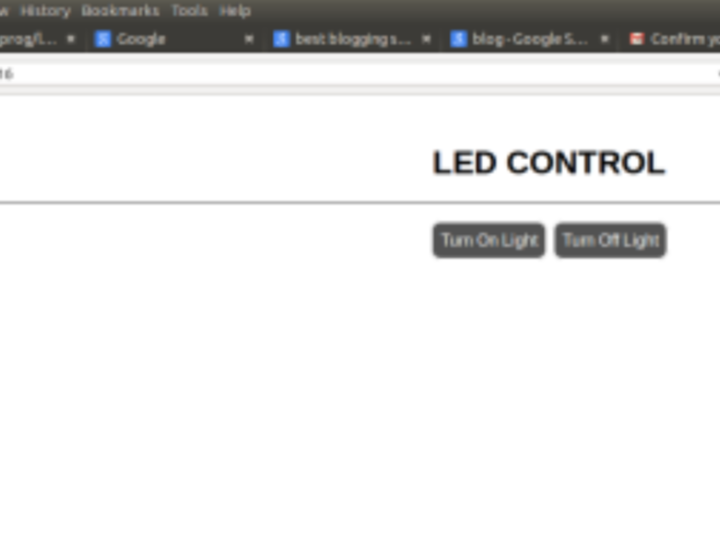
Project description
Overview Here I have controlled an LED from a webpage using Arduino EthernetSheild and Arduino Mega ADK. First you have to create a server using Arduino EthernetSheild : Place your EthernetSheild on the Arduiono Mega and make the connection. Connect your Arduino Mega through USB to your laptop, and connect the EthenetSheild to your router using RJ45 cable. Open Arduino IDE > File > Example > Ethernet > DhcpAddressPrinter Change the MAC Address,(sticker under the EthernetSheild) upload the sketch to your board. Open the serial monitor and IP address will be printed.
Keep reading with a free account
Guests can read 15 projects per visit. Log in or create a free account to read the full description, open the documents and join the comments.