Control Arduino Using Android App
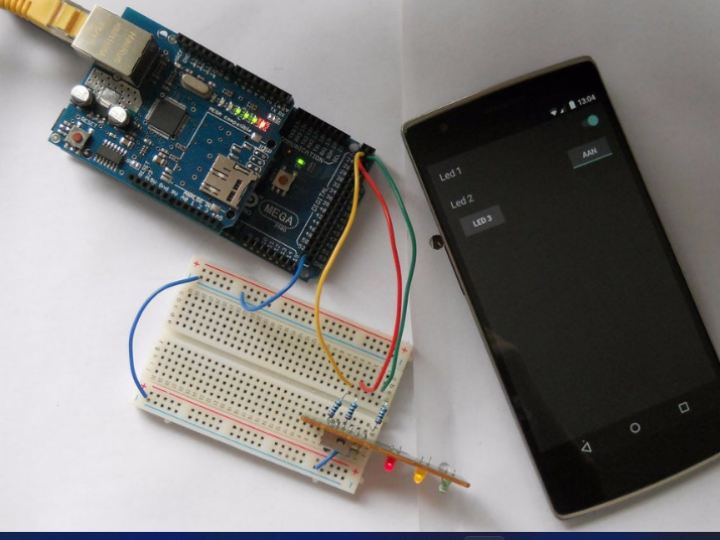
In this instructables I'm going to explain how to control the arduino IO pins using an android app, which we'll write here.
7
Components
Hardware components
WIZnet - W5100 ethernet shield
x 1

Project description
About this project
In this instructables I’m going to explain how to control the arduino IO pins using an android app, which we’ll write here.
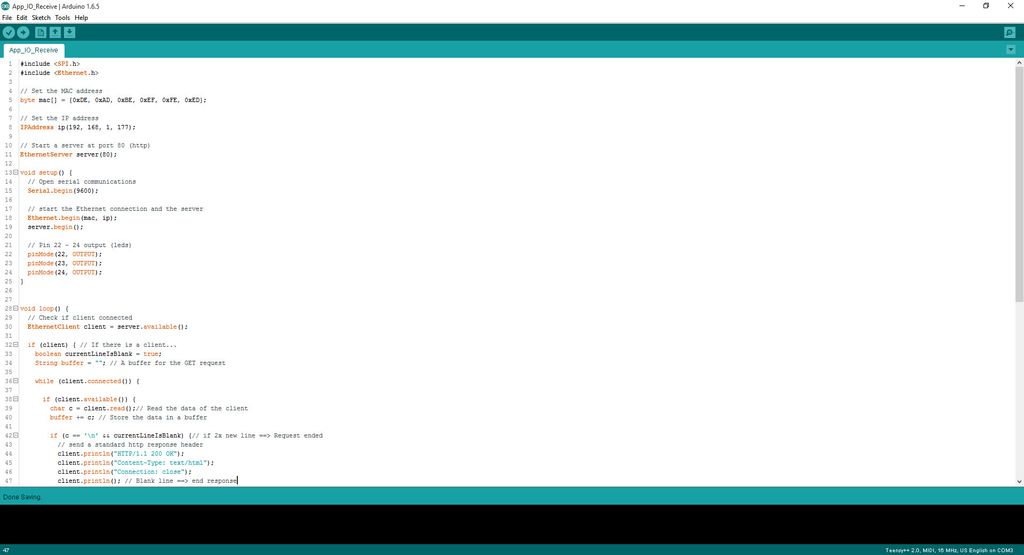
The communication will be over ethernet and we’ll use the GET request to activate the IO’s.
The Ethernet Shield
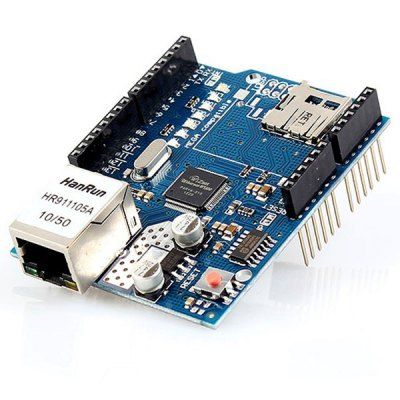
I got this Ethernet shield from gearbest.com.
It worked instantly on my arduino mega (also from gearbest.com)
On the shield you have 2 SPI devices. The SD card reader and the W5100 IC for Ethernet.
In this instructables we’ll only be using the Ethernet part.
Schema


We need to connect the 3 led’s to the arduino. You can use every pin except pin 0, 1, 10 to 13 and 50 to 53.
I’m using pin 22, pin 23 and pin 24.
You also need to connect your arduino to your local network. Internet isn’t needed.
Arduino Sketch