Arduino WebServer Controlled LED
I wanted to investigate controlling the digital outputs on a Arduino from a webpage so I decided to build a simple setup to Turn a LED on an
0
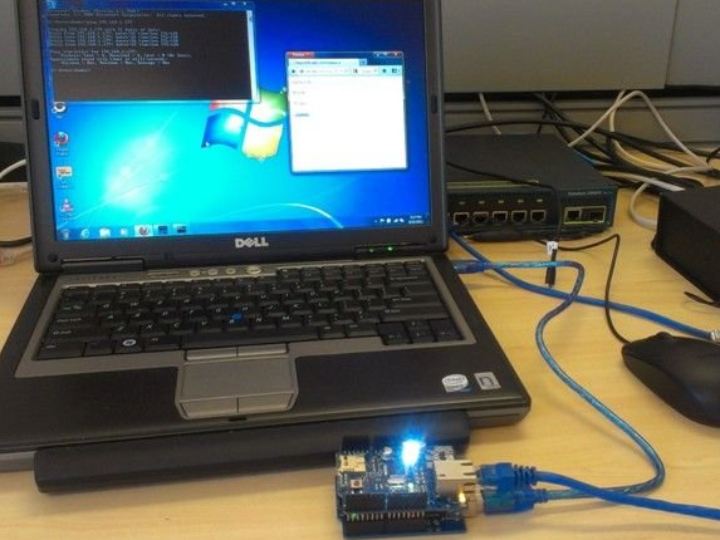
Components
Hardware components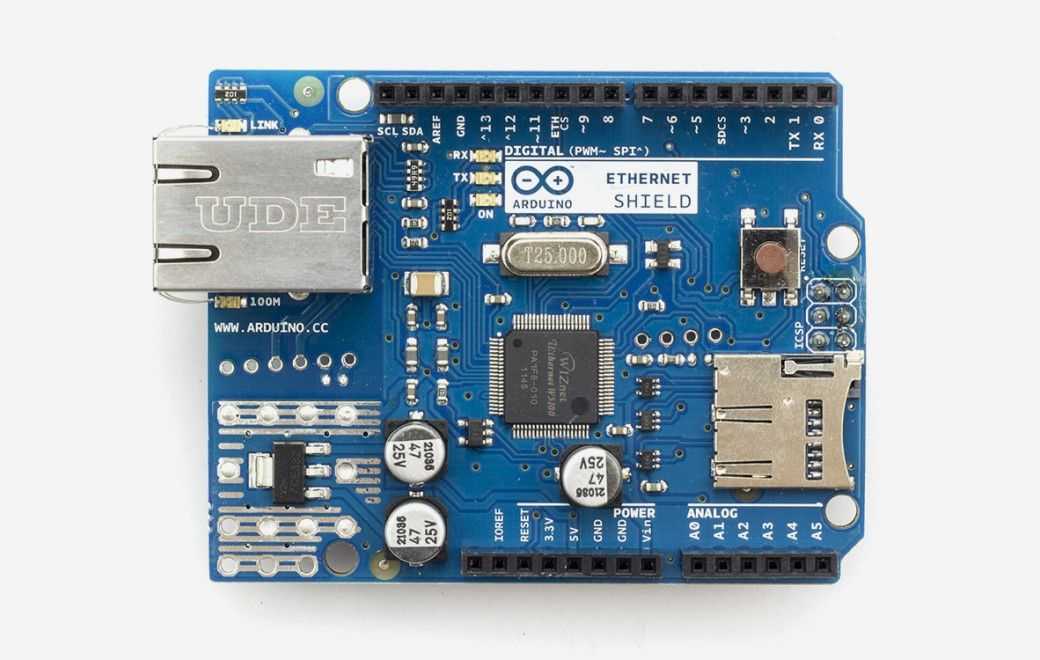
Arduino - Arduino Ethernet Shield
x 1

Project description
DETAILS Configure Web Server First off we need to configure the web server this is done by calling the Ethernet libraries, setting the Mac Address, IP Address and Server Port. then in the Void Setup you start the server and define the pin you want to plug the LED into. #include <SPI.h> #include <Ethernet.h> byte mac[] = { 0xDE, 0xAD, 0xBE, 0xEF, 0xFE, 0xED }; IPAddress ip(192,168,1, 177); EthernetServer server(80); void setup() { Serial.begin(9600); pinMode(8, OUTPUT); Ethernet.begin(mac, ip); server.begin(); } Create HTML Form In the Void Loop we define client then check that the web server…
Keep reading with a free account
Guests can read 15 projects per visit. Log in or create a free account to read the full description, open the documents and join the comments.