Arduino Gmail Clock
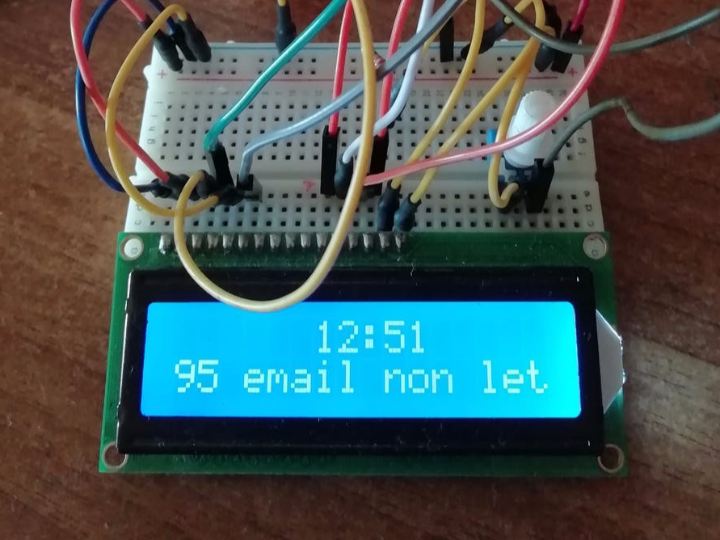
The number of unread emails and the hour on a 16x2 LCD display.
0
Components
Hardware components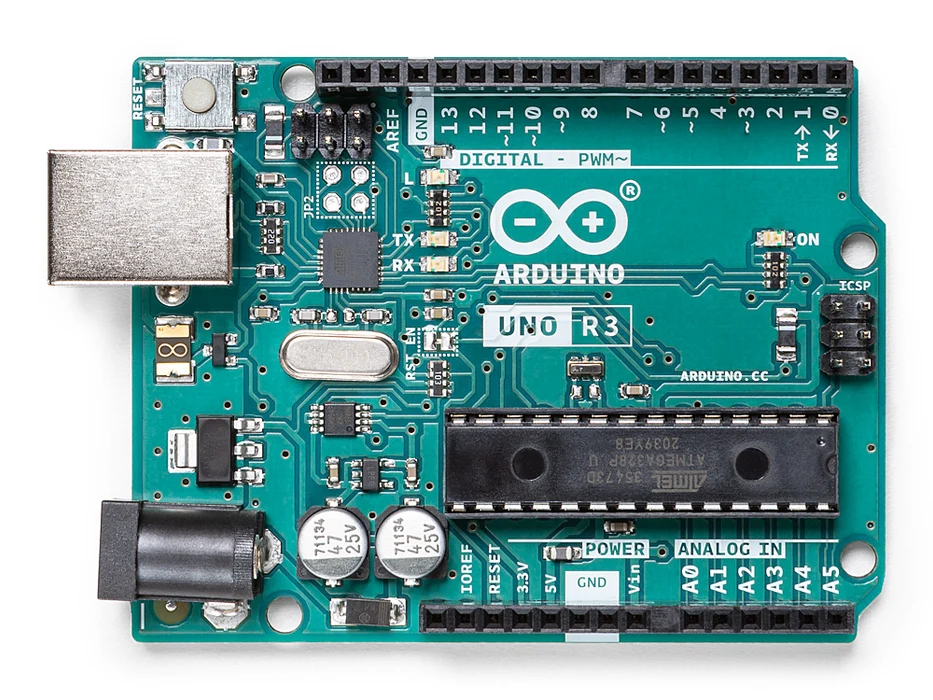
Arduino - Arduino UNO
x 1

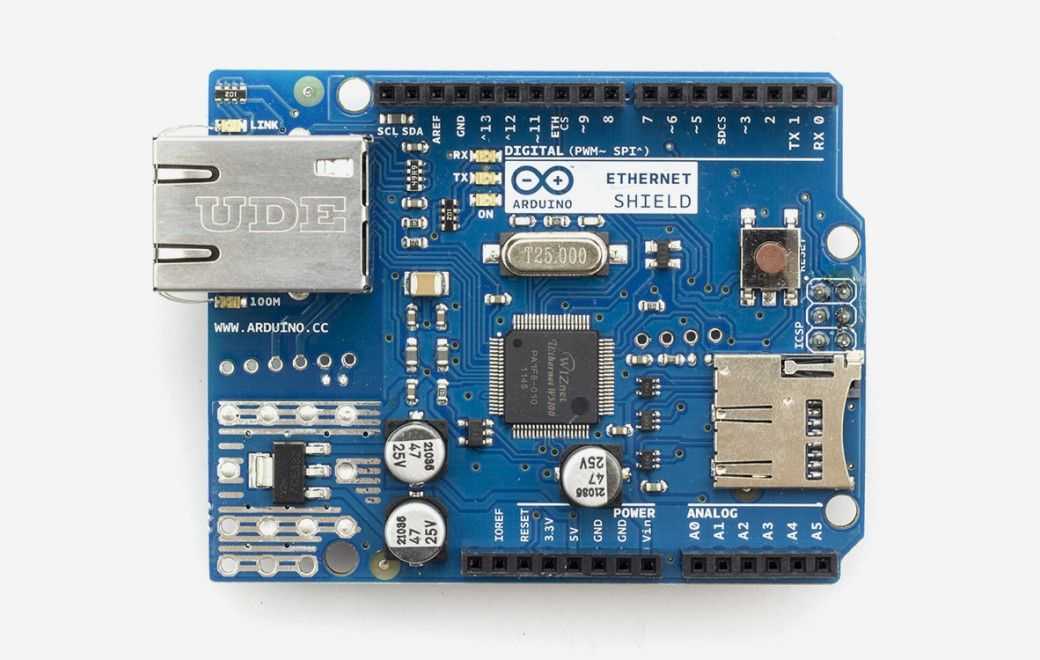
Arduino - Arduino Ethernet Shield
x 1
Project description
ABOUT THIS PROJECT
I started learning programming languages some years ago with Arduino, now I’m developing iOS apps that is a bit more difficult than Arduino. Yesterday I was tidying my bedroom and I found the shoebox with my Arduino kit inside and since I’m a little bit more expert in this topic I have though to build something with this small board.
Now we are in 2019 and internet is the centre of our lives, why it can’t be the centre of my project? In fact this projects depends 100% by internet.
The Gmail Sync Method
Since the Ethernet Shield doesn’t support SSL (nowadays required for basically every login service) I had to use a php script in a server (it may be local or not). This php script gets the number of unread emails from the Gmail server’s response (in XML) and it prints off the number in this format (useful for Arduino parsing) mailXX where XX is the number of unread emails, here’s the script:
<?php
function check_email($username, $password)
{
   //url to connect to
   $url = "https://mail.google.com/mail/feed/atom";
   // sendRequest
   $curl = curl_init();
   curl_setopt($curl, CURLOPT_URL, $url);
   curl_setopt($curl, CURLOPT_FOLLOWLOCATION, 1);
   curl_setopt($curl, CURLOPT_RETURNTRANSFER, 1);
   curl_setopt($curl, CURLOPT_SSL_VERIFYPEER, false);
   curl_setopt($curl, CURLOPT_USERPWD, $username . ":" . $password);
   curl_setopt($curl, CURLOPT_HTTPAUTH, CURLAUTH_BASIC);
   curl_setopt($curl, CURLOPT_ENCODING, "");
   $curlData = curl_exec($curl);
   curl_close($curl);
   //returning retrieved feeds
   return $curlData;
}
$feeds = check_email("YOUR@EMAIL.ADDRESS", "YOURPASSWORD");
$xmlobjc = new SimpleXMLElement($feeds);
echo "mail" . $xmlobjc->fullcount[0];
?>
How Arduino Gets The Data
For the time I have copy-pasted the code from the UdpNtpClient and it worked perfectly, and for getting the number of unread emails from the php script I have copy-pasted the code from WebClient :P.
But Arduino needs to extract the value from the HTTP response string, so I have included the TextFinder library and with it installed I just wrote
finder.find("mail");
long value1 = finder.getValue();
to get the value immediately after the word “mail”.
The Sync Frequency
Arduino updates the time every 10 second for 10 times, at the 10th time also syncs the unread email number. So every 100 seconds the number changes according to the unread emails.
Security
When you open Google from your browser you probably will see this:

This means that “somebody entered to your account with your password in a suspicious mode” and that’s true. In fact my php code uses a very basic and insecure method to get the unread emails number. So be careful, load the php file in your computer or in a trusted sever without sharing the IP address.
How to build it
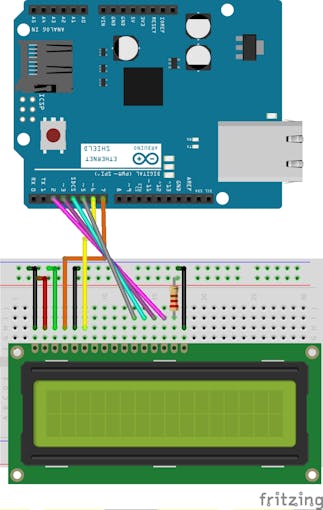
As you can see it’s very simple, just snap the Ethernet Shield in your Arduino and connect the LCD display (I use one from the Arduino Starter Kit) according to this schematic:
Configure the server (locally, on macOS)
I use the preinstalled Apache 2 server on my iMac, but you can put the php file in every server, you only need the IP address. To configure the server in macOS:
- Download the php file
- Put it the
/Library/WebServer/dir - Open the terminal and type
sudoapachectlrestart
To test it type 172.0.0.1/nameofthefile.php in your browser and you will see a string like mail43
Remember to put your email and password in the php file and the server’s IP address in the sketch!
Command S, Command R!
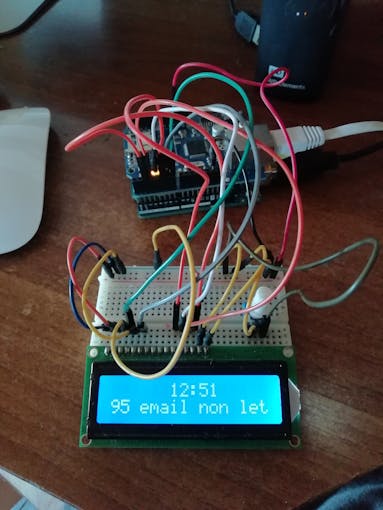
Now you just have to load the.ino file and you will see something like this:
TO-DOs
I think my project will be awesome with a 3D printed enclosure
Other Projects
Go check my GitHub page here to see some Swift-related projects
CODE
The server-side code
<?php
function check_email($username, $password)
{
    //url to connect to
    $url = "https://mail.google.com/mail/feed/atom";

    // sendRequest
    $curl = curl_init();
    curl_setopt($curl, CURLOPT_URL, $url);
    curl_setopt($curl, CURLOPT_FOLLOWLOCATION, 1);
    curl_setopt($curl, CURLOPT_RETURNTRANSFER, 1);
    curl_setopt($curl, CURLOPT_SSL_VERIFYPEER, false);
    curl_setopt($curl, CURLOPT_USERPWD, $username . ":" . $password);
    curl_setopt($curl, CURLOPT_HTTPAUTH, CURLAUTH_BASIC);
    curl_setopt($curl, CURLOPT_ENCODING, "");
    $curlData = curl_exec($curl);
    curl_close($curl);

    //returning retrieved feeds
    return $curlData;

}
$feeds = check_email("YOUR@EMAIL.ADDRESS", "YOURPASSWORD");

$xmlobjc = new SimpleXMLElement($feeds);

echo "mail" . $xmlobjc->fullcount[0];
?>

