Arduino Ethernet Shield–LED ON/OFF from webpage
.
2
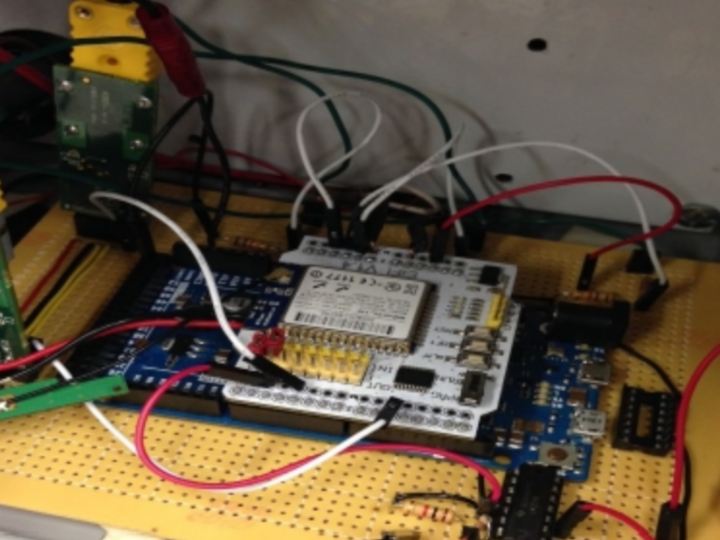
Project description
This post is a practical demo on controlling an LED from a browser. Arduino ETHERNET SHIELD is used here. The Browser acts as a CLIENT & the SHIELD acts as a SERVER listening on HTTP PORT 80. This demo is done on a Local Area Network .This means that the PC from where Browser is operated & the ETHERNET shield both are connected to the same NETWORK. You may have a Router in top of your Network.The Ethernet shield is connected to one of the RJ45 connector of the Router using a STRAIGHT Ethernet cable.The PC from where you start your browser is also connected to the same Router , to another…
Keep reading with a free account
Guests can read 15 projects per visit. Log in or create a free account to read the full description, open the documents and join the comments.