Arduino Ethernet Camera
Ethernet Camera
3
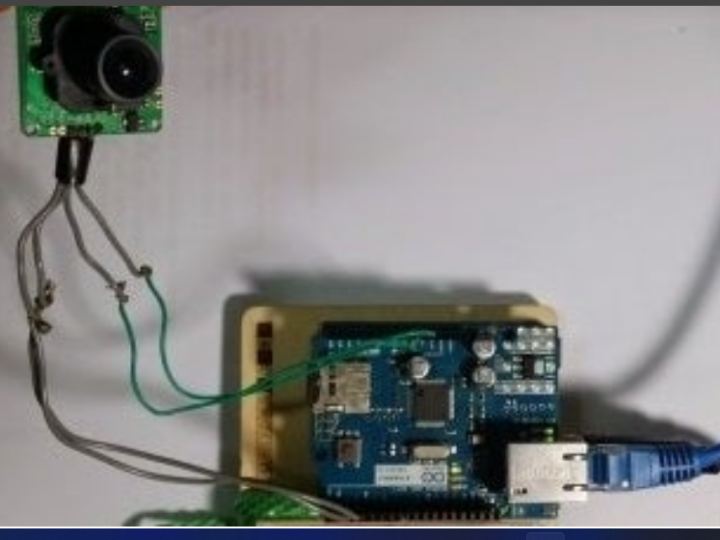
Components
Hardware components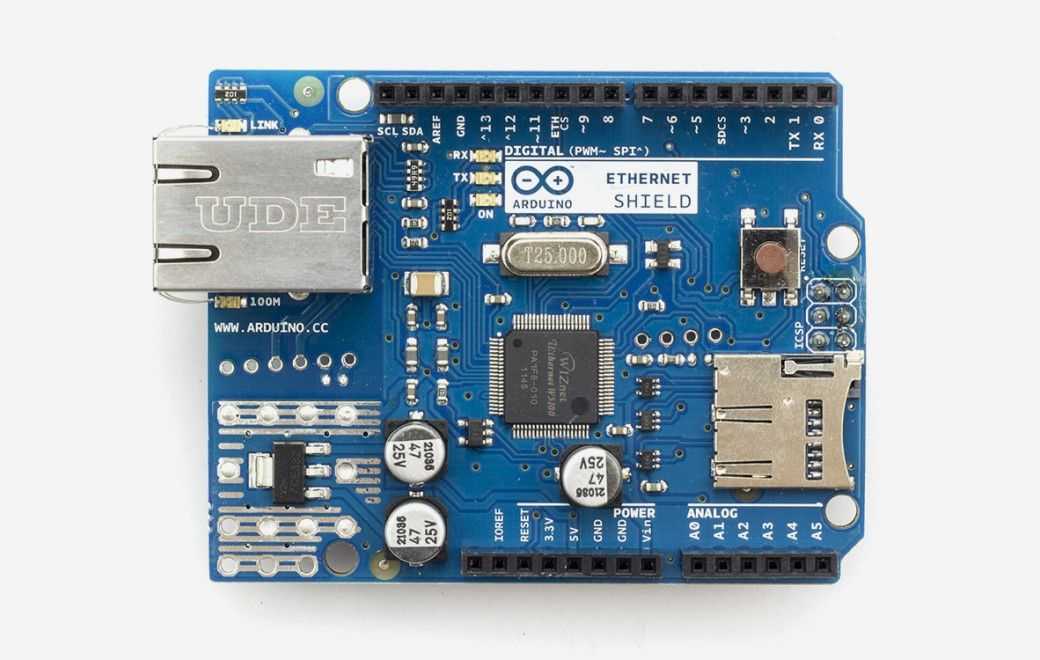
Arduino - Arduino Ethernet Shield
x 1

Project description
I will introduce a Arduino ethernet Camera.
You can take a picture inside of house which have a this arduino ethernet camera by just openning the web site if you follow this contents.
It is very easy and simple way which don’t need any app. for smart phone.
Let’s start.
Step 1: Prepare Meterials


We need a several meterials.
1. Arduino Uno
2. Arduino Ethernet Shield
3. Serial Camera ( https://learn.adafruit.com/ttl-serial-camera)
They are all…. for this project.
Step 2: Hardware Connection
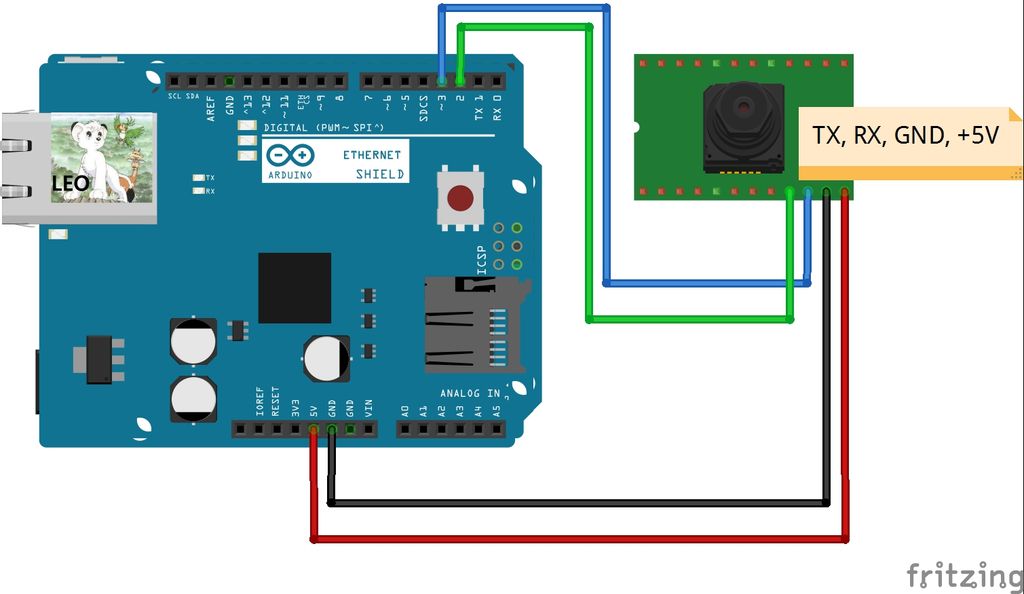
Hardware connection is very easy.
Just follow picture.
Picture shows us all of we have to connect.
Step 3: Prepare for Software : Library
We need download few libraries for this project
You can download libraries in http://arduino.cc
Adafruit_VC0706.h (for TTL Camera)
SdFat.h (for SD card)
SdFatUtil.h (for SD card
Ethernet.h (for Ethernet shield , default installed in Sketch)
SoftwareSerial.h(for TTL Camera)
If you downloaded them, you are ready for run this project.
Step 4: Software : Sketch Code

Here is a sketch code we need to run this project.
Please download attached sketch file (ethernet_camera.ino)
There are little to know about this code.
1. You have to modify mac[] and ip[] as your arduino’s information.
2. To see jpg file on browser, we have to give a command to translate to jpg format as below four line.
client.println(“HTTP/1.1 200OK”);
client.println(“Content-Type: image/jpeg”);
client.println();
client.print((char)c);
Most of all, you can study about image file, serial communication, sd card file write/read, ethernet with this sketch code.
Step 5: How to Run & Test Result
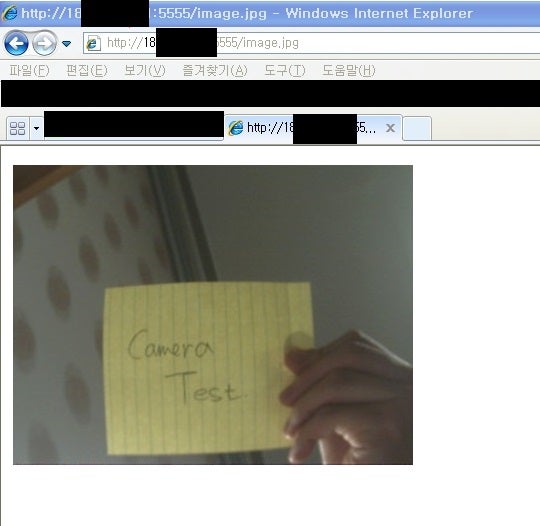
1. To take a picture
Just type http:/xxx.xxx.xxx.xxx:5555/ttt on any internet browser.
2. To See a taken picture
Just type http:/xxx.xxx.xxx.xxx:5555/image.jpg on any internet browser.
3. To remove a tacke picture
Just type http:/xxx.xxx.xxx.xxx:5555/rrr on any internet browser.
The Picture shows the result of test.
