Arduino-AppleMIDI-Library
Arduino-AppleMIDI-Library
0
Components
Hardware components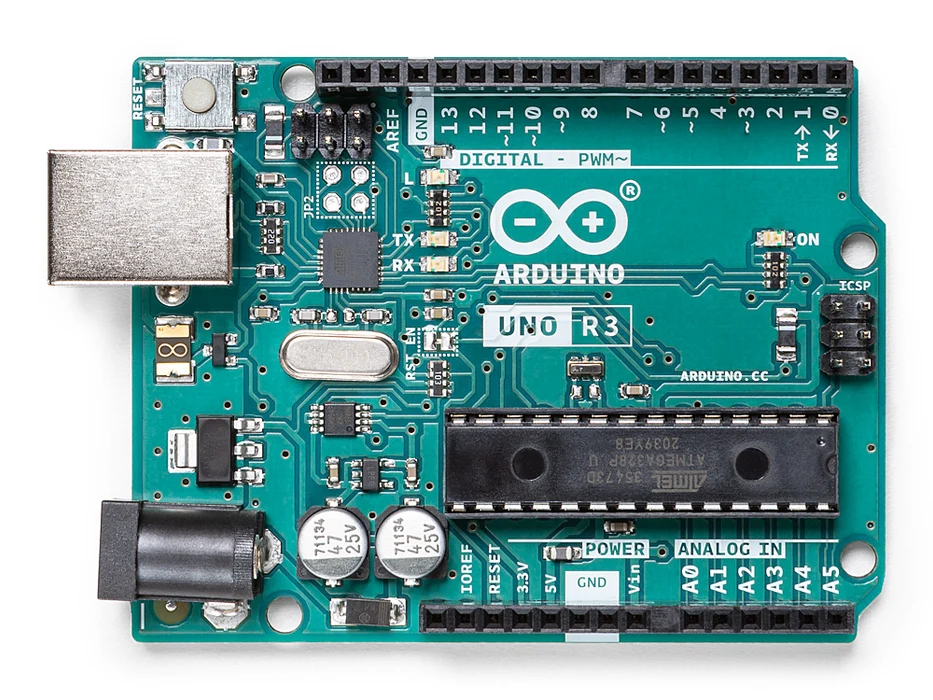
Arduino - Arduino UNO
x 1

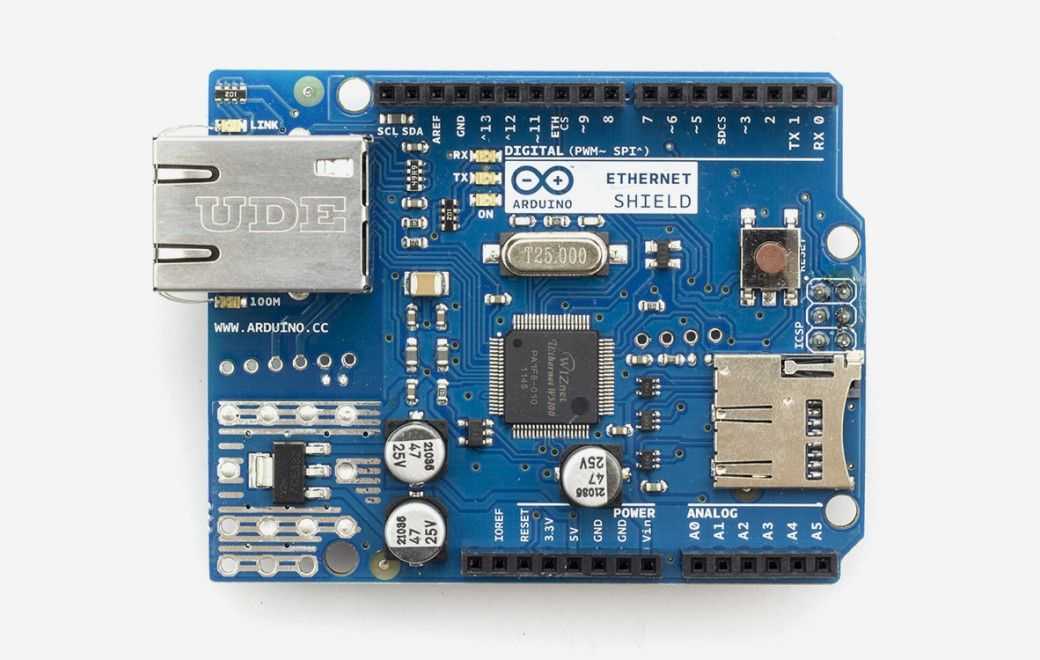
Arduino - Arduino Ethernet Shield
x 1
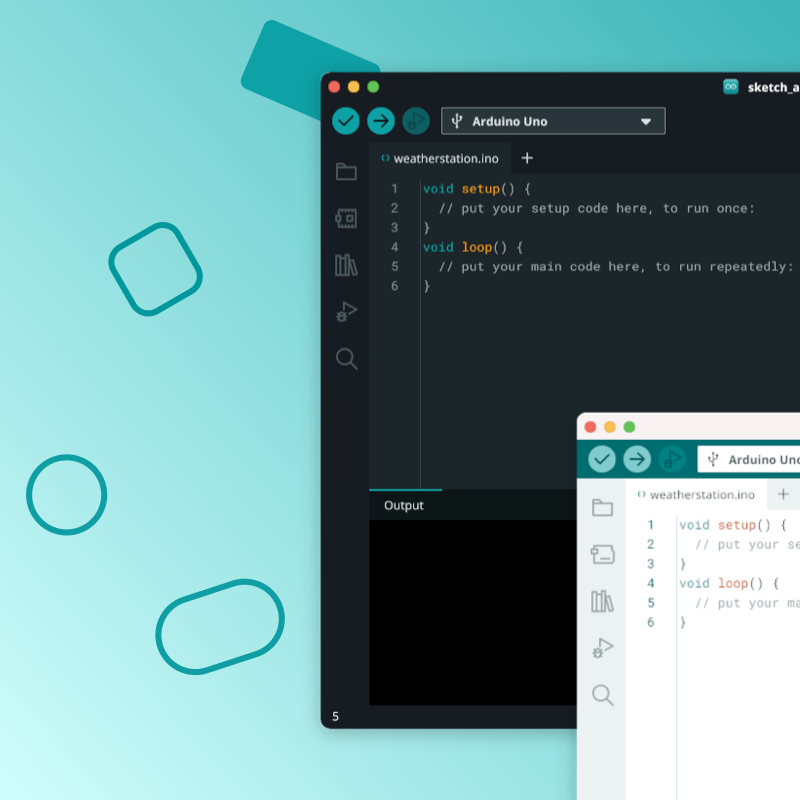
Arduino - Arduino IDE
x 1
Project description
Overview
The link provides "Arduino-AppleMIDI-Library", a library for implementing AppleMIDI on Arduino. This library allows you to transfer MIDI data wirelessly between an Arduino and a Mac or iOS device.
The library uses the Arduino Ethernet shield or Wi-Fi shield to implement AppleMIDI. The library includes functions for establishing an AppleMIDI connection and sending and receiving MIDI data. The library is also compatible with the "MIDI Library", a library for establishing an AppleMIDI connection between an Arduino and a Mac or iOS device.
You can use this library to create a variety of MIDI applications, including MIDI controllers, MIDI interfaces, MIDI sequencers, and MIDI drum machines.
What is AppleMIDI ?
AppleMIDI is Apple's MIDI network protocol, a technology that allows MIDI data to be sent and received over a wireless network. It allows multiple MIDI devices to connect wirelessly to send and receive MIDI signals. For example, a MIDI keyboard and a MIDI interface can connect wirelessly to send and receive MIDI data. AppleMIDI also provides high sound quality and low latency, making it ideal for professional music production.
For what, refer this project
The Arduino MIDI library allows you to create a variety of MIDI applications. For example:
1. MIDI controller: You can use Arduino to create a MIDI controller that generates and sends MIDI data. This allows you to control MIDI devices or software.
2. MIDI interface: You can use Arduino to create a MIDI interface for MIDI communication between a MIDI device and a computer. This allows you to send MIDI data to your computer, or receive MIDI data from your computer and send it to your MIDI device.
3. MIDI sequencer: You can use Arduino to create a MIDI sequencer that records and plays back MIDI data. This allows you to compose and play MIDI music.
4. MIDI drum machine: You can use Arduino to create a MIDI drum machine. This allows you to control a MIDI drum machine or receive MIDI data from a MIDI drum machine and send it to other MIDI devices.
5. MIDI LED lights: You can use Arduino to create MIDI LED lights that control LED lights based on MIDI data. This allows you to control LED lights to match your MIDI music.
Features
- Build on top of the popular FortySevenEffects MIDI library
- Tested with AppleMIDI on Mac OS (Big Sur) and using rtpMIDI from Tobias Erichsen on Windows 10
- Send and receive all MIDI messages
- Uses callbacks to receive MIDI commands (no need for polling)
- Automatic instantiation of AppleMIDI object (see at the end of 'AppleMidi.h')
- Compiles on Arduino, MacOS (XCode) and Windows (MSVS)

