Air Conditioning Web Controlled by Arduino
With this you can switch ON or OFF, your home's air conditioning system, checking the ambient temperature and humidity, and all this
3
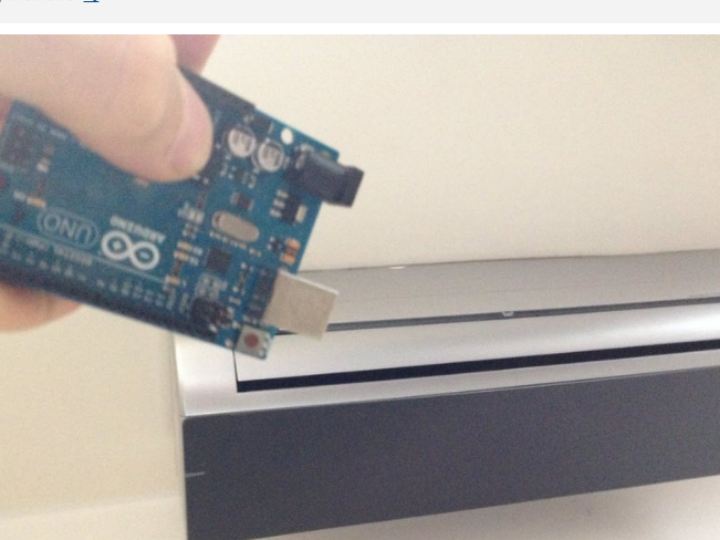
Components
Hardware components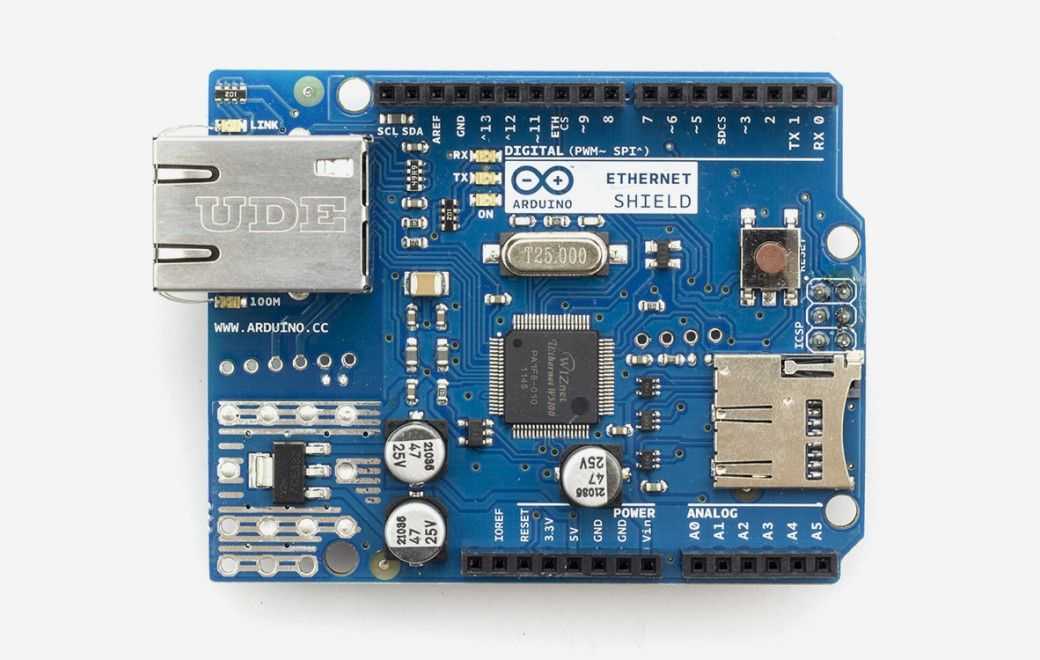
Arduino - Arduino Ethernet Shield
x 1

Project description
DETAILS
Step 1: Hardware
- Arduino Mega
- Ethernet shield
- 5v(USB), 6v or 9v power plug for arduino
- LAN ethernet cable
- DHT22(or DHT11) sensor for temperature/humidity
- Infra Red (IR) LED from a remote control or less than 1€ in electronics shop
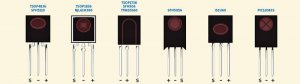
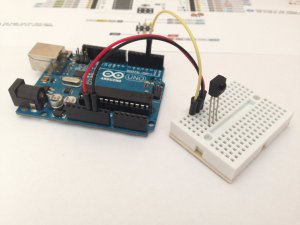
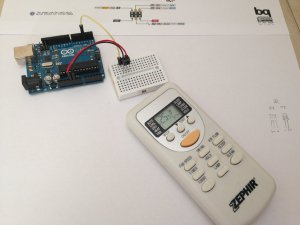
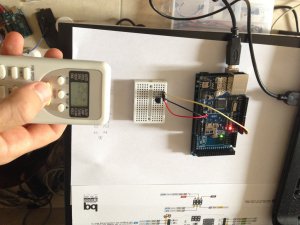
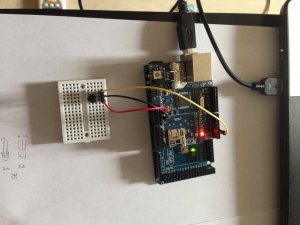
- temporary: an IR receiver
- temporary: a breadboard with three wires
Step 2: Getting the Codes
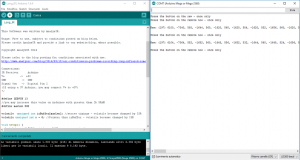
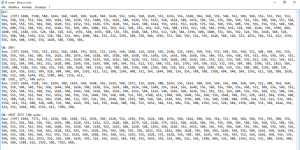
Step 3: First Test in the Home Network
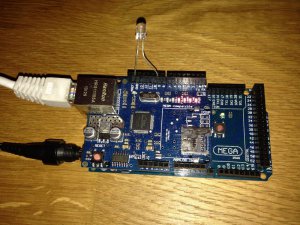
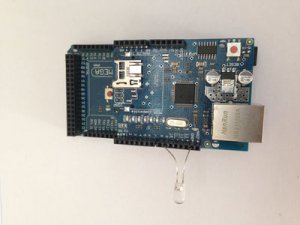
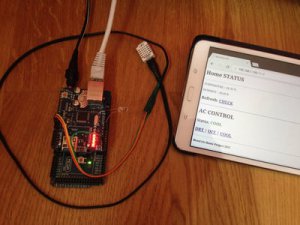
Step 4: Setting Up Router
For this you need to refer to your router manufacturer and open the ports that arduino can be seen from outside.
If you have a dynamic IP, you must use a free service like noip.com or dyndns.org. With static IP, just open ports on router and use it.
