Writing discord messages / W5100S + Pico
Use the W5100S and the Pico board to write messages to Discord.
4
Components
Hardware components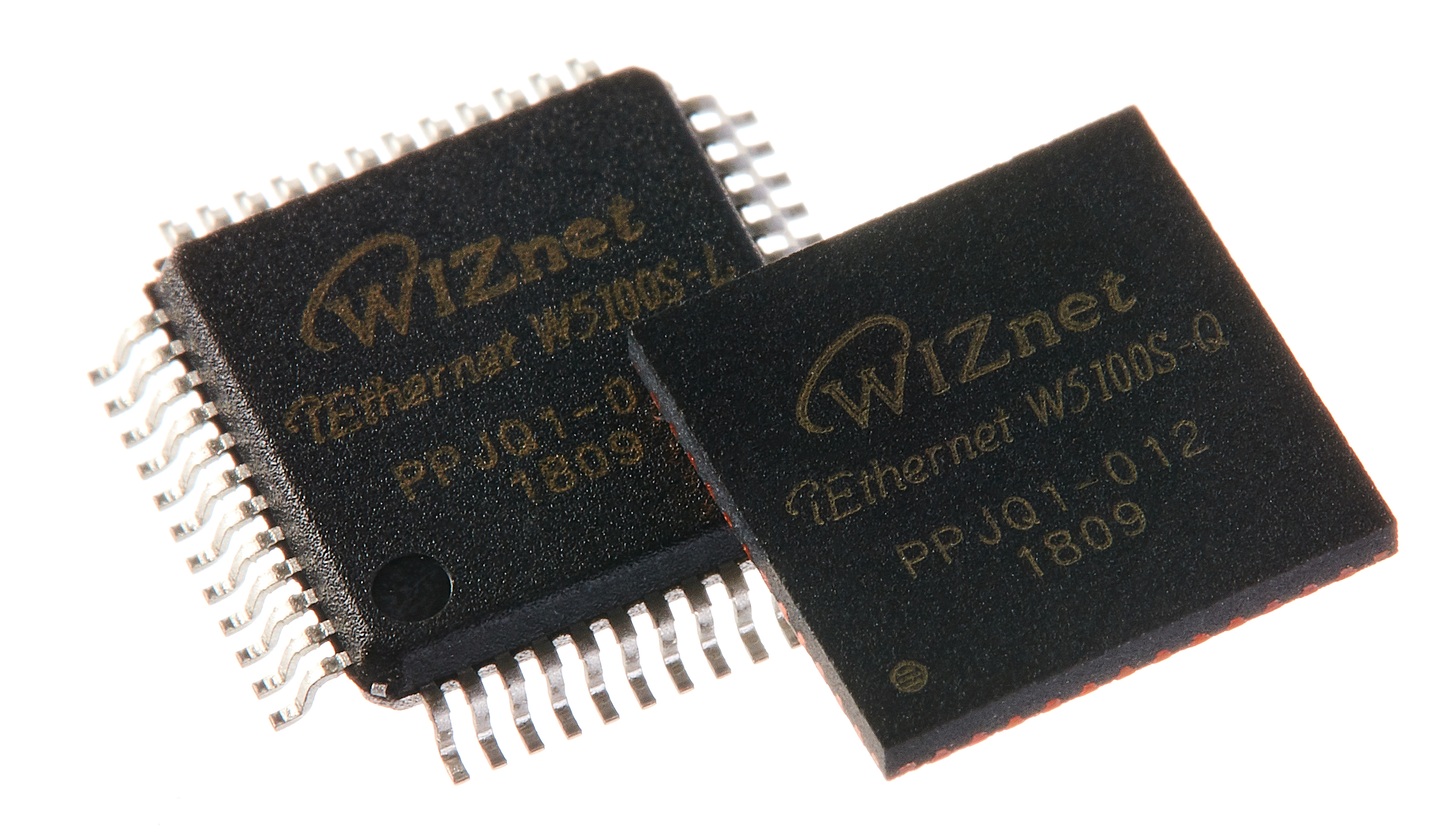
WIZnet - W5100S
x 1


Raspberry Pi - Raspberry Pi Pico
x 1
Project description
Hello! Are you having a good day!
Today, I made a project with an interesting theme. It's a very simple and fun project.
I have five friends. They love playing games. I enjoy playing games after work with these friends every day.

Do you happen to know a game called LOL? This game, called League of Legends, is difficult to play unless five people gather. So I have to let you know if I can play tonight or not. If I don't tell them, my crazy friends won't stay still.
However, I am very lazy to chat. It's especially annoying to do it during work hours. It's not a big deal, but I'm sure there are people who sympathize.
So I decided to make a device that can simply tell you my status with a button. I'm sure I'll press the button at least once..
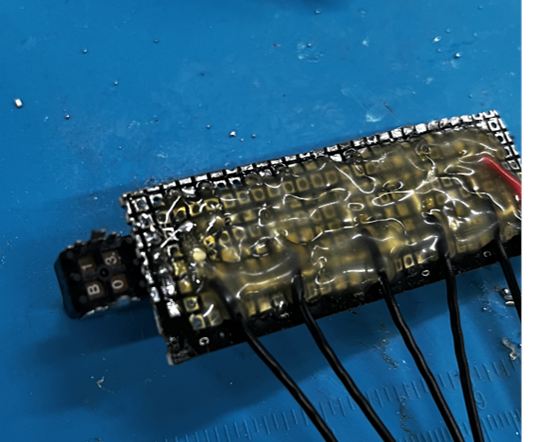
I made a simple button. Pull-up 3.3V.
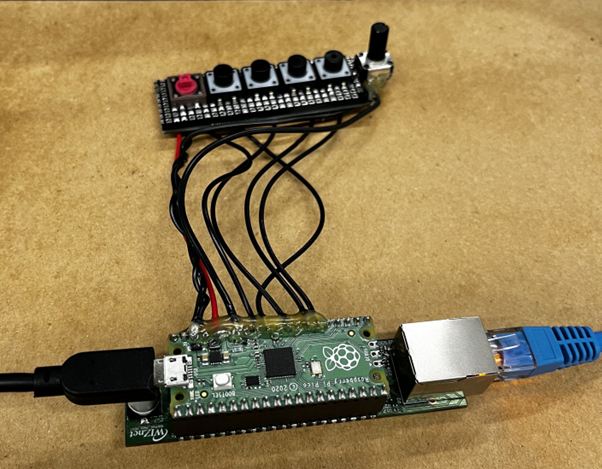
It connects to the Pico board. I finished it with silicon to secure it.And the Pico board is connected to the W5100S board. This is the best way to use Ethernet.
IFTTT
I must now create an action progression through IFTTT.

IFTTT connects applications that we commonly use.
After signing up, you can create an applets.
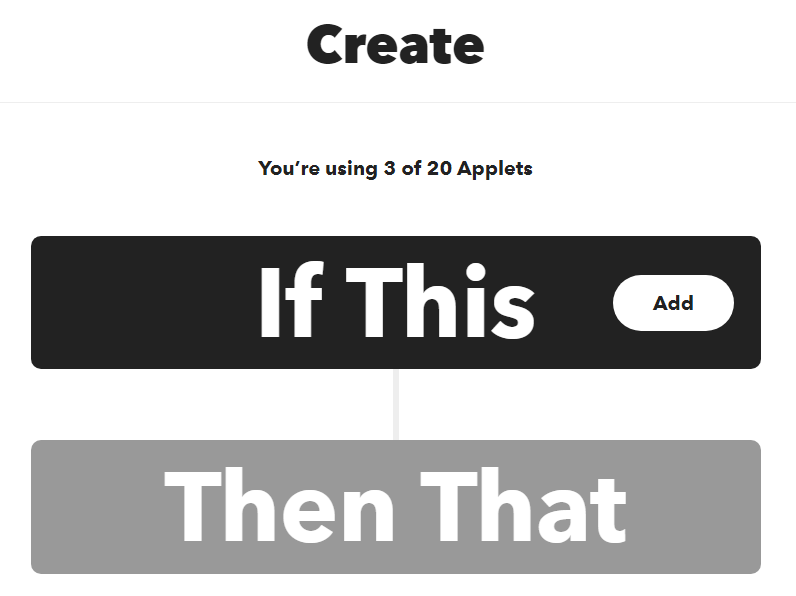
Click "IF Then" first.

Select "Webhooks".
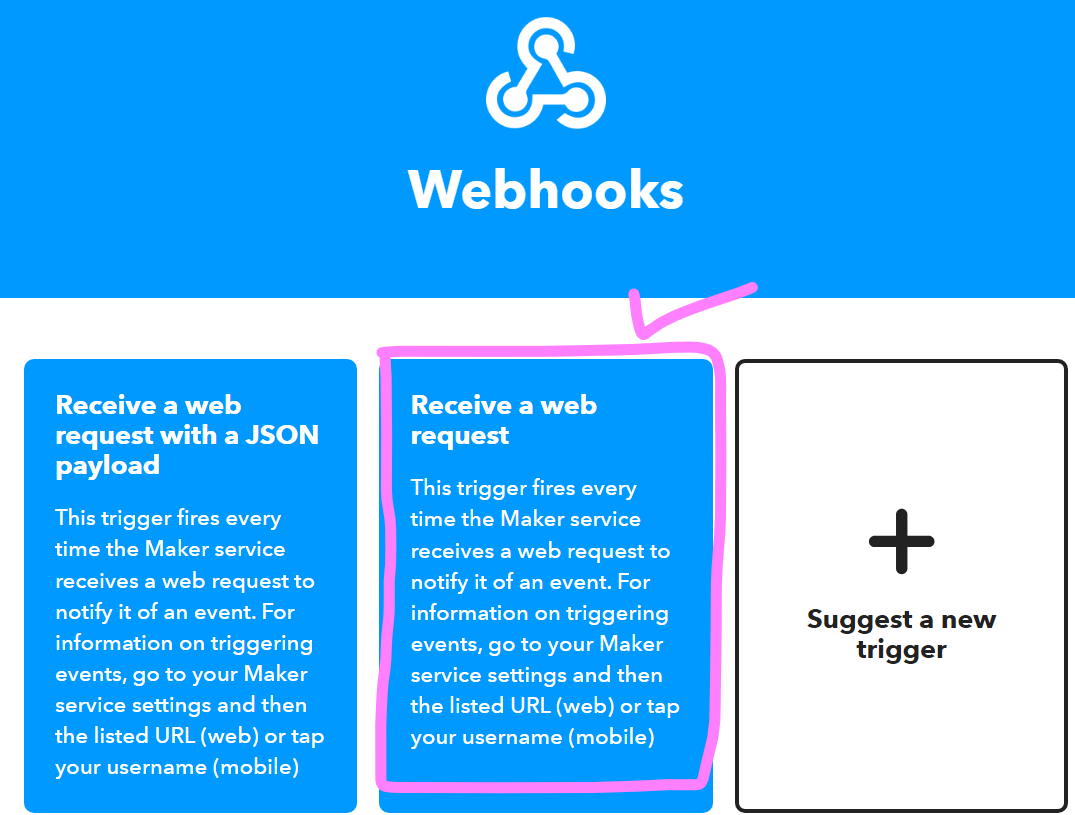
Select "Receive a web request" because it is not sent to Json.
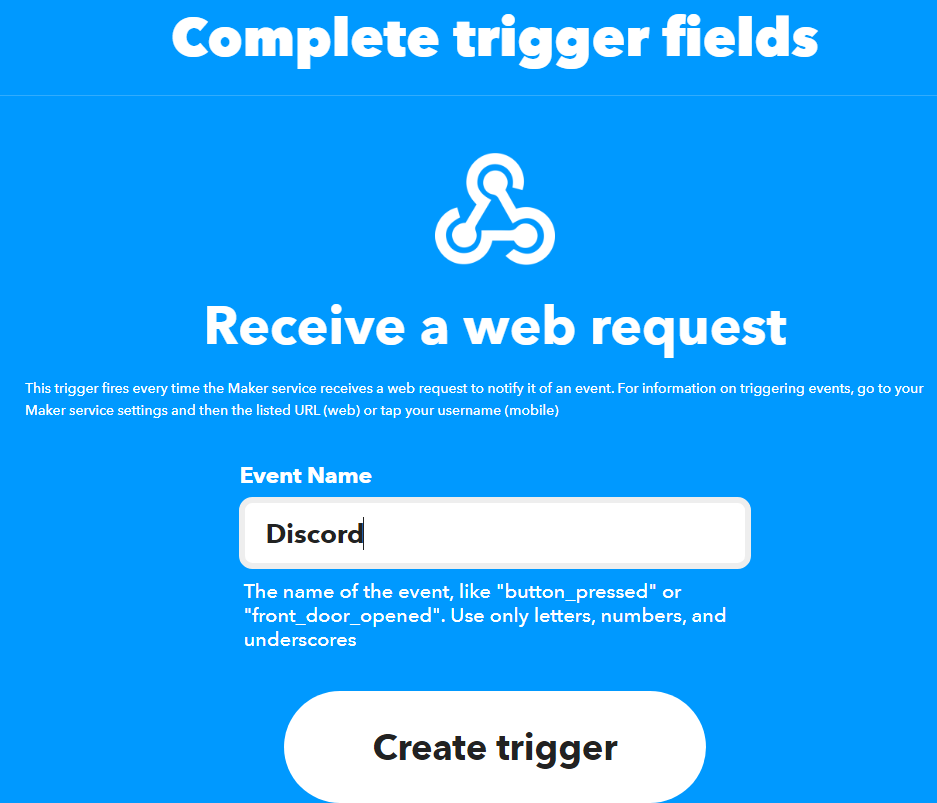
Enter the applets name you want.
When you're done, then it's "Then That". Select an action.
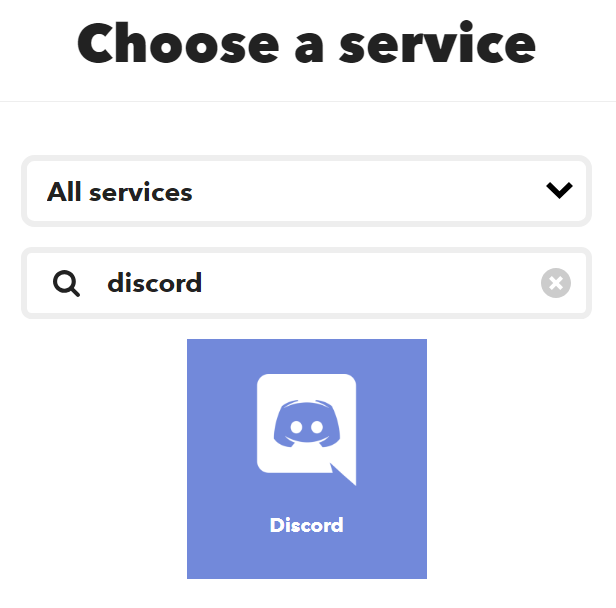
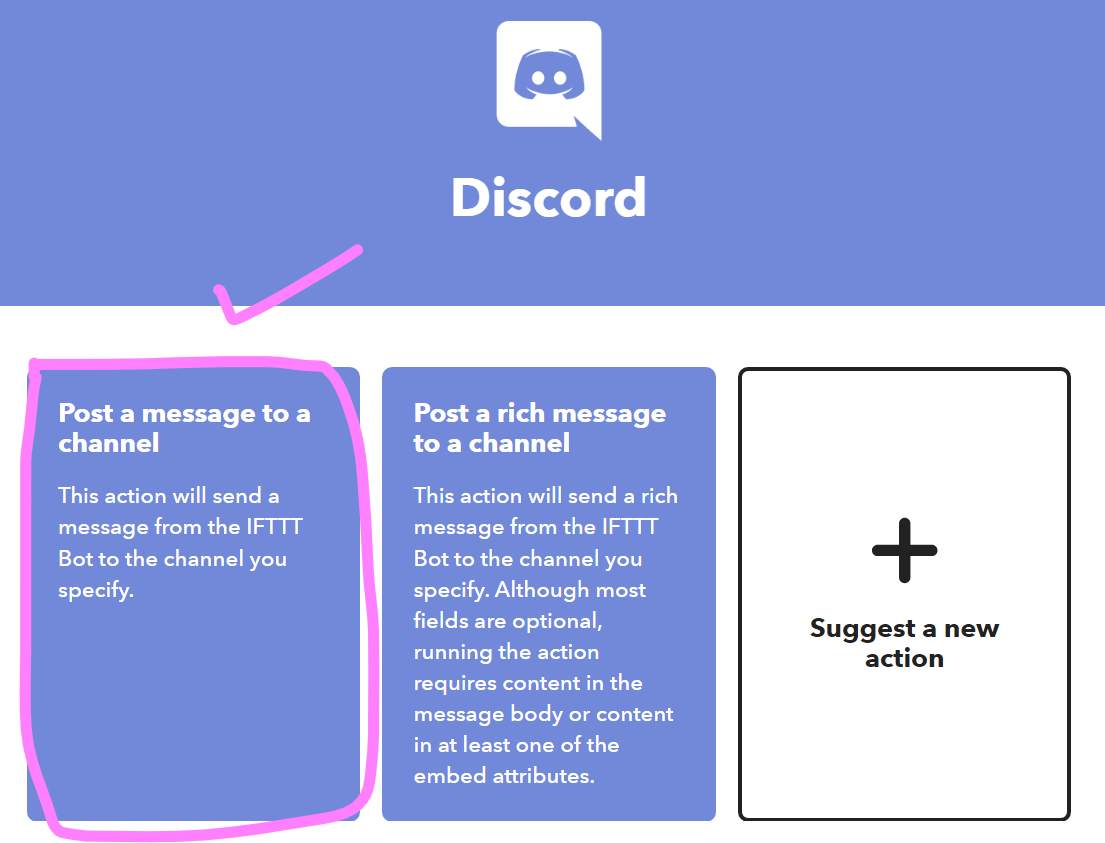
I can select Discord to select the activities.
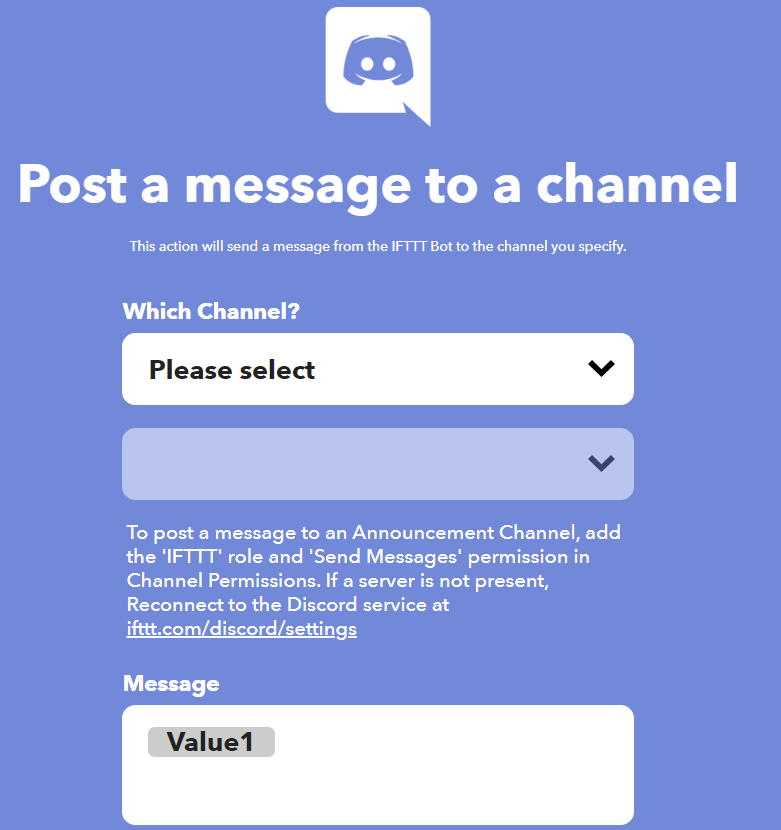
After connecting to the discord, enter the desired channel. You can also format messages.
IFTTT is complete.
Firmware
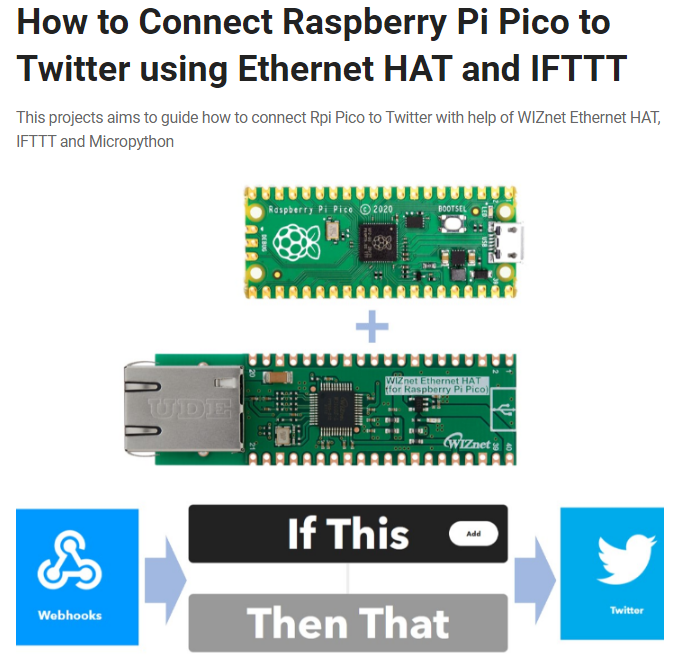
First, you need to update the Pico to the WIZnet 5K version. This exclusive FW was carried out by referring to Virtor's project.
Now, next.
I proceeded with micro python. H, Similarly, the dedicated FW provided by Victor is also a micro-Python version.
from usocket import socket
from machine import Pin,SPI
import network
import time
import urequests

button_pin1 = machine.Pin(27, machine.Pin.IN, machine.Pin.PULL_UP)
button_pin2 = machine.Pin(26, machine.Pin.IN, machine.Pin.PULL_UP)
button_pin3 = machine.Pin(22, machine.Pin.IN, machine.Pin.PULL_UP)
button_pin4 = machine.Pin(21, machine.Pin.IN, machine.Pin.PULL_UP)
button_pin5 = machine.Pin(20, machine.Pin.IN, machine.Pin.PULL_UP)
I imported the libraries to use.. In addition, set the 5 connected buttons to pull-up.
#W5x00 chip init
def w5x00_init():
    spi=SPI(0,2_000_000, mosi=Pin(19),miso=Pin(16),sck=Pin(18))
    nic = network.WIZNET5K(spi,Pin(17),Pin(20)) #spi,cs,reset pin
    nic.active(True)
    nic.ifconfig(('192.168.0.20','255.255.255.0','192.168.0.1','8.8.8.8'))
    while not nic.isconnected():
        time.sleep(1)
And it starts the W5x00 chip.
 if button_pin1.value() == 0:
            print("Button1 is pressed!")
            message
            ="Looks%20like%20it's%20gonna%20be%20an%20overtime%20night...%20Sorry,%20no%20gaming%20for%20me%20today."

            x = 1
Creates a message to send when the button is pressed.

The message that will be sent according to the button is set like this.
send_data =
"https://maker.ifttt.com/trigger/fire/with/key/your_key?value1={}".format(message)

urequests.post(send_data)
And if you pass the message to that code, you're done. For "your_key", enter the key of apps issued by IFTTT!
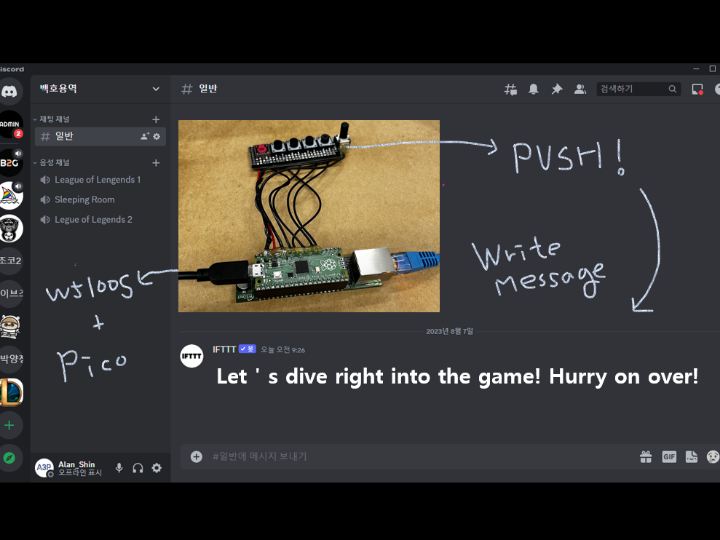
Operating

It works very well! Now I can communicate my situation well without having to chat directly!


