


eBox_Framework
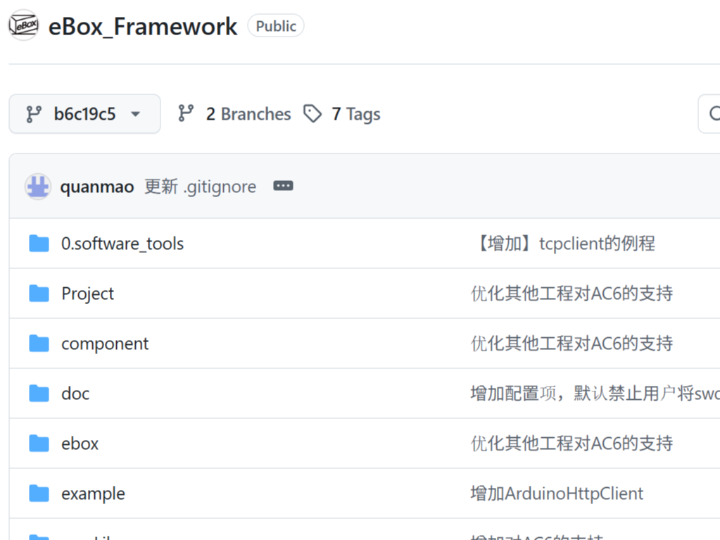
STM32’s Arduino-style framework eBox combined with the W5500 Ethernet controller

WIZnet - W5500
x 1

1 Developing STM32 the Arduino Way - eBox Framework
eBox Framework is an open-source C/C++ library that layers an Arduino-style programming model—setup() / loop(), pinMode(), digitalWrite(), and friends—on top of the STM32 Standard Peripheral Library (SPL). In practice, that means you can plug a “Blue Pill” (STM32F103), “Black Pill” (STM32F401/F411), or even an F407/F429 board into your debugger and start writing code that feels almost identical to a regular Arduino sketch, yet runs at 72–180 MHz and gives you DMA, multiple SPI buses, and plentiful timers. The project’s main repository on GitHub shows ~210 stars and ~100 forks, a testament to its popularity among hobbyists and rapid-prototypers .
Because eBox ships with ready-made Keil MDK projects for the STM32 F0, F1, and F4 series, you can “import → press F7 → flash” in minutes. A typical first experiment—blinking an LED while streaming sensor data over W5500 Ethernet—takes fewer than 40 lines of code, no clock-tree spelunking required. That immediacy is the framework’s core promise: let beginners step up to 32-bit MCUs without first earning a PhD in reference-manual archaeology.
2. Features, Strengths, and Limitations of the eBox Framework
The most compelling attraction of eBox is its “all-in-one bundle.” Out of the box it ships with nearly every library an embedded lab session might ask for:
W5500 hardware TCP/IP stack
ESP8266 Wi-Fi driver (AT-command based)
FatFs file system
FreeRTOS / uCOS real-time kernels
Each supported board already includes a ready-made Keil MDK project file, so the build-flash-run cycle is almost trivial. Because the framework is released under the MIT license, it can be dropped into commercial products with minimal legal friction.
The flip side of adding another abstraction layer is overhead: in applications that must keep micro-second-level latencies to an absolute minimum—motor control, high-speed data acquisition, and the like—the extra code can become noticeable. Documentation and many examples are written primarily in Chinese, so international users will need to spend additional time hunting for information. Likewise, the newest STM32 H7 / G4 devices or CubeIDE/CMake workflows require manual porting. In short, eBox is ideal for a fast start, but it can be less convenient when you need to squeeze every last cycle from the MCU.
3. Network examples using W5500
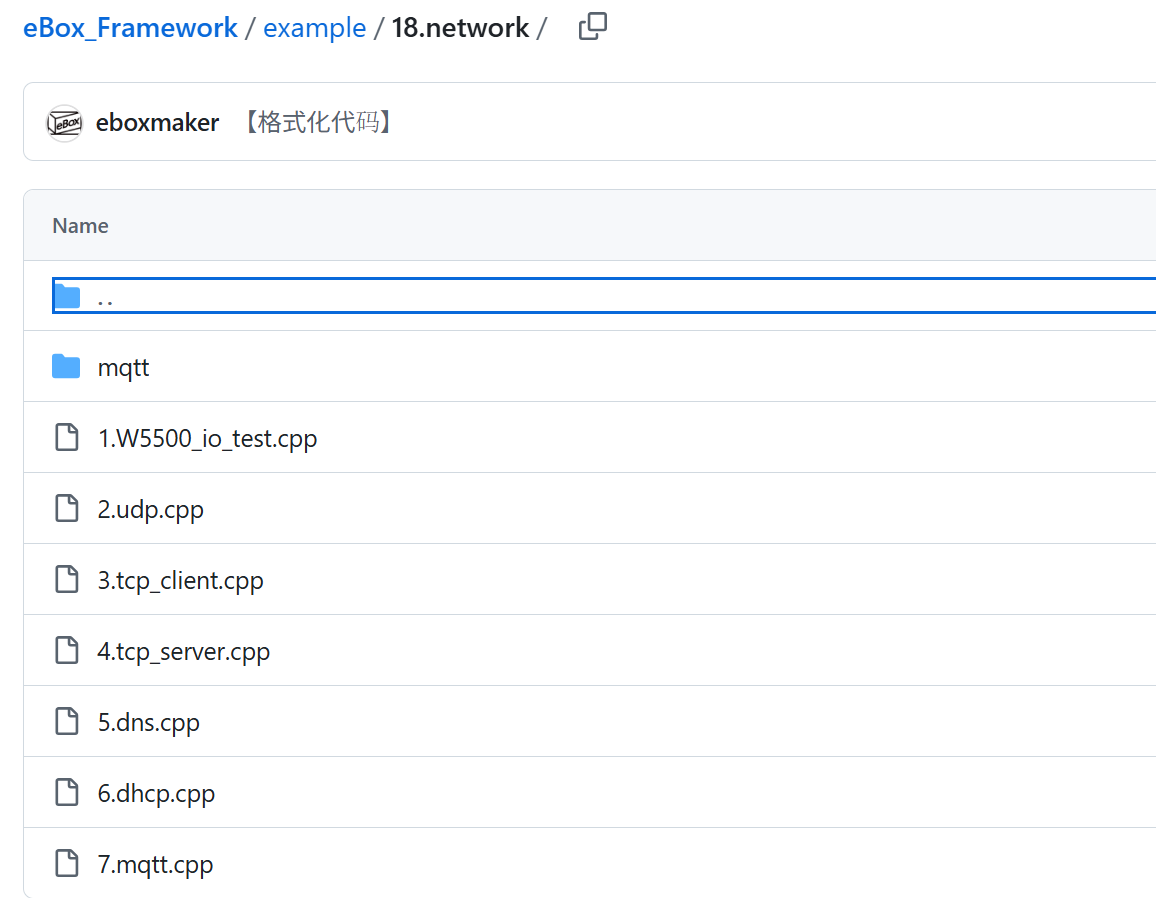
You can find basic examples using the W5500 in this GitHub repository.
convenient when you need to squeeze every last cycle from the MCU.
4. eBox VAR
You can see that a development board based on eBOX Framework is being sold at the link below.
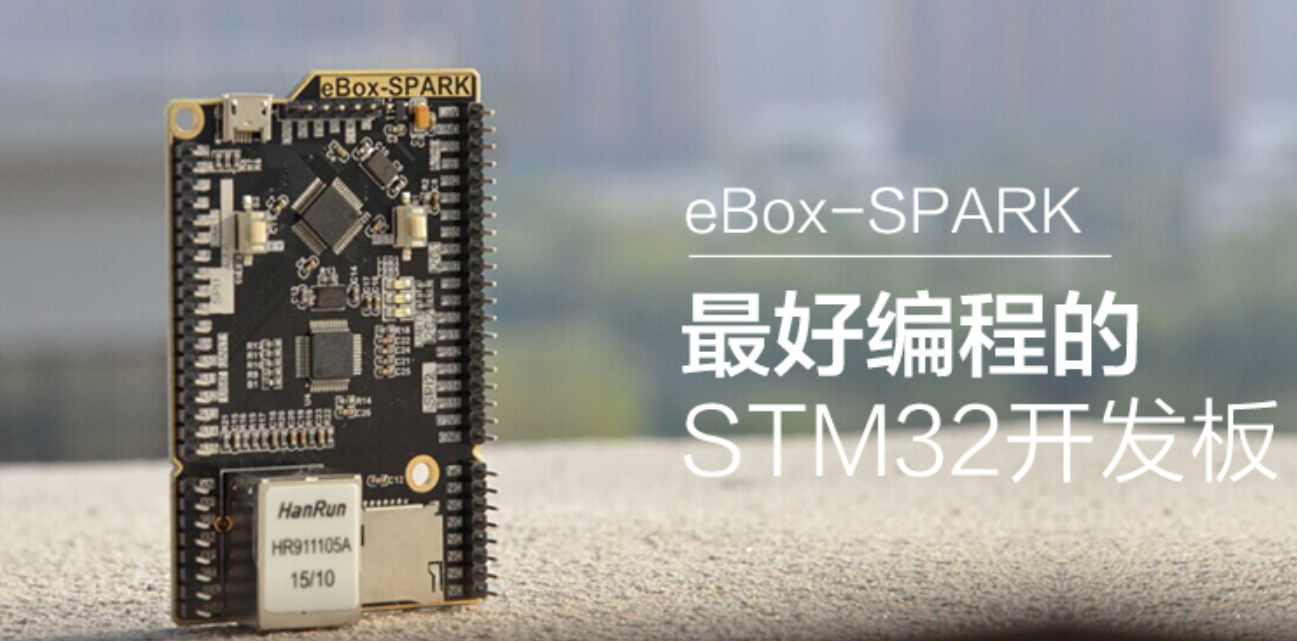
https://www.yoycart.com/Product/522129603565/

5. Cube vs Arduino vs PlatformIO vs eBox
| STM32Cube | Arduino IDE | PlatformIO | eBox Framework |
Ease to learn | Hard | Very easy | Easy | Easy for Arduino users |
Speed / Control | Highest | Low | Medium | Medium |
Built-in libs | Few (drivers only) | Many | Many + SDKs | Net, RTOS, FS bundled |
Main tool | CubeIDE / Keil | Arduino IDE | VS Code | Keil (portable) |
Best when | Max performance | Hobby quick tests | Multi-MCU projects | Fast STM32 prototypes |


