Micropython FW Custom: for WIZNET5K on Your Hardware
Create custom Micropython firmware for WIZNET5K tailored to your hardware needs.
0
Components
Hardware components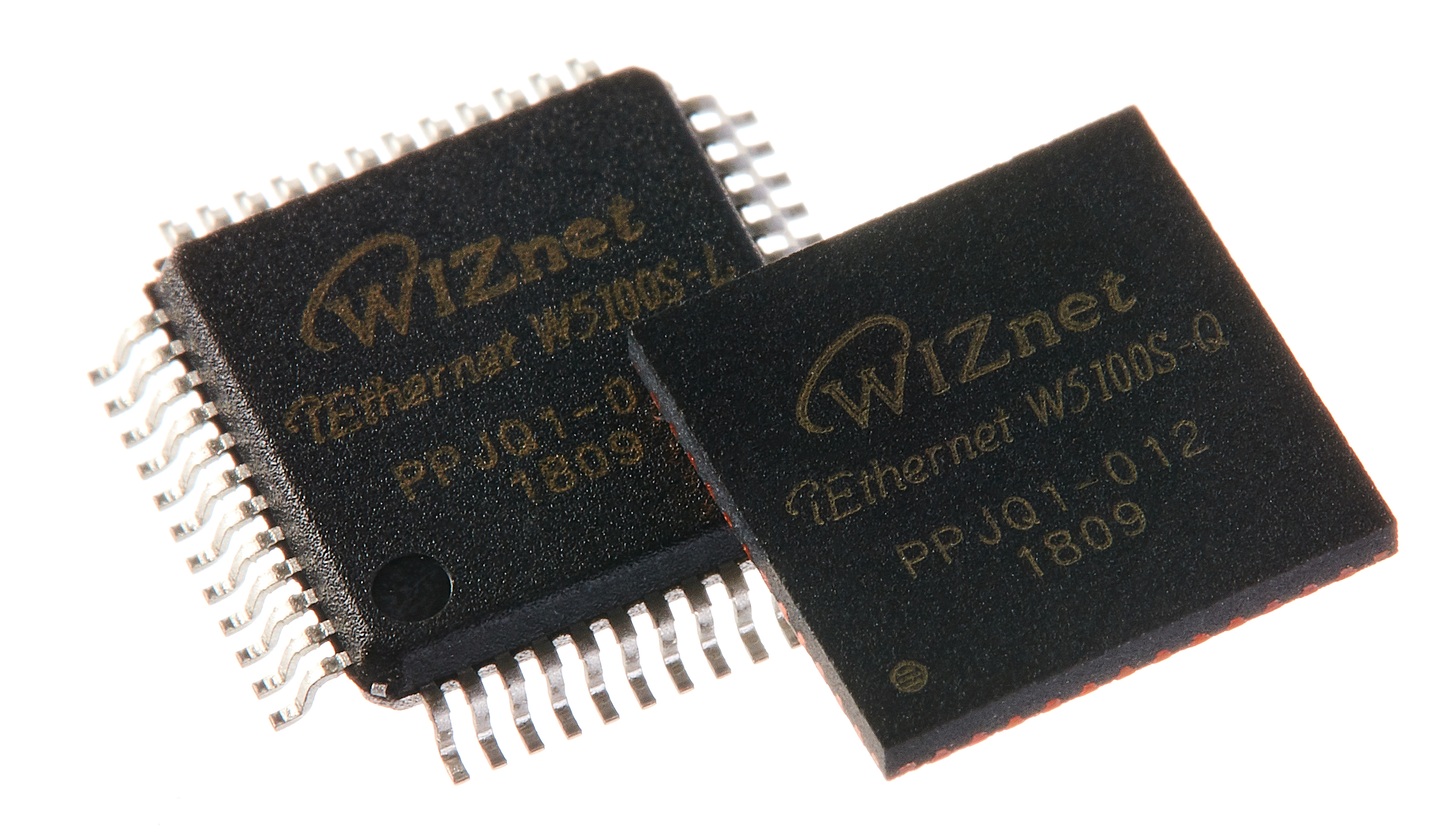
WIZnet - W5100S
x 1


WIZnet - W5500
x 1
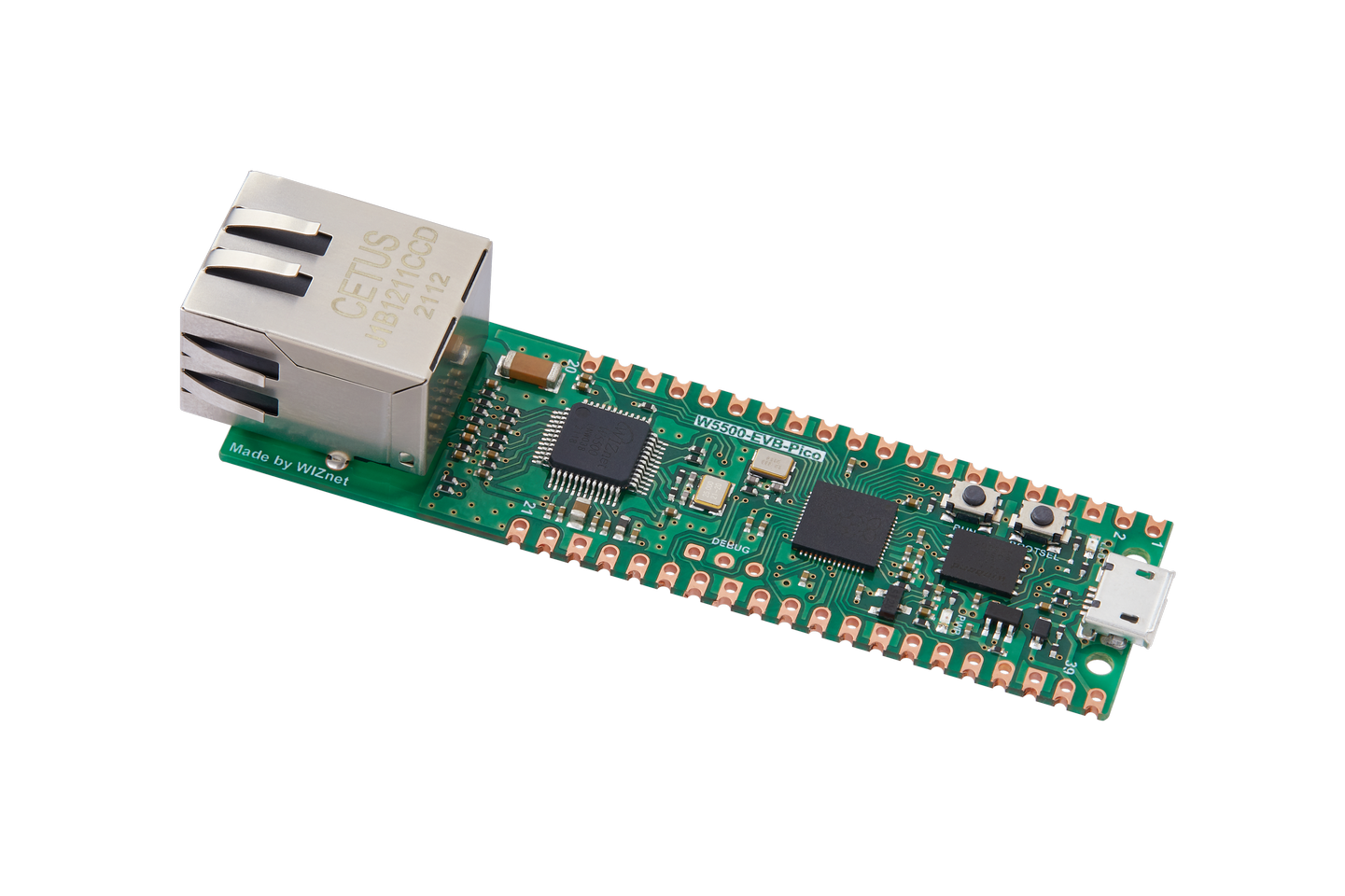
WIZnet - W5500-EVB-Pico
x 1
Project description
Micropython and WIZnet offer a variety of firmware, but there may be instances where your specific hardware environment isn't supported. In such cases, this guide will show you how to create the firmware you need.
* This tutorial uses the W5300 micropython project I've worked on as an example.
Git repository: https://github.com/Wiznet/W5300-TOE-MicroPython
1. Download from Git
The official Git address for Micropython is as follows:
Please use git clone to download, as there are submodules and other components that may not be included in the zip file!
2. Code Structure
Let's get a basic understanding of the structure!
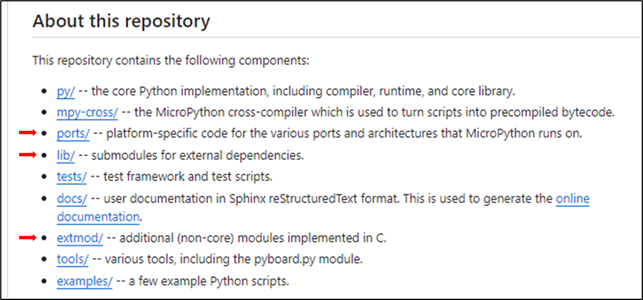
It is described in the main README.
The necessary parts for our purposes are the ports, lib, and extmod directories.
- PORTS
You can select your device or MCU in this derectory.
Typically, it follows the structure ports/{MCUname}/boards/{board name}.
- Ex1 W5500-EVB-PICO: ports/rp2/boards/W5500_EVB_PICO
- Ex2 Stm Nucleo board: ports/stm32/boards/NUCLEO_Fxxx
If you want to modify or add to the operations of each MCU (GPIO, SPI, I2C, etc.), please make changes or additions to the code found in ports/{MCUname}.
It depends on the Make structure, if you're adding new files, they may need to be included in the CMakeLists.txt.
For example, to integrate WIZnet W5300 Bus functionality into an STM NucleoFxx board, you would add an fmc.c file, and included in the CMakeLists.txt.
- Add
fmc.c

- Included in the
CMakeLists.txt.

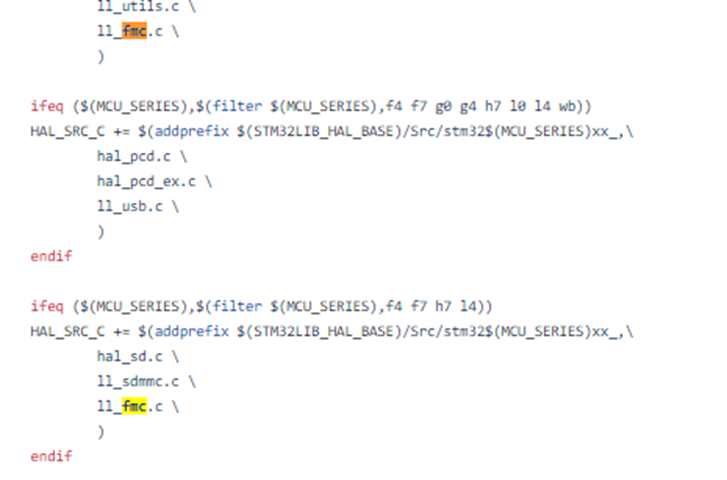
And typically, the main function for each program is found in the main.c file within this directory.
If you're looking to implement initialization routines, this is the section that you would modify.
- implement initialization routines in main.c

- LIB
Manages the SDK and libraries for MCUs and modules. This directory contains third-party, low-level C libraries and SDKs. Libraries that do not target any specific platform are generally chosen based on them being independent and efficient.
For MCU-related SDKs, most of the necessary code is already included, so there's generally no need for significant additions.
If you need to add modules like Network, LCD, or Sensors, etc.. please manage the related libraries in this directory.
In the case of WIZnet, the ioLibrary is already provided officially and is linked in the Lib directory.

- EXTMOD
additional (non-core) modules implemented in C. Think of it as a section where operations performed by micropython commands are implemented in C.
The structure can be seen as [Micropython: Commands ]– [extmod: Command Handling] – [lib: Module Operation.]
Ex. network_wiznet5k.c: SPI to Bus(FMC)
I will demonstrate how to modify the extmod portion of the code as used in a micropython example.
Import network

self.nic = network.WIZNET5K(...)
self.nic.active(True)
Generally, for each micropython command, there is a corresponding function in the code. If you need to make changes to a specific command, concentrate on adjusting the related function.
Micropython network.WIZNET5K(...) = in network_wiznet5k.c mp_obj_t wiznet5k_make_new(… )
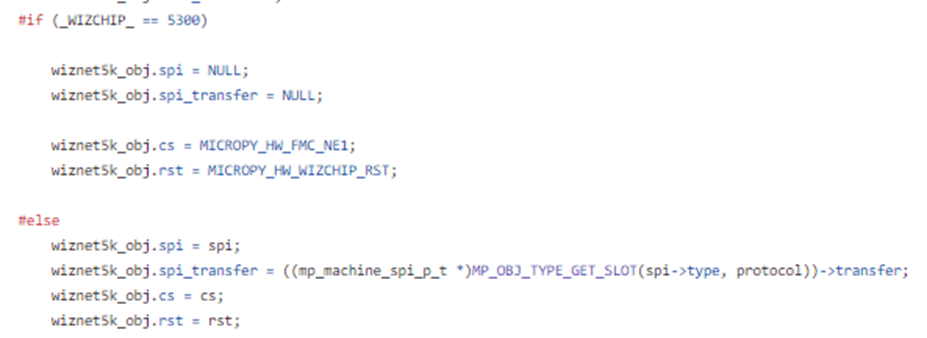
Micropython self.nic.active(...)= in network_wiznet5k.c wiznet5k_active( … )
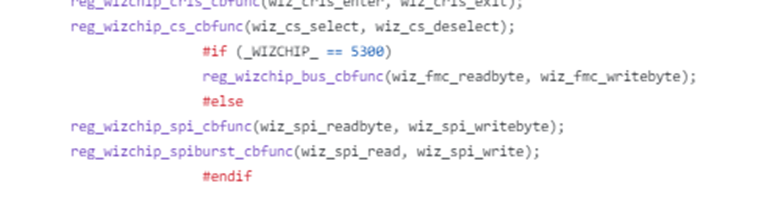
This posting is based on the W5K series network, but with proper application, it can also be beneficial for your other modules.


