Chatting with chatGPT on WIZnet Pico Board using MicroPython
Chatting with openAI on WIZnet Pico Board using MicroPython. send prompt message or communication with the chatGPT model.
8
Components
Hardware components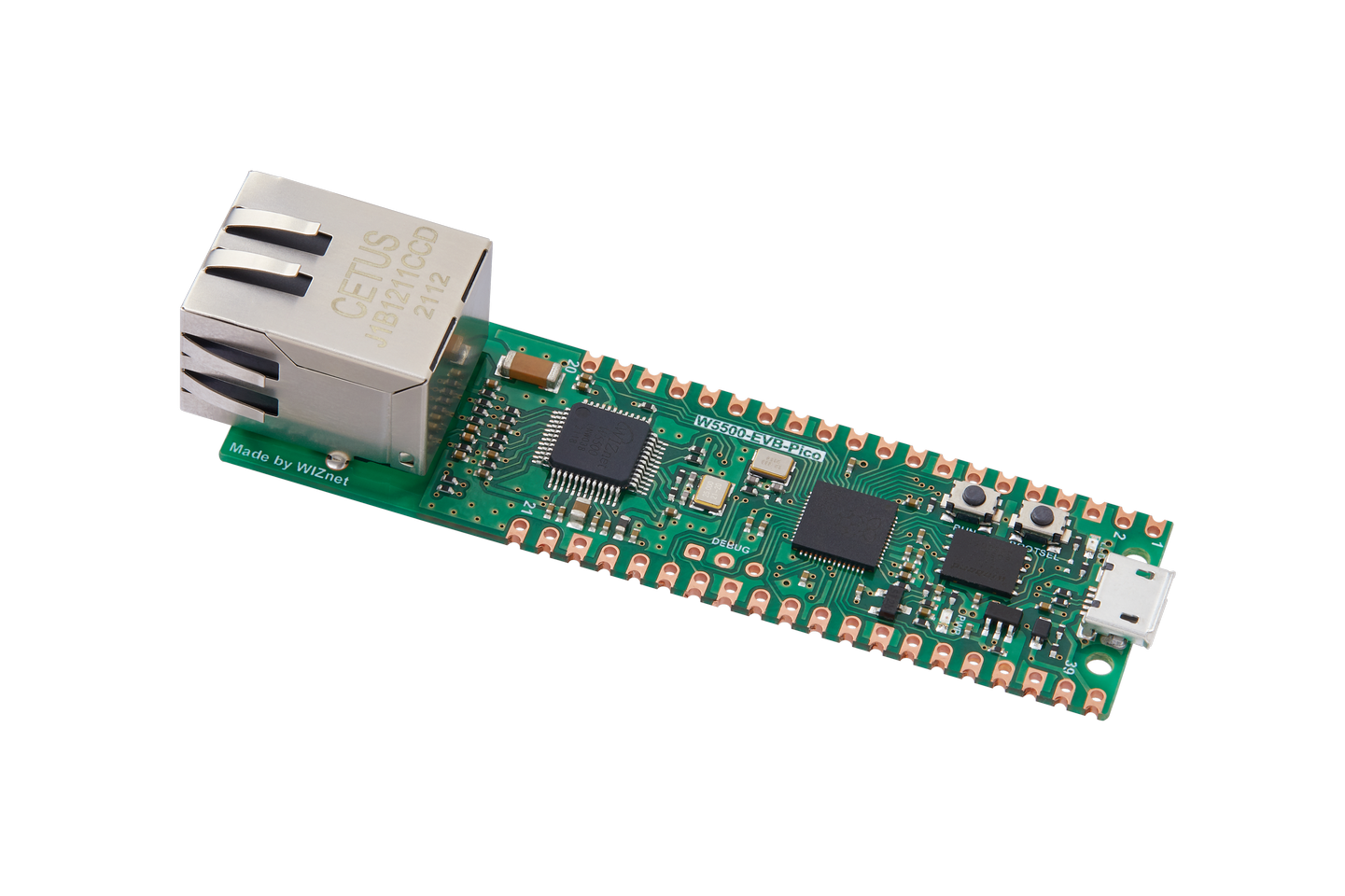
WIZnet - W5500-EVB-Pico
x 1

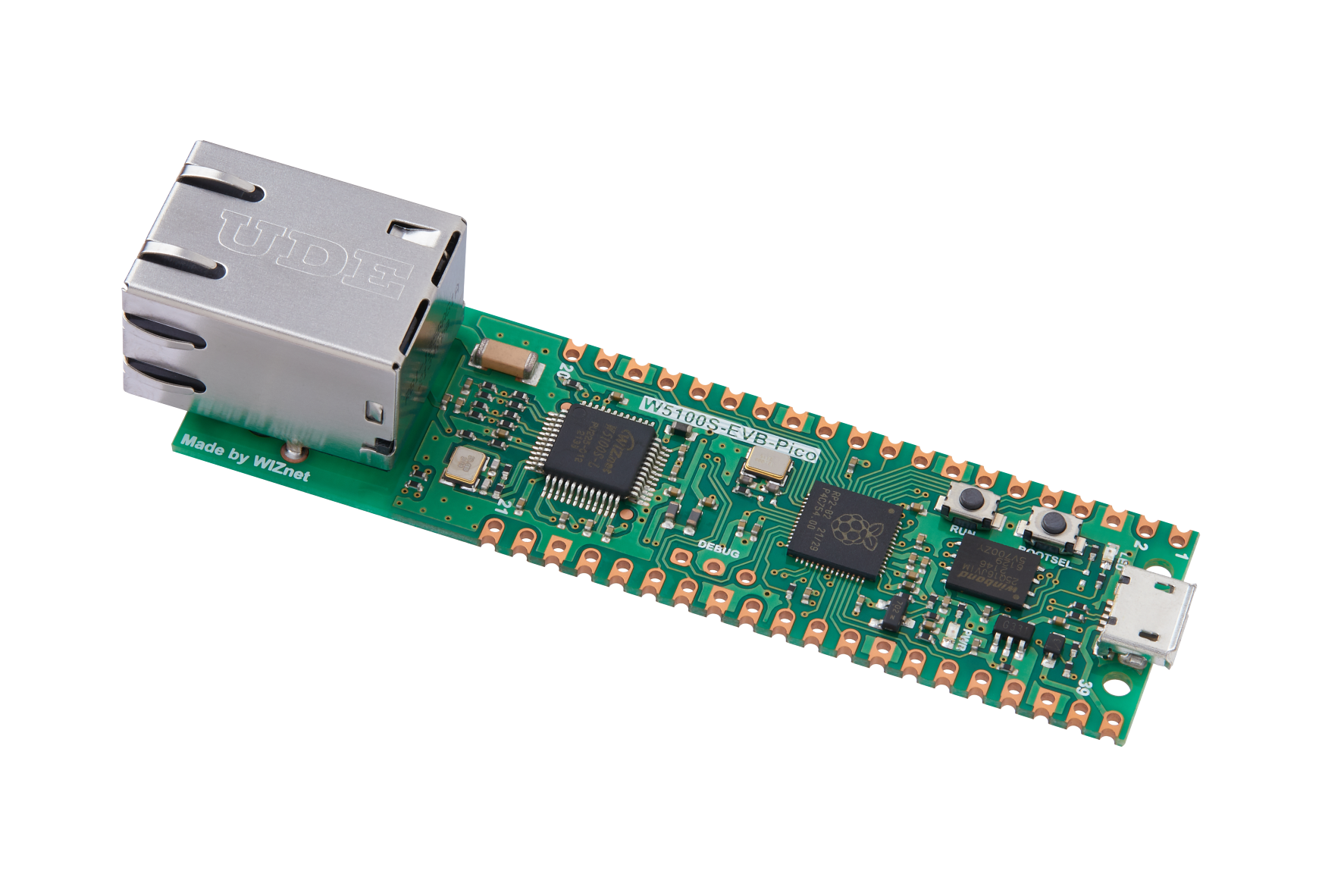
WIZnet - W5100S-EVB-Pico
x 1

Raspberry Pi - RP2040
x 1

micropython - MicroPython
x 1
Project description
How to Use RP2040 OpenAI Example

!! You can check out the code and details of this project on the site below
Step 1: Prepare Software
The following Python IDE program is required for test, download and install from below links.
Deploying firmware to the device. you can use the below firmware.
If you need a detailed explanation of firmware and Thonny setup, please refer to the video below.
Step 2: Prepare hardware
Combine WIZnet Ethernet HAT with Raspberry Pi Pico.
Connect ethernet cable to Ethernet HAT ethernet port.
Connect Raspberry Pi Pico to desktop or laptop using 5 pin micro USB cable.
If you use W5100S-EVB-Pico, you can skip '1. Combine...'
Step 3: Setup Example
To test the Open AI example, minor settings shall be done in code.
Check COMport in Device Manager and then open Thonny Python IDE.

Setup SPI and Reset pin in chat_with_openai.py or send_prompt.py file.
If you are not using the WIZnet PICO Board, please adjust the SPI pin configuration according to your hardware setup.
spi=SPI(0,2_000_000, mosi=Pin(19),miso=Pin(16),sck=Pin(18))Enter OpenAI information(version, API key) into the chatGPT.py file.
If you have not generated an API key, please generate one on the following site https://platform.openai.com/account/api-keys
api_key = "insert your API-KEY"
    chatgpt_url = "https://api.openai.com/v1/chat/completions"
    chatgpt_ver= "gpt-3.5-turbo"
Step 4: Upload and Run
1. send prompt to openAI

The function 'send_prompt_to_chatGPT' sends the prompt to openAI and receives a response from the model. If the response is successful, the generated text is printed serial program.
Enter the prompt as a parameter for the [send_prompt_to_chatGPT] function.
send_prompt_to_chatGPT("Hello")2. chat with openAI

The function 'chat_with_chatGPT' enables communication with the chatGPT model using the OpenAI API via a serial program. It user enter a message and sends it to OpenAI as a prompt, then prints the response.
The default exit command is ">exit". To modify the exit command, please modify the relevant section in the chatGPT.py file.
end_command= ">exit"

