Home Events: Monitor Home Network
Home Events: Monitor Home Network
0
Components
Software Apps and online servicesHome-Events
x 1
Project description
Home Events
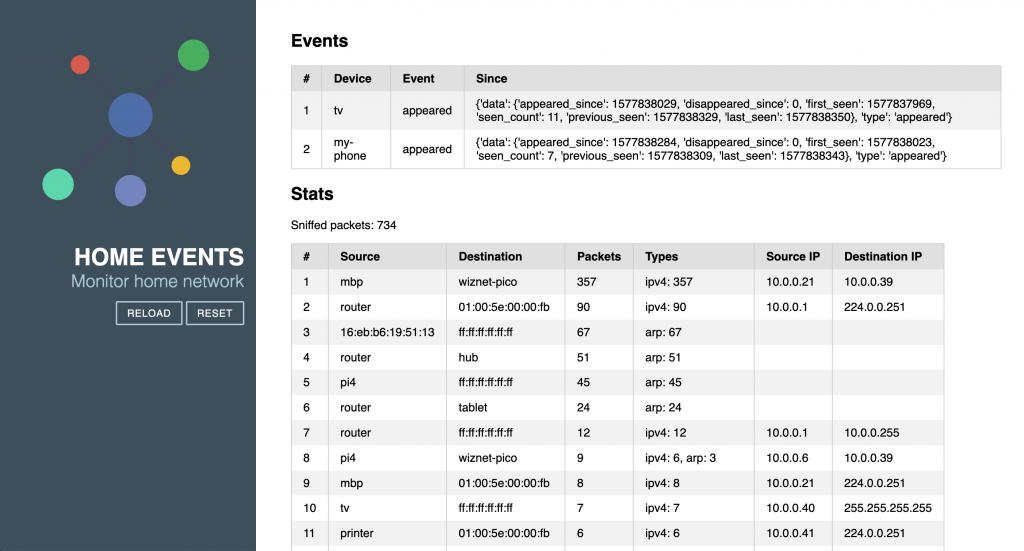
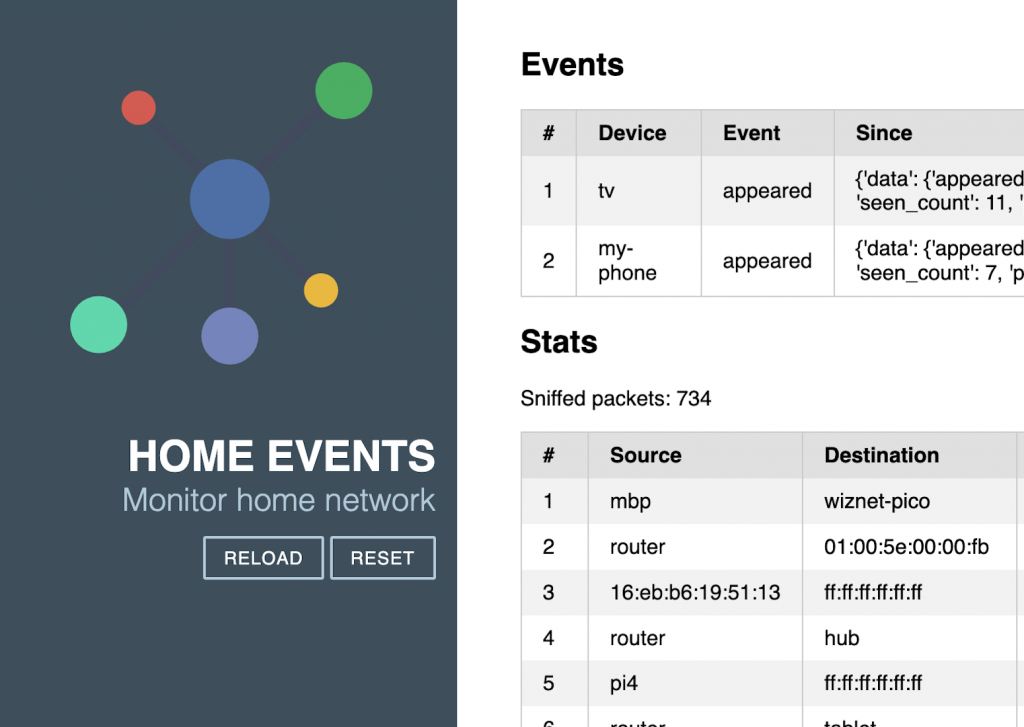
Home Events process packets, and detect events in the local network,.
Consider the following scenarios (which could be very common in most households):
1. Parents go to the work in the morning
2. Parents take kids to school
3. Someone turn on the TV in the afternoon
For each of these scenarios, we can define conditions (pre and post) and actions to be executed.
For example, when everybody left home, turn off the TV and activate monitoring cameras automatically.
Home Assistant automation is a powerful, well-designed feature for these tasks, however, creating the states and triggers is a bit cumbersome.
In this project, we try to decouple the events and leave the action for systems like Home Assistant to handle.
Read the development story here: https://www.hackster.io/pim33/home-events-detect-activities-in-home-network-ce5e66
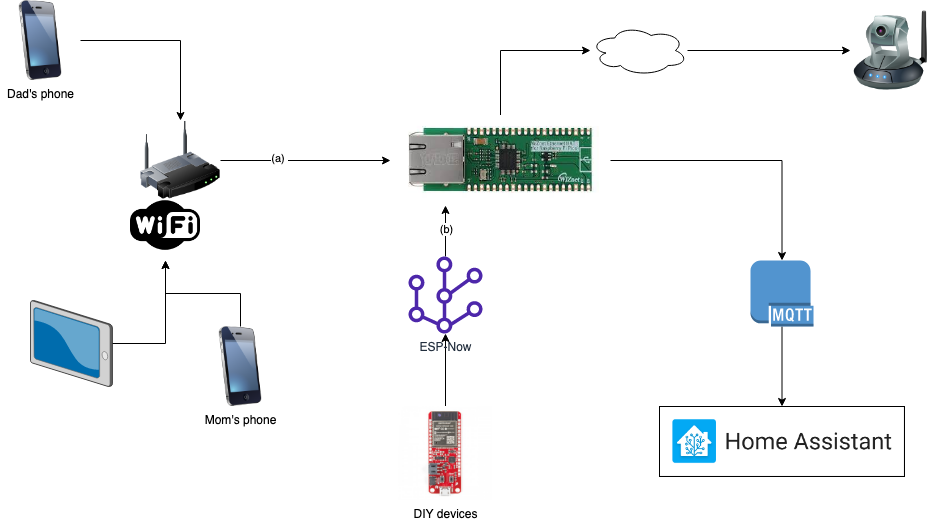
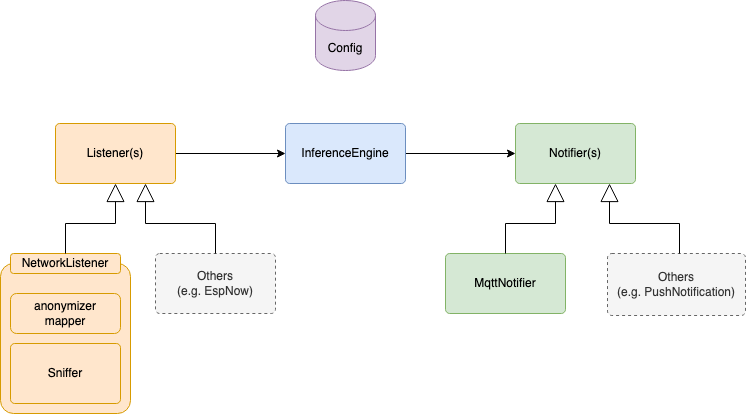
It consists of three main components:
Sniffer: collect ethernet packets from the local networkInferenceEngine: detect patterns in packets and generate eventsNotifier: publish messages to configured channels
Quickstart
- Install CircuitPython on your device: Download the https://circuitpython.org/board/raspberry_pi_pico/, disconnect PICO, hold the BOOT button down, connect and copy the UF2 file to the PICO and release the BOOT button.
- Copy libraries to `lib` folder on the device. These are tested and working: https://github.com/home-events/w5100s-circuit-python-libs
- Create your `config.json` in `src/` folder. See `config-sample.json` for an example.
- Copy `src/` folder to the root of your device.
- Type `http://<your-configured-ip-address>` in your browser.