Build a DMX FeatherWing to Control Lights with a Feather M0
Build a DMX FeatherWing to Control Lights with a Feather M0
0
Components
Hardware componentsAdafruit Feather M0 Basic Proto
x 1
Main Board
Particle Ethernet FeatherWing
x 1
Ethernet
Particle Ethernet FeatherWing PoE Adapter
x 1
PoE
Adafruit Ethernet FeatherWing
x 1
Ethernet Library
DMX Controller Software
x 1
DMX
Feather M0 Basic Proto tutorial
x 1
Arduino IDE
Project description
Set the IP Address
Just like for the example WebServer project, the IP address must be set to a valid static IP address for your network. Find the IPAddress ip (…) line in the dmx-controller.ino file and set it to a suitable IP address.Build and Download the Code to the Feather M0
If the serial monitor window is not already open, open it again by selecting Tools -> Serial Monitor. Now build and download the code by selecting Sketch -> Upload.Using the Web Interface
Enter the IP address from above into your favorite web browser and you should get the following web page: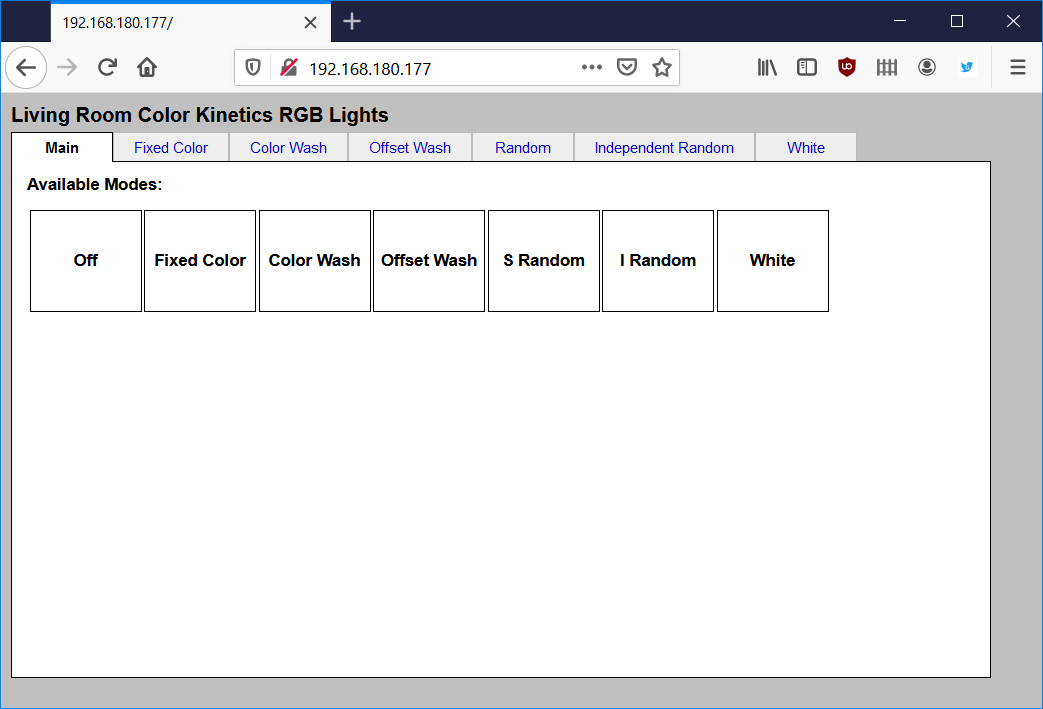
Opening page of the web-based GUI for controlling the attached lights.
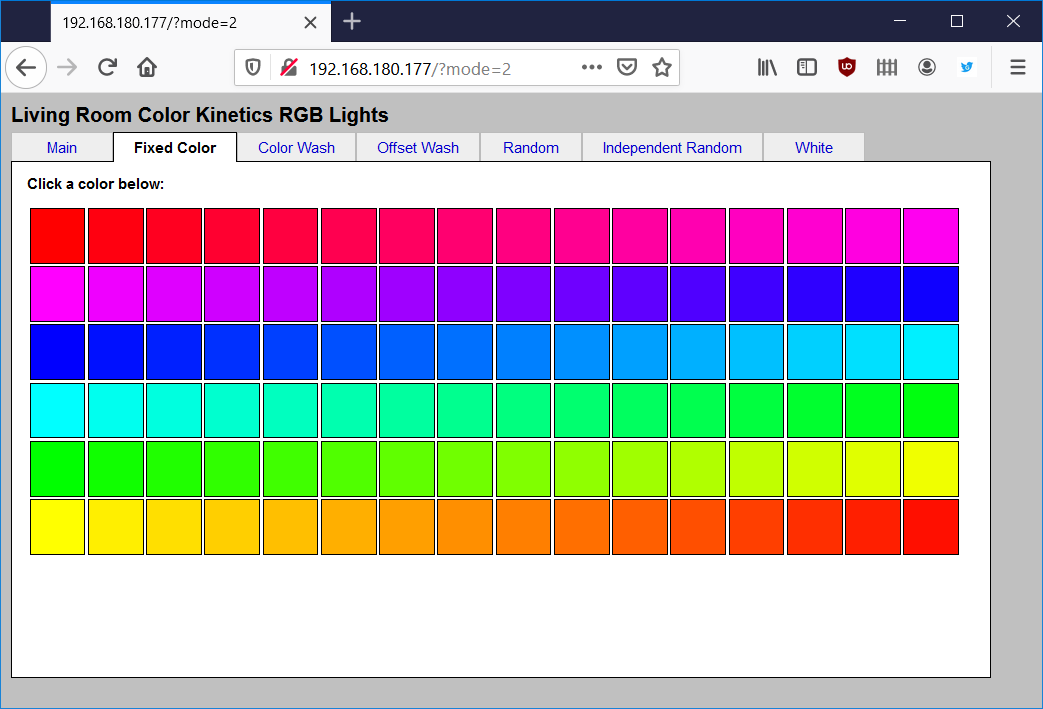
Fixed color tab.
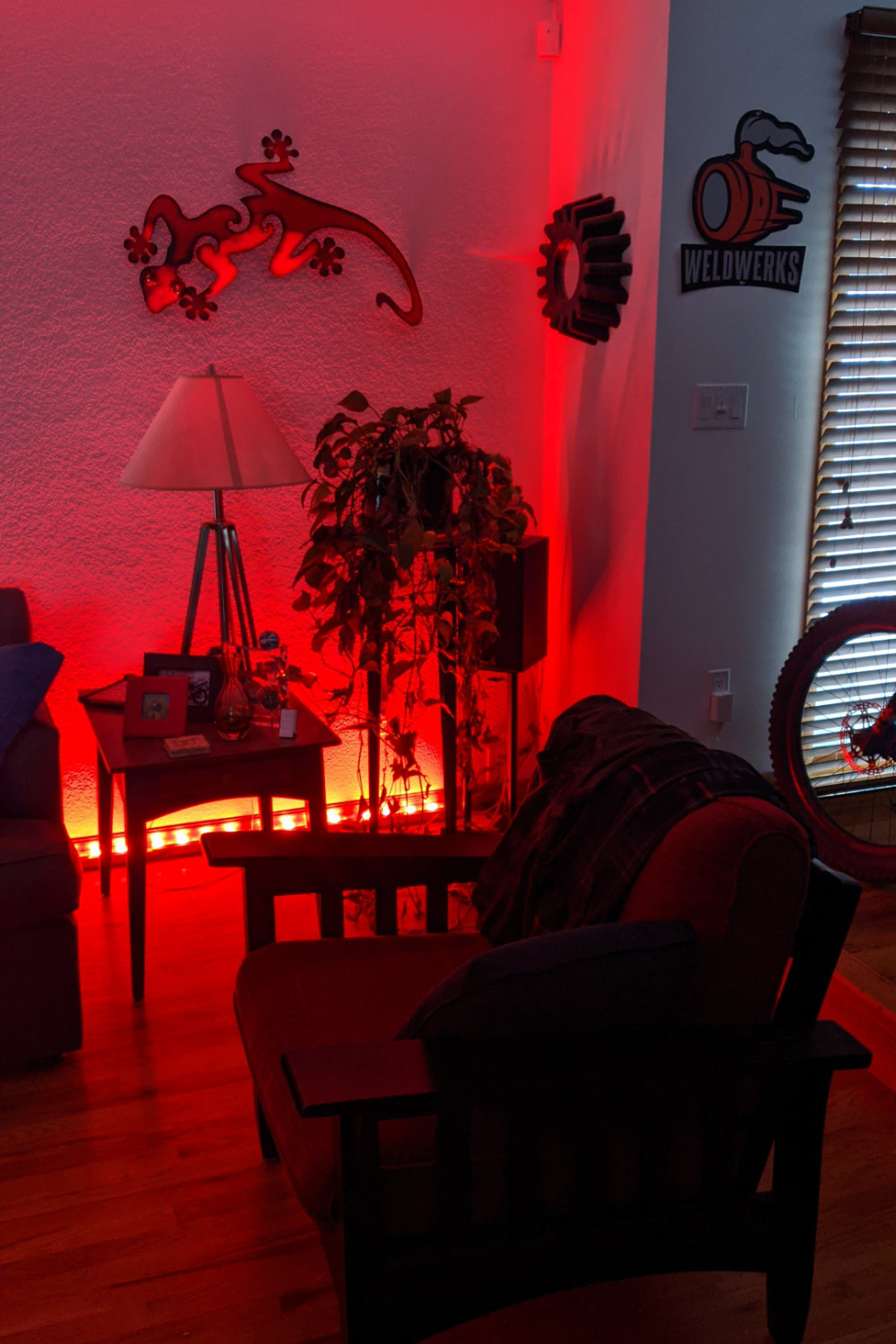
My living room wall washed in red light using the fixed color mode on the controller.


