WIZ750SR Web Server Configuration
Deploy the WIZ750SR Web Server version
0
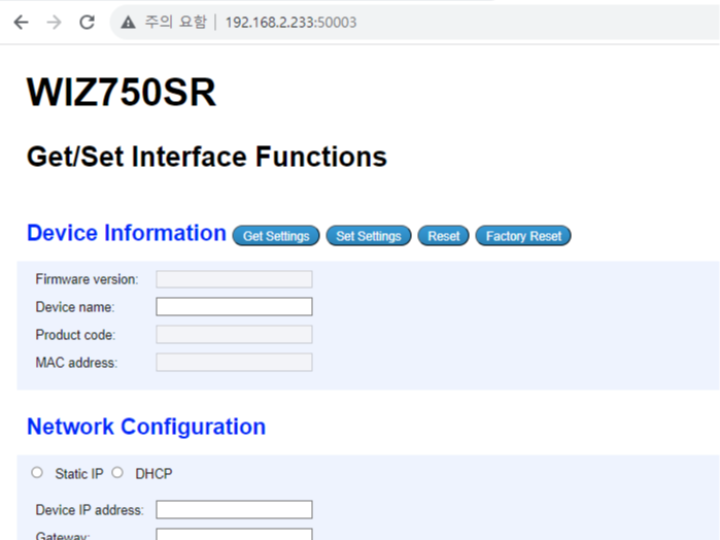
Components
Hardware components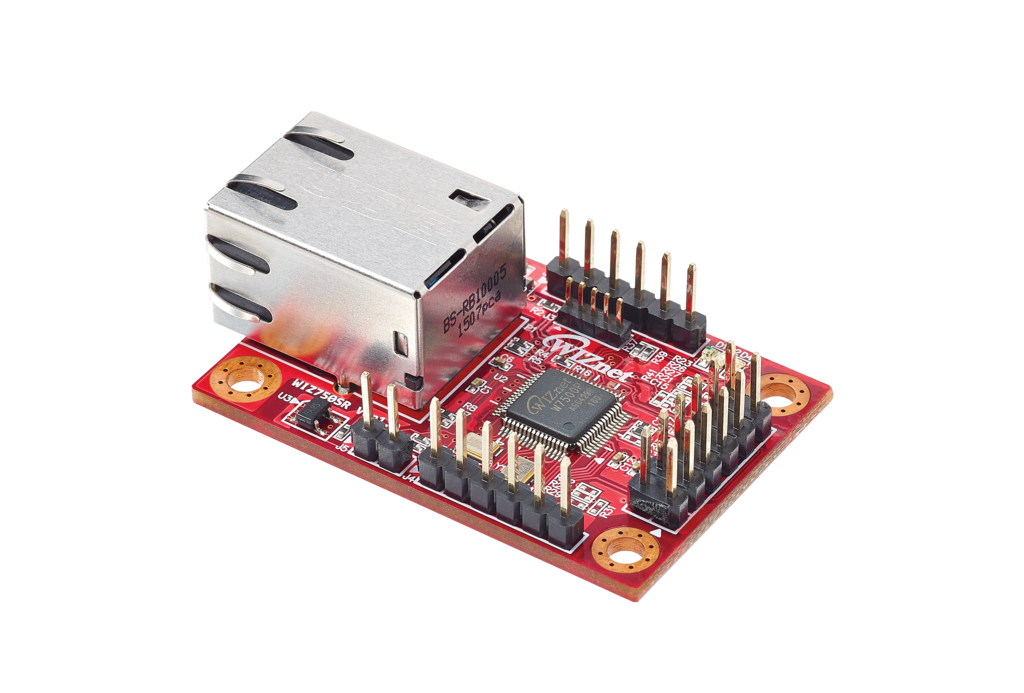
WIZnet - WIZ750SR
x 1

Project description
WIZnet's Serial to Ethernet module, the WIZ750SR, has added the ability to set up this device via the web.
The guide below will help you get started.
- Firmware Update
- Use DHCP with your AP or set it to the same IP band as your PC.
- Update the firmware with the attached bin file via WIZnet S2E Configuration.
https://docs.wiznet.io/Product/S2E-Module/WIZ750SR/configuration-tool-manual-new-EN#3-firmware-upload
- Connect to WIZ750SR Web Server
- Assume the IP is in the same band as #1 above,
Connect to WIZ750SR’s IP and port number 50003 via Internet Browser.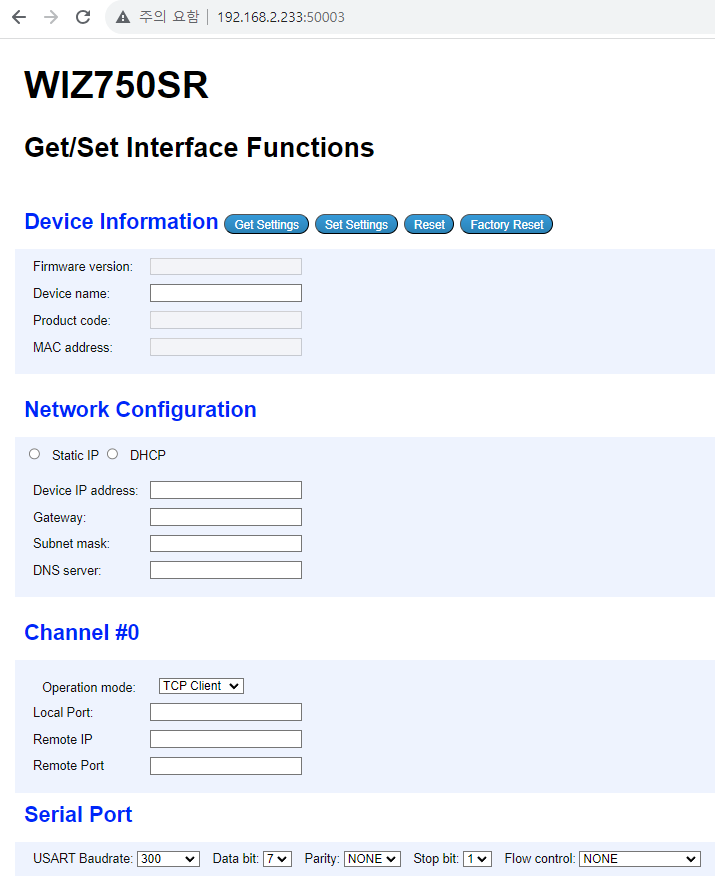
- Get Settings Button
- Bring the WIZ750SR’s setting values like config tool's Device Search.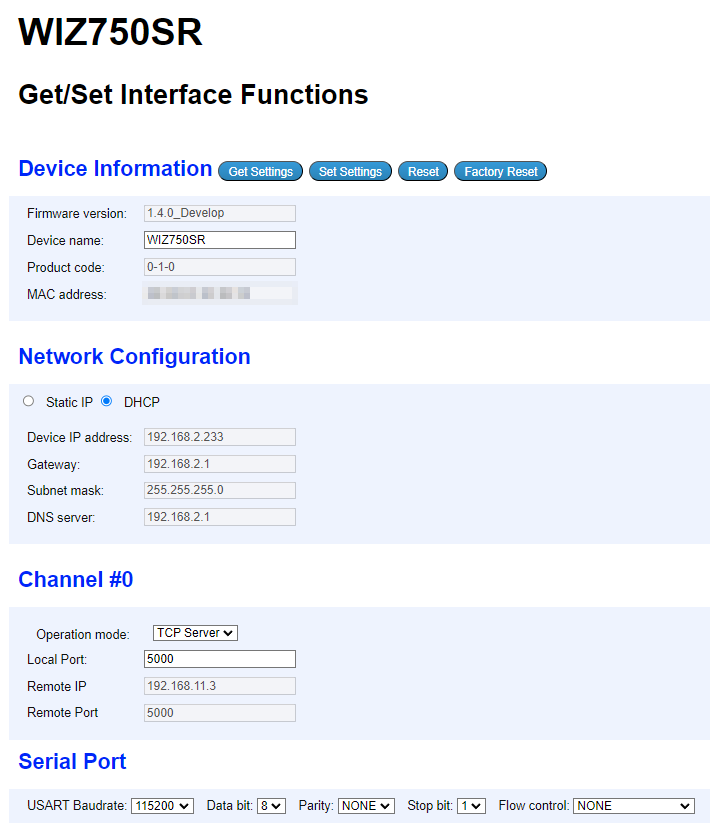
- Set Settings
- Set the current browser value to WIZ750SR like config tool's Apply Settings. - Reset
- WIZ750SR Reset - Factory Reset
- WIZ750SR Factory Reset
With this course, you can easily set up the WIZ750SR as a Web Server in addition to the Config Tool.
※ If the Search ID code is set, the Web Server does not work.


